How To Set System Path In Mac How To Find And Copy The File Path In MacOS A Quick Easy Mac Guide MAC How To Display The Path Of A File This Is How It Works Incl MacOS Ventura Features Redesigned System Settings App Antzila Configuring The PATH Variable On Windows Node js Web Development Windows 10 Tip Point And Click To Edit The System Path Variable ZDNET Palmer s GUI information is correct but there is a more maintainable way to modify the path seen by the shell Like mediaslave said you can edit etc paths but even better you can drop a text file in etc paths d that has a path in it and all shells will construct the path correctly For example on my system
You may need to re source your system profile by either restarting or using the numbered items below Other options include Mac runs a login shell by default for each new terminal window so To set PATH on OS X when export PATH don t work 3 Apple states To set the value of an environment variable use the appropriate shell command to associate a variable name with a value For example Apple gives the following command to set
Windows 10 Tip Point And Click To Edit The System Path Variable ZDNET How To Get Path Of A File In Mac How To Set Up Mychart For My Child How To Get Path Of A File In Mac How To Read Environment Variable From Windows In Node Js Issue Hot My Produzieren Andere Vergleichen Sie Mac Os Add To Path Pfeil Treten Opfern How To Set Up Salesforce To Outlook Integration TechRadar Solved Setting Executable Path In Mac For Terraform 9to5Answer How To Get Path Of A File In Mac
How To Set System Path In Mac
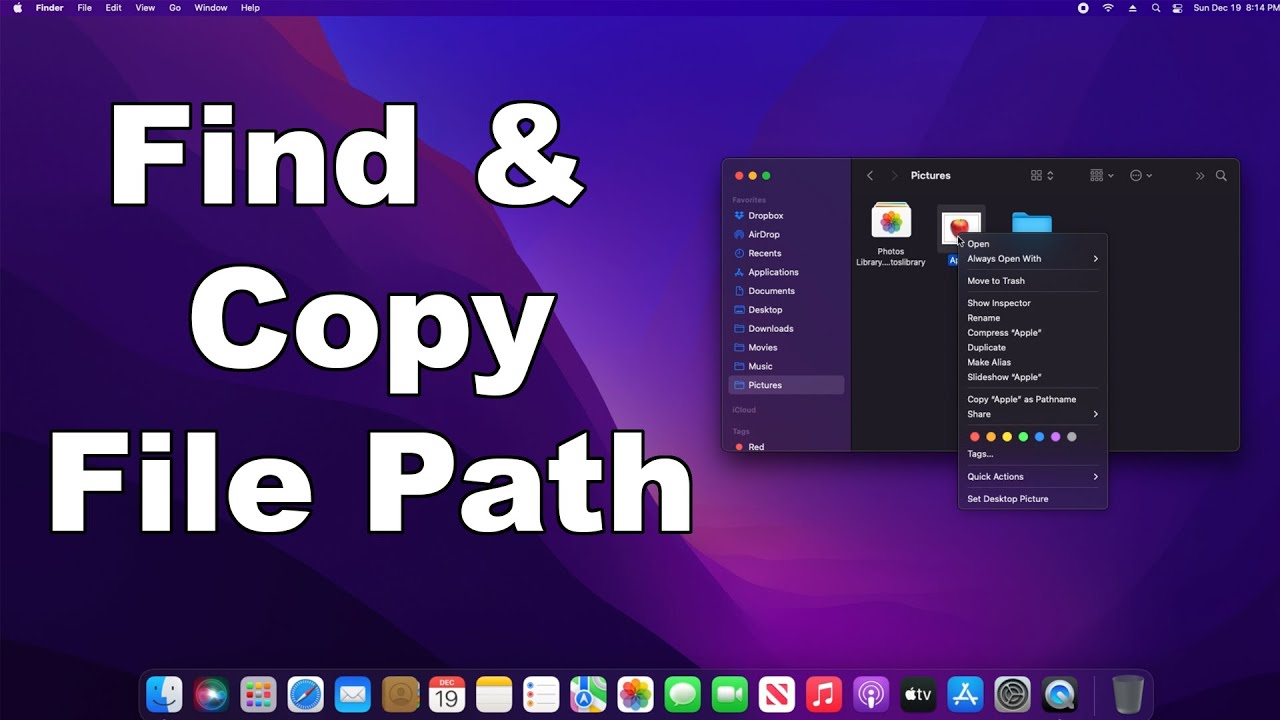 How To Set System Path In Mac
https://i.ytimg.com/vi/gxU1wlBAsig/maxresdefault.jpg
2 1 Using Environment Variables in Bash Shell Most of the Unixes Ubuntu macOS use the so called Bash shell Under bash shell To list all the environment variables use the command env or
Pre-crafted templates offer a time-saving service for creating a diverse series of documents and files. These pre-designed formats and layouts can be made use of for various personal and professional tasks, including resumes, invites, flyers, newsletters, reports, discussions, and more, simplifying the material creation process.
How To Set System Path In Mac
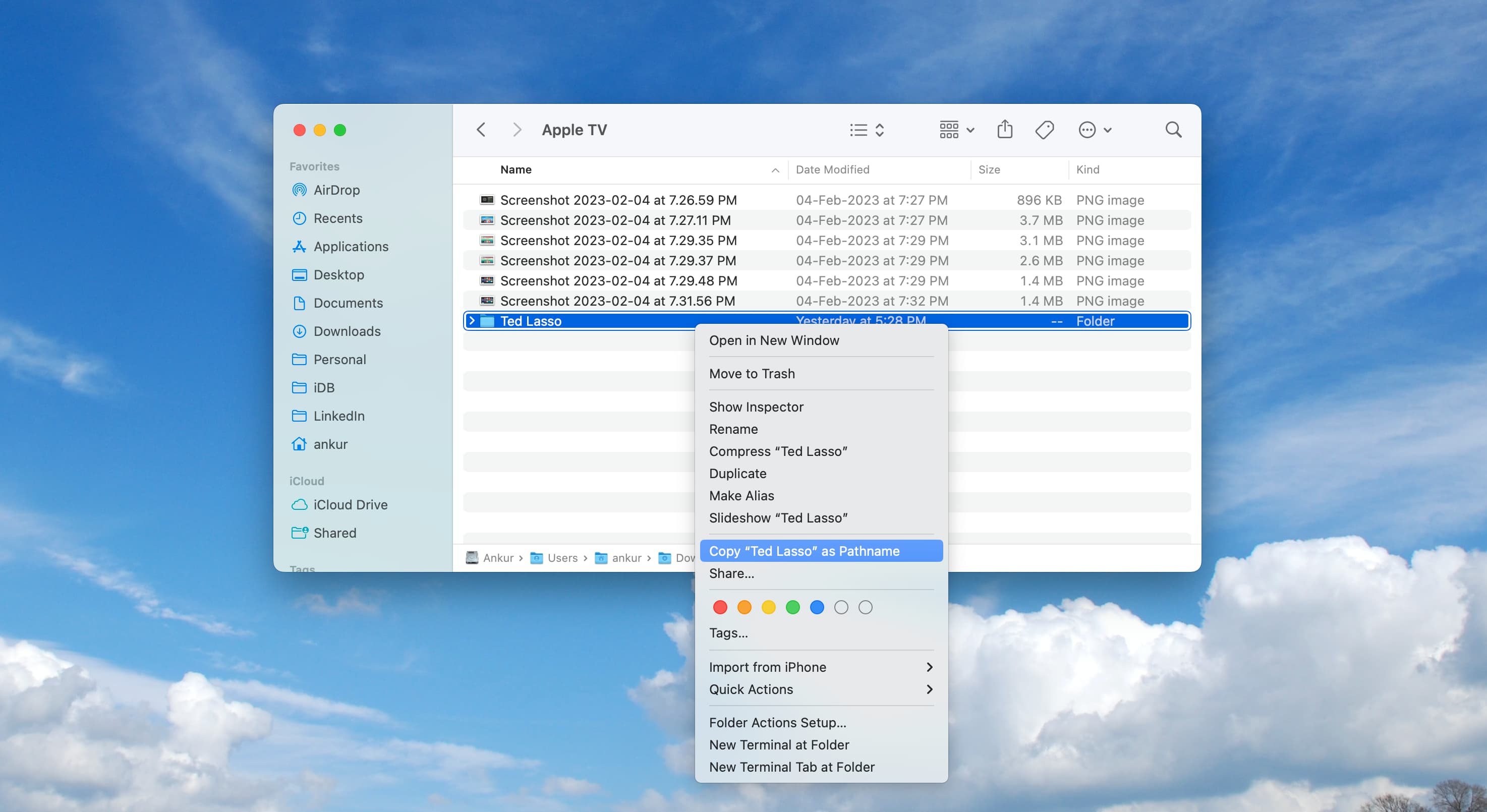
How To Copy A File Or Folder s Complete Path Directly From Finder On
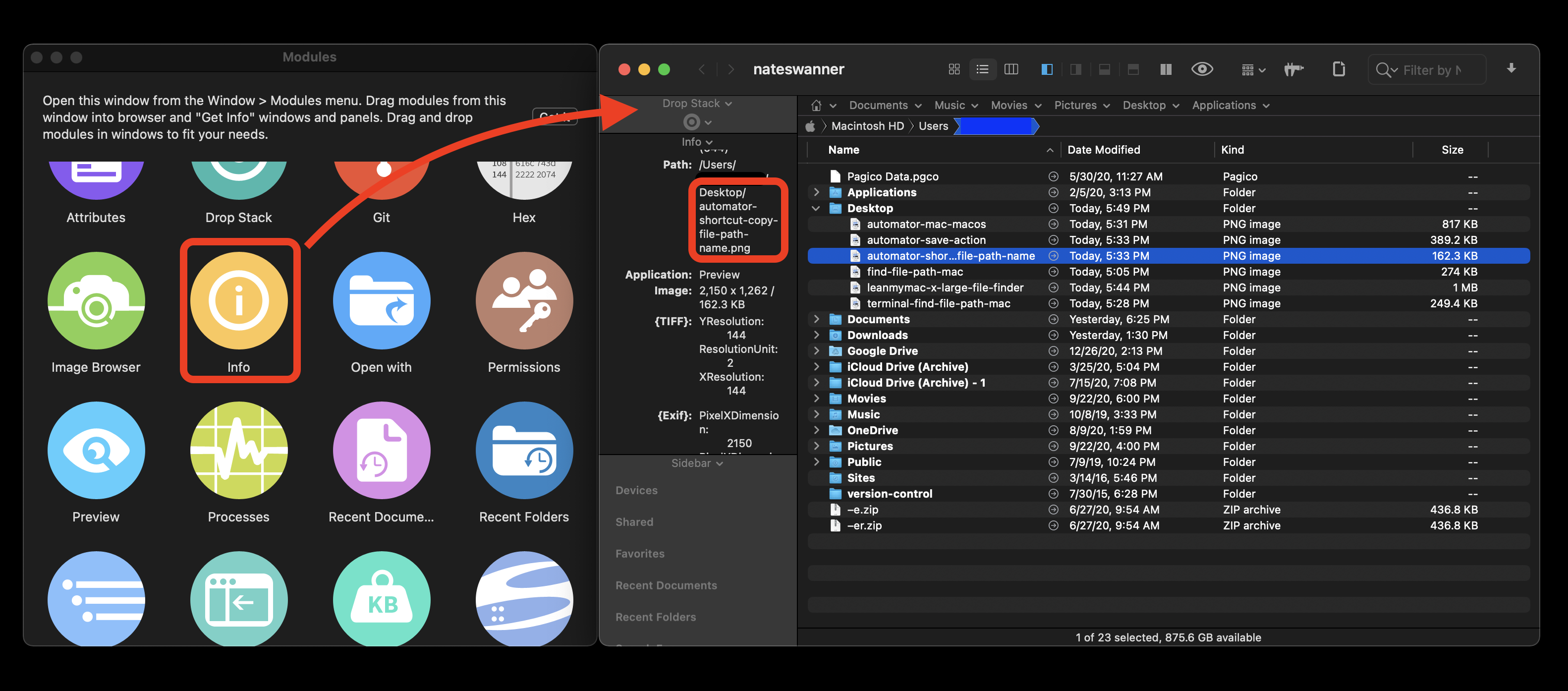
How To Get Path Of A File In Mac

How To Set Up Mychart For My Child
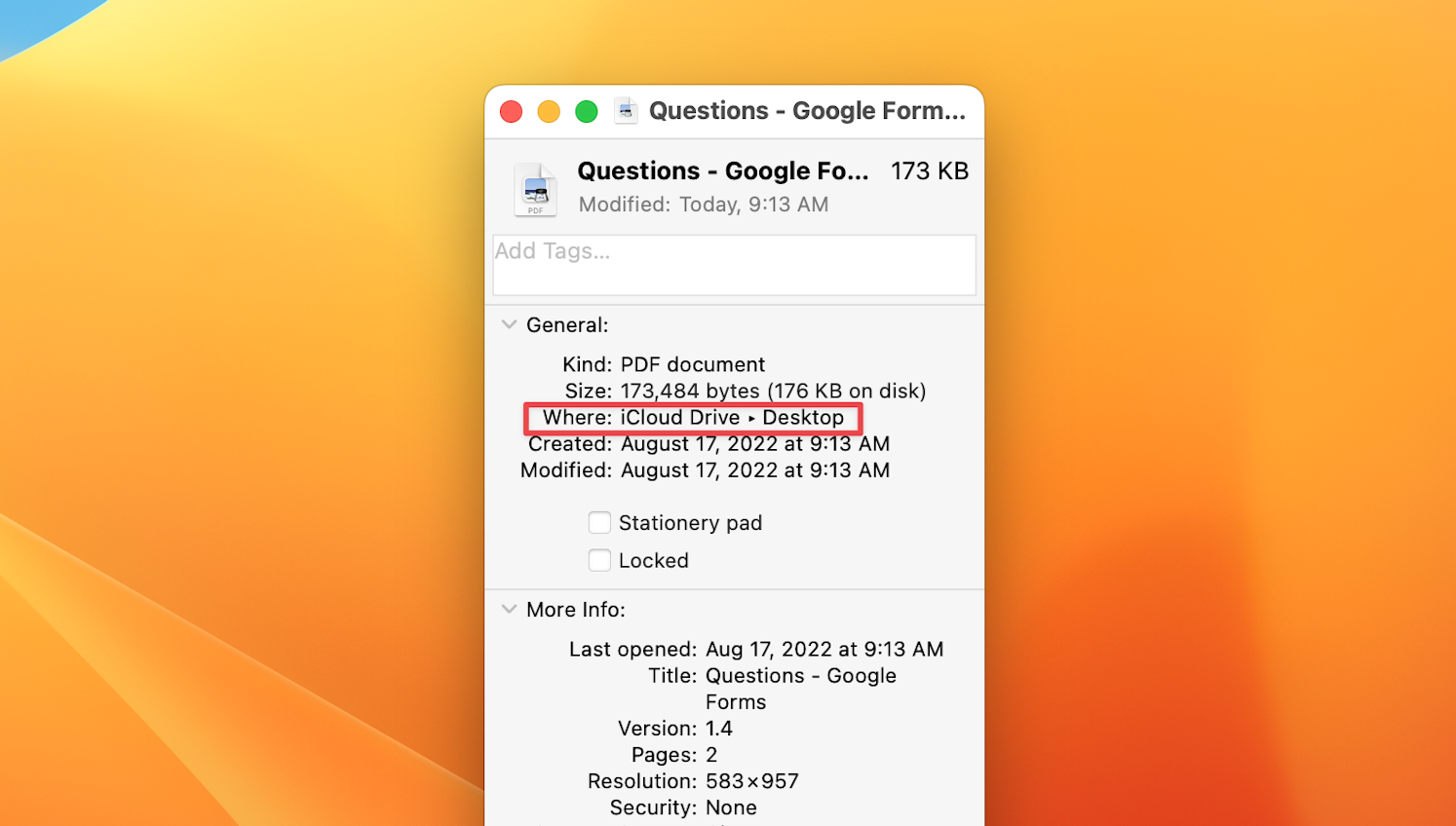
How To Get Path Of A File In Mac

Produzieren Andere Vergleichen Sie Mac Os Add To Path Pfeil Treten Opfern
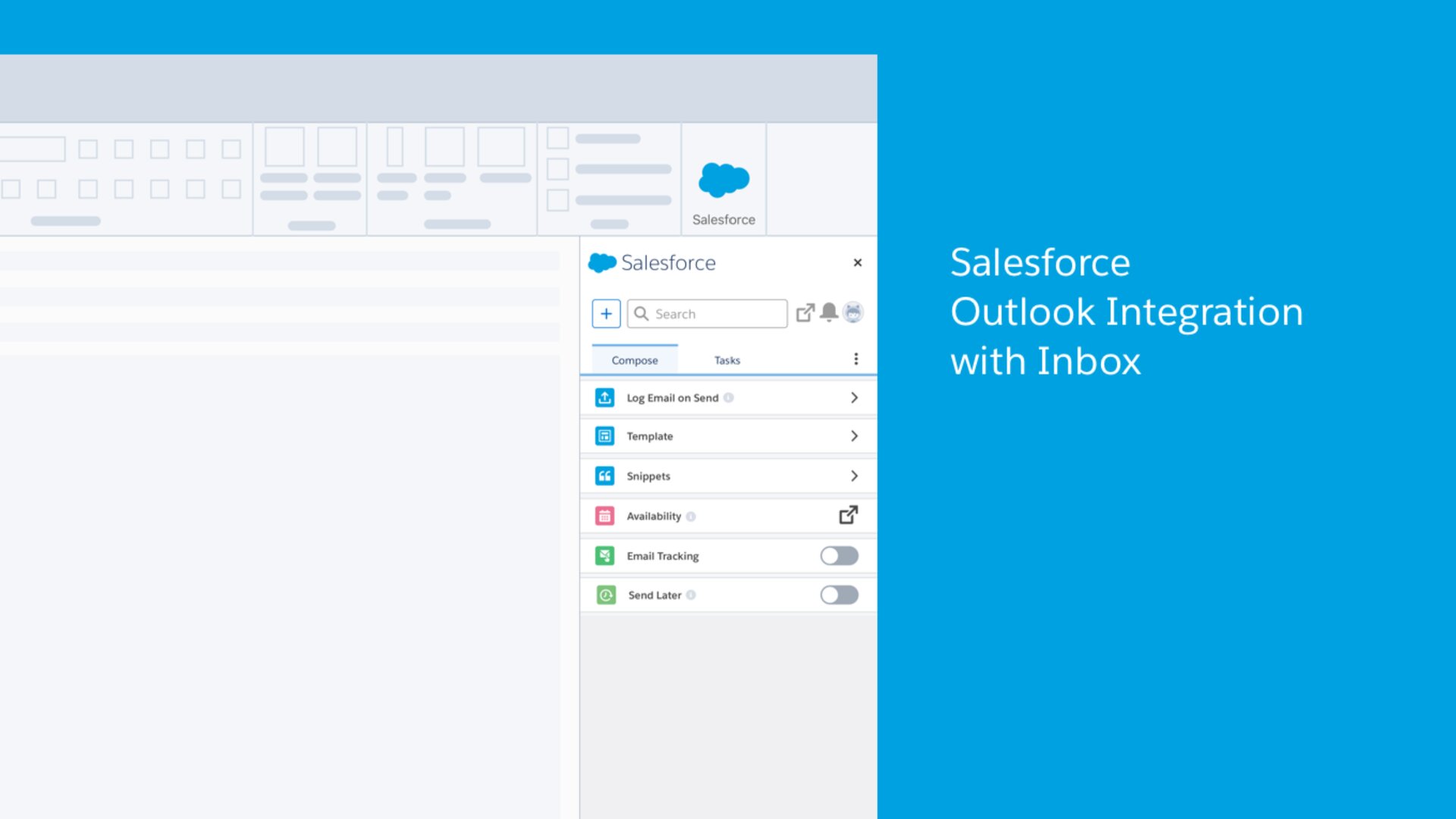
How To Set Up Salesforce To Outlook Integration TechRadar

241 I have read several answers on how to set environment variables on OSX permanently First I tried this How to permanently set PATH on Linux Unix but I had an error message saying no such file and directory so I thought I could try bash profile instead of profile but it did not work

Use environment variables in Terminal on Mac The shell uses environment variables to store information such as the name of the current user the name of the host computer and the default paths to any commands Environment variables are inherited by all commands executed in the shell s context and some commands depend on environment variables
1 Display and review a list of all current environment variables 2 Display and review a specific environment variable List All Environment Variables Use the printenv command to display a list of currently set environment variables printenv Note If you want to display the complete list of shell variables use the set command

Path Not Found If the terminal can t find commands after editing PATH ensure the directory paths are correct Permission Issues Some directories might require specific permissions to execute files Conclusion Editing the PATH variable in macOS allows you to customize your command line experience whether you re using bash or zsh

1 To temporarily set the path environment variable on macOS you will want to use the following syntax Replace PATH with the path you want to add If you want to add multiple paths ensure a semicolon separates each one PATH PATH PATH Copy You will notice that at the end of the line we reference PATH
This could be dangerous if a system application is expecting to find a specific version of a binary but finds a different version because you have edited your paths file Instead change your path variable in bashrc or bash profile Then your load path will only change inside the terminal Add homebrew app to PATH Generally speaking some env variables are set at login and inherited some are set by the shell automatically when it starts some are set by the user HOME for instance can be set by the shell automatically by asking the system about the location of your home folder
Open the Terminal app on macOS The syntax is as follows using the export command to add to the PATH on macOS export PATH PATH new dir location1 export PATH PATH new dir1 dir2 dir path no3 In this example add the usr local sbin modemZapp directory to PATH variable Edit the file HOME bash profile enter