How To Set Environment Variable In Windows Through Command Prompt How To Set Environment Variable In MacOS Adam Gamboa G Developer How To Set Environment Variables In Windows 11 AMI TO FILE How To Set Environment Variable In Windows Python Hiding The API Key In Environment Variables How To Set Environment Variable In Windows 10 Web The best way to do it if you re using Vista or above is to use the SETX command which is designed to allow us to propagate environment variables without the risk of directly manipulating the registry with with the reg command that could save you your machine if you manipulate ENV variables enough to use it on the fly Share Improve this answer
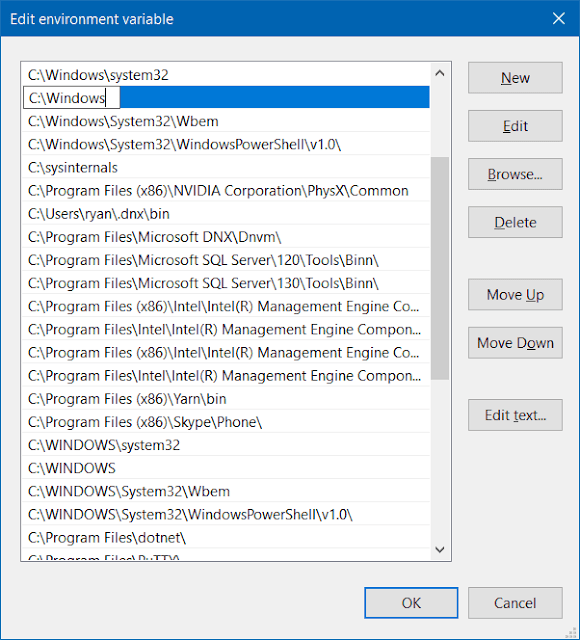
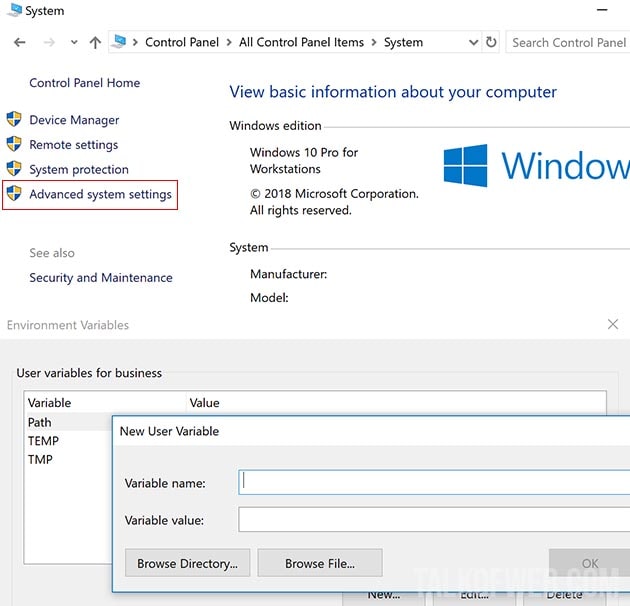
Web Jan 26 2021 nbsp 0183 32 1 Press Windows R to open the Windows Run prompt 2 Type in sysdm cpl and click OK 3 Open the Advanced tab and click on the Environment Variables button in the System Properties window 4 The Environment Variables window is divided into two sections The sections display user specific and system wide environment Web Sep 6 2023 nbsp 0183 32 Feedback In this article Displays sets or removes cmd exe environment variables If used without parameters setdisplays the current environment variable settings Note This command requires command extensions which are enabled by default The setcommand can also run from the Windows Recovery Console using different
How To Set Environment Variable In Windows 10 Set Environment Variable In Windows AEM Geeks All About AEM Understanding And Adding Environment Variable In Windows Thoughtfulgeekblog Linux How O Set Environment Variable ION HowTo Solved How To Set Environment Variable In Pre start In 9to5Answer Set Environment Variable In Windows AEM Geeks All About AEM Windows Show Environment Variable Set Environment Variable In Windows How To XiiiUS Solutions How To Set Environment Variables In Windows 11
How To Set Environment Variable In Windows Through Command Prompt
 How To Set Environment Variable In Windows Through Command Prompt
https://blog.adamgamboa.dev/wp-content/uploads/2022/05/61b834252245e8e2a30a3ecc_command-line-interface.jpeg
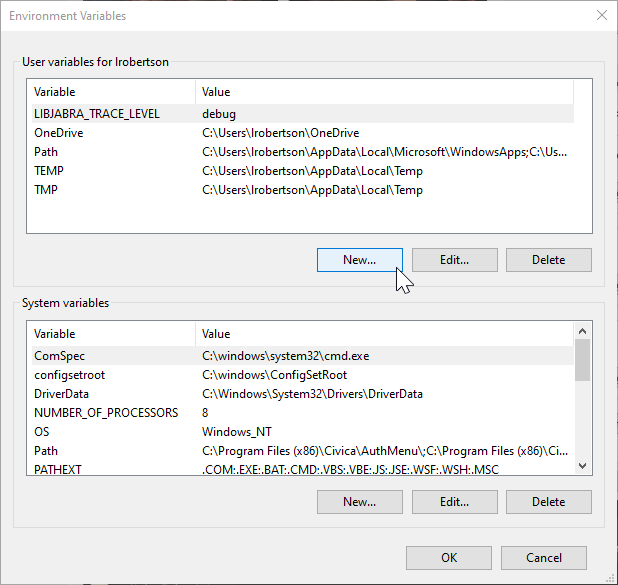
Web If you want to set an environment variable for all command prompts without having to enter set you can do so in Computer right click gt Properties gt Advanced System Settings gt Environment Variables Share Improve this answer
Templates are pre-designed documents or files that can be utilized for numerous purposes. They can save time and effort by offering a ready-made format and layout for creating various kinds of material. Templates can be used for individual or expert jobs, such as resumes, invites, flyers, newsletters, reports, presentations, and more.
How To Set Environment Variable In Windows Through Command Prompt
How To Set Environment Variables In Windows 10 Riset
Set Environment Variable In Windows AEM Geeks All About AEM

Understanding And Adding Environment Variable In Windows Thoughtfulgeekblog
Linux How O Set Environment Variable ION HowTo
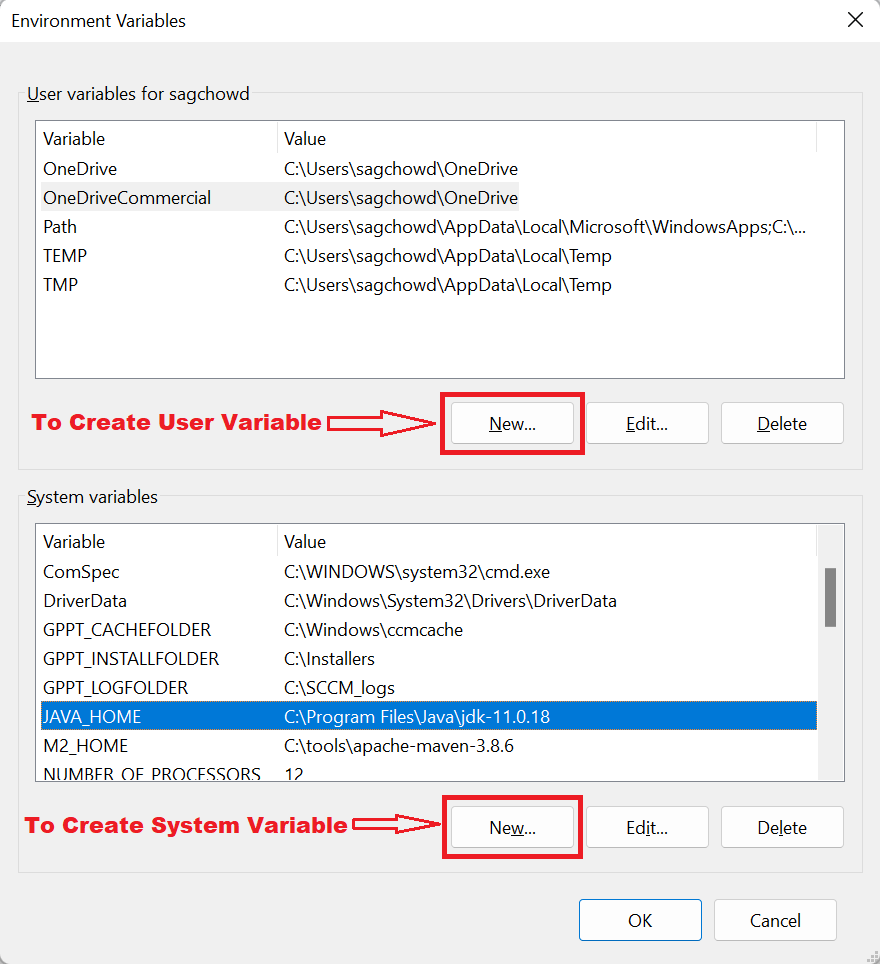
Set Environment Variable In Windows AEM Geeks All About AEM
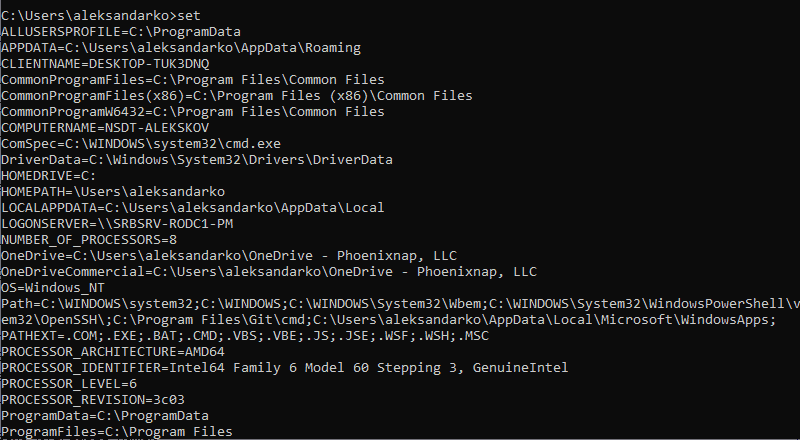
Windows Show Environment Variable
Web System variables can be set through CMD and registry For ex reg query quot HKEY LOCAL MACHINE SYSTEM CurrentControlSet Control Session Manager Environment quot v PATH All the commonly used CMD codes and system variables are given here Set Windows system environment variables using CMD Open CMD

Web Feb 3 2023 nbsp 0183 32 You can use this command to set values for user and system environment variables from one of three sources modes Command Line Mode Registry Mode or File Mode This command writes variables to the master environment in the registry Variables set with setx variables are available in future command windows only not in
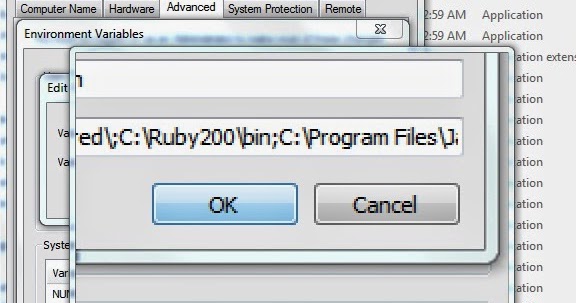
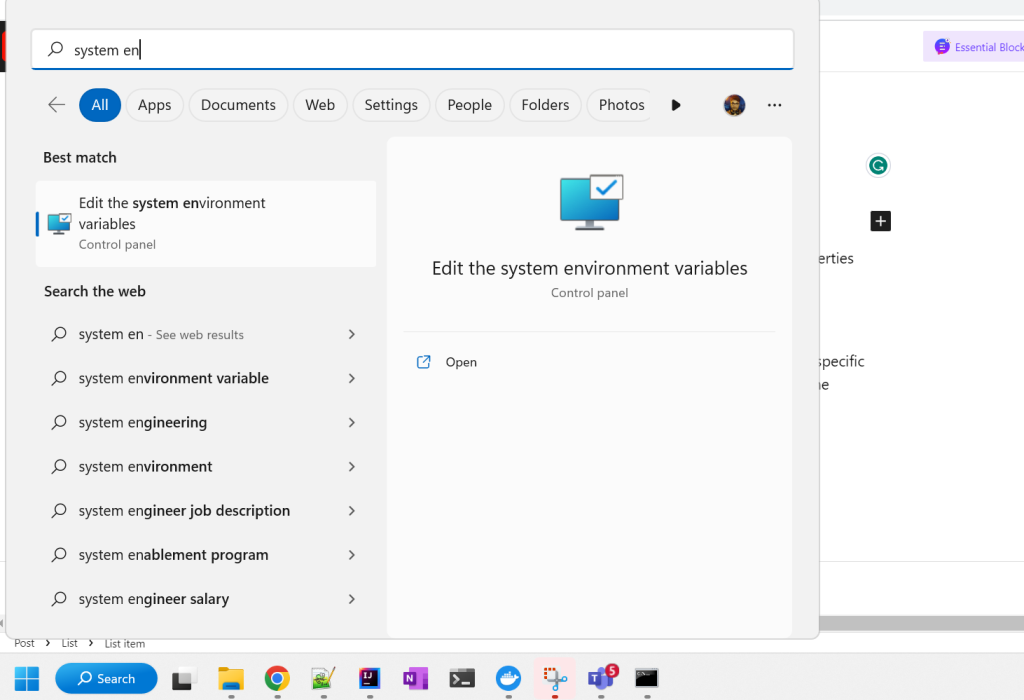
Web Aug 27 2023 nbsp 0183 32 To configure your environment variables click the Start button then type quot environment properties quot into the search bar and hit Enter In the System Properties window click quot Environment Variables quot Click on the variable you d like to change click quot Edit quot Many environment variables will simply take a name and value like quot Number of
Web 1 Answer Sorted by 51 Is there a way to set environment variables for a single command From the current cmd shell You have to clear the variable yourself set quot ENVVAR abc quot amp amp dir amp set ENVVAR From a batch file You can use setlocal and endlocal echo off setlocal set quot ENVVAR abc quot amp amp dir endlocal Use a child cmd shell
Web Jul 2 2019 nbsp 0183 32 Run as Administrator The setx command is only available starting from Windows 7 and requires elevated command prompt It works both for the Windows command line prompt CMD and the Windows PowerShell Permanently set an environment variable for the current user C gt setx VAR NAME quot VALUE quot
Web Feb 14 2019 nbsp 0183 32 10 I have seen Setting and getting Windows environment variables from the command prompt but my question is slightly different Say I have a terminal program myprogram c gt myprogram exe which reads environment variables say char valueMYVAR getenv quot MYVAR quot printf quot MYVAR is s r n quot Web Dec 1 2022 nbsp 0183 32 Press Windows R and run the control Command to open Control Panel Now navigate to User Accounts Again choose User Accounts Then select Change my environment variables from the left pane Alternatively you can directly launch it from the Run dialogue box by running the following command rundll32 exe
Web Jul 3 2014 nbsp 0183 32 Seting the PATH environment variable via cmd Ask Question Asked 9 years 2 months ago Modified 9 years 2 months ago Viewed 4k times 2 I tried to add to the PATH environment variable quot C my EXE quot so I can run the programs I put there via cmd windows 8 I tried this command set PATH PATH C my EXE