How To Set Background Image In Html Css How To Set A Background Image In HTML 13 Steps with Pictures Learn CSS How To Set Background Color And Background Image In HTML How To Add Background Image In Coreldraw Design Talk Css Background Image How To Add An Url Your Div Set In Tag Using You How To Change Background Color In HTML The background image CSS property sets one or more background images on an element Try it The background images are drawn on stacking context layers on top of each other The first layer specified is drawn as if it is closest to the user The borders of the element are then drawn on top of them and the background color is
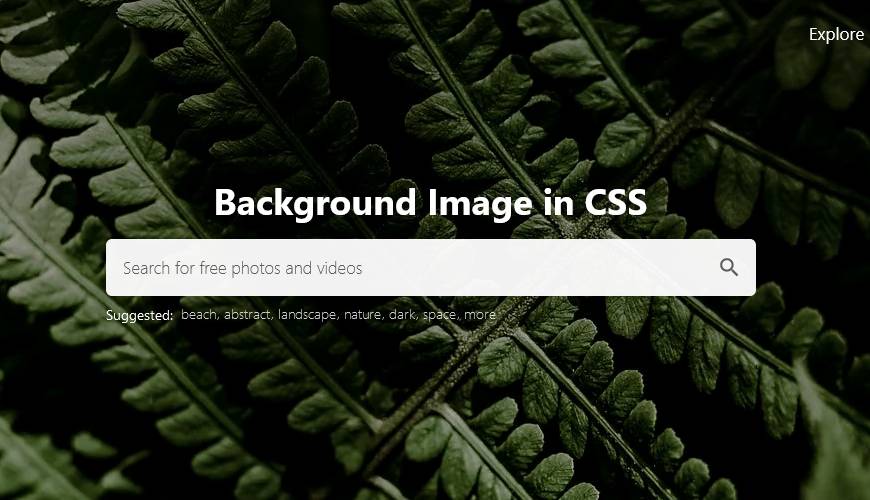
The background image property in CSS applies a graphic e g PNG SVG JPG GIF WEBP or gradient to the background of an element There are two different types of images you can include with CSS regular images and gradients Images Using an image on a background is pretty simple body background url sweettexture jpg The value may only be included immediately after separated with the character like this center 80 The value may be included zero one or two times If included once it sets both background origin and background clip
How To Change Background Color In HTML 517 Background Image Div Html Css Pictures MyWeb Full Background Image In CSS SourceCodester Adding An Image And Background Image Using HTML And CSS YouTube Adding Background Image In Html And Css Using Vs Code How To Make An 85 Background Image In Html Css Free Download MyWeb How To Set Background Image In Html Css Design Talk How To Set Background Image In Html Using Css Design Talk Top 91 Imagen Css Background Image And Color Thpthoangvanthu edu vn
How To Set Background Image In Html Css
 How To Set Background Image In Html Css
https://www.wikihow.com/images/thumb/e/eb/2627945-15-1.jpg/aid2627945-v4-728px-2627945-15-1.jpg
Adding a Background Image With CSS Now that you have a solid base in HTML and CSS adding a background image will be a piece of cake First identify what element you want to give a background image to In our example we will add a background to the entire page
Pre-crafted templates use a time-saving service for creating a varied series of documents and files. These pre-designed formats and layouts can be utilized for numerous personal and professional jobs, including resumes, invites, flyers, newsletters, reports, presentations, and more, streamlining the material creation procedure.
How To Set Background Image In Html Css

85 Background Image In Html Css Free Download MyWeb

517 Background Image Div Html Css Pictures MyWeb
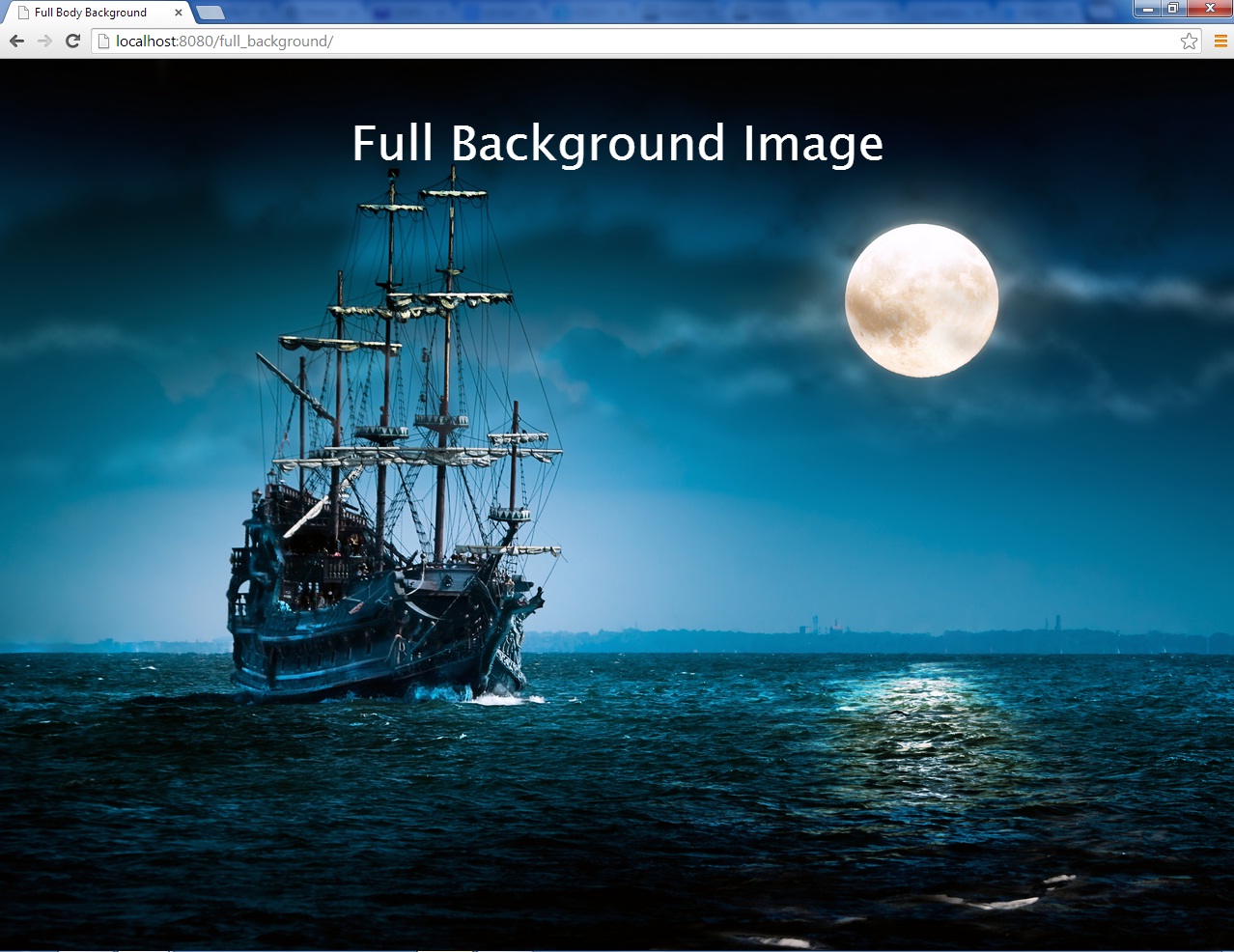
Full Background Image In CSS SourceCodester
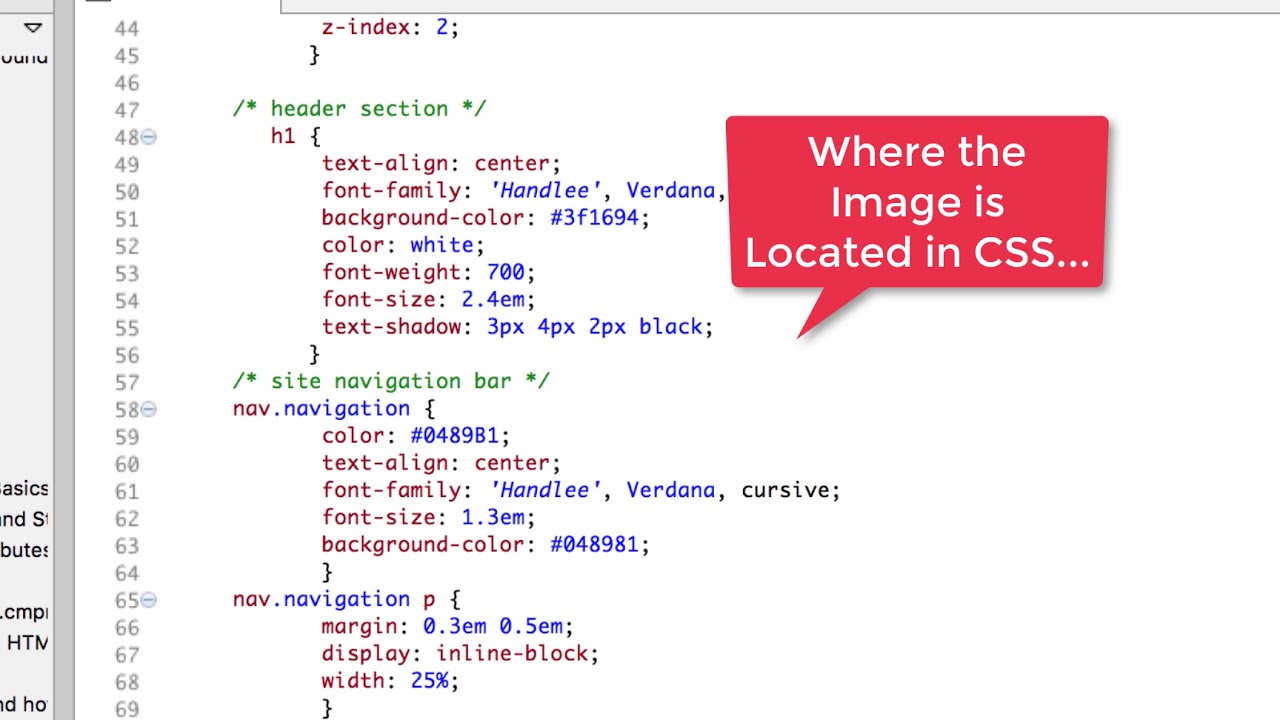
Adding An Image And Background Image Using HTML And CSS YouTube

85 Background Image In Html Css Free Download MyWeb

How To Set Background Image In Html Css Design Talk

To add a background image on an HTML element use the HTML style attribute and the CSS background image property Example Add a background image on a HTML element Try it Yourself You can also specify the background image in the element in the section Example

hero image background image url photographer jpg The image used background color cccccc Used if the image is unavailable height 500px You must set a specified height background position center Center the image background repeat no repeat Do not repeat the image
html head title Title of the document style body background image url https www w3docs uploads media default 0001 01 477719675fecaac0362957c214fb9aa56fca99b5 jpeg background repeat repeat y body

Use the CSS property background image url my background png to set your background image Use the location of your image in place of my background png whether it s the full URL or the relative path on your web server Make the background image cover the page using the properties background repeat
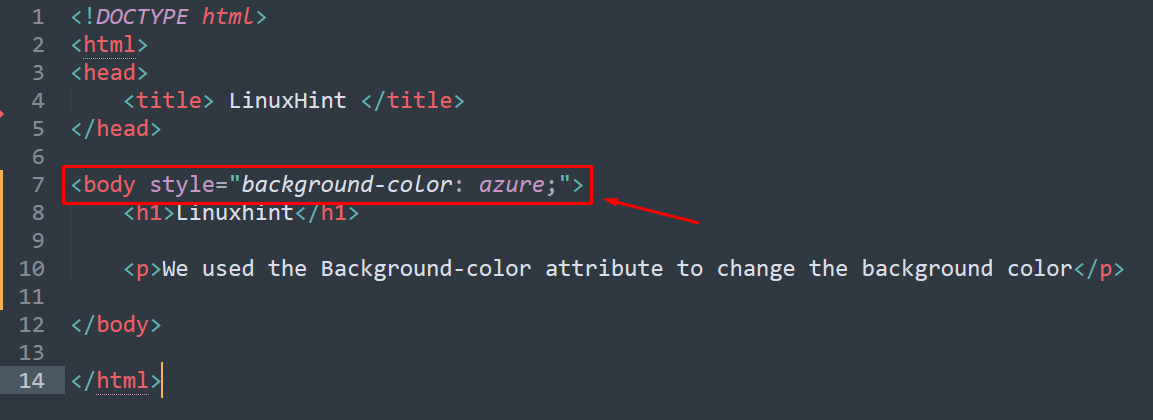
To add a background image to a section tag in your css file write the following code section background image url images sunset png Let s discuss what s going on here in detail section specifies the tag you want to add the image to url is used to tell CSS where our image is located
[desc-11] [desc-12]
[desc-13]