How To Save Binary Image In Python Solved Overlay Smaller Image To Larger Image In Python Opencv Binary Threshold For Image In Python python opencv programming YouTube How To Convert Base64 To PDF In Python ItSolutionStuff Solved Read In Raw Binary Image In Python 9to5Answer Convert Int To Binary Python Kdacap 4 Answers Sorted by 32 you can see this answer python Image PIL to binary Hex The img object needs to be saved again write it to another BytesIO object output io BytesIO img save output format JPEG then get the written data with the getvalue method hex data output getvalue Share Follow edited May 23 2017 at 10 30
Passed to the plugin function skimage io concatenate images ic source Concatenate all images in the image collection into an array Parameters ican iterable of images The images to be concatenated Returns array catndarray An array having one more dimension than the images in ic Binary Form Don t miss your chance to ride the wave of the data revolution Every industry is scaling new heights by tapping into the power of data Sharpen your skills become a part of the hottest trend in the 21st century
Convert Int To Binary Python Kdacap Python How To Extract Text From The Specific Bounding Box Images Opencv Execute Python Script Component Reference Azure Machine Learning Python Save Binary Image PNG File Corrupted By ASCII Conversion Solved Rotate Image To Align Features With X axis In OpenCV Python Opencv Ocr Opencv Pytesseract python Vrogue Python Read Binary File Float Float To Binary Python Mcascidos Binary Search In Python Program For Binary Search In Python Go Coding Hot Sex Picture
How To Save Binary Image In Python
 How To Save Binary Image In Python
https://i.stack.imgur.com/G7YtI.png
API Reference matplotlib pyplot matplotlib pyplot imsave matplotlib pyplot imsave matplotlib pyplot imsave fname arr kwargs source Colormap and save an array as an image file RGB A images are passed through Single channel images will be colormapped according to cmap and norm Note
Templates are pre-designed documents or files that can be utilized for numerous purposes. They can save time and effort by providing a ready-made format and design for producing different type of material. Templates can be used for personal or expert tasks, such as resumes, invitations, leaflets, newsletters, reports, discussions, and more.
How To Save Binary Image In Python

Save Numpy Array As Image In Python Java2Blog

Python How To Extract Text From The Specific Bounding Box Images Opencv
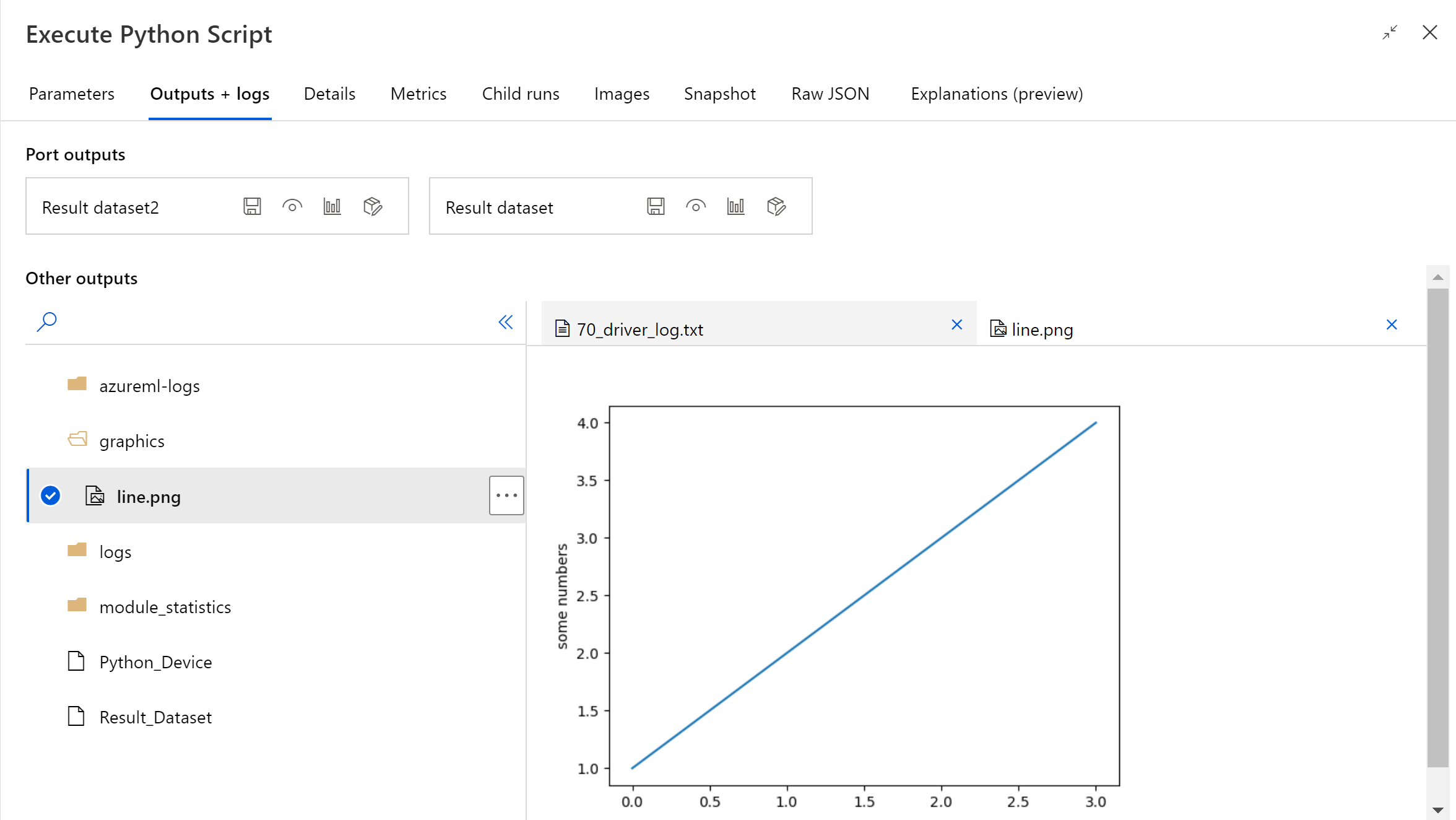
Execute Python Script Component Reference Azure Machine Learning

Python Save Binary Image PNG File Corrupted By ASCII Conversion

Ocr Opencv Pytesseract python Vrogue

Python Read Binary File Float Float To Binary Python Mcascidos

1 Back2Basics asker specifically requests PIL responses and has tagged his question with python imaging library a p Aug 19 2015 at 21 55 2 and yet the asker picked the matplotlib answer

You can binarize an image with cv2 threshold OpenCV Miscellaneous Image Transformations threshold retval dst cv2 threshold src thresh maxval type If type is set to cv2 THRESH BINARY any value greater than the threshold thresh is replaced with maxval and the other values are replaced with 0
How to save image to binary format in python Ask Question Asked 10 months ago Modified 10 months ago Viewed 265 times 1 I am trying to convert image to binary using python but something is not working properly Here is my code

Image Used from PIL import Image import PIL im1 Image open r C Users System Pc Desktop flower1 jpg im1 im1 save geeks jpg Output Don t miss your chance to ride the wave of the data revolution Every industry is scaling new heights by tapping into the power of data

Basically what I want to do is take a file bring its binary data decimal of course into an list and then generate a grayscale bitmap image using PIL based on that list
Save an array to a binary file in NumPy npy format Parameters filefile str or pathlib Path File or filename to which the data is saved If file is a file object then the filename is unchanged If file is a string or Path a npy extension will be appended to the filename if it does not already have one arrarray like Array data to be saved Remove ads Watch Now This tutorial has a related video course created by the Real Python team Watch it together with the written tutorial to deepen your understanding Process Images Using the Pillow Library and Python When you look at an image you see the objects and people in it
1 Import the necessary libraries The first step is to import the necessary libraries In this case we will need the following import cv2 import numpy as np 2 Read the image The next step is to read the image that we want to convert to binary We can do this using the cv2 imread function image cv2 imread image png 3