How To Run Python Program In Windows 11 How To Run Python Program From Command Line In Windows Off Topic How To Run Python Program In Windows 10 PythonPoint How To Run Python Programs py Files In Windows 10 How To Run Python Scripts Step By Step Guide 2023 How To Run A Python Program In Windows 10 Command Prompt Intellipaat Navigating the Windows Command Line Installing PowerShell Core Getting to Grips With PowerShell Basics Customizing Your PowerShell Experience Discovering PowerShell Modules Configuring Environment Variables Discovering Environment Variables With PowerShell Understanding the Path Environment Variable Setting and Changing Environment Variables
The Microsoft Store package is a simple installation of Python that is suitable for running scripts and packages and using IDLE or other development environments It requires Windows 10 and above but can be safely installed without corrupting other programs It also provides many convenient commands for launching Python and its tools In this video we are going to talk about How To Run Python Files On Windows 11 Running python files on windows can be a bit confusing when you first start l
How To Run A Python Program In Windows 10 Command Prompt Intellipaat How To Run Python Programs py Files On Windows 10 All Options How To Run Python Scripts Tutorial DataCamp How To Run Python Program On Windows Beginners Tutorial YouTube How To Run Sudo Command In Python Script Update Bmxracingthailand How To Run Python Program In Windows Powershell YouTube How To Run Python Scripts Tutorial DataCamp How To Run Python Script In Cmd Howto Techno Python Windows
How To Run Python Program In Windows 11
 How To Run Python Program In Windows 11
https://global.discourse-cdn.com/codecademy/optimized/5X/4/0/e/8/40e84a87b02f9323c014daf9c270ab3c067f3cf1_2_690x426.jpg
First you need to make sure that your command window recognises the word py as an instruction to start the interpreter If you have opened a command window you should try entering the command py and hitting return C Users YourName py You should then see something like
Pre-crafted templates offer a time-saving service for developing a varied variety of documents and files. These pre-designed formats and layouts can be made use of for different personal and professional projects, including resumes, invites, flyers, newsletters, reports, presentations, and more, simplifying the content creation process.
How To Run Python Program In Windows 11
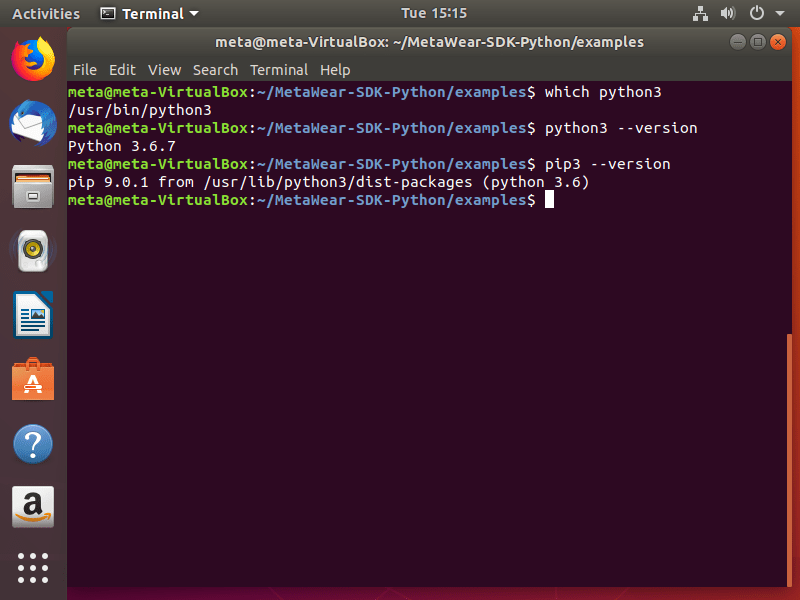
How To Run Python Scripts Tutorial DataCamp
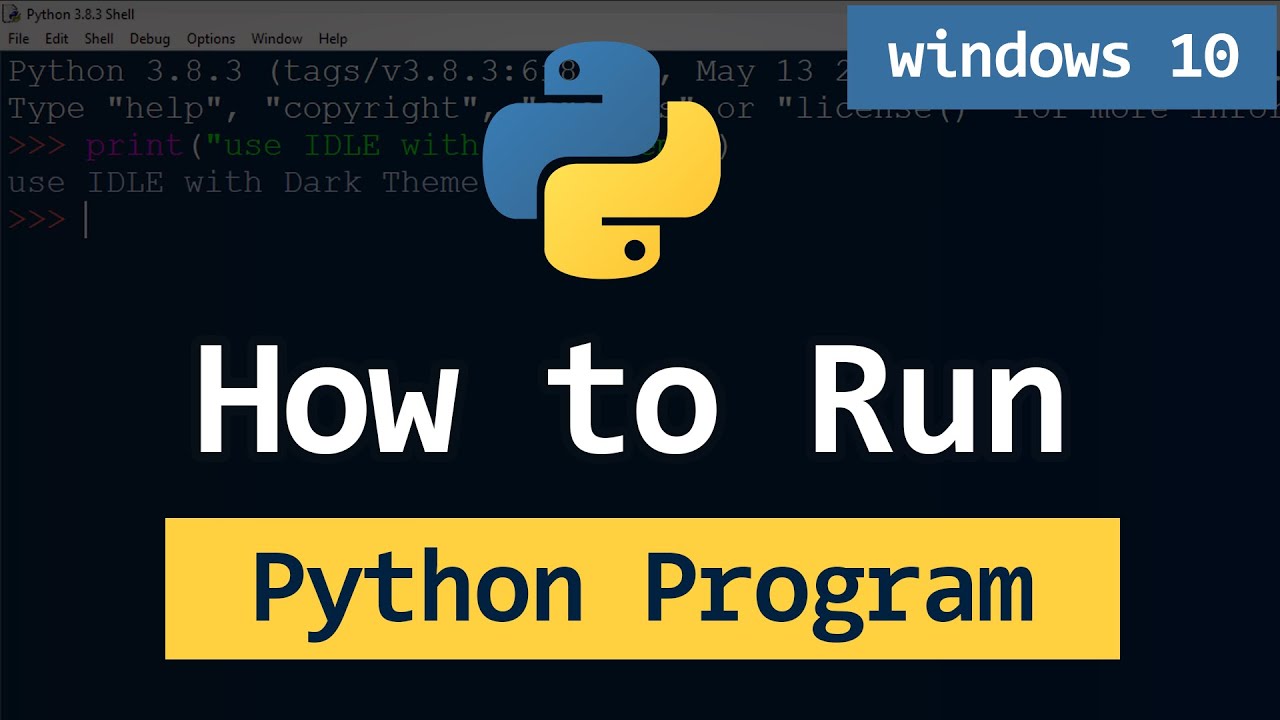
How To Run Python Programs py Files On Windows 10 All Options
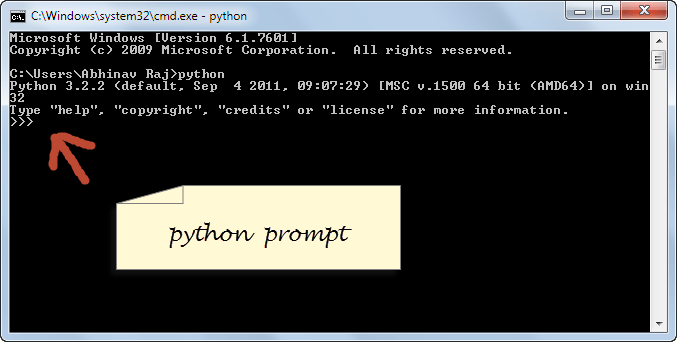
How To Run Python Scripts Tutorial DataCamp
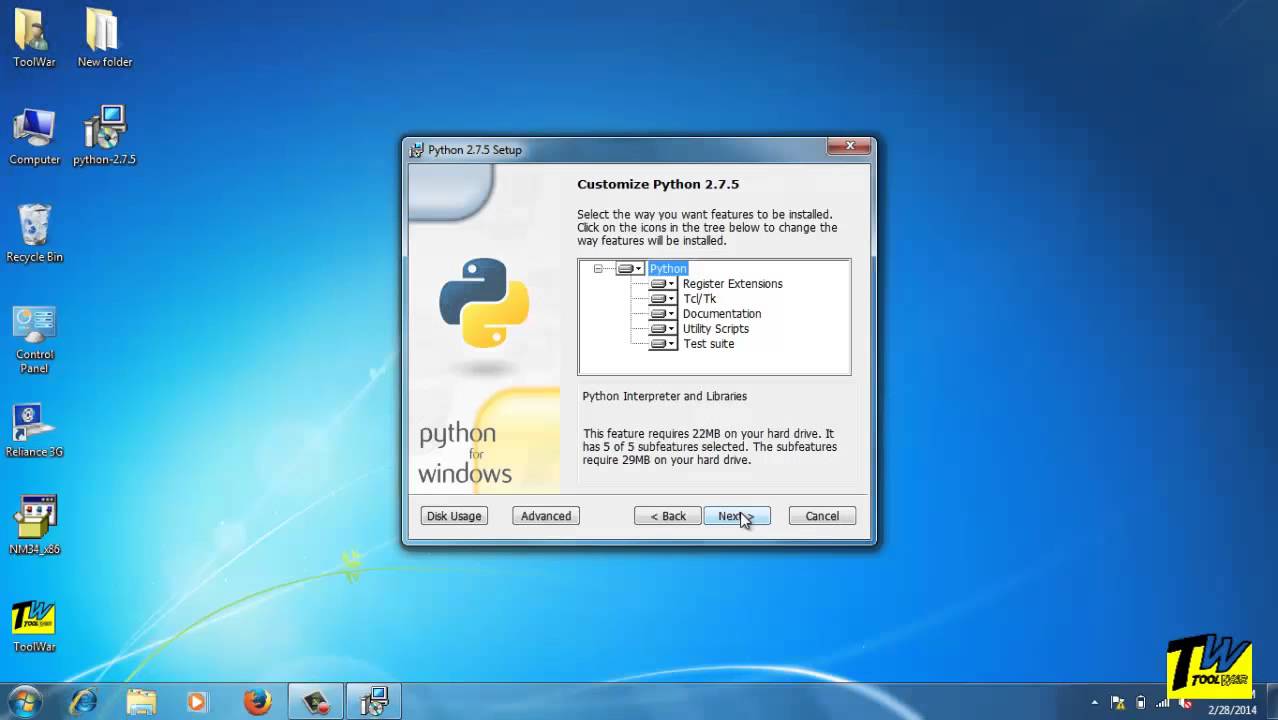
How To Run Python Program On Windows Beginners Tutorial YouTube
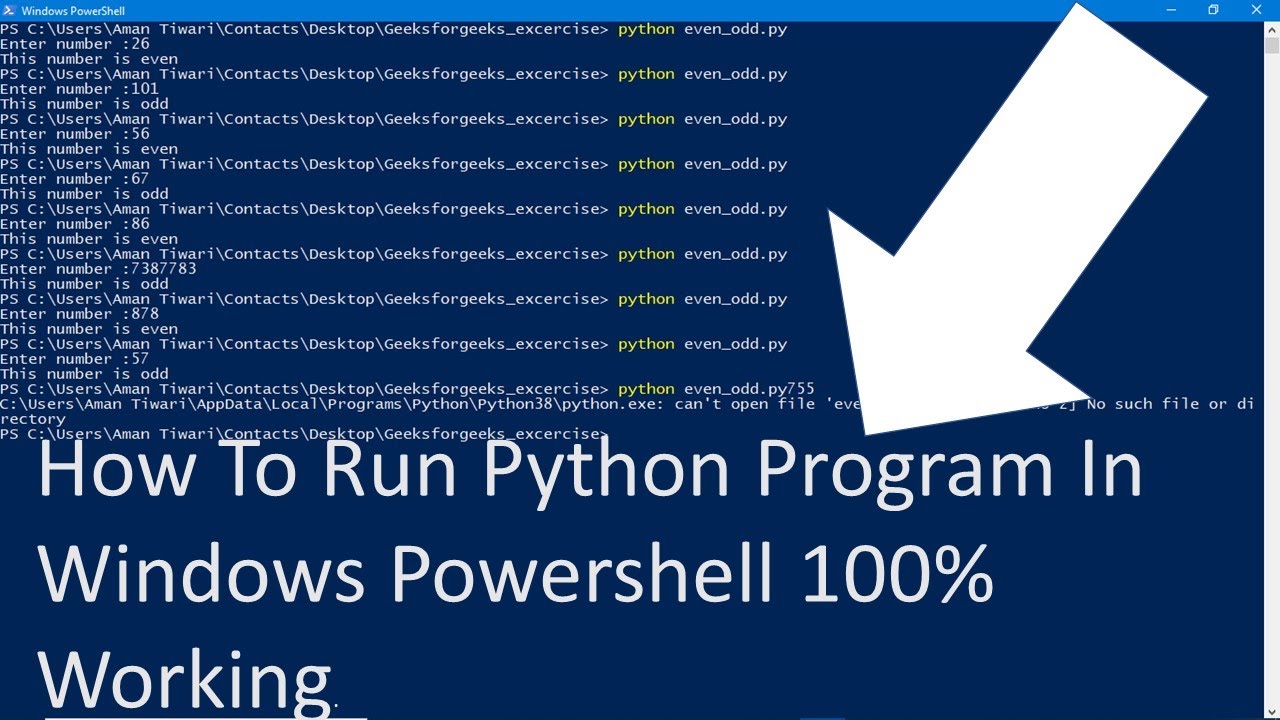
How To Run Python Program In Windows Powershell YouTube
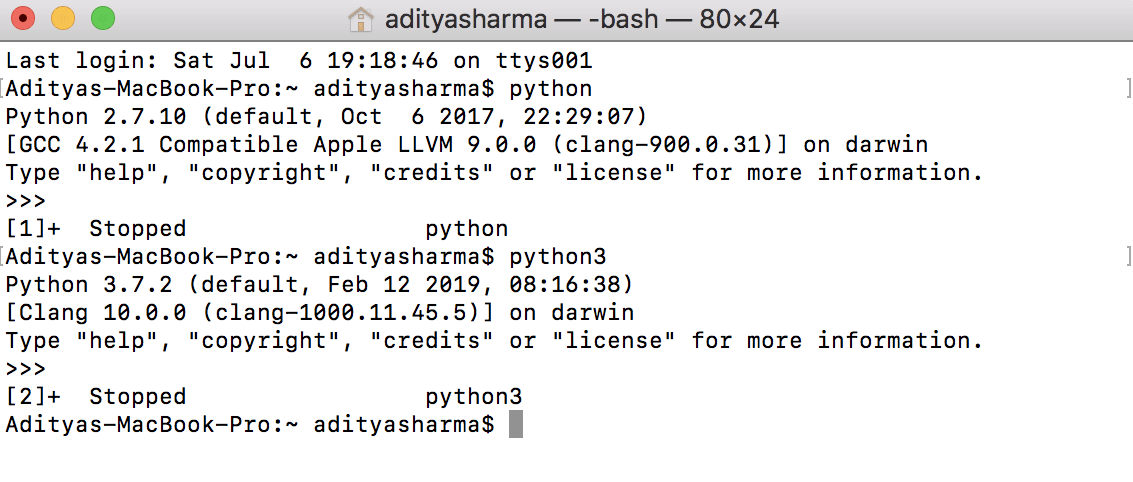
How To Run Python Scripts Tutorial DataCamp

Subscribed 15K 1 1M views 3 years ago Programming How To In this tutorial you will learn How to run Python Programs py files on windows 11 computer We can use Python command

1 Open a browser to the Python website and download the Windows installer Image credit Tom s Hardware 2 Double click on the downloaded file and install Python for all users and ensure
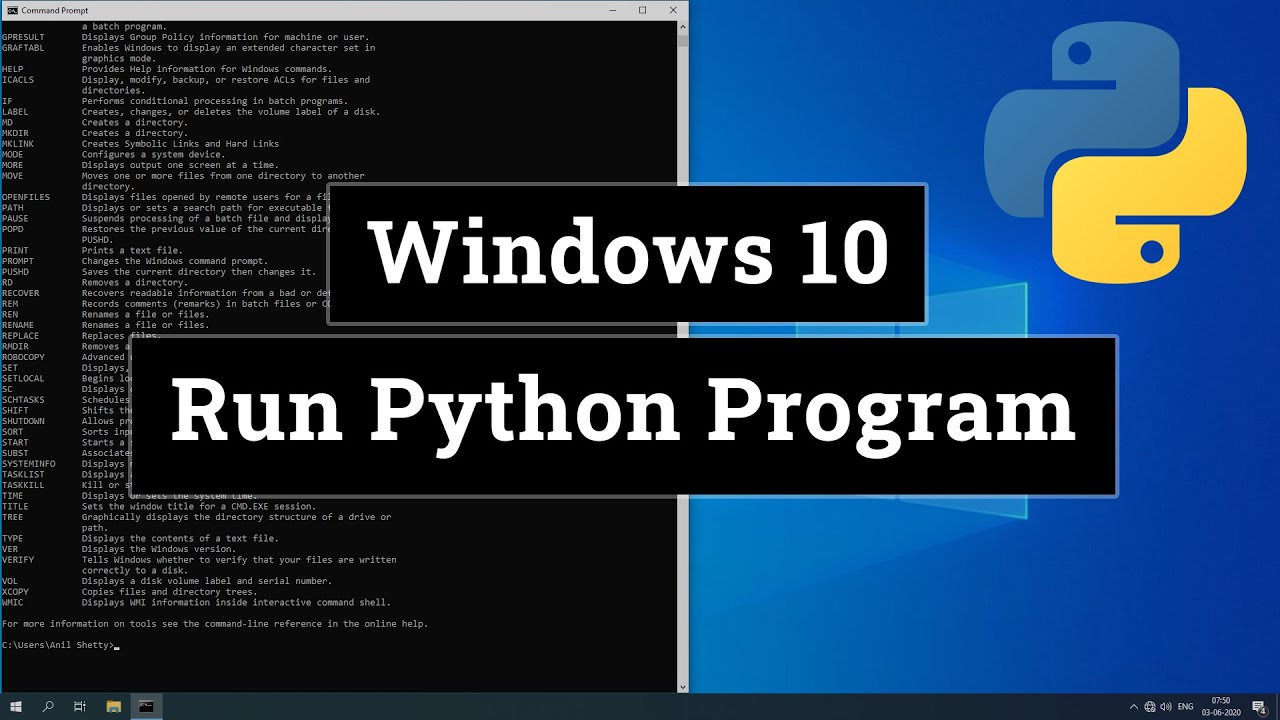
Run Python scripts from your operating system s command line or terminal Execute Python code and scripts in interactive mode using the standard REPL Use your favorite IDE or code editor to run your Python scripts Fire up your scripts and programs from your operating system s file manager

21st Nov 2022 4 minutes read How to Run a Python Script in Windows Luke Hande python script windows If you want to learn Python you ll need to know how to run Python scripts or py files in Windows Find out what you need to do in this article
1 Go to the Python file s location Find the Python file that you want to open in Command Prompt If you already know the folder path to the Python file you want to open skip ahead to opening the file in Command Prompt 2 Select the Python file Click once the Python file for which you want to see the folder path 3 Right click the Python file
Since most Windows 11 are used to downloading applications from the Microsoft Store using the platform to install Python may be the most straightforward way Simply follow the steps below 1 Click the lens icon on the Taskbar type store and click Microsoft Store 2 Type Python in the search bar and hit Enter 3 Opening a File To start a new Python file select File New File from the menu bar This will open a blank file in the editor like this From this window you can write a brand new Python file You can also open an existing Python file by selecting File Open in the menu bar
In this tutorial you will learn How to Run Python Programs py Files on Windows 11 Laptop Computer our Social Media Pageshttps www facebook Exam