How To Run Php File In Visual Studio Code With Xampp How To Run PHP Code In Visual Studio Code Terminal Console PHP Comment Ex cuter Des Programmes PHP StackLima How To Run Php File In Visual Studio Code With Xampp Hot Sex Picture How To Run PHP In Visual Studio Code On Mac OS TechDecode Tutorials How To Run First PHP Program In XAMPP Server YouTube 1 Download and install Visual Studio Code You can find the Visual Studio Code installer on the following permalink http code visualstudio 2 Set up PHP Debug VSCode
Step 1 Install PHP Go to windows php download and download the Zip file from the website Get the Zip PHP download package Next you need to extract the package We recommend using WinRAR for this Right click the downloaded zip file and select Extract files Right click the downloaded file and select Extract files Learn how to run a PHP program on Visual Studio Code You need XAMPP as well for server with VS Code Install XAMPP on Windows 10https youtu be Jd4H 4zfRw8
How To Run First PHP Program In XAMPP Server YouTube How To Run PHP In Visual Studio Code Coding Campus Visual Studio Code Tutorial Html Mobile Legends How To Run C Code In Vs Code EroFound Microsoft Defends Intrusive Dialog In Visual Studio Code That Asks If How To Run PHP On Apache Lotus RB Visual Studio Code Xampp Php Hello World YouTube How To Run PHP Projects In Xampp Server 2021 YouTube How To Run Php File With Xampp Server And Store Data In MySQL Database
How To Run Php File In Visual Studio Code With Xampp
 How To Run Php File In Visual Studio Code With Xampp
https://i.ytimg.com/vi/NZ2PtObTtpo/maxresdefault.jpg
How to run PHP file in Visual Studio code with xampp 1 Install Visual Studio Code As we are using VScode to create the PHP files in this tutorial first open it on your PC Those who don t have Visual Studio code yet on their Windows desktop or server can visit the official website to get the installer
Pre-crafted templates use a time-saving service for producing a varied range of files and files. These pre-designed formats and designs can be used for numerous individual and professional projects, consisting of resumes, invitations, leaflets, newsletters, reports, presentations, and more, streamlining the content creation procedure.
How To Run Php File In Visual Studio Code With Xampp
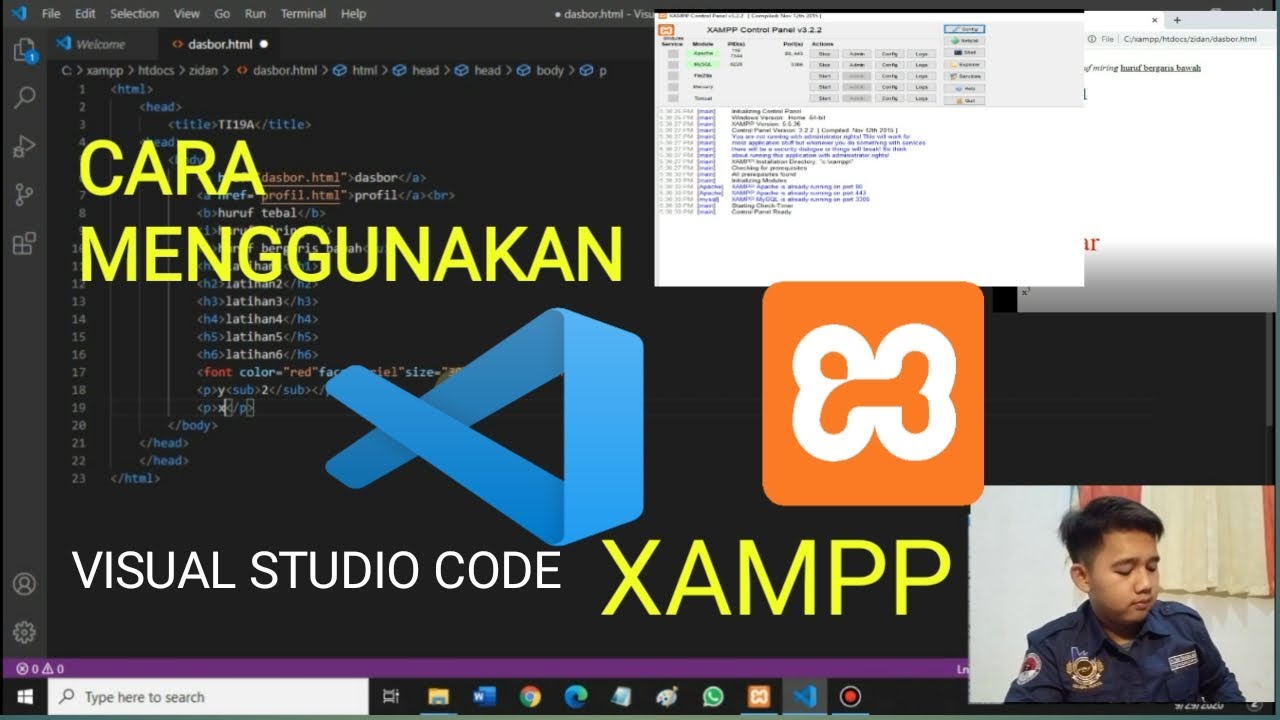
CARA MENGGUNAKAN VISUAL STUDIO CODE DAN XAMPP YouTube
How To Run PHP In Visual Studio Code Coding Campus
Visual Studio Code Tutorial Html Mobile Legends

How To Run C Code In Vs Code EroFound

How To Run PHP On Apache Lotus RB
Visual Studio Code Xampp Php Hello World YouTube
How to run PHP file in Visual Studio code with xampp 1 Install Visual Studio Code As we are using VScode to create the PHP files in this tutorial first open it on your PC Those who don t have Visual Studio code yet on their Windows desktop or server can visit the official website to get the installer

How to Install and Setup PHP in your Project To get started with PHP you ll need three things a code editor for writing your code an installed version of PHP and XAMPP We ll be using Visual Studio code in this example and I ll teach you how to install a version of PHP and XAMPP on your PC
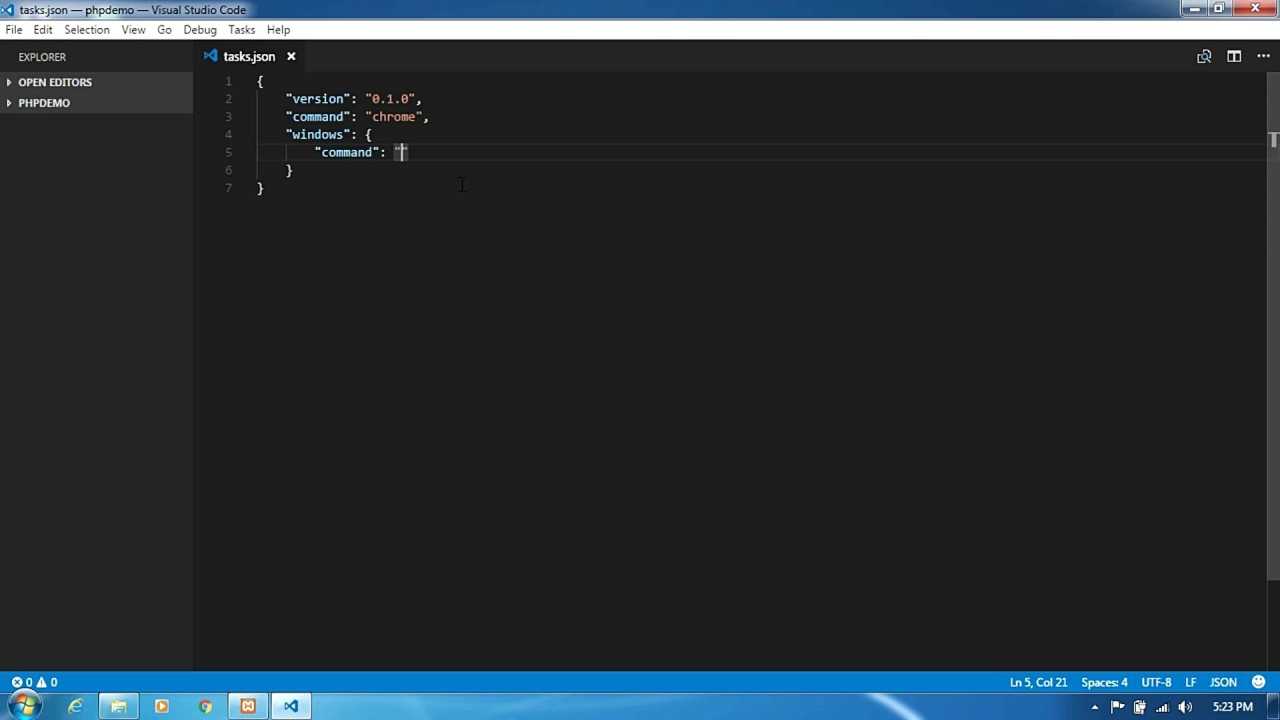
Step 1 Installing VS Code PHP Extensions for Extra Support Right after installation VS Code already recognizes PHP code and helps with syntax highlighting basic debugging and code indentation These features are suitable for quick edits or when working with individual PHP scripts
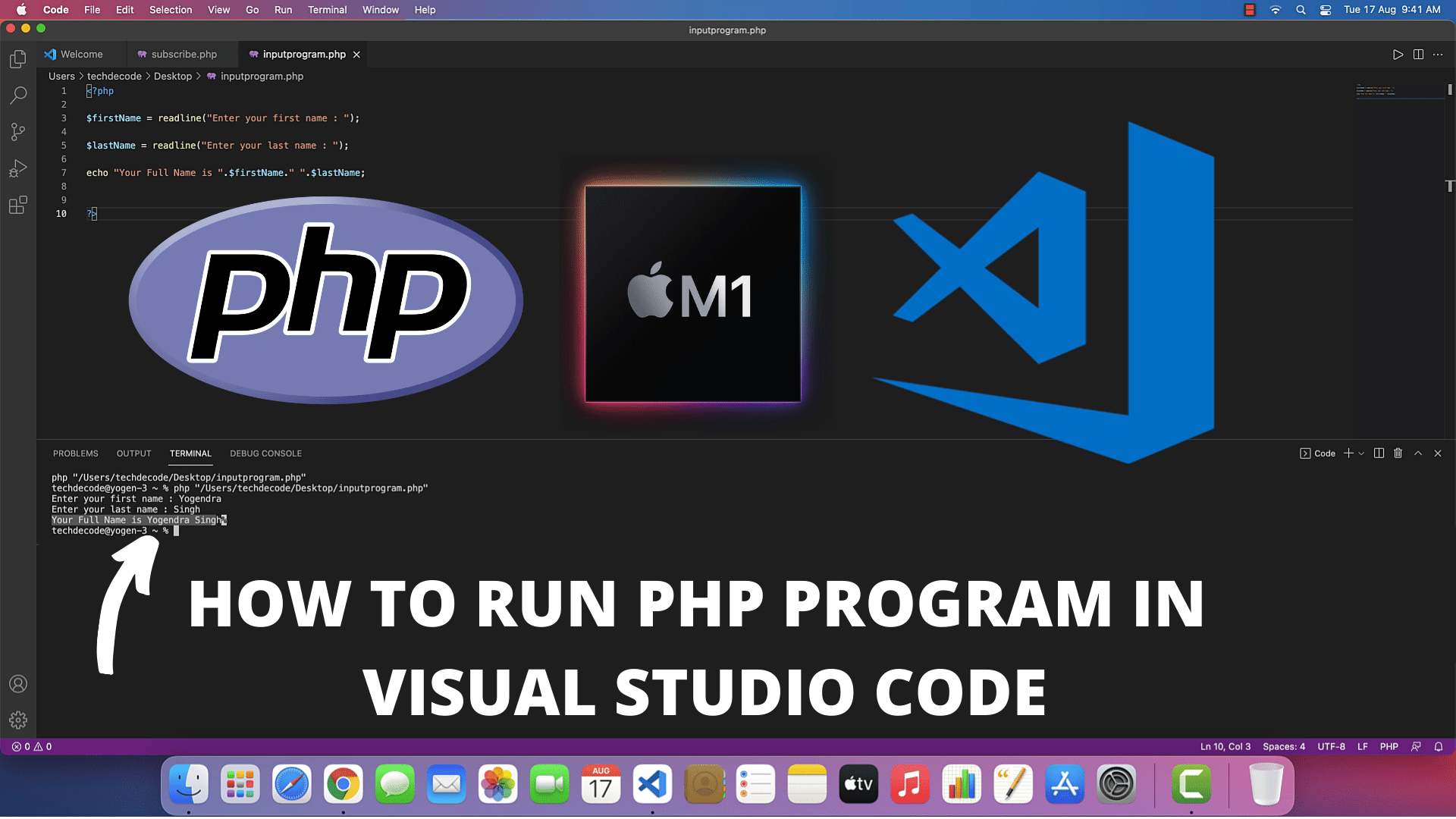
1 I m trying to run PHP file through localhost with xampp I m using VS Code as my text editor I created a folder in htdocs but when I try to run the php files it doesn t seem to work I ve been searching for help for a couple of days but I wasn t able to come across anything yet php visual studio code xampp localhost Share Follow

How to run PHP files using Visual Studio Code VS Code and XAMPP Steps 1 Create the first PHP file using Visual Studio Code in the htdocs folder of XAMPP
In this video I am going to show How to Set Up PHP Development environment in Visual Studio Code in windows 11 I am also going to show ow to debug your pyt Go to the xampp htdocs folder and create a new folder with your project name 3 Create a PHP file inside the project folder Open vs code in the project folder and create a new PHP file with a php extension i e FileName php with the following code 4 Open XAMPP Control Panel and start Apache server
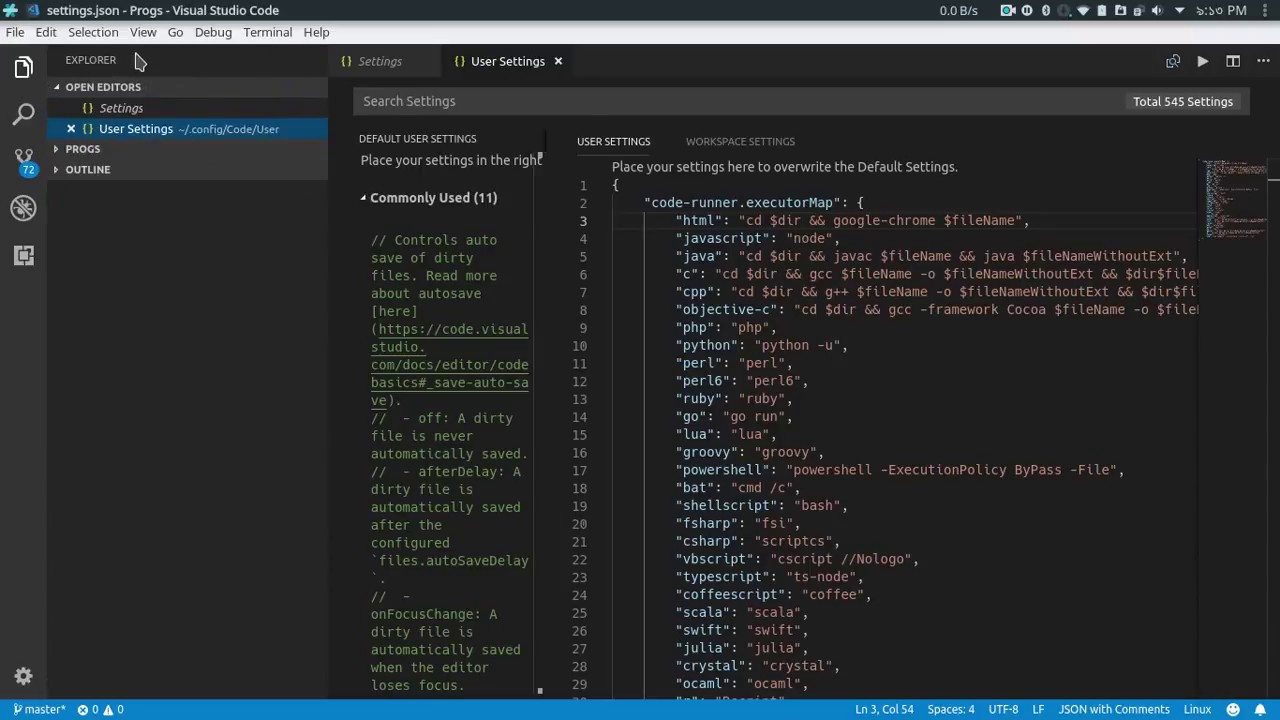
Step 5 Run Your PHP Code in Visual Studio Code With these steps done you are ready to run your PHP code using the in built VS Code terminal using Code Runner CodeRunner can execute your PHP code using either of these prompts Right click from within the VS Code Text Editor and click Run Code Right Click to access Code Runner