How To Run Node Js In Command Prompt How To Run Node js In Visual Studio Code Node js In VSCode YouTube Develop Node js With Visual Studio Code JavaScript On Azure Visual Studio Code Node js JavaScript On Azure Microsoft Learn How To Run Node js In VS Code From Scratch How To Run Node js On Windows MacOS Linux Verkko Running Hello World It s simple to run app js with Node js From a terminal just type node app js You should see quot Hello World quot output to the terminal and then Node js returns Integrated Terminal
Verkko 11 jouluk 2019 nbsp 0183 32 To get the commands working we ll use NodeJs process argv which returns a string array of command line arguments The process argv property returns Verkko 3 syysk 2023 nbsp 0183 32 Executing shell commands from Node js is not just a powerful feature but it also serves various practical applications in real world scenarios Here are some
How To Run Node js On Windows MacOS Linux How To Run A js File In Terminal Board Infinity Install Node js VS Code And Cmder Setup A Node js Dev Machine Not Able To Run Node js Program In Command Prompt Stack Overflow Why Node js Cannot Run My JavaScript Code In The Terminal Stack Overflow Run Node js With Command Line Arguments Yargs NPM Module Visual Studio Code Vs Pycharm Fasassets How To Install NPM And Node js On Windows And Mac Devices Style Command Line Output With Chalk Package In Node js
How To Run Node Js In Command Prompt
 How To Run Node Js In Command Prompt
https://i.ytimg.com/vi/_LtwT5_zmDs/maxresdefault.jpg
Verkko 5 syysk 2023 nbsp 0183 32 With Node js we can run shell commands and process their inputs and outputs using JavaScript Therefore we can write most of these complex operations
Templates are pre-designed files or files that can be used for numerous functions. They can conserve effort and time by offering a ready-made format and design for developing different type of material. Templates can be used for personal or expert projects, such as resumes, invitations, leaflets, newsletters, reports, presentations, and more.
How To Run Node Js In Command Prompt

Node Js Backend Aigner Software
How To Run A js File In Terminal Board Infinity
Install Node js VS Code And Cmder Setup A Node js Dev Machine

Not Able To Run Node js Program In Command Prompt Stack Overflow
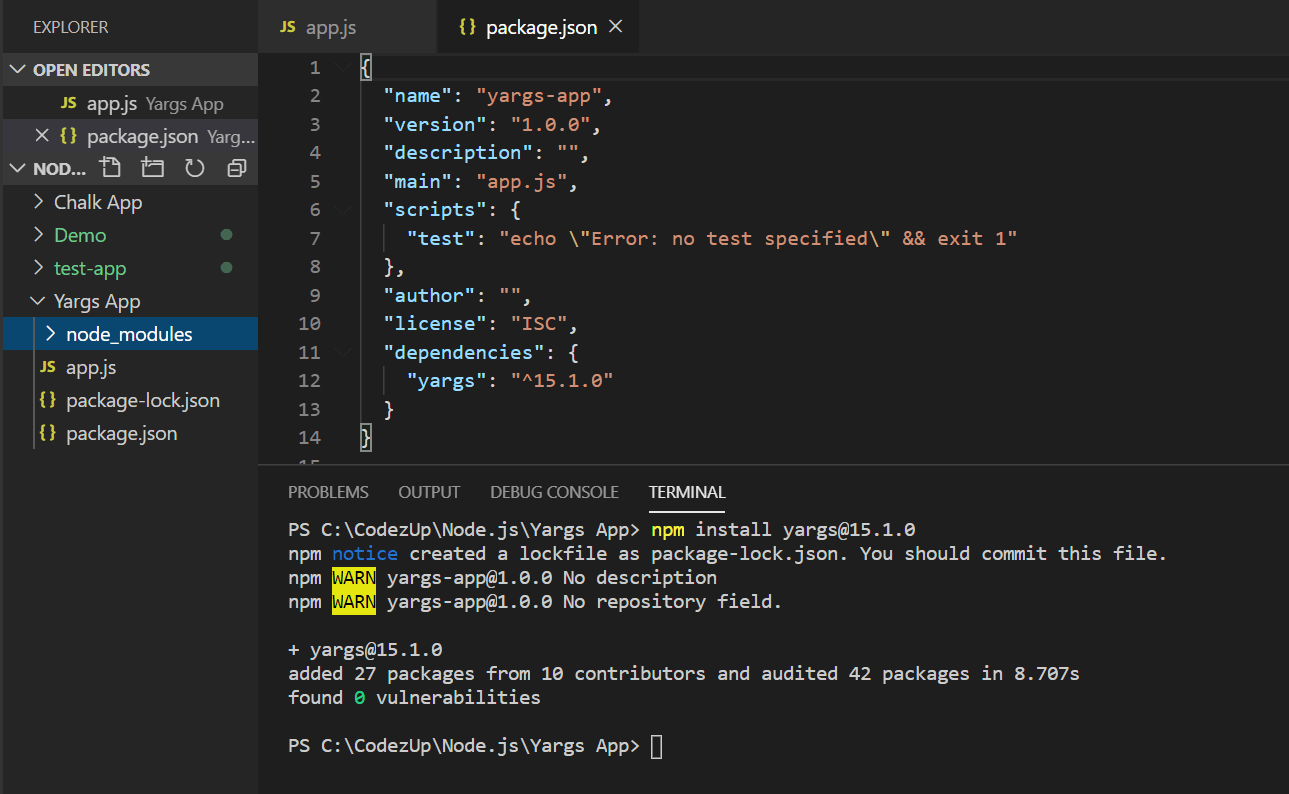
Run Node js With Command Line Arguments Yargs NPM Module

Visual Studio Code Vs Pycharm Fasassets
Verkko 20 elok 2021 nbsp 0183 32 In this article we will discuss how to open the node js using a command prompt Installing Node js on the machine First of all we have to check whether the
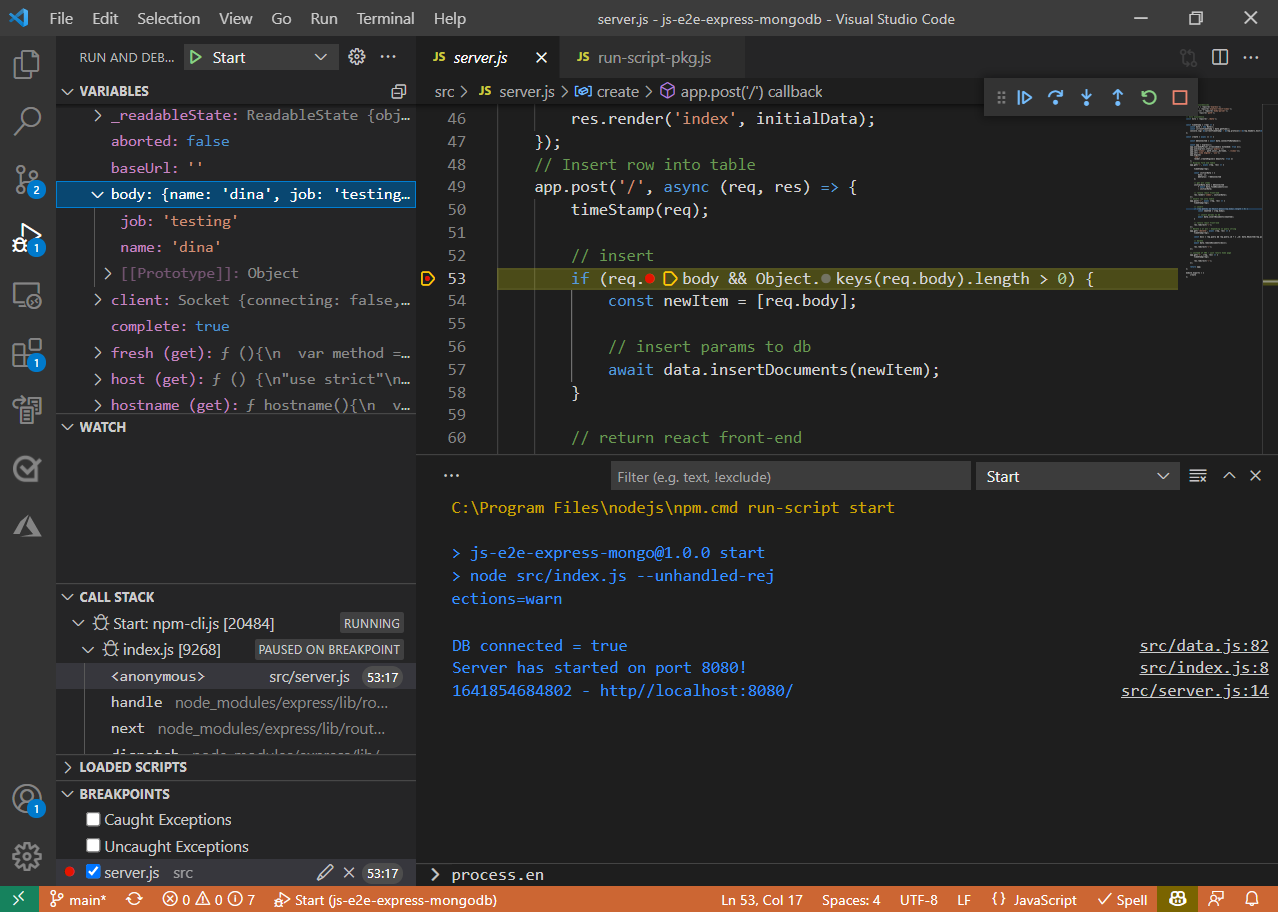
Verkko For Windows users press the start button and look for quot Command Prompt quot or simply write quot cmd quot in the search field Navigate to the folder that contains the file quot myfirst js quot
Verkko 17 maalisk 2022 nbsp 0183 32 Step 1 Outputting to the Console To write a Hello World program open up a command line text editor such as nano

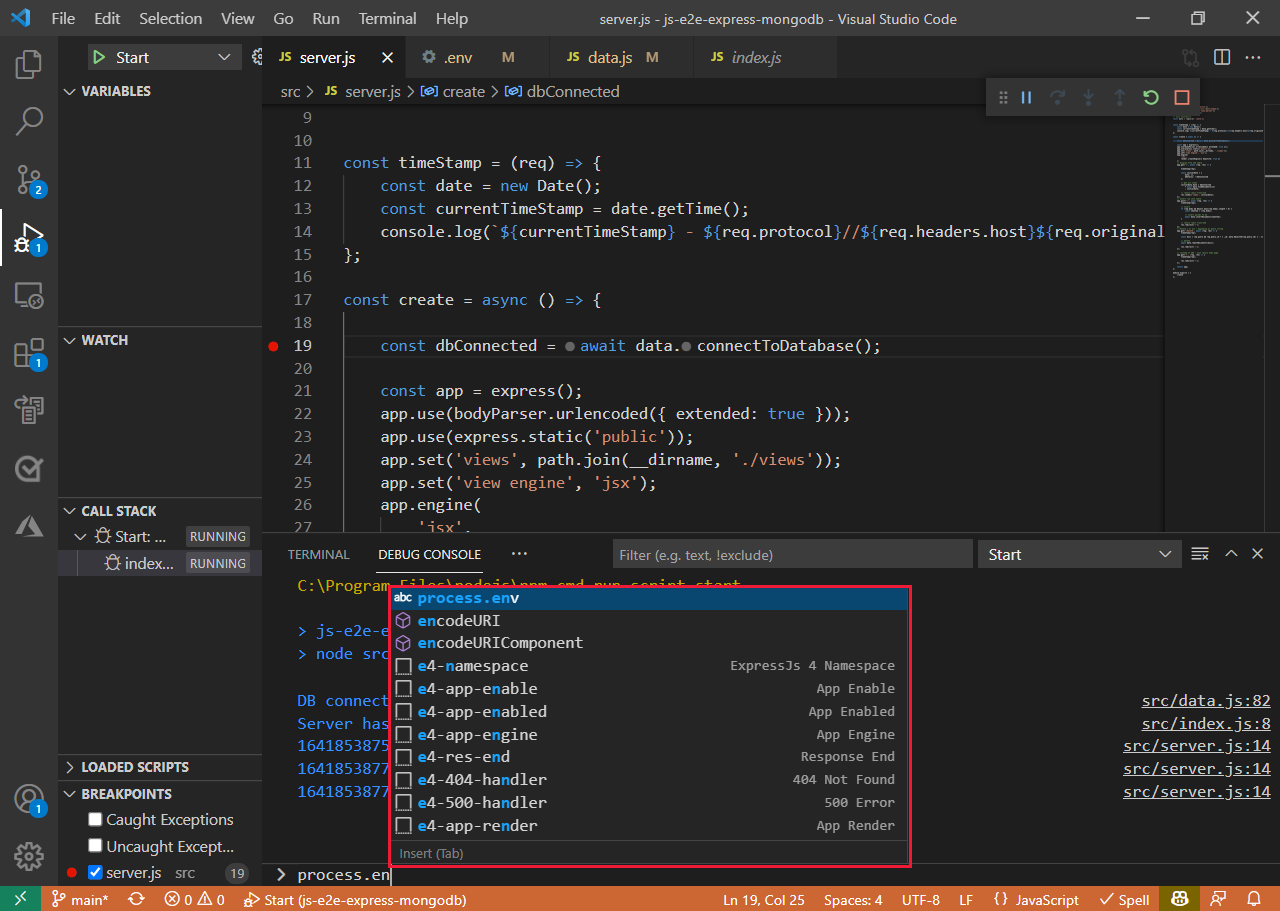
Verkko 9 helmik 2022 nbsp 0183 32 In your command line open the Node js CLI You ll see the gt prompt letting you know you re using Node js after entering node To identify the operating system you are currently using which
Verkko 20 huhtik 2023 nbsp 0183 32 In this tutorial we ll guide you through the process of running Node js scripts from the command line Node js is an open source JavaScript runtime built on
Verkko The usual way to run a Node js program is to run the globally available node command once you install Node js and pass the name of the file you want to execute If your Verkko 6 helmik 2023 nbsp 0183 32 Open your project in a code editor and paste that code into the queryDB js file Run the command below to see if it is working node queryDB The
Verkko Even though node js is meant to run Javascript on the back end the server side the node js command prompt can still be used to run Javascript as if it were the front