How To Run Hello World In Python In Visual Studio Code When You Fail To Run Hello World In Python YouTube Hello World In Python In Visual Studio Cherrylalapa Trying To Run Hello World JavaScript Program On Visual Studio But Keep Debugging Python In Visual Studio Code Holdencor Run Python In Visual Studio Code Select the Tools Options menu command and explore the settings under the Environment and Text Editor tabs By default you see only a limited number of options to see every option for every programming language select Show all settings at the bottom of the dialog
Run Python code n Click the Run Python File in Terminal play button in the top right side of the editor n n The button opens a terminal panel in which your Python interpreter is automatically activated then runs python3 hello py macOS Linux or python hello py Windows n n There are three other ways you can run Python code within Step 1 Create a File To create a Python file in IDLE you need to Open the Python Shell Click on File in the toolbar Click on New File Tips You can also use the keyboard shortcut Ctrl N After you click on New File you will immediately see a new file where you can write your code New File Displayed
Run Python In Visual Studio Code How To Run Hello World Program In C Using Command Prompt How To Run Hello World In Python How To Run Python In Visual Studio Code On Windows 11 2021 Best Ide Create First Servlet And Run Hello World In Netbeans YouTube Visual Studio Code Python Debugger Not Working In Vscode Under Venv Riset Linting Python In Visual Studio Code Use Python In Visual Studio Dadballs Hello World In Python How To Print A Hello World In Python Docodehere
How To Run Hello World In Python In Visual Studio Code
 How To Run Hello World In Python In Visual Studio Code
https://i.ytimg.com/vi/AnxD_ceeYzc/maxresdefault.jpg
As an Amazon Associate I earn from qualifying purchases Progammer Lego Toys https amzn to 3LZWov7 Data Science Foundation Book https amzn to 41rWN
Templates are pre-designed files or files that can be used for various functions. They can conserve effort and time by providing a ready-made format and layout for creating different type of content. Templates can be utilized for individual or expert jobs, such as resumes, invites, flyers, newsletters, reports, presentations, and more.
How To Run Hello World In Python In Visual Studio Code
How To Print Hello World In Python TechDecode Tutorials

How To Run Hello World Program In C Using Command Prompt How To Run

Hello World In Python

How To Run Python In Visual Studio Code On Windows 11 2021 Best Ide

Visual Studio Code Python Debugger Not Working In Vscode Under Venv Riset

Linting Python In Visual Studio Code

Step 1 Running Python From the Built in Terminal With Python installed and your local programming environment set up open Visual Studio Code Inside of Visual Studio Code open the directory you re working in by going to File Open and selecting the directory After that you ll see your folder open in the explorer window on the left
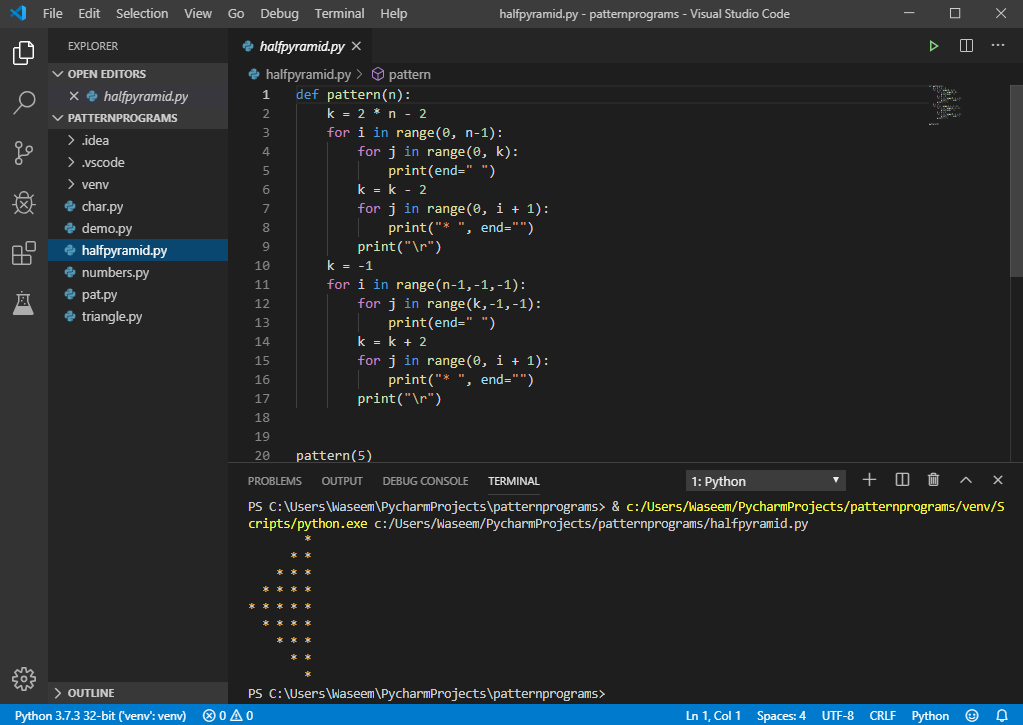
In this tutorial Dr Todd Wolfe will discuss the benefits of learning the Python language and the reasons Python is one of the fastest growing programming l

Step 1 Create a Python project this article Step 2 Write and run code to see Visual Studio IntelliSense at work Step 3 Create more code in the Interactive REPL window Step 4 Run the completed program in the Visual Studio debugger Step 5 Install packages and manage Python environments Step 6 Work with Git Prerequisites
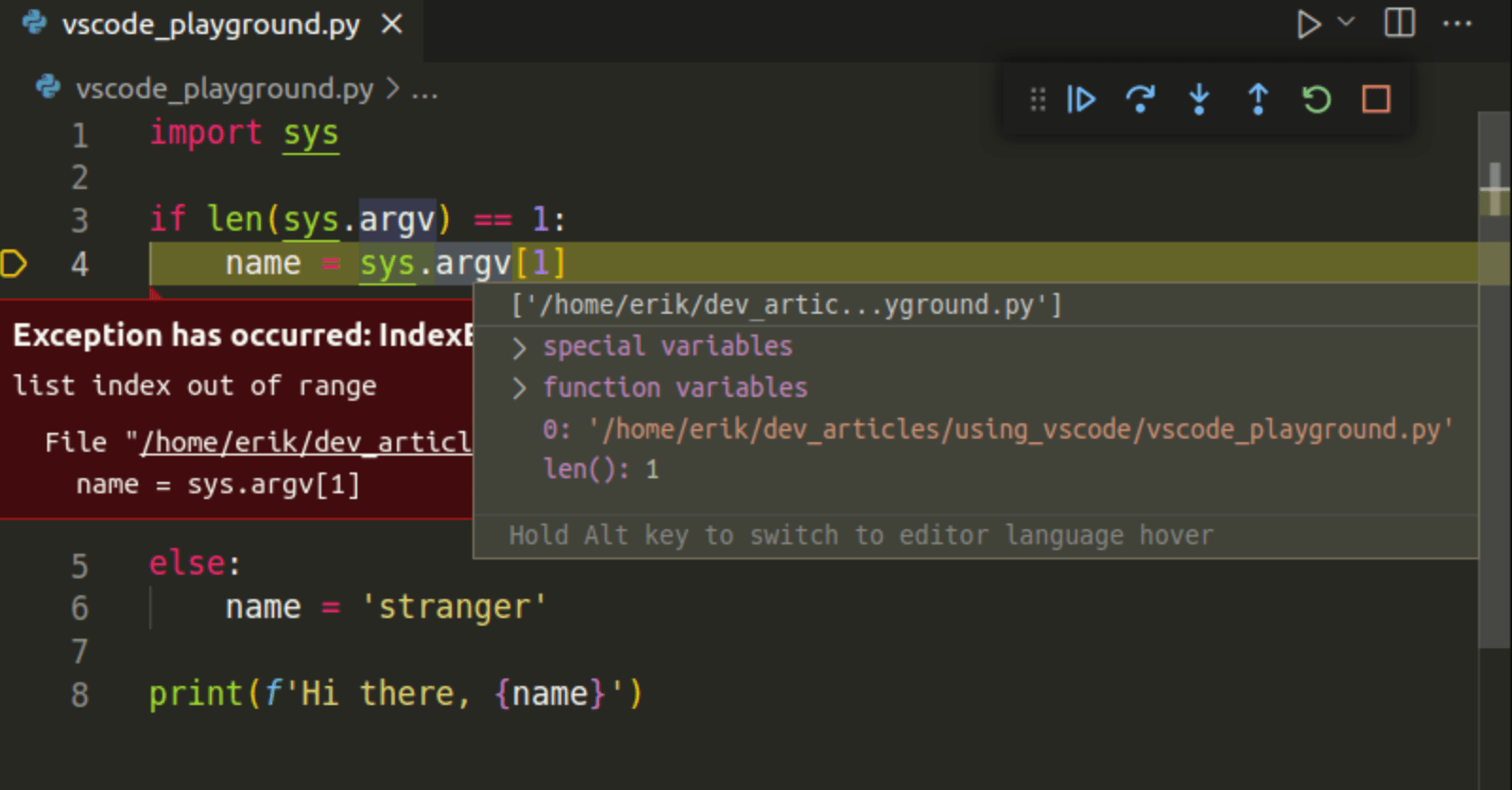
The program consists of two files app py and hello py stored on the local file system Start a REPL The extension comes with an integrated Python REPL To activate it run the command Python WASM Start REPL Debugging There is support for debugging Python files on the Web and it uses the same UI as VS Code Desktop debugging The features

To experience Python create a file using the File Explorer named hello py and paste in the following code print Hello World The Python extension then provides shortcuts to run Python code using the currently selected interpreter Python Select Interpreter in the Command Palette
Hello World Code language Python python If you use VS Code you can also launch the Terminal within the VS code by Accessing the menu Terminal New Terminal Or using the keyboard shortcut Ctrl Shift Typically the backtick key located under the Esc key on the keyboard Python IDLE Python is a very simple language and has a very straightforward syntax It encourages programmers to program without boilerplate prepared code The simplest directive in Python is the print directive it simply prints out a line and also includes a newline unlike in C There are two major Python versions Python 2 and Python 3
To make the VS Code work with Python you need to install the Python extension from the Visual Studio Marketplace The following picture illustrates the steps First click the Extensions tab Second type the python keyword on the search input Third click the Python extension It ll show detailed information on the right pane