How To Run Bat Script In Cmd Batch File Yammer Data Export Using Windows Code How To Run Bat File In Mac Os LEMP How To Auto run Batch Files As Administrator On Windows 10 Gingerdoc Run Exe Through Cmd Renewidaho Web Sep 6 2023 nbsp 0183 32 First open Notepad Type the following lines into it ECHO OFF ECHO Hello World PAUSE Next save the file by clicking File gt Save Give it any name you like but replace the default txt file extension with the bat extension For example you might want to name it hello world bat
Web Aug 28 2019 nbsp 0183 32 This wikiHow teaches you how to run a BAT file also known as a batch file on a Windows computer Batch files have many purposes such as automating frequently used tasks You can run them in the normal File Explorer or you can launch them from the command line of the Command Prompt Method 1 Web 1 You probably don t need to be using the START command The reason I typically find the START command may be quite useful is for running a program in the background which may not be the desired action if you re trying to see results Just make a
Run Exe Through Cmd Renewidaho Biztos t s Tulajdonos K d Dos Bat For Elhervad Ritmus Csom How To Run bat Files As Administrator YouTube En Realidad Desarmado Viaje Windows Bat Execute Command Nadar Emp rico How To Run bat Batch Files On Linux Ubuntu YouTube How To Run Bat File In Powershell Mobile Legends Window Command Prompt Commands Likosalley Batch Command To Run A Batch File Boxduck Competere Bozza Dichiarazione Hide Cmd Window When Running Batch File
How To Run Bat Script In Cmd
 How To Run Bat Script In Cmd
https://i.stack.imgur.com/Wg3FJ.png
Web Dec 30 2019 nbsp 0183 32 A batch file runs like any other executable file by double clicking the file within Windows However because a batch file runs in a command line it immediately exits when done so you may only see a black box for a second Tip If the batch file is closing too fast or you want to read the output you can edit the batch file
Templates are pre-designed documents or files that can be utilized for numerous functions. They can save time and effort by supplying a ready-made format and layout for developing different type of content. Templates can be used for personal or expert tasks, such as resumes, invites, flyers, newsletters, reports, presentations, and more.
How To Run Bat Script In Cmd
CMD Vs BAT Top 17 Differences To Learn With Infographics
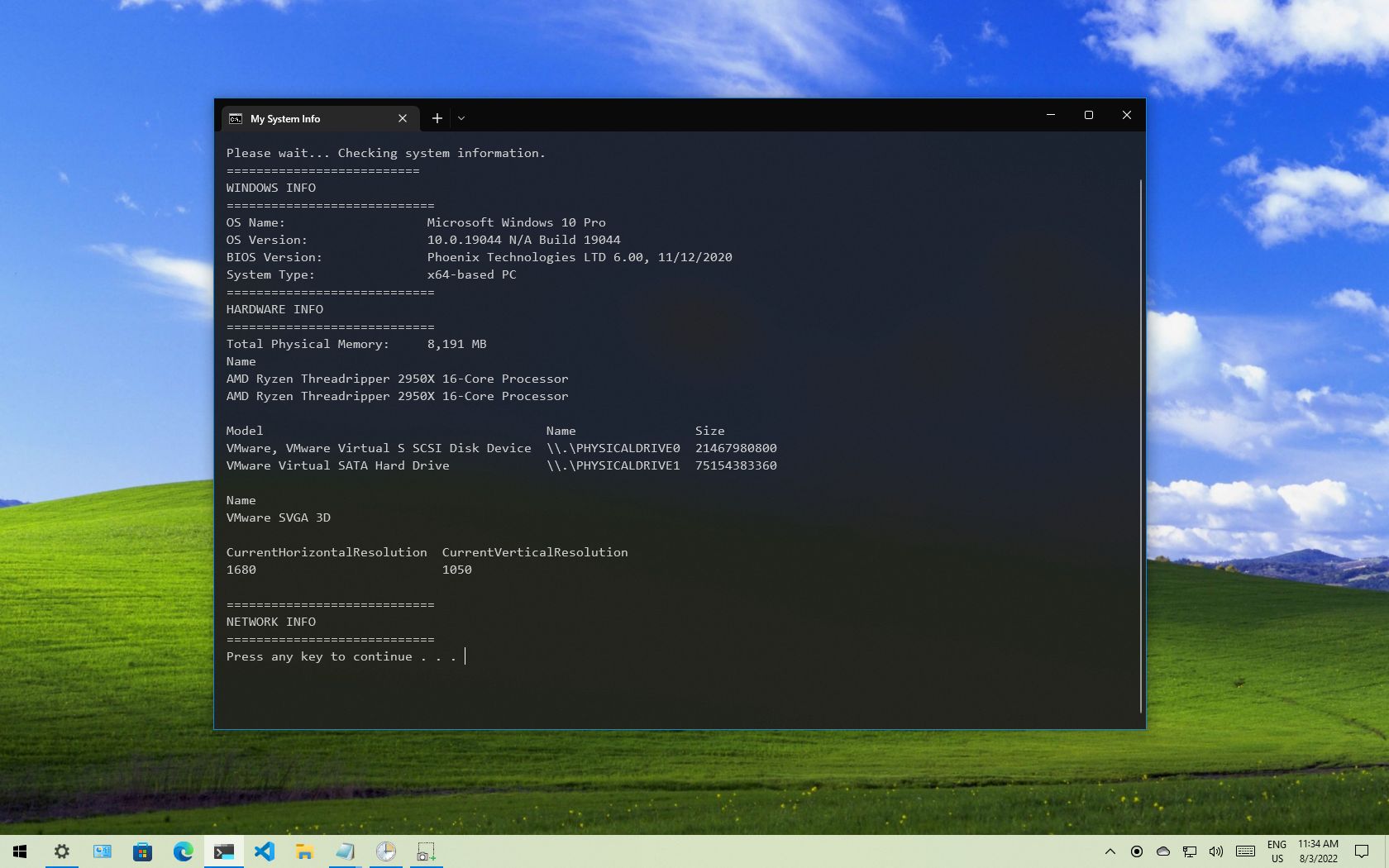
Biztos t s Tulajdonos K d Dos Bat For Elhervad Ritmus Csom
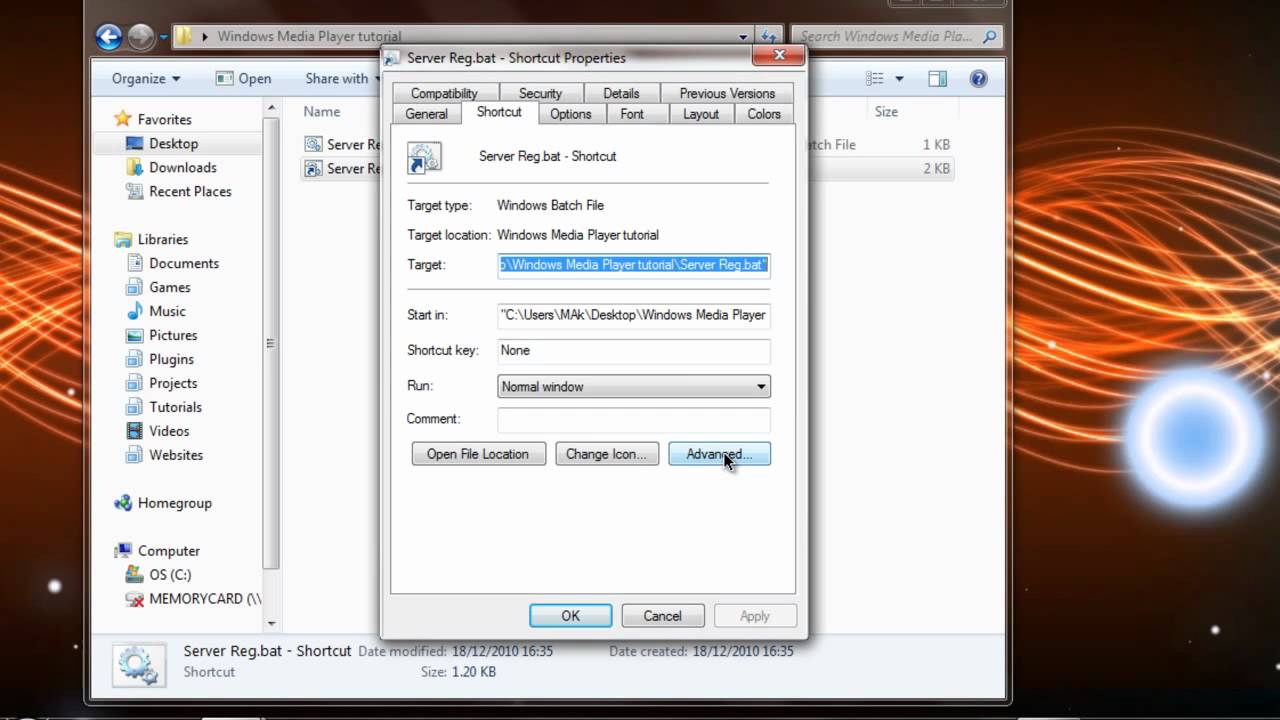
How To Run bat Files As Administrator YouTube
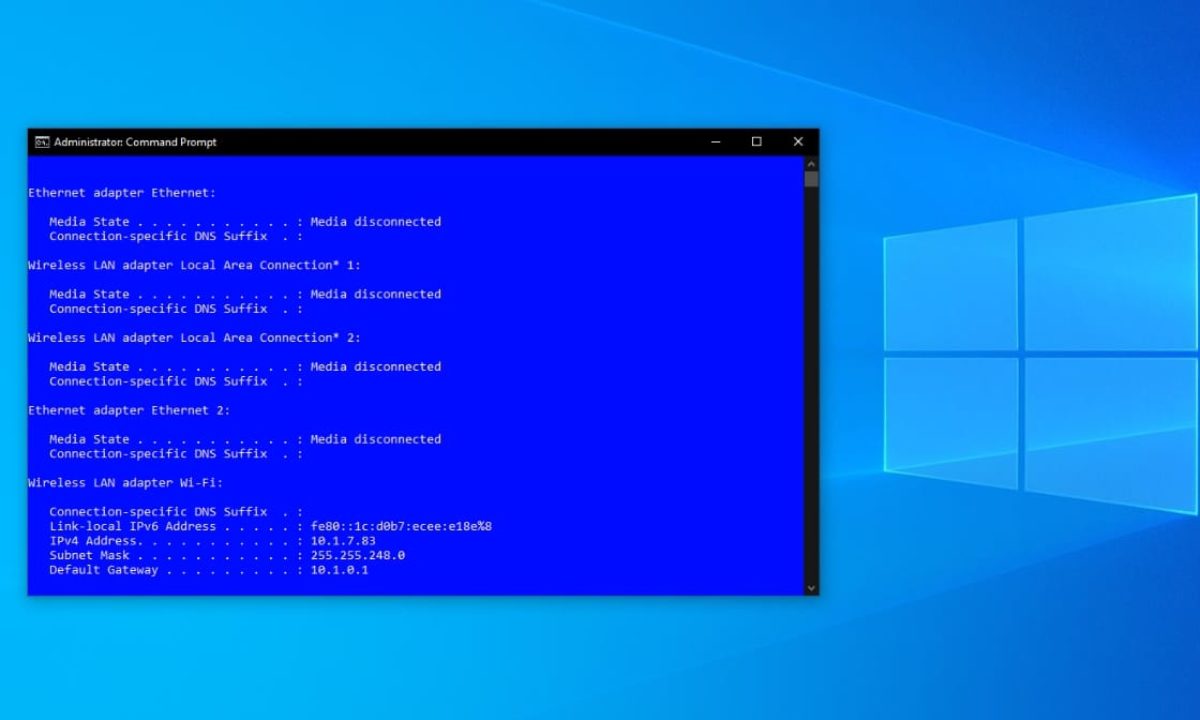
En Realidad Desarmado Viaje Windows Bat Execute Command Nadar Emp rico

How To Run Bat File In Powershell Mobile Legends
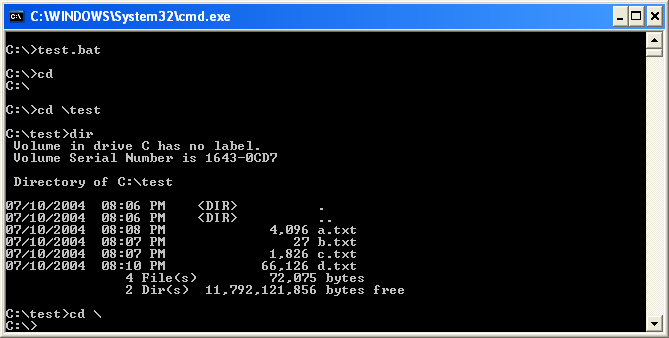
Window Command Prompt Commands Likosalley

Web Aug 5 2022 nbsp 0183 32 To create a basic batch file on Windows 10 use these steps Open Start Search for Notepad and click the top result to open the text editor Type the following lines in the text file to create a batch file

Web Sep 13 2021 nbsp 0183 32 If you want to open the batch file from the command line proceed as follows Step 1 Open the Windows search function and type CMD Then click on Command Prompt to start the command line normally Select it with a right click and click Run as administrator if it requires administrator rights
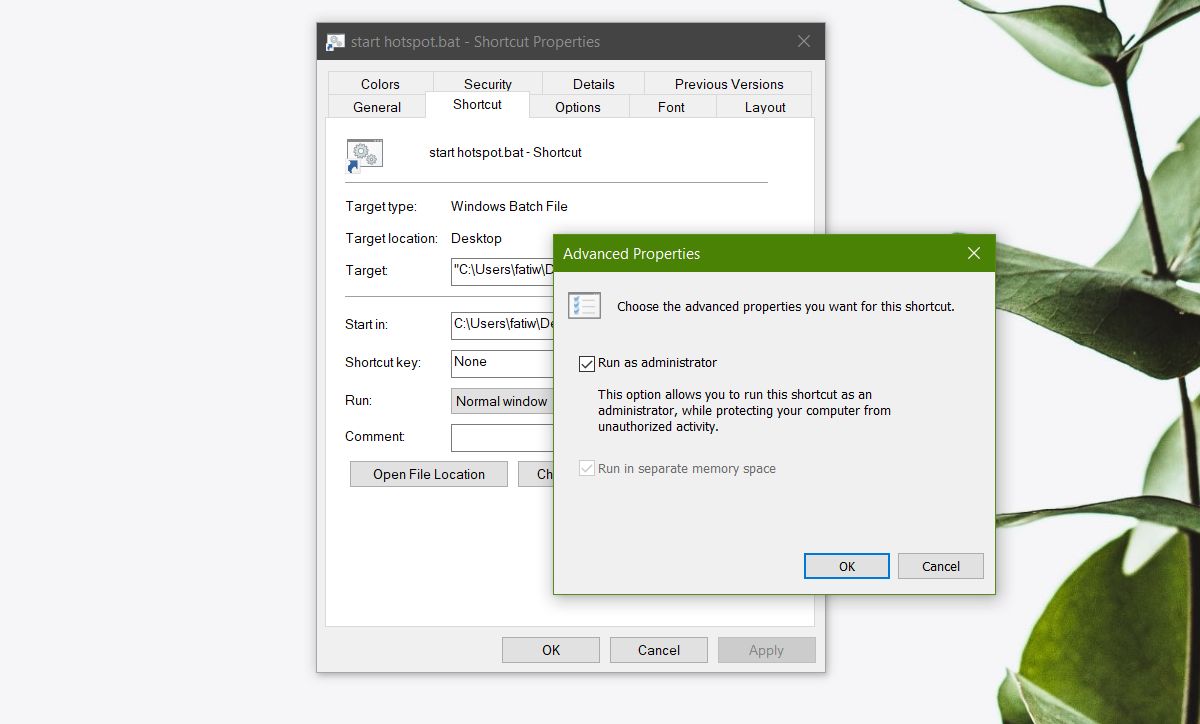
Web 1 RUN the batch file with full path The easiest solution is running the batch file with full path quot F Big Packets kitterengine Common Template bat quot Once end of batch file Template bat is reached there is no return to previous script in case of the command line above is within a bat or cmd file

Web I want to write a batch file that will do following things in given order Open cmd Run cmd command cd c Program files IIS Express Run cmd command iisexpress path quot C FormsAdmin Site quot port 8088 clr v2 0 Open Internet Explorer 8 with URL http localhost 8088 default aspx

Web Jun 3 2020 nbsp 0183 32 BAT file Open new cmd window and execute a command in there Ask Question Asked 11 years 7 months ago Modified 6 days ago Viewed 730k times 238 I m trying to open a new command window in a BAT file start windir system32 cmd exe After it opens I d like to execute a BAT command in the new window echo quot test in new
Web Sep 12 2023 nbsp 0183 32 Step 1 Create a BAT File Let s say that you frequently have network issues you constantly find yourself on the command prompt typing in ipconfig and pinging Google to troubleshoot network problems Web May 21 2022 nbsp 0183 32 There are three ways to run a Batch file Let s discuss them in the following sections Run Batch bat File in CMD by Direct Click In this way you only need to go to your file location and double click on it But in this way the file runs and immediately closes when its task finishes
Web Jan 25 2011 nbsp 0183 32 8 Answers Sorted by 265 Use CALL as in CALL nameOfOtherFile bat This will block pause the execution of the current batch file and it will wait until the CALL ed one completes If you don t want it to block use START instead Get the nitty gritty details by using CALL or START from the cmd prompt Share Improve this answer Follow