How To Run Application On Localhost How To Run HTML On Localhost In VSCode On Mac Live Server Install Graphics Driver Ubuntu 20 04 Todaysdas How To Run An Application Program As A Windows Service Run Application Action Configuration Microsoft Learn Solved How To Run Application With Parameters In 9to5Answer One of the quickest ways to get a local application running with TLS is to use an internet proxy like ngrok This command will expose your local service running port https abcd 11 22 33 44 ngrok io If you don t want to install ngrok you could use which works using SSH port forwarding Try it out with 80 localhost 8080 nokey localhost run
Everything you need to set up a web server server application Apache database MySQL and scripting language PHP is included in a simple extractable file XAMPP is also cross platform which means it works equally well on Linux Mac and Windows Open a command prompt by searching for the application Command Prompt or Terminal Run the change directory command by typing cd followed by the path of your project Method 3 If you have Visual Studio Code installed you can press Ctrl to open a terminal within the editor Running your code on localhost
Solved How To Run Application With Parameters In 9to5Answer HelloJavaWs html Run Application From Web Page How To Run An Application In Linux How To Run An HTML PHP Website On Localhost DEV Community How To Compile And Run Java Program From Command Prompt YouTube How To Run Application At Startup On Raspberry Pi How To Run An HTML PHP Website On Localhost To Run This Application You Must Install The Following Version Of NET Framework YouTube How To Run Code In Visual Studio Code Packslas
How To Run Application On Localhost
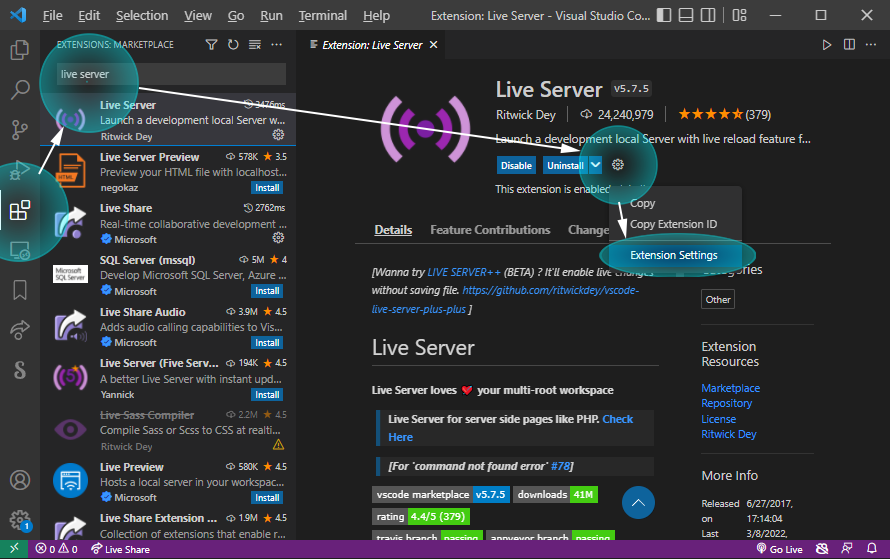 How To Run Application On Localhost
https://semicolon.dev/static/how-to-install-live-server-extension-in-vscode-vs-code-visual-studio-code.png
1 nmap sT O localhost if you are in a linux machine will tell you info about ports Iris G May 26 2015 at 17 28 Add a comment 2 Answers Sorted by 2 In the eclipse view Servers double click in Tomcat tab Overview and check the http port
Templates are pre-designed files or files that can be utilized for different functions. They can conserve time and effort by offering a ready-made format and layout for developing different sort of content. Templates can be utilized for personal or expert jobs, such as resumes, invitations, flyers, newsletters, reports, discussions, and more.
How To Run Application On Localhost

How To Run Application As Different User In Windows In 2022 Application Users Windows
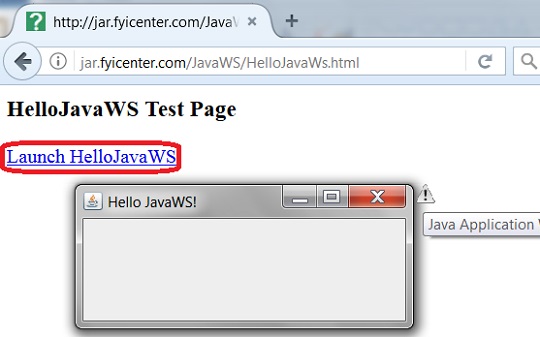
HelloJavaWs html Run Application From Web Page
How To Run An Application In Linux

How To Run An HTML PHP Website On Localhost DEV Community
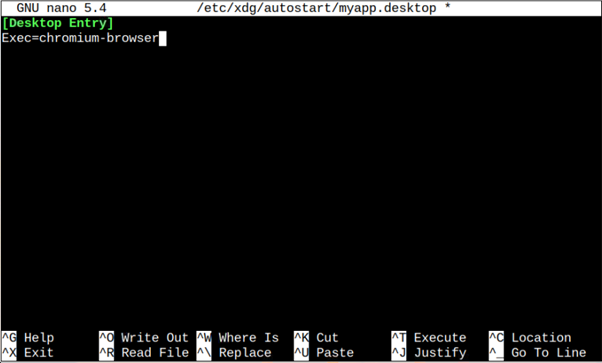
How To Run Application At Startup On Raspberry Pi
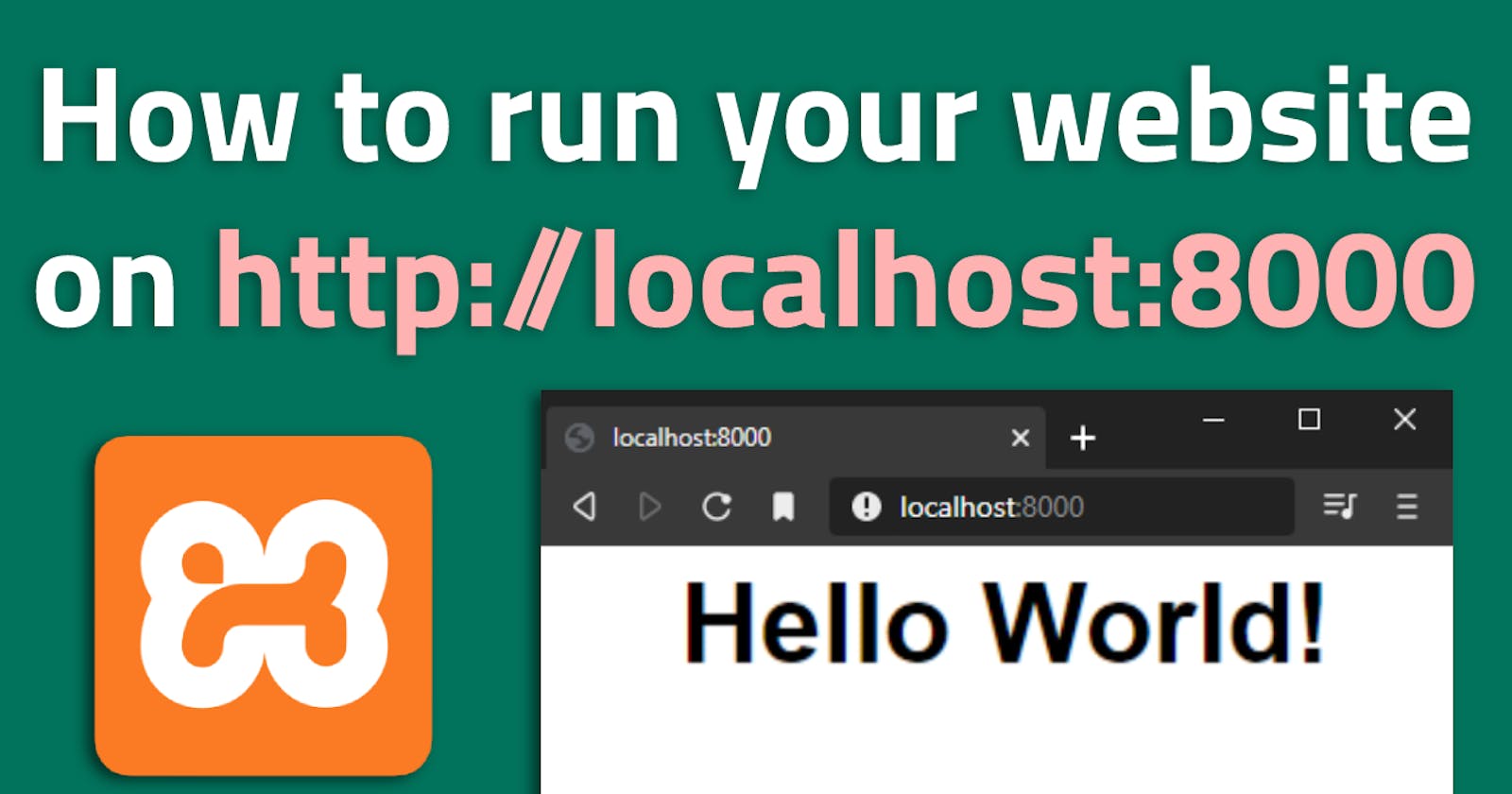
How To Run An HTML PHP Website On Localhost

How to run angular app on local environment Ask Question Asked 2 years ago Modified 3 months ago Viewed 5k times 2 I have created a website on angular I am trying to run it locally But I am unable to run it Below is my file angular json

What you need to do is to create a certificate and sign it with a CA that is trusted locally by your device and browser mkcert is a tool that helps you do this in a few commands Here s how it works If you open your locally running site in your browser using HTTPS your browser will check the certificate of your local development server

Option 1 Open chrome inspect in a Chromium based browser or edge inspect in Edge Click the Configure button and ensure your target host and port are listed Option 2 Copy the devtoolsFrontendUrl from the output of json list see above or the inspect hint text and paste into Chrome

A CodeIgniter 4 app can be run in a number of different ways hosted on a web server using virtualization or using CodeIgniter s command line tool for testing This section addresses how to use each technique and explains some of the pros and cons of them Important You should always be careful about the case of filenames

My Google Domains Source Screenshot of domains google Click on the Manage button next to your domain name and then click the DNS button on the sidebar
127 0 0 1 localhost 1 localhost This ensures that name resolution for the localhost does not have to be done over the internet You can also use the file to block certain websites To do this enter the website to be blocked into the list and assign the domain the IP address 127 0 0 1 Say you named this folder my secure app move to this folder and run the following command mkcert localhost After the command runs you will find two files in your folder localhost key pem which is the file containing your private key localhost pem which is the certificate containing the public key The certificate you have generated
Method 1 Use python to run a HTML page on localhost Python has a in built server that you can run with a single command Check if python is installed For this method to work you need to have python installed on your computer You can check if you have python installed on Windows computer by checking if it is in your programs list