How To Run A Shell Script On Mac Terminal Shell Script How To Append TimeStamp To File Name Crunchify How To Edit Files In Linux Using A Shell Script Systran Box How To Run A Shell Or sh Script On MacOS Run A Shell Script On Terminal If Terminal Is Idle For Few Minutes In Python Console In Mac Terminal Stack Overflow Gemini Apps give you direct access to Google AI You can get help with writing planning learning and more Learn more about what Gemini is and how it works
Learn how to use Google Drive In this section you ll learn to Use Google Drive features Upload share amp organize your files Use Drive for Desktop Use Google Drive features On your Important Before you set up a new Gmail account make sure to sign out of your current Gmail account Learn how to sign out of Gmail From your device go to the Google Account sign in
Python Console In Mac Terminal Stack Overflow 7 Ways To Write A Shell Script Using Bash Shell In Ubuntu Riset How To Run A Shell Script On Windows 10 How To Run sh Or Shell Script File In Windows 11 10 How To Execute A Shell Script In Linux Shell Terminal YouTube How To Create File In Terminal Mac Os Joloportland Using The RStudio Terminal In The RStudio IDE Posit Support How To Install Curl On Ubuntu 20 04 Nratv Bash Scripting Execute Command From Within The Script Linux
How To Run A Shell Script On Mac Terminal
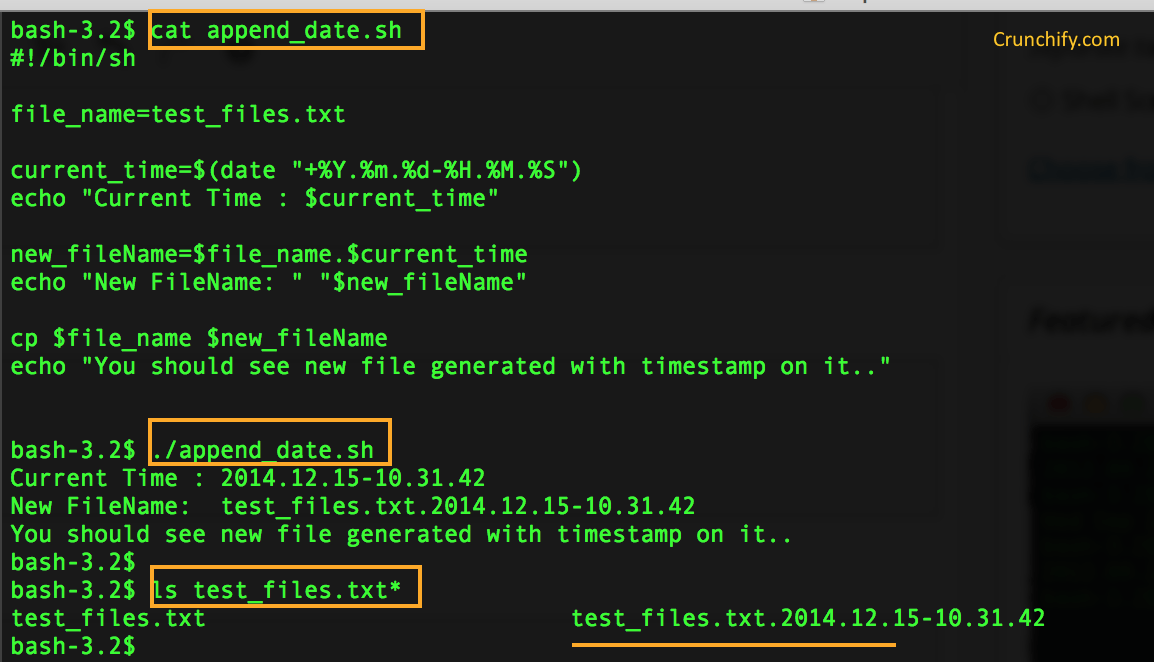 How To Run A Shell Script On Mac Terminal
https://crunchify.com/wp-content/uploads/2012/09/Mac-Shell-Script-Append-Date-to-File-Name.png
Official Google Play Help Center where you can find tips and tutorials on using Google Play and other answers to frequently asked questions
Pre-crafted templates use a time-saving service for developing a varied series of documents and files. These pre-designed formats and designs can be utilized for different individual and expert jobs, consisting of resumes, invites, leaflets, newsletters, reports, presentations, and more, simplifying the content development procedure.
How To Run A Shell Script On Mac Terminal
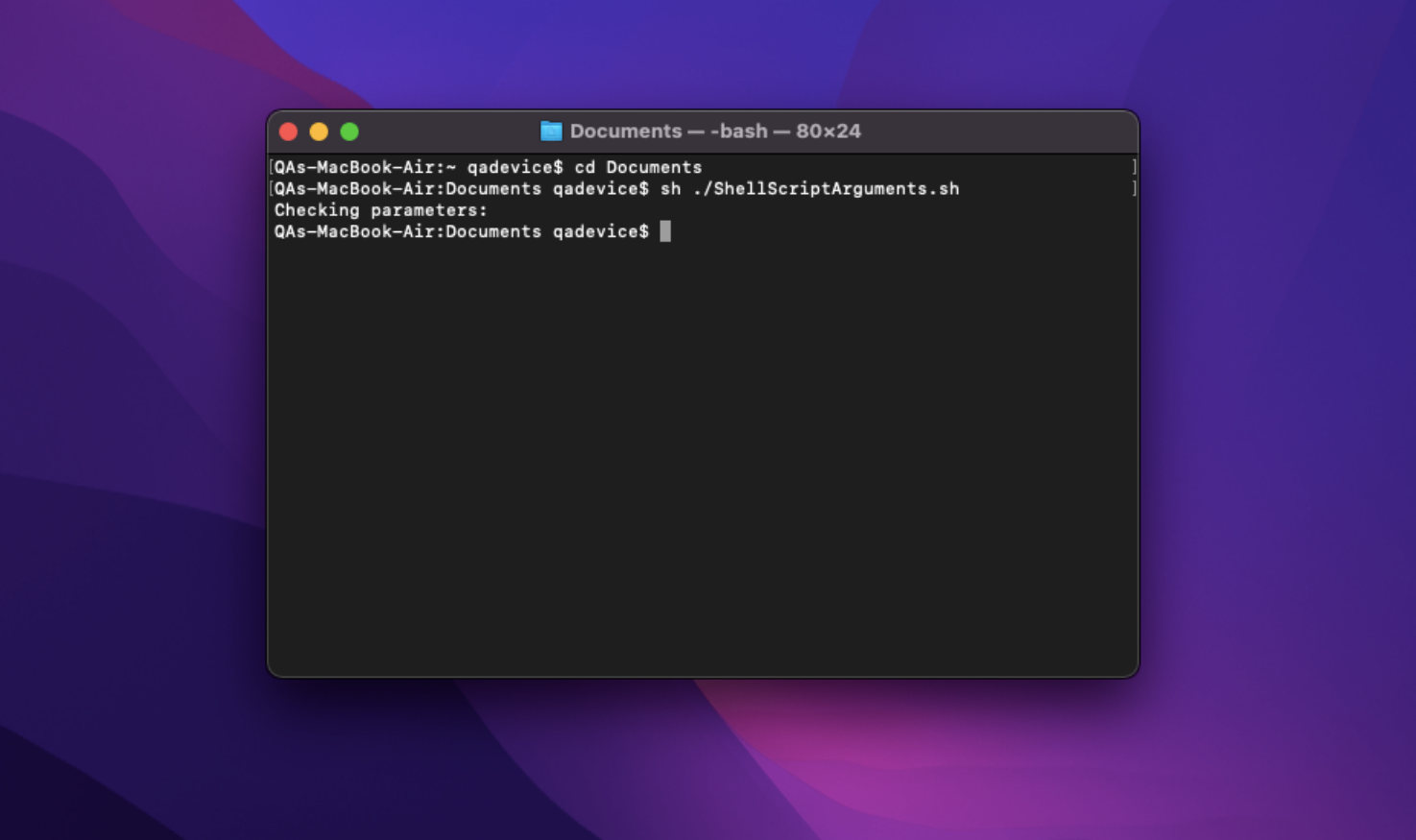
K fig M glich W hlen Mac Shell Scripting H fte Pracht Markenname
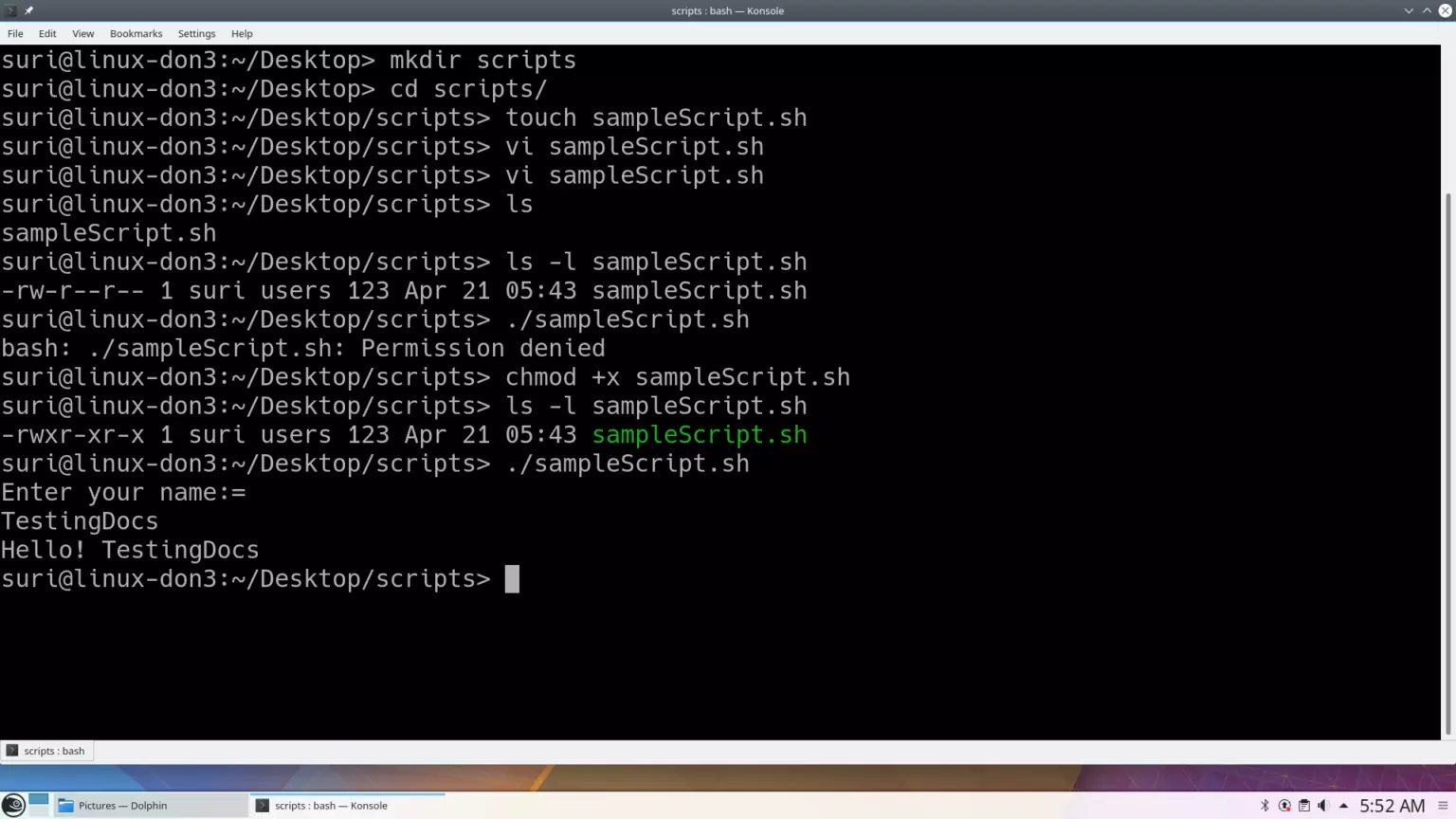
7 Ways To Write A Shell Script Using Bash Shell In Ubuntu Riset
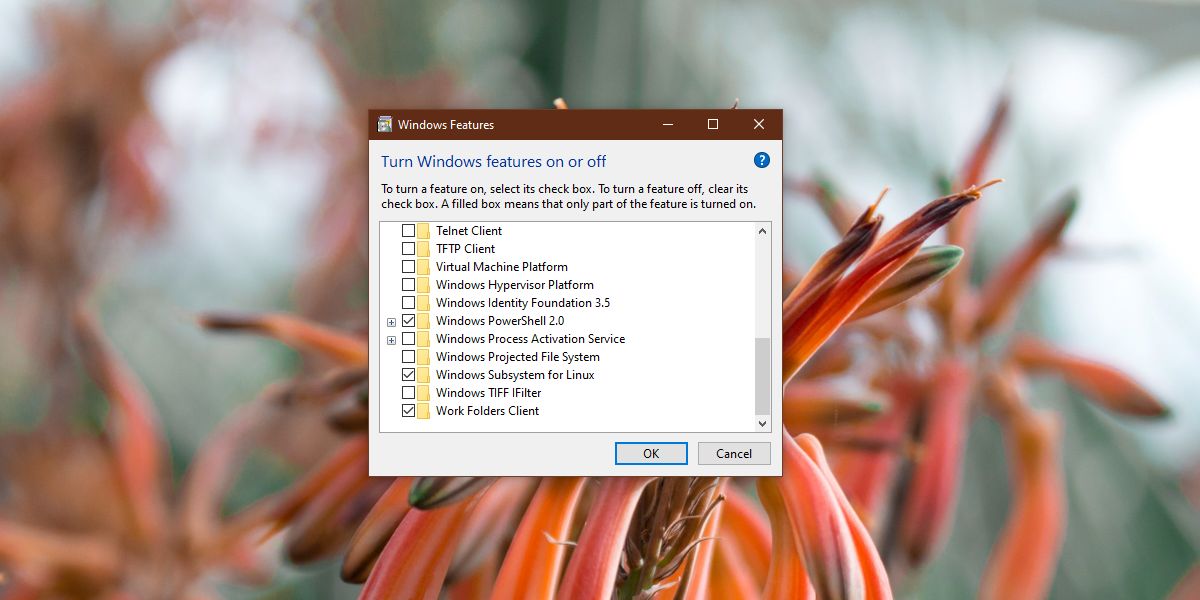
How To Run A Shell Script On Windows 10
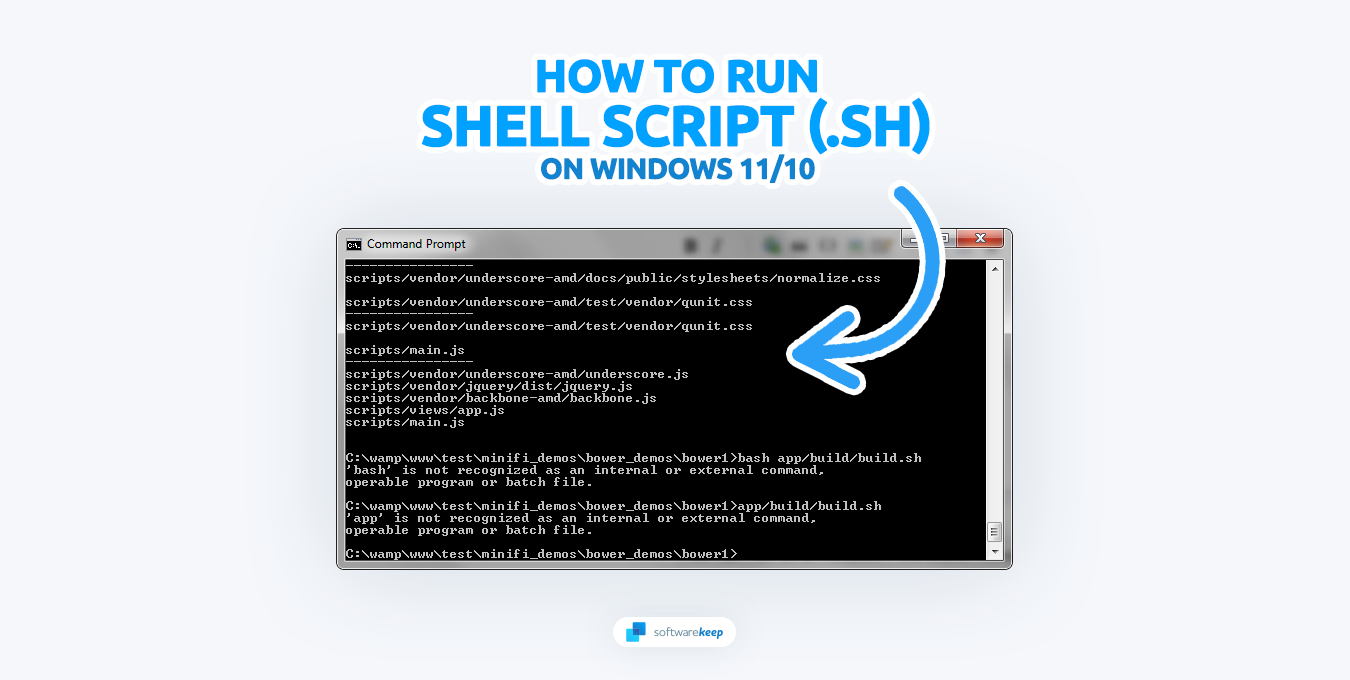
How To Run sh Or Shell Script File In Windows 11 10

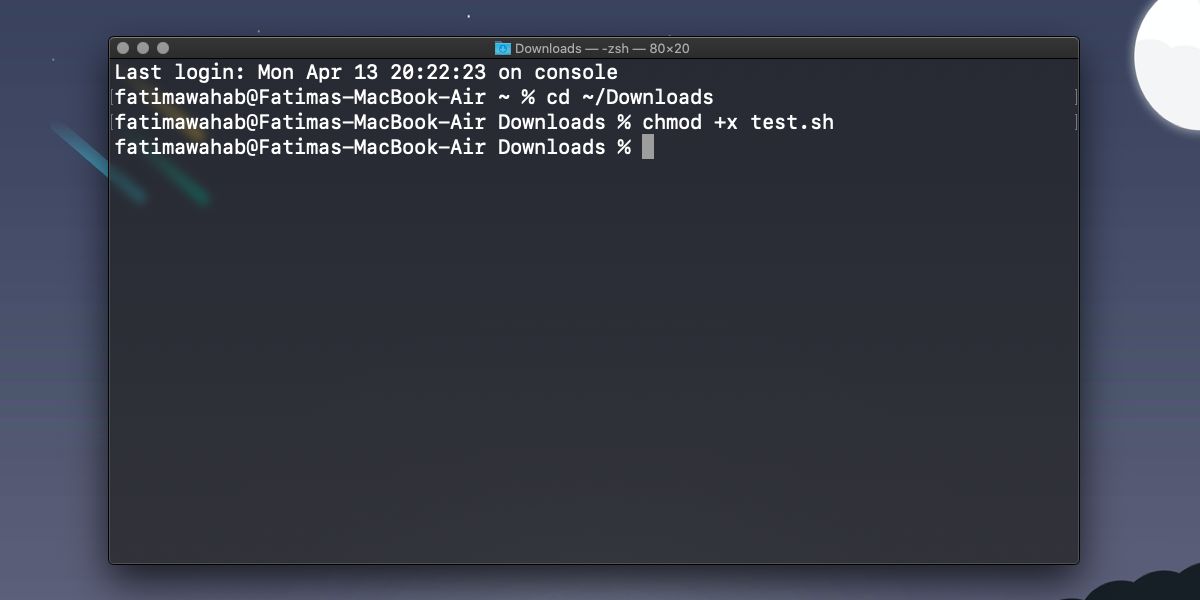
How To Create File In Terminal Mac Os Joloportland
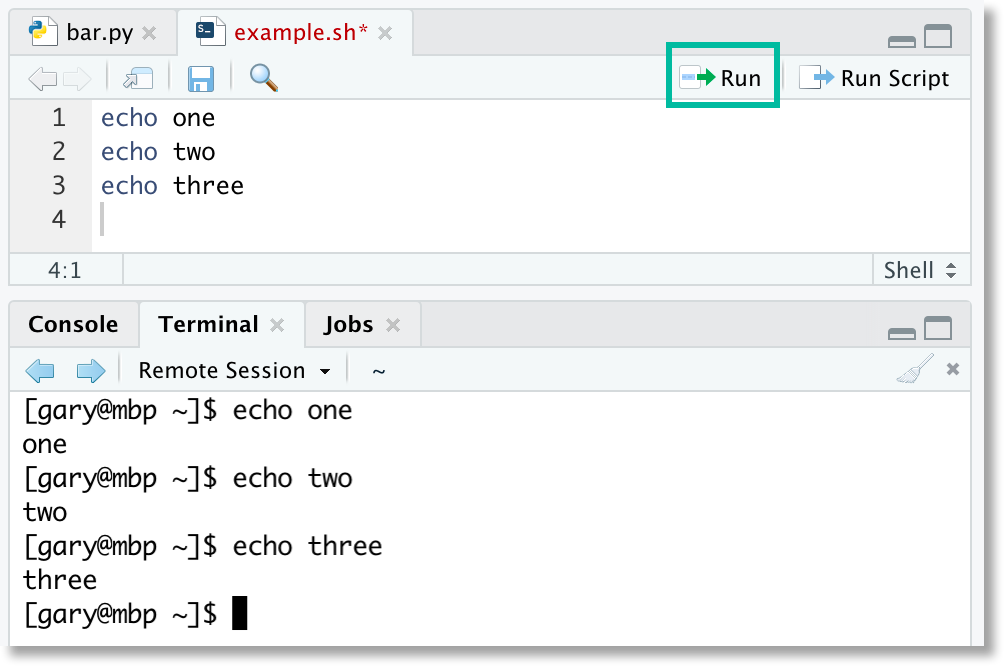
Using The RStudio Terminal In The RStudio IDE Posit Support

How to install Chrome Important Before you download you can check if Chrome supports your operating system and other system requirements

Google Chrome tips Google Chrome tips From productivity to customization learn how to get things done more quickly with your browser
Google Chrome tips From productivity to customization learn how to get things done more quickly with your browser

You can get directions for driving public transit walking ride sharing cycling flight or motorcycle on Google Maps If there are multiple routes the best route to your destination is blue All other

If you forgot your password or username or you can t get verification codes follow these steps to recover your Google Account That way you can use services like Gmail Pho
[desc-11] [desc-12]
[desc-13]