How To Run A Shell Script At Startup Mac How To Run A Shell Script On Windows 10 FlikePro How To Run A Shell Script At Startup Magenaut How To Create And Run A Shell Script In Linux And Ubuntu System Doesn t Run A Shell Script At Startup Manjaro 20 2 1 KDE Kde System Doesn t Run A Shell Script At Startup Manjaro 20 2 1 KDE Kde WEB Save the launch daemon as com startup script plist in Library LaunchDaemons and owned by root wheel Launch it with sudo launchctl load
WEB Nov 14 2022 nbsp 0183 32 In order to auto execute a command or a script every time you open a Mac Terminal follow the below steps Go to Menu Terminal gt Preferences Settings on WEB Nov 14 2014 nbsp 0183 32 One way of doing it would be assigning the script a launchd service Create the shell script as usual Then you can make a launchd service to run it at startup
System Doesn t Run A Shell Script At Startup Manjaro 20 2 1 KDE Kde Unix Linux Run Shell Script At Startup Kali Linux 2 Solutions How To Stop Malwarebytes From Running At Startup Mac Callstashok System Doesn t Run A Shell Script At Startup Manjaro 20 2 1 KDE Kde How To Execute A Shell Script At Startup In Linux Systran Box System Doesn t Run A Shell Script At Startup Manjaro 20 2 1 KDE Kde Tips How To Automatically Execute Shell Script At Startup Boot On System Doesn t Run A Shell Script At Startup Manjaro 20 2 1 KDE Kde Linux Hackerman
How To Run A Shell Script At Startup Mac
 How To Run A Shell Script At Startup Mac
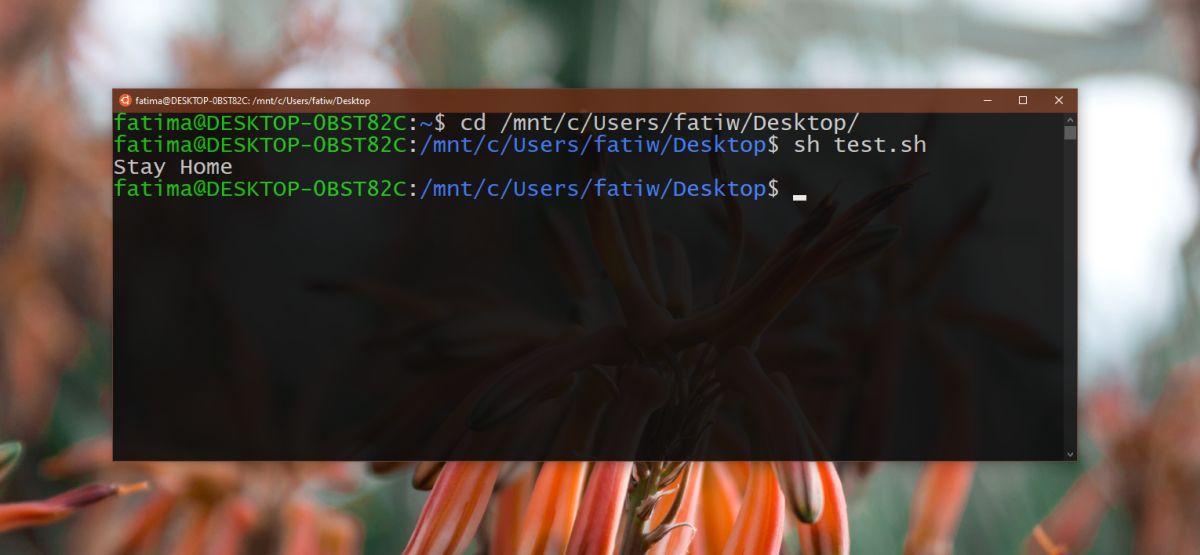
https://www.addictivetips.com/app/uploads/2020/04/Shell-script-on-Windows-1.jpg
WEB May 11 2024 nbsp 0183 32 In this quick tutorial we ll explore different options for executing a script on startup in Linux This comes in handy in plenty of situations such as if we want to start a
Pre-crafted templates provide a time-saving service for creating a varied variety of documents and files. These pre-designed formats and designs can be utilized for different individual and professional tasks, including resumes, invitations, leaflets, newsletters, reports, presentations, and more, streamlining the content production process.
How To Run A Shell Script At Startup Mac
Solved How To Run A Shell Script At Startup 9to5Answer

Unix Linux Run Shell Script At Startup Kali Linux 2 Solutions

How To Stop Malwarebytes From Running At Startup Mac Callstashok
System Doesn t Run A Shell Script At Startup Manjaro 20 2 1 KDE Kde

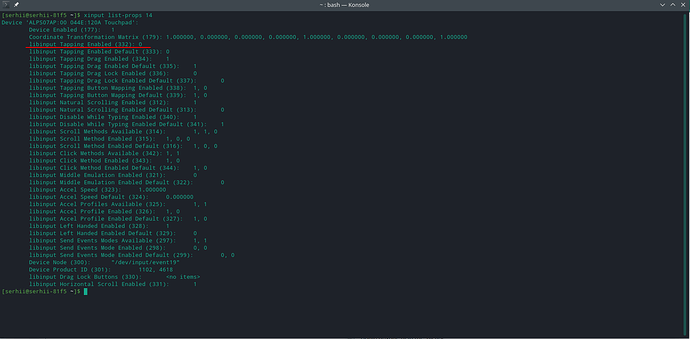
System Doesn t Run A Shell Script At Startup Manjaro 20 2 1 KDE Kde

Tips How To Automatically Execute Shell Script At Startup Boot On
WEB Oct 19 2012 nbsp 0183 32 First create your startup script i e home user startup sh and make it executable chmod x home user startup sh Then set a crontab for it crontab e

WEB If you want to run a command when Terminal app opens a shell not just for any interactive shell Open Terminal Preferences Profiles Select the profile you use then switch
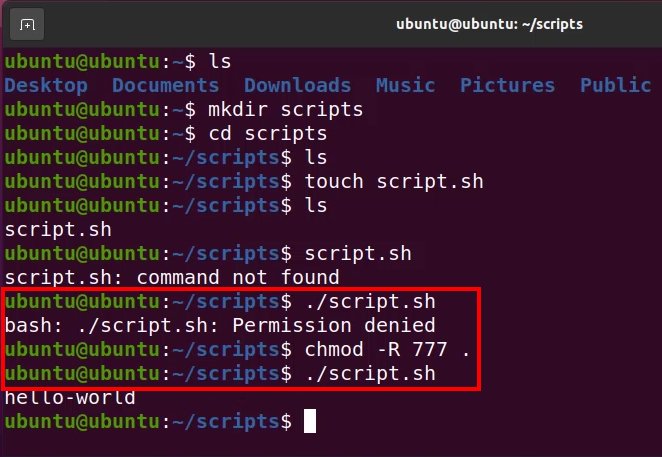
WEB To run a script or a few on startup you can interface with launchd by writing a corresponding plist file In my case I want to run networksetup to connect to a specific
WEB Run Automator scripts using the command line utility automator and AppleScripts using osascript Their man pages explain the usage in detail You can set a login hook but it is
WEB Jul 29 2021 nbsp 0183 32 Learn how to use the Automator app and launchd to control automated startup and login actions on macOS
WEB Dec 6 2023 nbsp 0183 32 Shell scripts are easier to run on macOS compared to Windows because macOS is based on UNIX much like a Linux system Shell commands will run easily WEB Aug 5 2010 nbsp 0183 32 A simple command one which doesn t need to remain running could use an Upstart job like start on startup task exec path to command Save this in a conf file in
WEB May 25 2020 nbsp 0183 32 In order for the script to run at boot you need to register it in the etc rc local file before the line exit 0 If you do not have this file create it and paste the