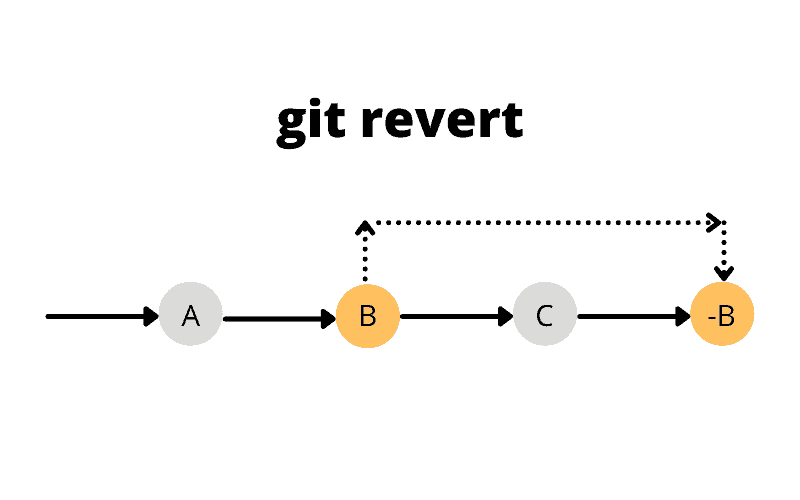
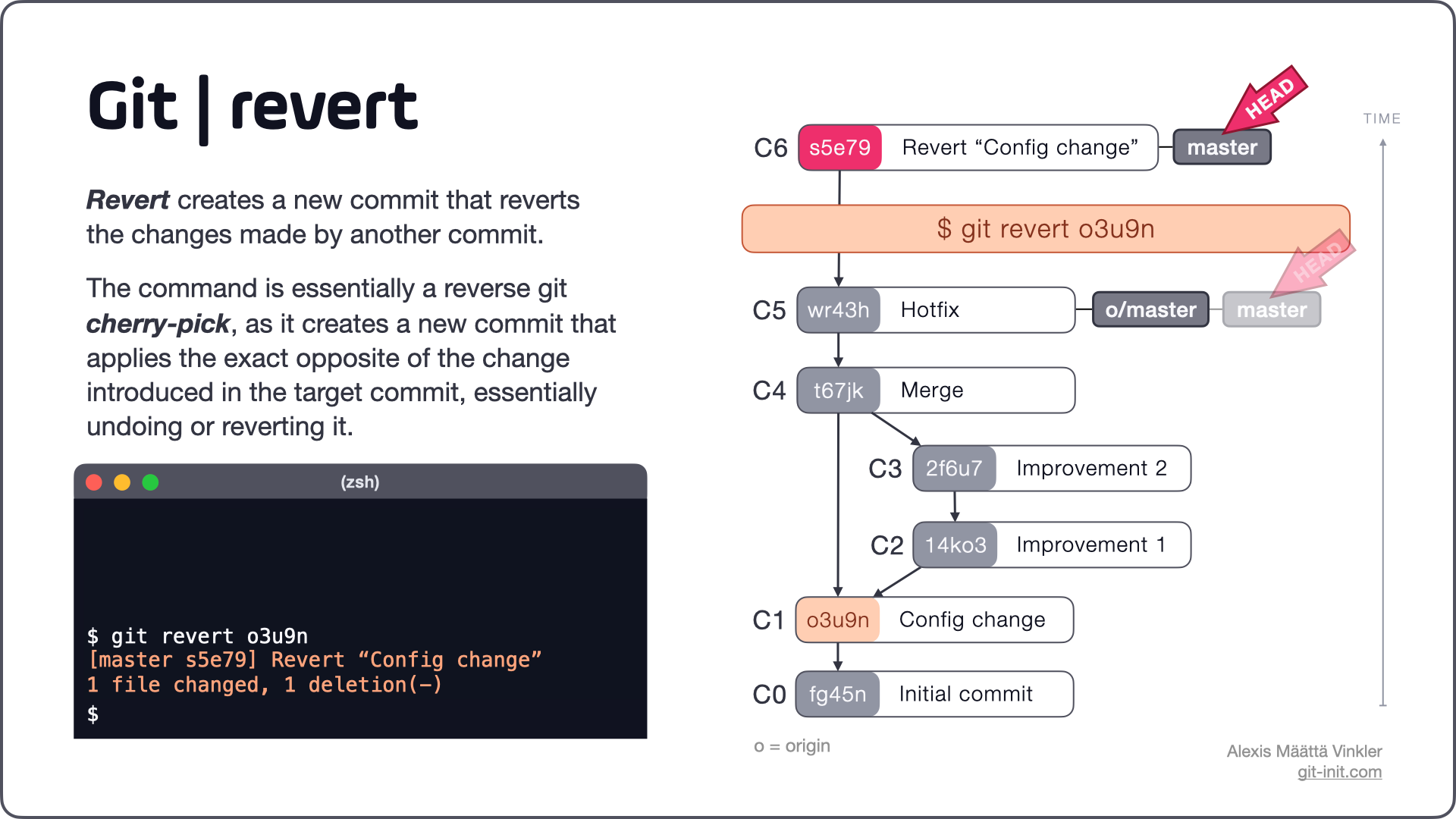
How To Revert Last Commit In Git Remote Branch How To Revert The Last Commit Locally And Remote In Git Become A How To Reset Your Git Branch To A Previous Commit both Local And How Do I Revert A Git Repo To A Previous Commit O Reilly How To Revert The Last Commit In Git Command Line MakeloGy Git What Are Differences Between Revert Revert Commit And Reset Hot The command revert in Git is used to generate a new commit to reverse the changes made in previous commits Explanation of what git revert does
To revert to the to the previous commit run the git revert command along with the commit ID of the current commit Unlike the git reset Kkjavatutorials Git GithubAbout this Video This video talks about How to revert changes of
Git What Are Differences Between Revert Revert Commit And Reset Hot Git Revert File Reverting A File To A Previous Commit Git Revert File Reverting A File To A Previous Commit Git Revert Commit Solutions To Git Problems How To Revert Or Undo Last Commit In Git SidTechTalks Does Amending A Commit Change Its Hash Git How To Revert Commit In Github And Restore Files In Vs Code My How To Undo Pushed Commits With Git DEV Community How To Revert A Git Commit The Git Revert Command YouTube
How To Revert Last Commit In Git Remote Branch
 How To Revert Last Commit In Git Remote Branch
https://www.becomebetterprogrammer.com/wp-content/uploads/2021/12/Git-Revert.png
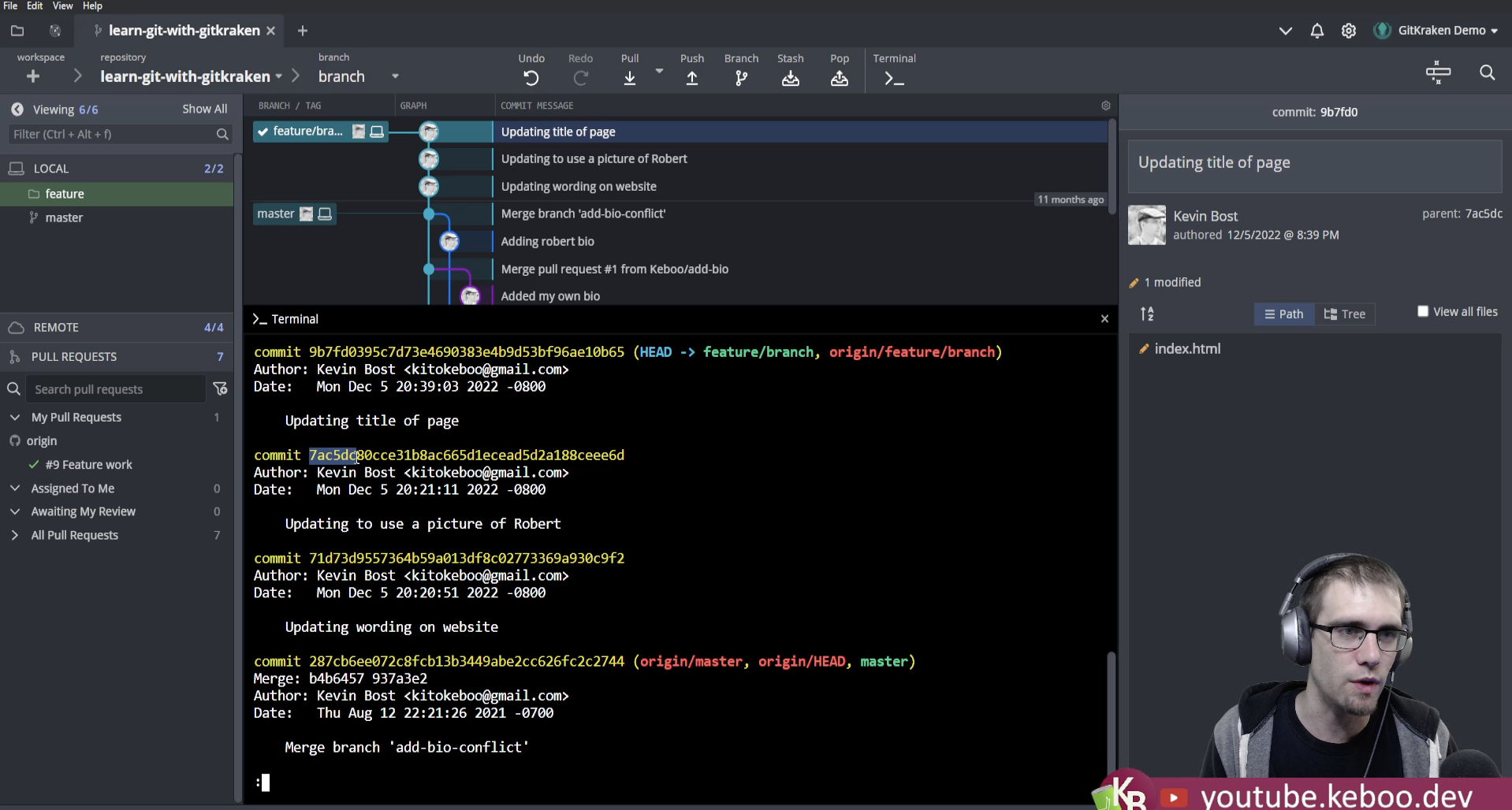
In order to exit from this git log screen just hit the q key You may already know that in git HEAD indicates that your latest commit in your current branch
Templates are pre-designed files or files that can be utilized for different functions. They can conserve time and effort by providing a ready-made format and design for producing various type of content. Templates can be used for individual or professional tasks, such as resumes, invites, flyers, newsletters, reports, discussions, and more.
How To Revert Last Commit In Git Remote Branch

Reverting Changes From Remote Branch Mastering Visual Studio 2017 Book

Git Revert File Reverting A File To A Previous Commit

Git Revert File Reverting A File To A Previous Commit
Git Revert Commit Solutions To Git Problems
Does Amending A Commit Change Its Hash
Git How To Revert Commit In Github And Restore Files In Vs Code My
Instead of going through all the changes manually you can simply tell git to revert a commit which does not even have to be the last one
After you get the particular commit hash run the command git checkout as below This would make the current working repository match the

To undo the last commit from a remote git repository you can use the git reset command Advertisement area First you can use the
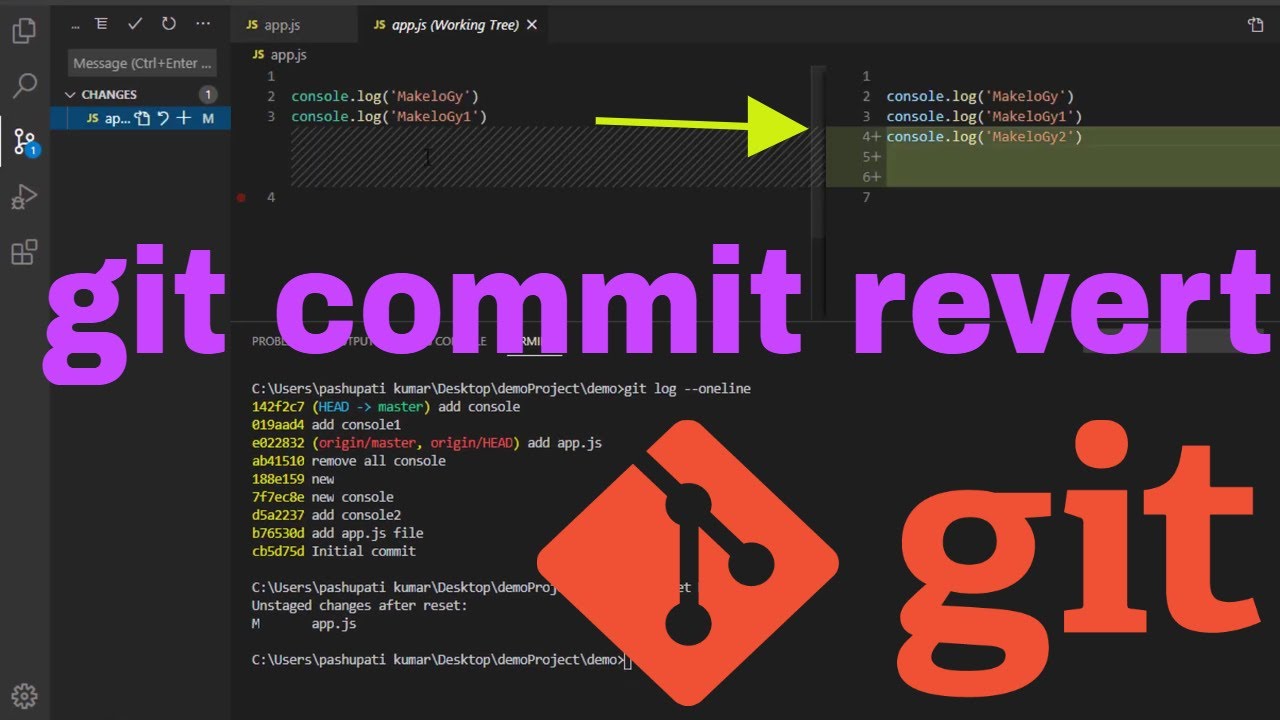
Instead of going through all the changes manually you can simply tell git to revert a commit which does not even have to be the last one Reverting a commit

Go to the Git history Right click on the commit you want to revert Select revert commit Make sure commit the changes is checked Click
If the commits you want to remove are placed at the top of your commit history use the git reset hard command with the HEAD object and the If you want to revert the last commit just do git revert unwanted commit hash then you can push this new commit which undid your
In the previous example the commands will undo the changes made in commit 53333305 and create a new commit on the branch The original commit