How To Replace Text In Adobe Acrobat How To Replace Text In PDF Form Field VeryPDF Knowledge Base Replace Text In Multiple Files Neo Replace Replace Text In PDF Free Offline Or Online We Offer 5 Options How To Replace Text In Adobe Photoshop Complete Guide Photoshop Digital Media Art Adobe How To Replace Text In Docx Files In Python Python Code The option to Add note to replace text is present in the right click menu Select the relevant text in the document do a right click select Add Note to Replace Text so the feature is there in the product per se with the update the invocation point from the main Comment App menu was removed though
Use the Find toolbar to quickly search the current PDF and replace text Press Ctrl F for Windows or Command F for macOS to open the Find toolbar Enter the word you want to search for When selecting the ellipsis next to the entered word you ll find the following options to improve the search based on your requirements How to edit PDF files Open a file in Acrobat Click on the Edit PDF tool in the right pane Add new text edit text or update fonts using selections from the Format list Add replace move or resize images on the page using selections from the Objects list Click the other tools to edit your PDF further
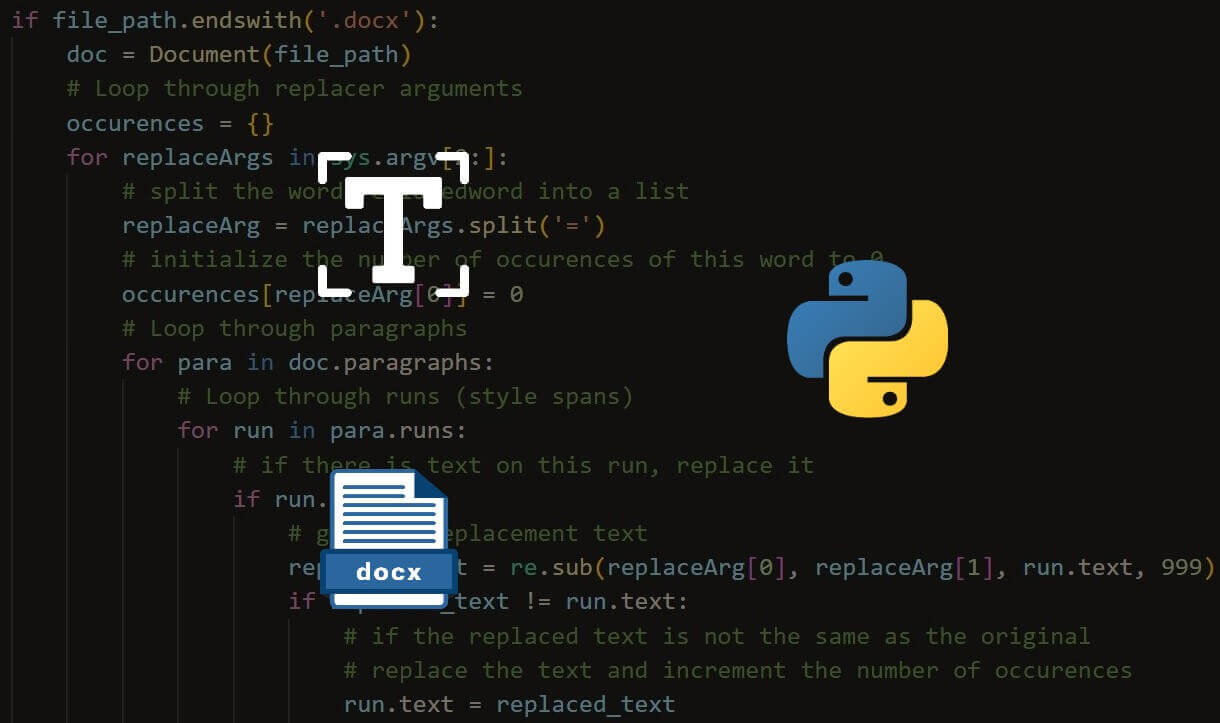
How To Replace Text In Docx Files In Python Python Code Replace Text In PDF Free Offline Or Online We Offer 5 Options How To Use The Comment And Markup Tools In Adobe Acrobat Replace Text In PDF Free Offline Or Online We Offer 5 Options Free Ways How To Replace Text In PDF Online Offline EaseUS Illustrator Template Cut Out Stock Images Pictures Alamy How To Replace Text In Wordpress Website Using Javascript YouTube How To Find And Replace In Adobe Illustrator Webucator How Software Application s Works How To Replace Text In Document At Microsoft Word
How To Replace Text In Adobe Acrobat
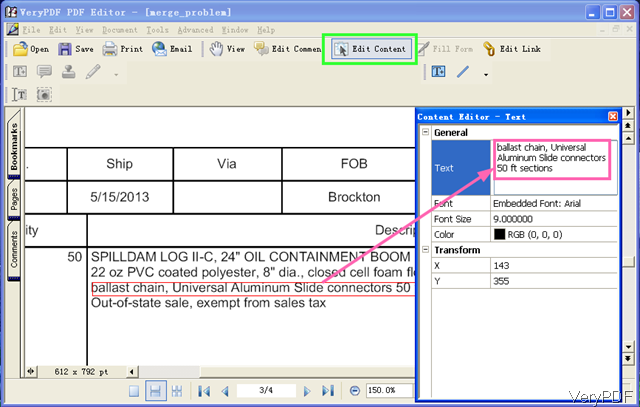 How To Replace Text In Adobe Acrobat
https://www.verypdf.com/wordpress/wp-content/uploads/2013/09/replacePDFFormfield.png
For new up to date videos check out my website https theaccessibilityguy pdf accessibility Adobe Acrobat Playlist https www youtube playlist l
Templates are pre-designed files or files that can be utilized for different functions. They can conserve effort and time by providing a ready-made format and layout for producing different sort of content. Templates can be used for personal or expert jobs, such as resumes, invitations, leaflets, newsletters, reports, discussions, and more.
How To Replace Text In Adobe Acrobat
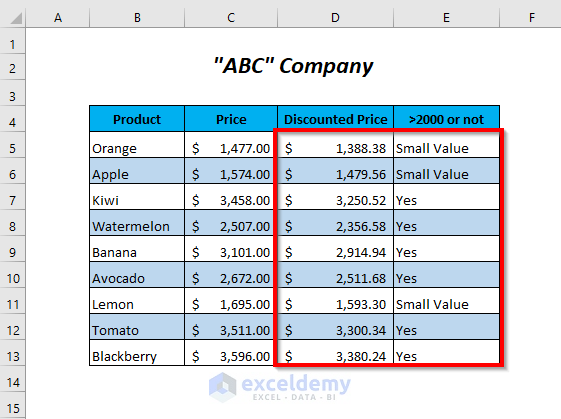
How To Replace Text In Excel Formula 7 Easy Ways ExcelDemy
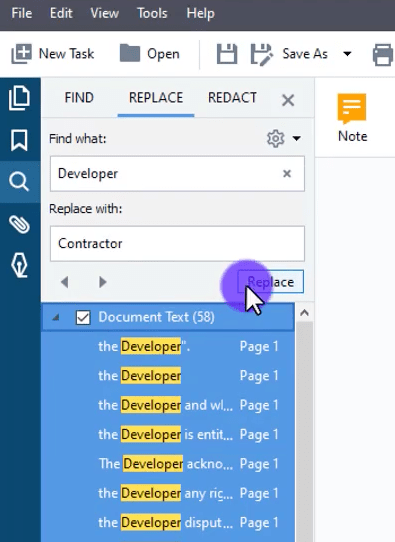
Replace Text In PDF Free Offline Or Online We Offer 5 Options

How To Use The Comment And Markup Tools In Adobe Acrobat
Replace Text In PDF Free Offline Or Online We Offer 5 Options
Illustrator Template Cut Out Stock Images Pictures Alamy
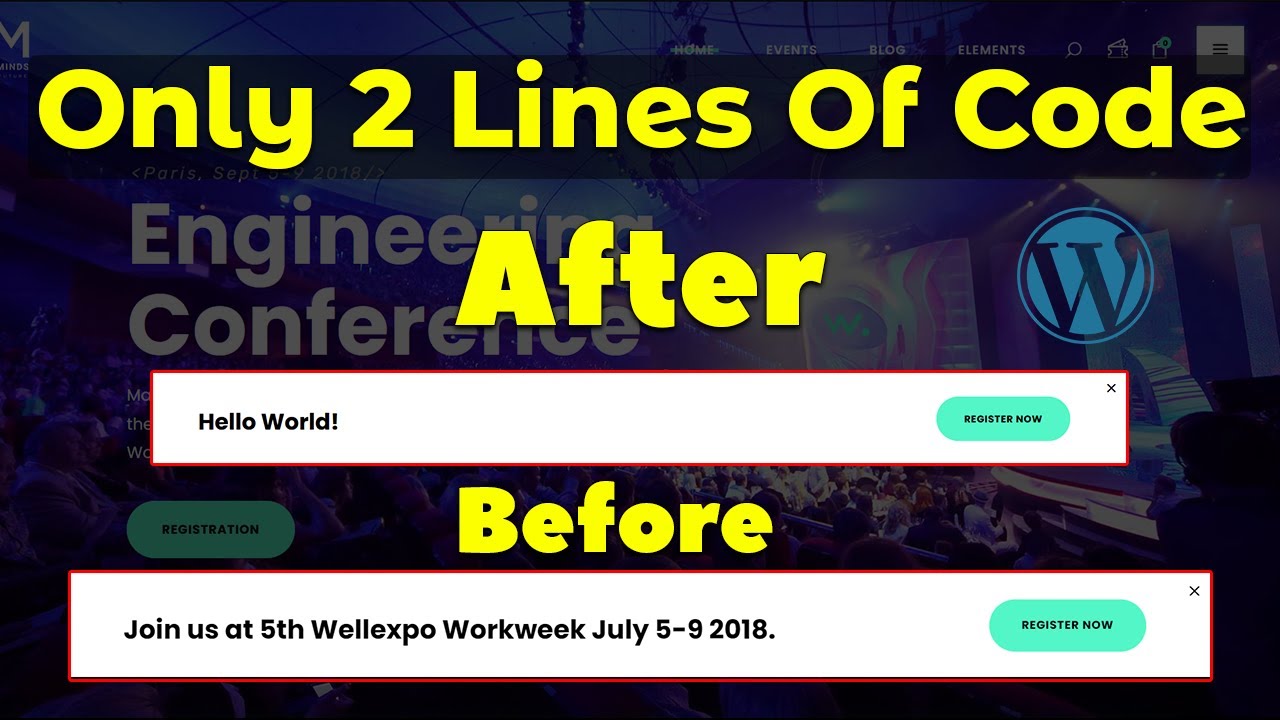
How To Replace Text In Wordpress Website Using Javascript YouTube

Find and Replace Text in Adobe Acrobat DC 1 Select the Edit tab 2 Select Find Pro Tip PC users can type Ctrl F instead of selecting the Edit tab and the Find option 3 Enter the word that you want to find in the Find text box 4 Select the down arrow to open the options menu 5
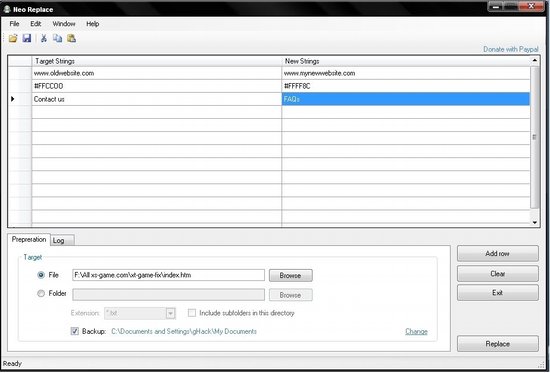
Open the Find dialog Ctrl or Cmd F Enter XYZ For the replace with use ABC Click next and then replace Continue with click n the replace next One at a time click it is replaced click it is replaced until it is done

How to Find and Replace Text in Adobe Acrobat DC Erin Wright Writing 62 1K subscribers Subscribe Subscribed 235 87K views 6 years ago How to Use Adobe Acrobat Learn how to find and replace

Learn how to add or replace text correct typos change fonts and typeface adjust alignment and resize text in a PDF using Acrobat
1 Launch Adobe Acrobat Open the file that you would like to change improve 2 Expand the Tools sidebar At the top of the document click on the Tools button A sidebar will appear Click on Content Editing to expand that field then click in Edit Text Images The editable text blocks will be outlined 3 Edit the text
For more precise text editing the best way to erase individual words is with a PDF editing tool like Adobe Acrobat When it s time to make changes simply follow these steps Open the PDF file you want to edit in Acrobat Click on the Edit PDF tool on the right hand side of the screen Hello everyone Today I will show you How to edit the text in pdf using Adobe Acrobat Pro DC Facebook Page https goo gl mVvmvAhttps goo gl FmZ84UPlease
To choose a font size from 6 px to 24 px follow the steps below Drag and drop the PDF or select a file to upload it to Adobe s online PDF editor Click the font size control at the top of the page It s the icon with a small capital T next to a large one Move the slider to indicate the size of font you want Select the add text control