In Design Default Font Solved: Indesign CC 17 - Changing default font - Adobe Support Community - 8921345 Solved: Indesign CC 17 - Changing default font - Adobe Support Community - 8921345 Changing the Default font style in Adobe InDesign CC 2018 - YouTube Setting a default font in InDesign | Academy Class Adobe InDesign on Twitter: "Need to change the default font in InDesign? Here's how to do it: https://t.co/YYTtPKyrK5 https://t.co/o8X3WH2qBs" / Twitter So every time you draw a new text box Type tool draw a text box it defaults to Myriad Pro 12 points With no space after and hyphenation turned on by
Open InDesign but do NOT create or open a document Select the Text tool In the Control Bar across the top select the Font drop down menu and InDesign Tip 1 How to Set a Default Font Open InDesign Close any open documents This is extremely important Open the Character palette Window Type
Adobe InDesign on Twitter: "Need to change the default font in InDesign? Here's how to do it: https://t.co/YYTtPKyrK5 https://t.co/o8X3WH2qBs" / Twitter How to Change a Font in InDesign Across the Whole Document - YouTube How to set a default font in Adobe Indesign Step-By-Step - YouTube List of Default InDesign Fonts with Macrons | Books and stuff List of Default InDesign Fonts with Macrons | Books and stuff Use fonts in InDesign Setting The Default Font Size For New Documents Adobe InDesign | Bring Your Own Laptop Set The Default Font in Any Version of InDesign (SKN 064) - YouTube InDesign Missing Fonts: How To Batch Replace — SBLTN
In Design Default Font
 In Design Default Font
https://community.adobe.com/legacyfs/online/1129853_InDesign%20CCss_008.png
That s the default font in more recent versions of Adobe InDesign If I look at the paragraph styles panel and double click basic paragraph it s in brackets
Templates are pre-designed files or files that can be utilized for different functions. They can save effort and time by offering a ready-made format and layout for developing various kinds of content. Templates can be utilized for individual or professional projects, such as resumes, invitations, flyers, newsletters, reports, presentations, and more.
In Design Default Font
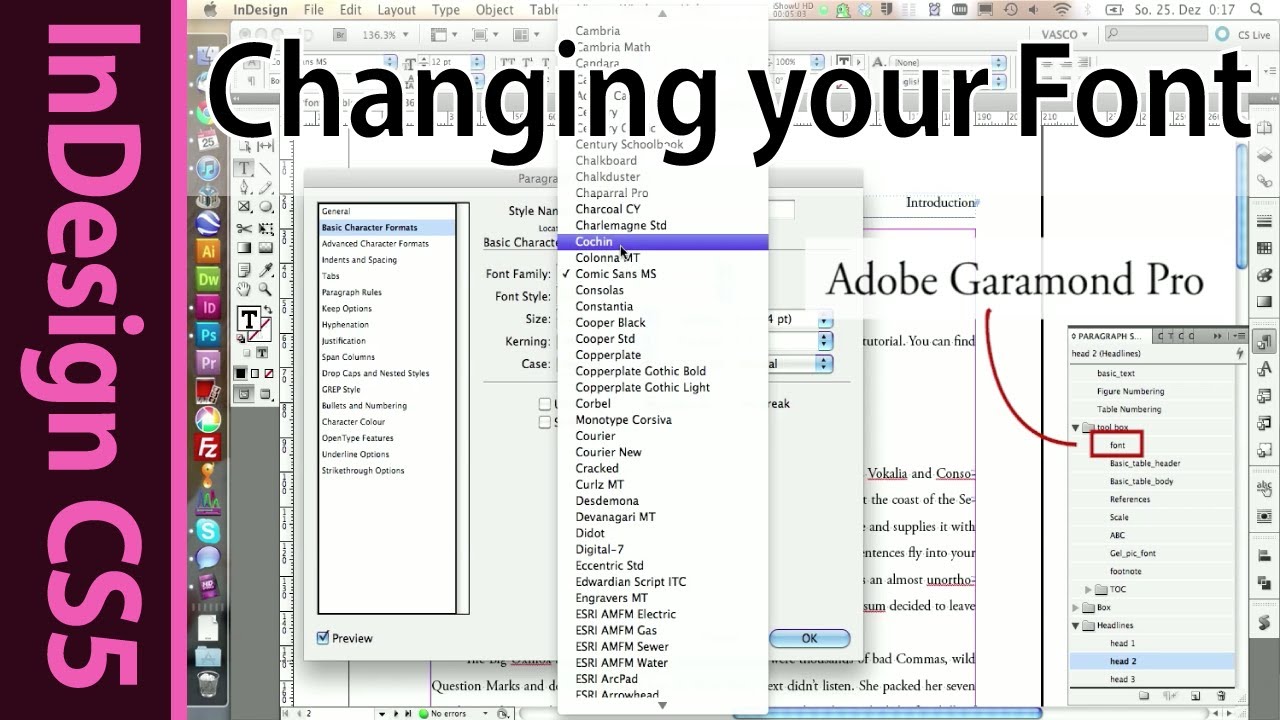
InDesign - Changing the font in Paragraph Styles (Part 15) - YouTube
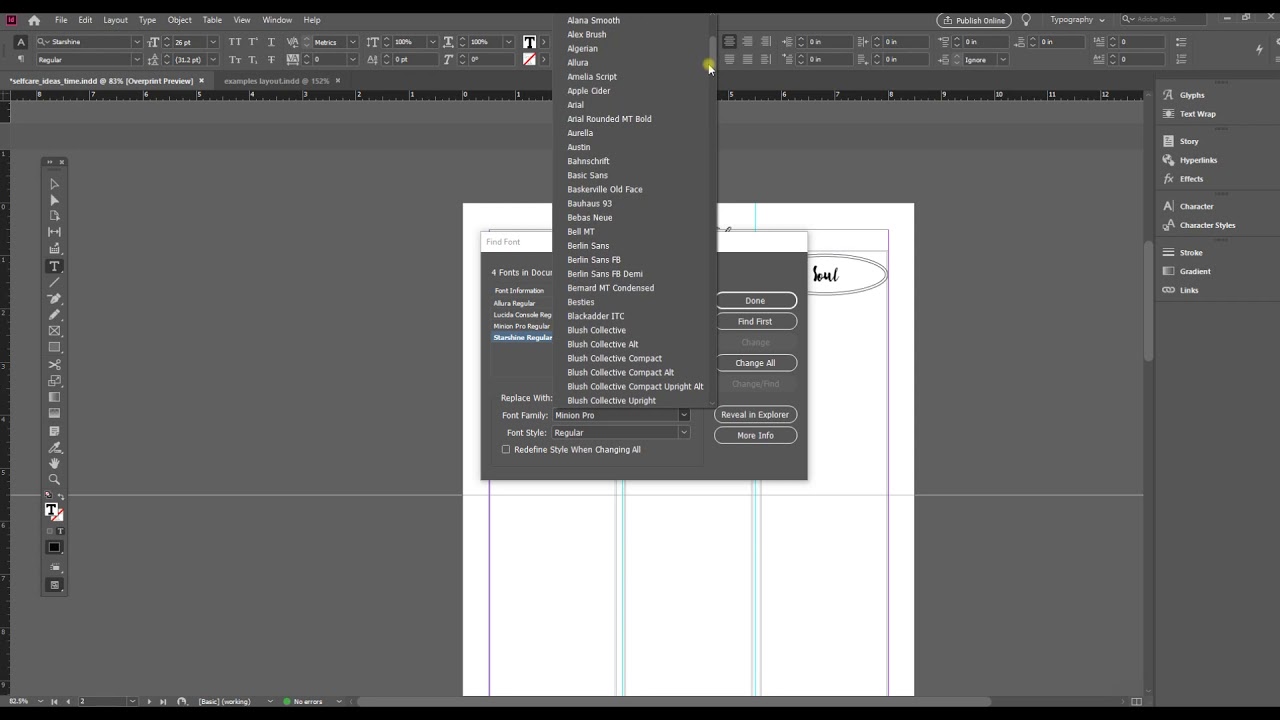
How to Change a Font in InDesign Across the Whole Document - YouTube

How to set a default font in Adobe Indesign Step-By-Step - YouTube

List of Default InDesign Fonts with Macrons | Books and stuff

Use fonts in InDesign
Setting The Default Font Size For New Documents Adobe InDesign | Bring Your Own Laptop
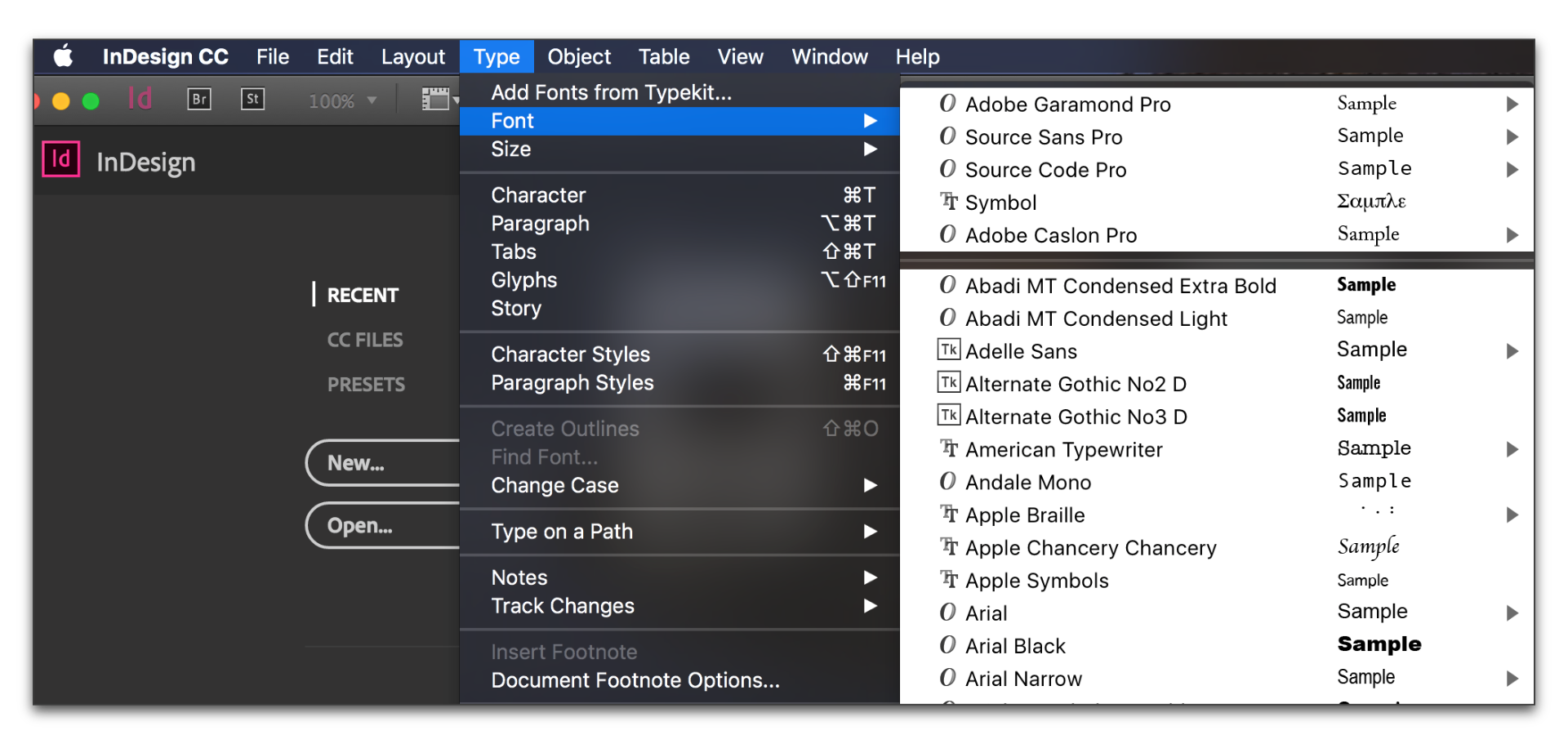
1 Launch InDesign and close all document windows if applicable 2 Select Type then Font and select an option from the installed fonts on your computer
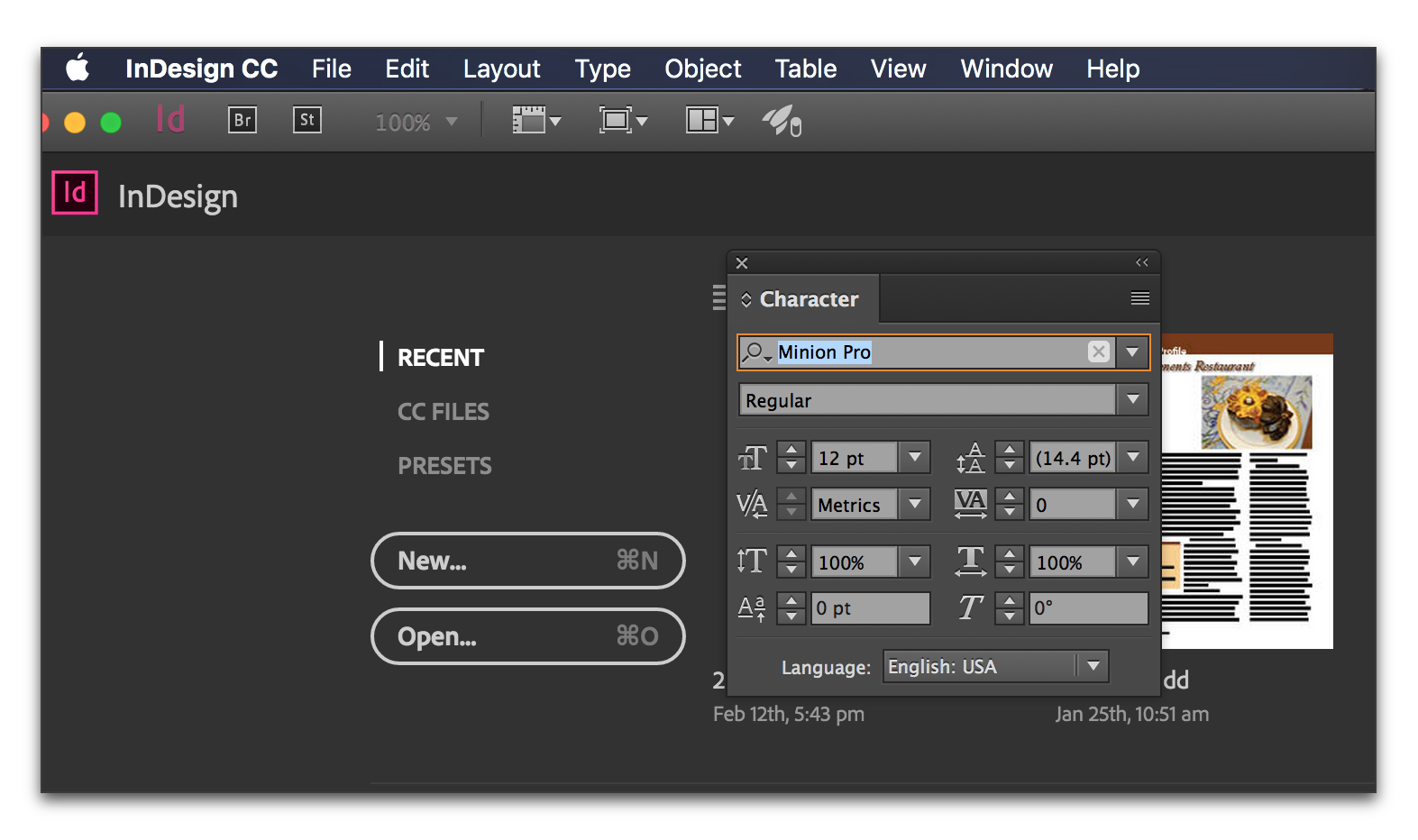
We are going to look at changing the default font so that every new document that is created will use my chosen default font of Myriad Pro

Pariah Burke sInDesign Tip of the WeekSubscribe for a new InDesign video tip every week For

Now InDesign saves the default font in the Basic Paragraph Style Therefore to change the default font you must both change it in the Font Family field with

To do this open InDesign and select File Preferences from the menu bar On the General tab under Fonts Text click on the Default font button to open the
I m looking for a way to change a character in my default font I use the font family Proxima Nova an Adobe font what I have activated Hyphenation Hyphenation is automatically turned on in both QuarkXPress and InDesign but the default settings are too liberal for many typography purists For
You might want to look up Paragraph styles It allows you to change the font size color etc and then set it as the default for that document