How To Replace A Line In Vim How To Delete Line In Vim Vi Editor Under Linux Secure Technology Business Articles News Updates MindsGrid PowerShell Replace Line In File ShellGeek Alphabet Upper And Lowercase Sales Cheap Save 53 Jlcatj gob mx Linux UNIX Sed Replace Newline n Character NixCraft Web Sep 12 2017 nbsp 0183 32 If you want to search and replace all of the matched word in the current line you could easily use simple substitute s with g modifier in command mode If you
Web 2 Answers Sorted by 6 Use amp in the replacement text to stand for the whole original string s google hk amp or to avoid replacing things like not google hk Web Two solutions I can think of Option one use the before after column match atoms gt 123c and lt 456c In your example the following command substitutes underscores
Linux UNIX Sed Replace Newline n Character NixCraft How To Copy And Paste A Line In Vim Vim From Scratch How To Rename Multiple Files On Linux Linux Tutorials Learn Linux Configuration How To Replace Trimmer Line On A STIHL AutoCut 25 2 YouTube How To Delete Lines In Vim Or Vi How To Go To End Or Beginning Of A Line In Vim Vi How To Show Commit That Introduced Current Line In Vim R vim How To Insert At The End Of A Line In Vim Techozu Move End Of Line In Vim Vi LinuxTect
How To Replace A Line In Vim
 How To Replace A Line In Vim
https://lgvps.com/wp-content/uploads/2022/06/delete-lines-within-a-range-in-vi-or-vim-768x545.jpg
Web Dec 13 2015 nbsp 0183 32 You can either visually select the lines to be changed or use the global command which searches for lines matching a pattern and applies a command to them
Templates are pre-designed documents or files that can be used for different purposes. They can save effort and time by offering a ready-made format and layout for developing different type of content. Templates can be utilized for personal or expert projects, such as resumes, invites, leaflets, newsletters, reports, presentations, and more.
How To Replace A Line In Vim

How To Cut From Cursor To End Of Line In Vim Techozu
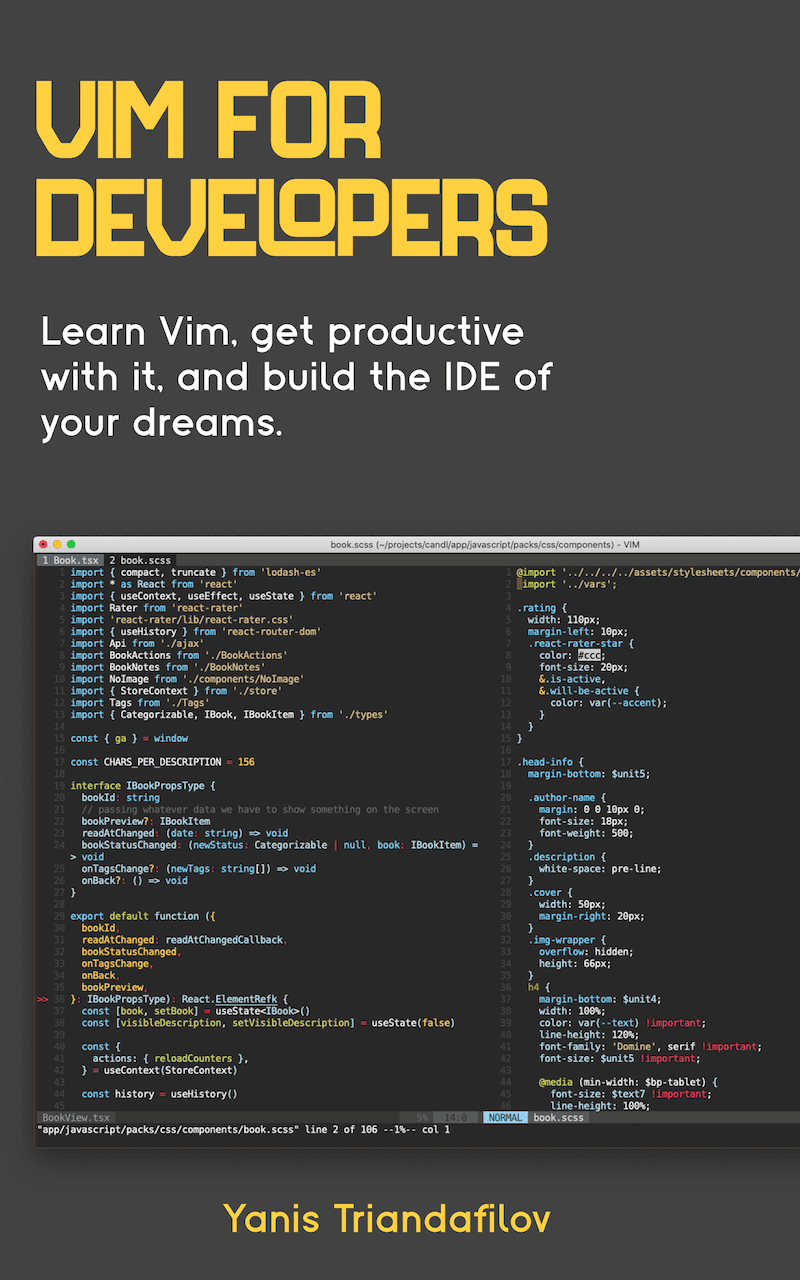
How To Copy And Paste A Line In Vim Vim From Scratch
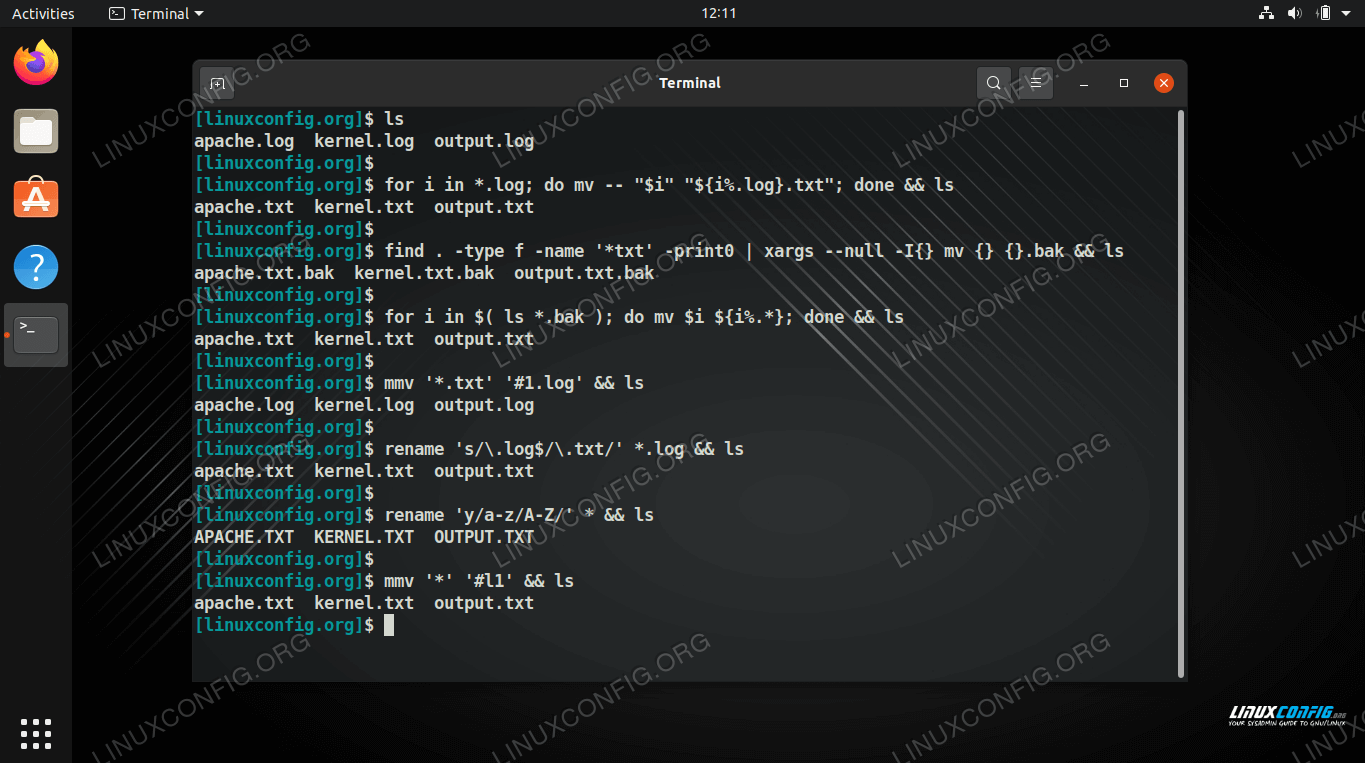
How To Rename Multiple Files On Linux Linux Tutorials Learn Linux Configuration
How To Replace Trimmer Line On A STIHL AutoCut 25 2 YouTube

How To Go To End Or Beginning Of A Line In Vim Vi

How To Show Commit That Introduced Current Line In Vim R vim

Web Apr 21 2013 nbsp 0183 32 It seems like either C or cc beginning of the line not counting whitespace or 0C very beginning of the line would work best Shift c capital c means change

Web Below is the general syntax of the substitute command range s pattern string flags count Let s break down this syntax Anything between the square brackets is
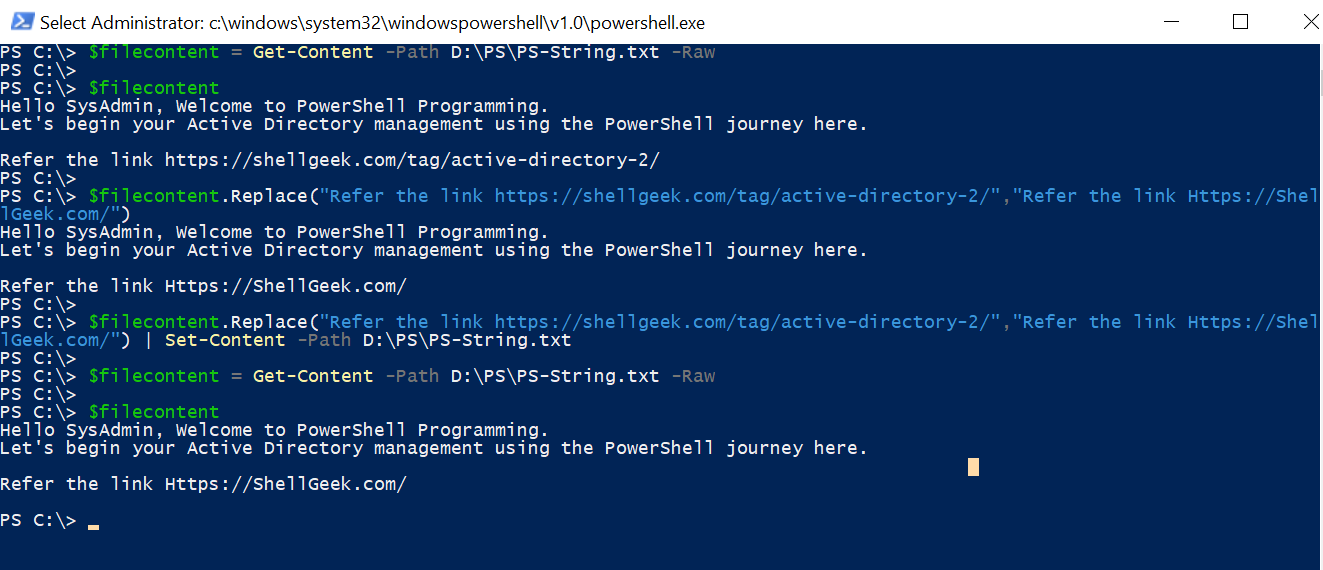
Web Apr 22 2020 nbsp 0183 32 Vs line wise selection then substitute C assuming the cursor is at the start of the line plus various ways to visually select all the text on the line followed by

Web Dec 26 2010 nbsp 0183 32 X This is line should be replaced I believe that I don t perform that task efficiently What I do Go to line A AG replace A with the line number Yank line A yy

Web Jul 28 2022 nbsp 0183 32 Use the slash and dot command to find and replace a single occurrence of a word in Vim Open a file in Vim and follow these steps Press the slash key Type the search term to highlight it in the text and
Web Jun 15 2023 nbsp 0183 32 Vim is a powerful text editor used on the CLI We ll cover different scenarios of search amp replace in this article This will be the last line on the sample file Web Aug 27 2010 nbsp 0183 32 quot ay yank from cursor to end of line into register a Move cursor to desired replace position D delete to the end of the line quot ap paste the text yanked in step 1
Web Mar 9 2020 nbsp 0183 32 2 Answers Sorted by 5 You have to escape the replace part of your substition with 1 1s n n Breakdown start an ex command 1 1 over a range from