How To Replace A Line In A Text File In Python How to Replace a String in Python – Real Python Python string.replace() – How to Replace a Character in a String File Handling in Python – How to Create, Read, and Write to a File Reading and Writing Files in Python (Guide) – Real Python Strings and Character Data in Python – Real Python Example Use replace to Replace a Text within a File The below example uses replace function to modify a string within a file We use the review txt file
Python FileInput is a useful feature of Python for performing various file related operations For using FileInput fileinput module is imported It is great Data data replace World Python Now the data variable
Strings and Character Data in Python – Real Python Basic Input, Output, and String Formatting in Python – Real Python Add character to the beginning of each line using sed - sed command How to Use Google Drive API in Python - Python Code Importing Data in Python Cheat Sheet | DataCamp Editor — Spyder 5 documentation How to Extract Data from PDF Files with Python How to debug Python scripts in Visual Studio Code LightEdit mode | PyCharm Documentation
How To Replace A Line In A Text File In Python
 How To Replace A Line In A Text File In Python
https://files.realpython.com/media/How-to-Replace-Parts-of-a-String-in-Python_Watermarked.a70c83972fa6.jpg
The readlines method read all the lines in one go and stored each line from the text file as a single list item inside a list The readlines
Templates are pre-designed files or files that can be utilized for numerous purposes. They can conserve time and effort by offering a ready-made format and layout for developing various sort of content. Templates can be utilized for personal or expert jobs, such as resumes, invites, flyers, newsletters, reports, presentations, and more.
How To Replace A Line In A Text File In Python
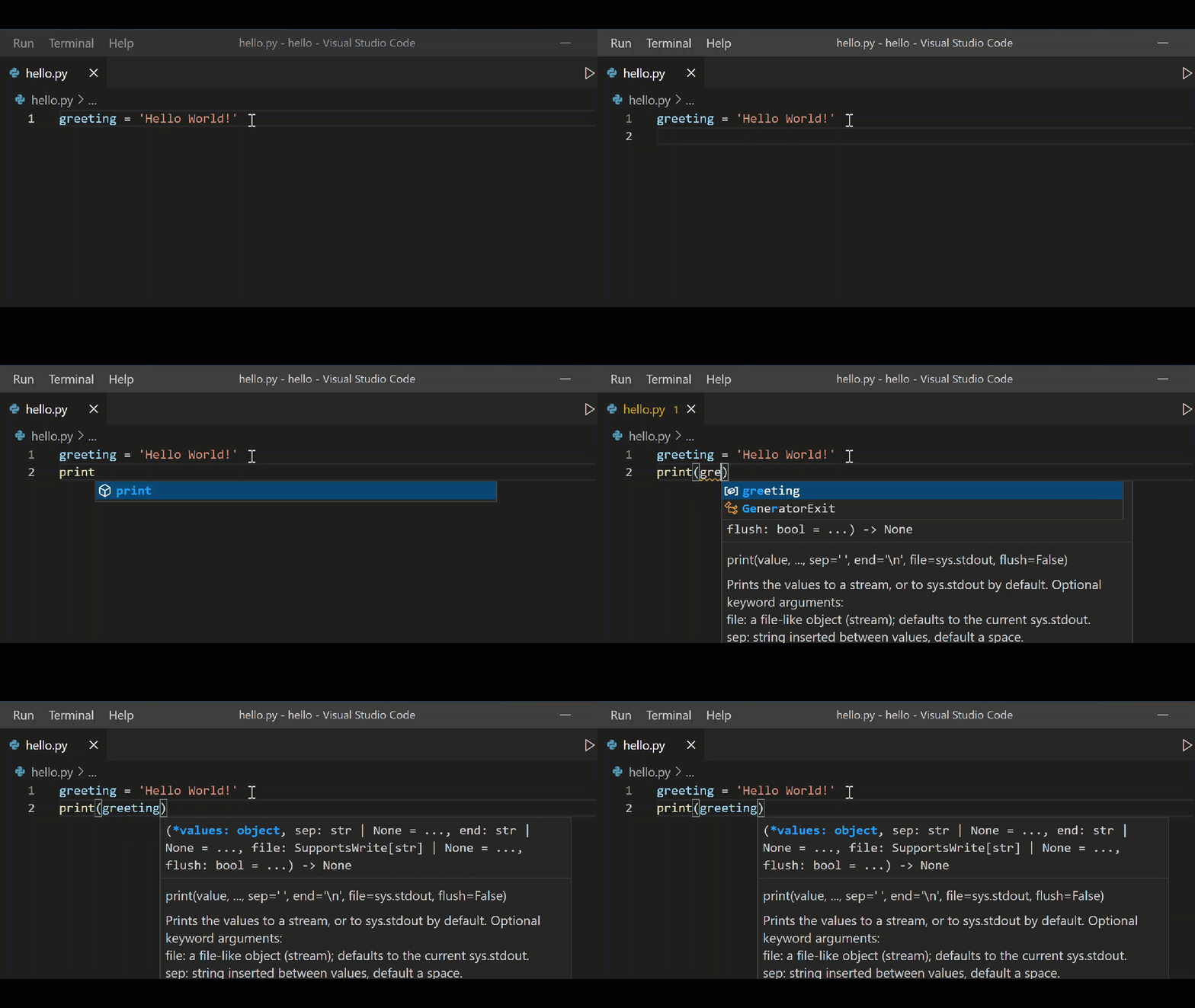
Editing Python Code in Visual Studio Code

Basic Input, Output, and String Formatting in Python – Real Python
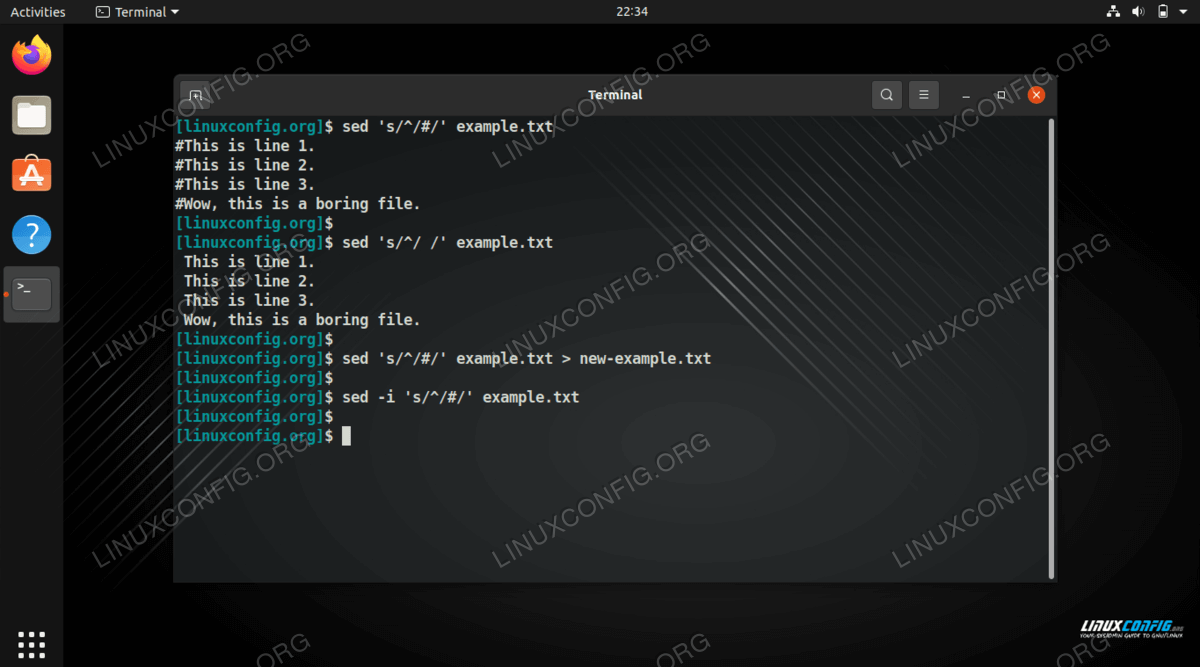
Add character to the beginning of each line using sed - sed command
How to Use Google Drive API in Python - Python Code
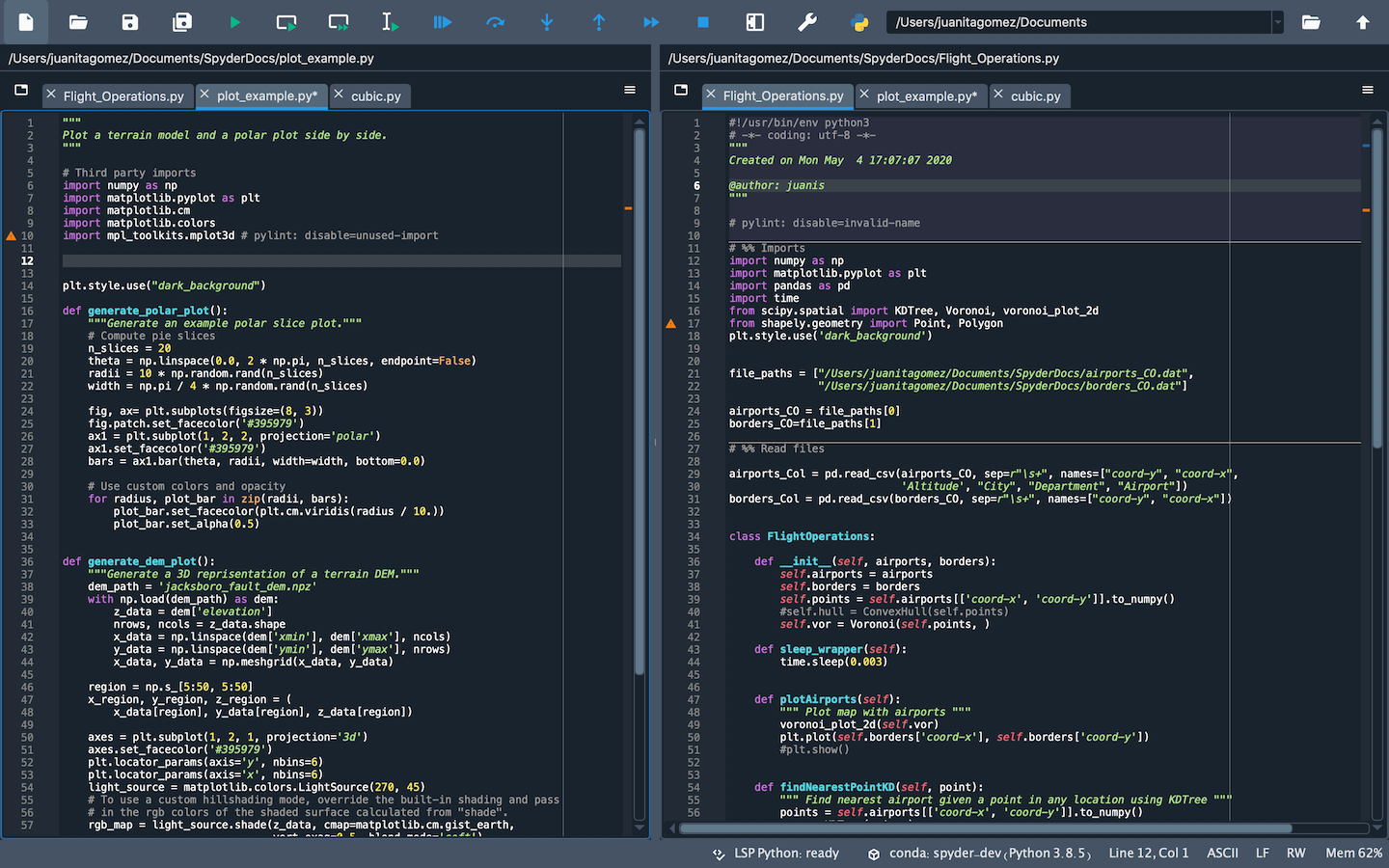
Editor — Spyder 5 documentation
How to Extract Data from PDF Files with Python

First open the File in read only mode and read the file line by line using readlines method and store it in a variable The variable will

Method 1 Loop Through Each Line and Use the string replace Method

line in a file using Python i e a line at a specific line number Source code https

Example 1 Replace string in File Open data txt in read text rt mode and get the reference to fin Open out txt in write text wt mode and get the reference

Use the fileinput input Function for Replacing the Text in a Line in Python The fileinput input method gets the file as the input line by
Import os sys platform filename sys argv 1 with open filename as file f open tester mod txt w for line in file f write line replace sys argv Open the file using the open function Use the read method to read the file Use the replace method to replace any newline characters
In Python there are a few ways you can read a text file In this article I will go over the open function the read readline