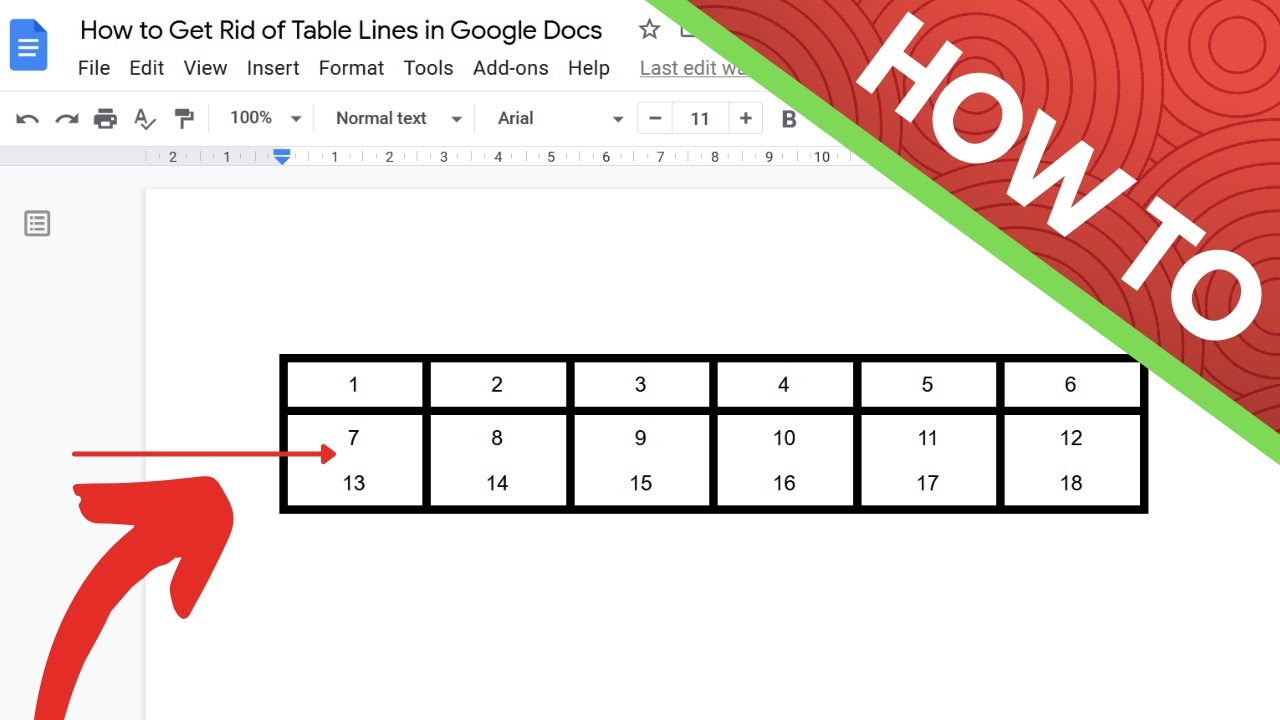
How To Remove Table Lines In Google Docs Delete Table From Google Docs Brokeasshome How To Remove Table Lines From Google Docs Gambaran How To Remove Table Lines In Google Docs Without Deleting Text Google How To REMOVE TABLE LINES In Google Docs 2020 FAST YouTube How To Remove Table Lines In Google Docs Quickly YouTube Step 1 Open your Google Docs document Optional Step 2 Insert a table Step 3 Select the border or borders that you would like to remove The next step is to select the border or borders that you would like to remove from your table To select a single border just click on it
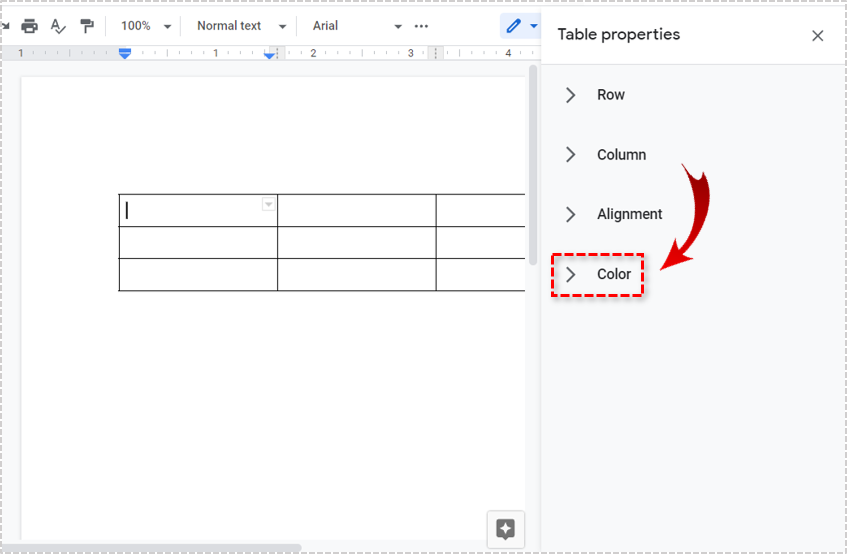
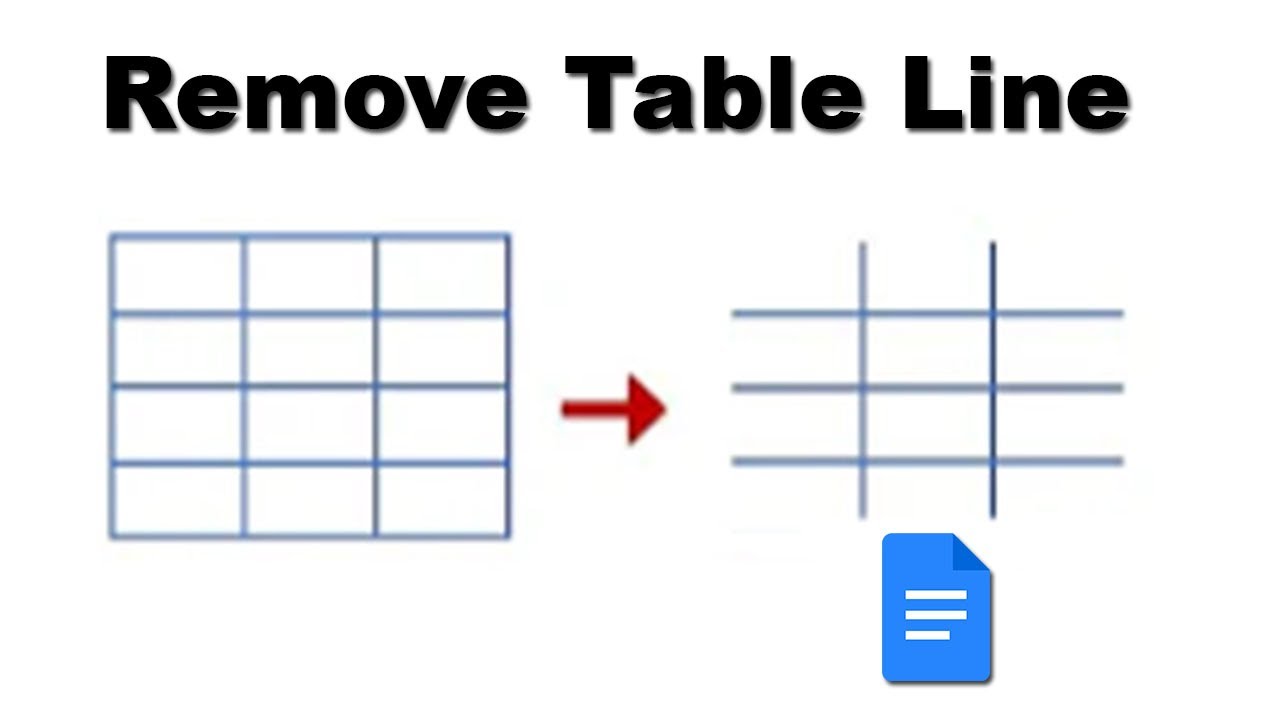
This video will show you how to remove table lines in a Google Doc You can delete all table lines or just remove specific column row or cell lines The lines will become invisible Follow along With your Google Doc open highlight the table cells that you d like to make borderless Select Format Table Table properties You can also right click your mouse anywhere in the highlighted table and then select Table properties In the Table properties window select Color
How To Remove Table Lines In Google Docs Quickly YouTube How To Make Table Lines In Word Printable Templates How To Remove Table Lines Google Docs Tutorial YouTube How To Remove Table Lines From Google Docs YouTube How To Add Or Remove Table Grid Lines From Word Document YouTube How To Add Or Delete Columns In Google Docs Tables How To Delete A Table In Google Docs A Quick 5 Step Guide Solve How To Draw Table Lines In Excel Printable Templates How To Draw Table Lines In Word Printable Templates
How To Remove Table Lines In Google Docs
 How To Remove Table Lines In Google Docs
https://www.alphr.com/wp-content/uploads/2020/03/N191.1.png
Organize information in a document or presentation with a table You can add and delete tables and adjust the size and style of table rows and columns If you re using Google Docs on a computer you can also Sort rows Drag and move rows and columns Pin table header rows so they repeat at the top of each page
Pre-crafted templates use a time-saving option for creating a varied series of files and files. These pre-designed formats and designs can be made use of for different individual and expert tasks, consisting of resumes, invitations, leaflets, newsletters, reports, discussions, and more, improving the content development procedure.
How To Remove Table Lines In Google Docs
How To Get Rid Of Table Lines In Google Docs YouTube

How To Make Table Lines In Word Printable Templates
How To Remove Table Lines Google Docs Tutorial YouTube
How To Remove Table Lines From Google Docs YouTube
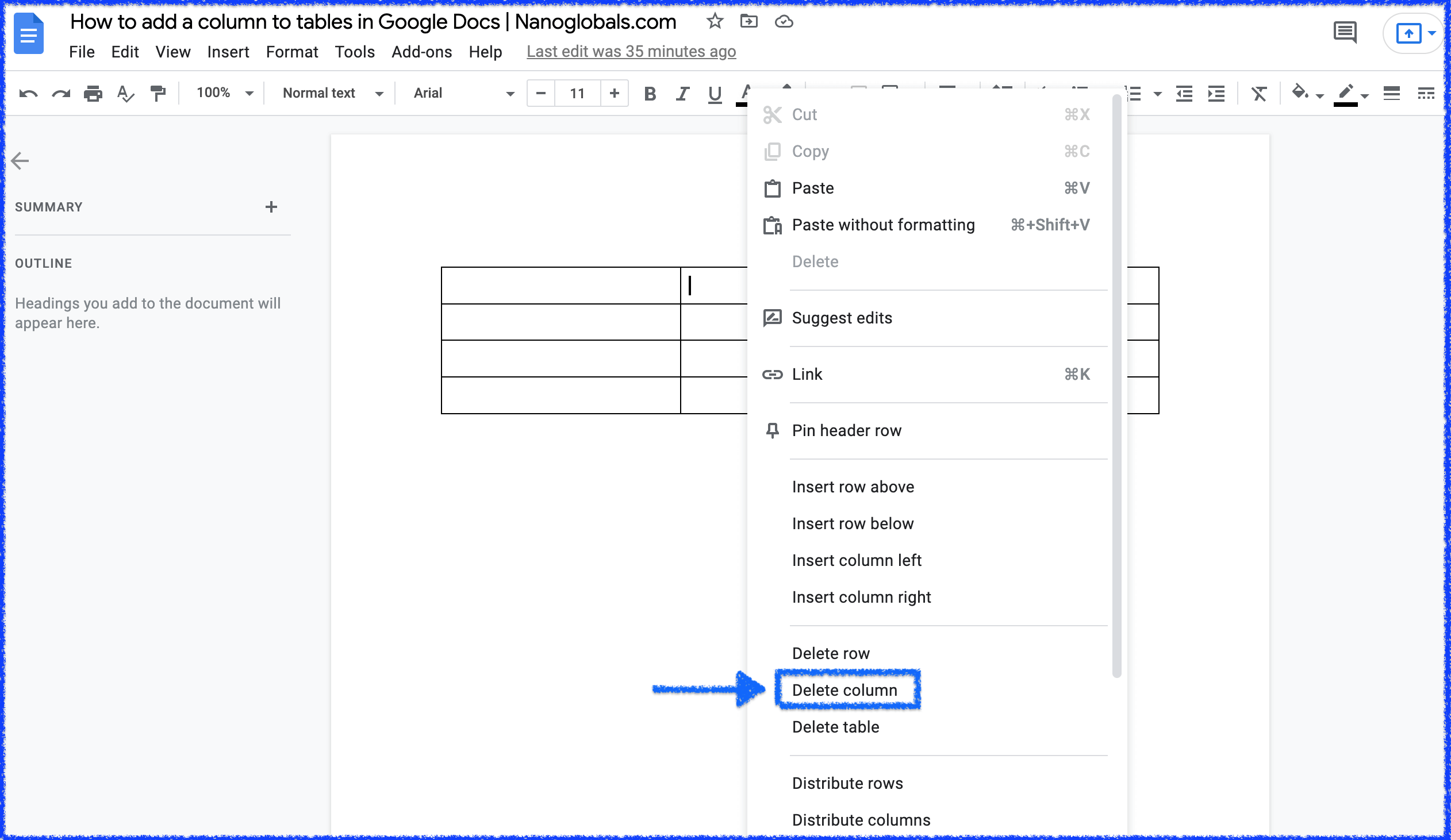
How To Add Or Delete Columns In Google Docs Tables
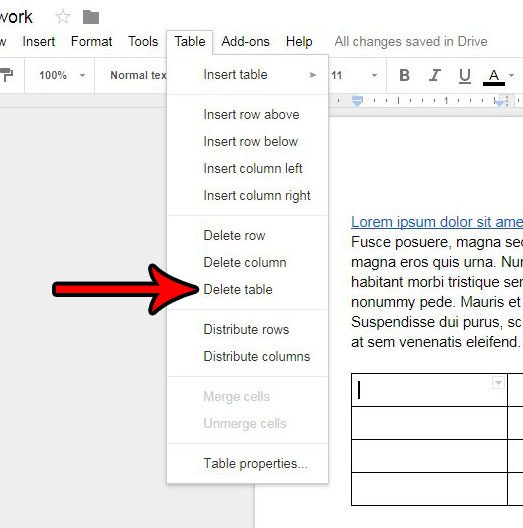
How To Delete A Table In Google Docs A Quick 5 Step Guide Solve

Here s how to do it Highlight the table you want to remove lines from Click on Table in the top menu bar Select Table Properties from the dropdown menu Click on the Borders shading tab Uncheck the box next
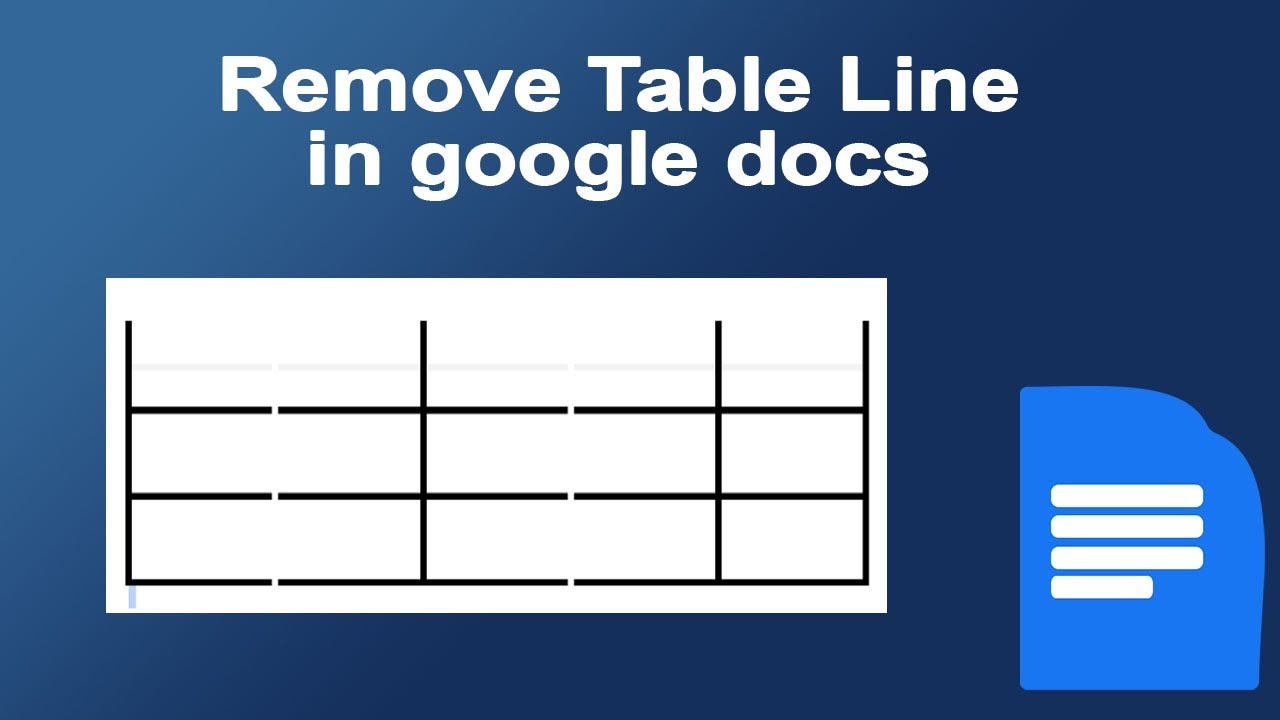
To eliminate table borders start by creating a table Navigate to the Insert menu at the top of your Google document and click it Hover over Table in the dropdown menu choose the table size column x row dimensions and click to confirm The table will now be visible in your document
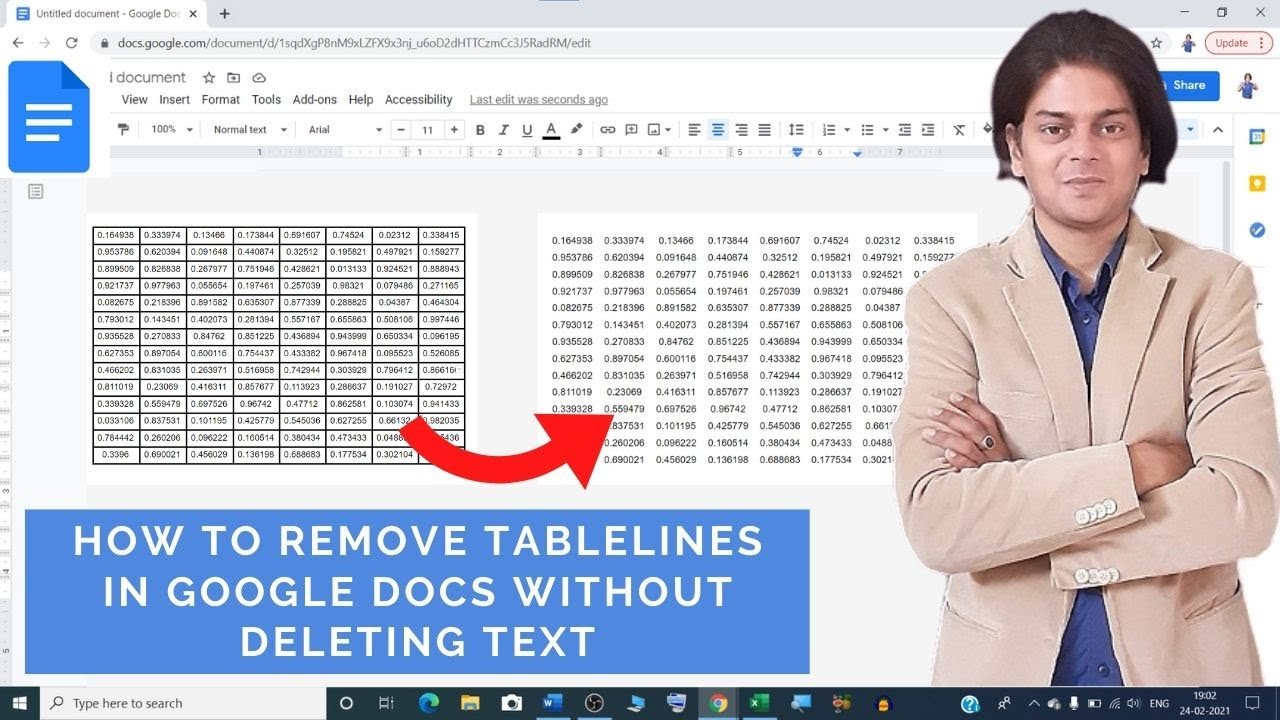
How To Remove Table Borders In Google Docs Laying out text in Google Docs using a table with hidden borders is a great substitution to other complex formatting options Let s go over how to achieve this step by step To create your table click on the Insert menu and hover your cursor over Table

To remove table lines in Google Docs start by selecting the table you want to edit Then click the Table tab at the top of the window and select Table Properties From there click the Table tab and uncheck the box next to Border to remove all

To add or remove a table border in Google Docs using the toolbar Open your Google Docs document Select the table you want to modify Select the Border Color icon to choose the color for your border
[desc-11] [desc-12]
[desc-13]