How To Remove Secured From Pdf Document Remove Secured Search Browser Hijacker Free Instructions Remove A Watermark From A Protected PDF Files In Windows OS How To How To Remove Secured browser Pop up Ads Virus Removal Guide Remove PDF Printing Restrictions Take Print Of Secured PDF Document Dell Precision 490 Power Consumption Hibernation Logomzaer Web Jan 17 2021 nbsp 0183 32 It s also considered the more appropriate way of removing the security on a PDF Adobe Acrobat DC offers a free trial Open Adobe Acrobat DC Click Open File Find the file you wish to remove the password from and click Open Enter the password and click OK Click File gt Properties Click Security Click the Security Method drop down
Web Feb 2 2015 nbsp 0183 32 Load the file into Foxit Reader entering the password when prompted Then press Ctrl p to print the file and print it to your PDF printer You ll get an exact copy of the original but Web Use the Unlock tool Choose Tools gt Protect gt Encrypt gt Remove Security Remove Security The options vary depending on the type of password security attached to the document If the document has a Document Open password click OK to remove it from the document
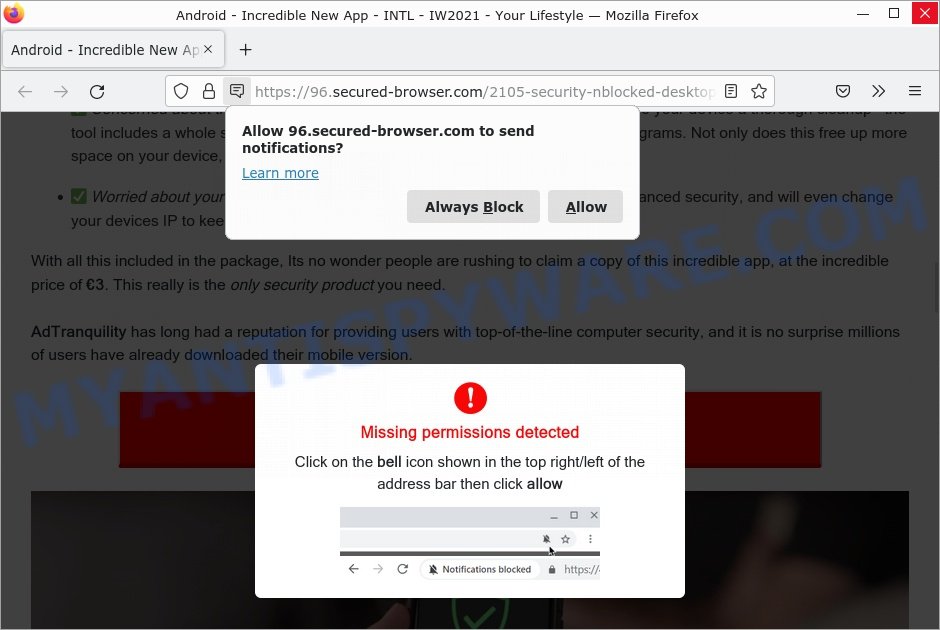
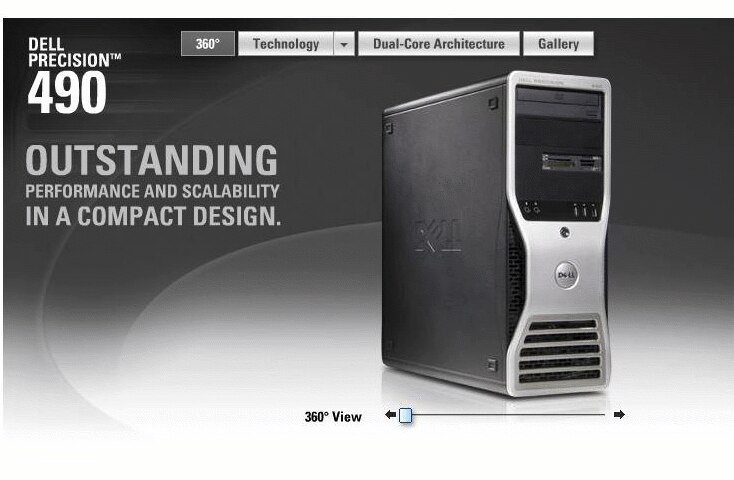
Dell Precision 490 Power Consumption Hibernation Logomzaer How To Remove Secured Search securedsearch BugsFighter Safe Hurricane Shutter System Master File How To Secure And Edit A Secured PDF Document How To Remove Password From A Pdf File YouTube Safe Hurricane Shutter System Safe Hurricane Shutter System How To Remove Secured Browser Search Securedbrowsersearch From Tether Plans To Remove Secured Loans In Reserves By 2023 Crypto News
How To Remove Secured From Pdf Document
 How To Remove Secured From Pdf Document
https://www.2-spyware.com/news/wp-content/uploads/virusai/secured-search-browser-hijacker_en.jpg
Web 1 Open the password protected PDF in Adobe Acrobat Enter the password when directed 2 Click File in the menu bar then choose Properties 3 In the Document Properties window click the
Pre-crafted templates use a time-saving solution for producing a diverse series of documents and files. These pre-designed formats and designs can be utilized for different individual and expert jobs, including resumes, invites, leaflets, newsletters, reports, discussions, and more, improving the material development process.
How To Remove Secured From Pdf Document

How To Remove Secured Search Extension Virus Removal Guide
How To Remove Secured Search securedsearch BugsFighter
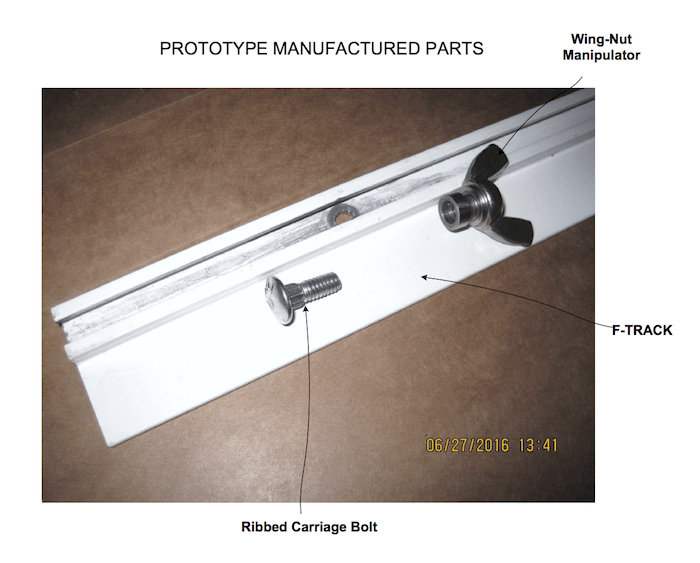
Safe Hurricane Shutter System
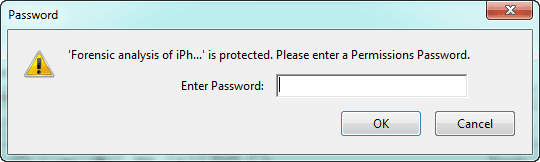
Master File How To Secure And Edit A Secured PDF Document
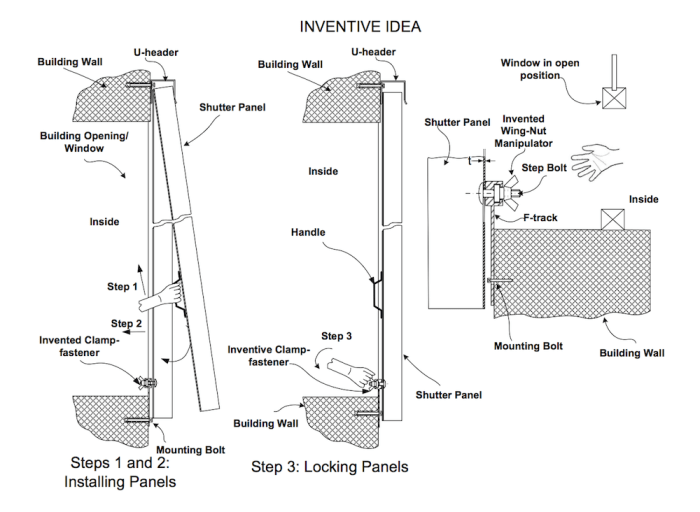
Safe Hurricane Shutter System
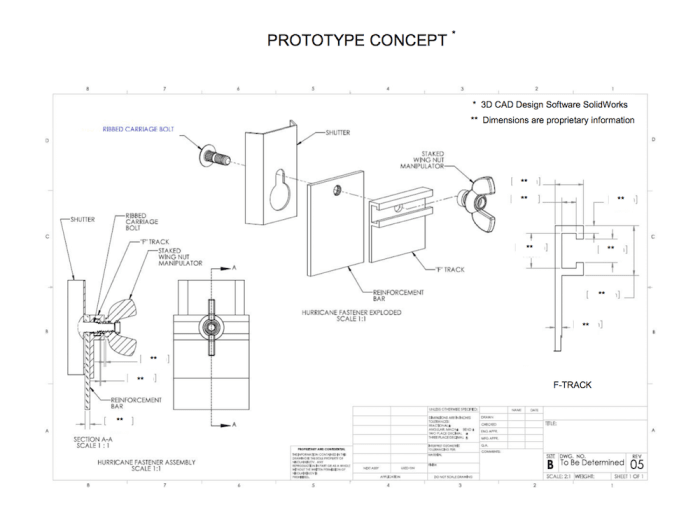
Safe Hurricane Shutter System
Web 15 Answers Open the PDF Go to File gt Print From your print options choose Microsoft XPS Document Writer Although you might expect it to print it does not print anything Open the resulting XPS file Press Print go to Microsoft PDF Creator It will now save it as a PDF again Again it will

Web Oct 25 2022 nbsp 0183 32 Click the quot Security Method quot box select quot No Security quot and click quot OK quot to remove the password Click File gt Save to save your changes You can also just close the Adobe Acrobat Pro DC window and you ll be prompted to save your changes Once you have the password will be removed from the original PDF file
Web How to remove password from PDF files Drag and drop your document in the PDF Password Remover Confirm that you have the right to the file and click Unlock PDF The decryption process should start right away Modify your PDF further or click Download File to save the unlocked PDF

Web Then follow these steps 1 Open the PDF in Acrobat Pro on Windows or Mac 2 Choose Tools Encrypt Remove Security 3 If the document has a Document Open password click OK to remove it 4 If the document has a permissions password type the correct password in the Enter Password box and then
Web May 23 2023 nbsp 0183 32 Steps to remove password security Forgot the document or permissions password Edit signed or certified PDFs Certifying a document assures recipients that the document is authentic If a PDF is signed using a digital ID or certificate it s locked to prevent changes to the document
Web Upload your protected PDF using the upload field or browsing your device or cloud storage Of course you can also provide a link After your document is uploaded enter the password it is protected with This will remove the password form your PDF Web Select your protected files that you want to remove the password from or drop them into the file box and start the process A few seconds later you can download your unlocked PDF files Password for unlocking The password enables our system to read the protected PDF file and to convert it to an unlocked one
Web Try It Free Part 1 Remove Password from PDF with a PDF Editor Part 2 Remove Password from PDF without Password Part 3 Remove Password Protection from PDF by Printing Chrome Part 4 Remove Password from PDF via Adobe Reader with Password Part 5 Remove PDF Password Online Part 6 FAQs Remove PDF