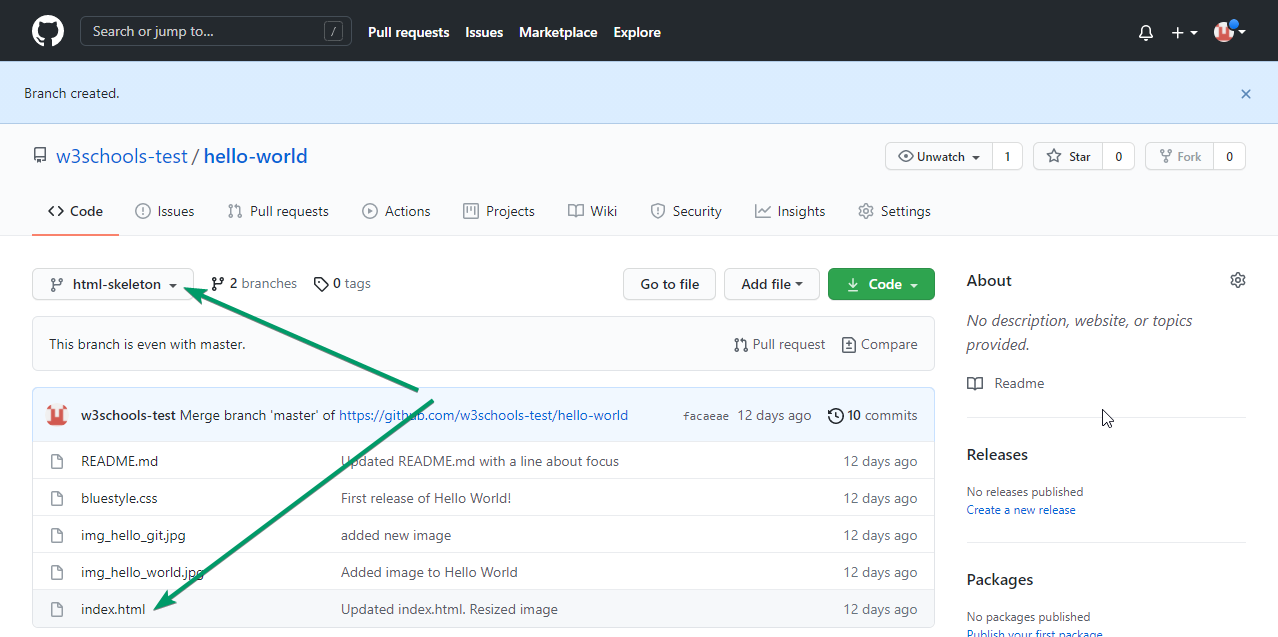
How To Remove Main Branch In Github Git Branch How To Use A Git Branch Updated 2024 GIT Branch And GIT Merge How To Create New Branch And Merge In Github Recode Hive Create Branch In GitHub Pull Request In GitHub Merge Pull Request How To Convert GitHub Repositories To main Web How to Delete a Branch on GitHub The GitHub browser interface allows you to delete and create remote branches To do this you need to navigate to the main page of the repository in your browser and then click the quot branches quot link On the branches overview page you can then choose a branch to delete
Web On GitHub navigate to the main page of the repository Under your repository name click Settings If you cannot see the quot Settings quot tab select the dropdown menu then click Settings Under quot Default branch quot to the right of the default branch name click Select the branch dropdown menu and click a branch name Click Update Web Sep 29 2022 nbsp 0183 32 The process for deleting GitHub branches is pretty straightforward However it varies depending on which interface you re working with and whether you re dealing with a local or a remote branch Keep reading for a breakdown of how branch deletion works in GitHub and how to delete remote branches under various
How To Convert GitHub Repositories To main How To Switch Branch In Git YouTube How To Delete Local And Remote Git Branches Refine Git GitHub Branch 39 Difference Between The Main And The Master Branch In The Github 04 How To Create Branch In GitHub YouTube How To Delete A Branch In GitHub Scribe Github Readme File Created In GIT Remote Shows Up As A Separate Instructions To Recover A GitHub Branch Data Recovery Pit
How To Remove Main Branch In Github
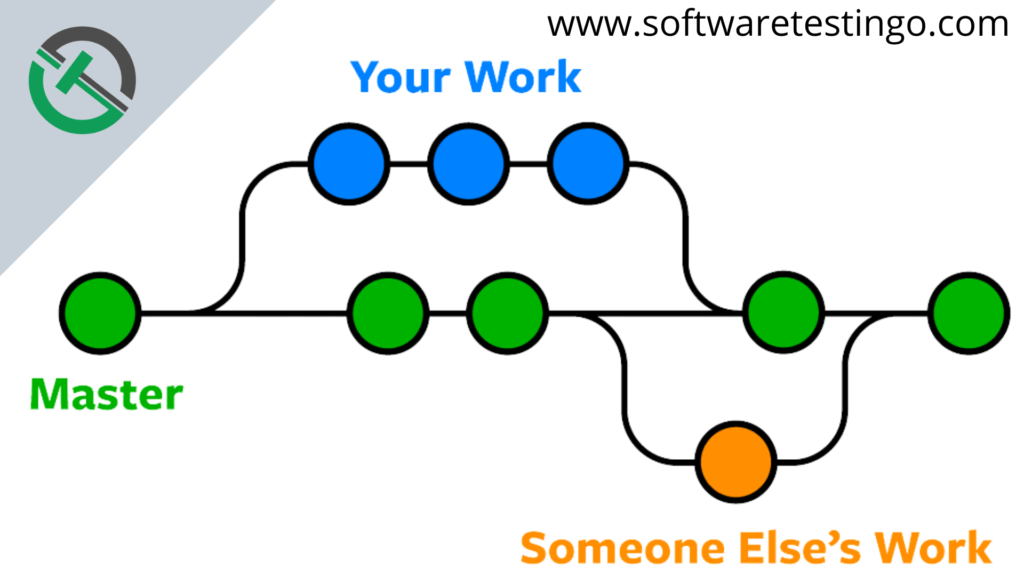 How To Remove Main Branch In Github
https://www.softwaretestingo.com/wp-content/uploads/2022/07/Different-Git-Branch-1024x576.png
Web Nov 27 2022 nbsp 0183 32 Steps we ll cover Why you might need to remove a branch Deleting a GIT local branch Deleting a Git remote branch Deleting a branch with merged changes Deleting a git branch with unmerged changes What are tracking branches and how to delete them How to delete a branch on Github using web console Frequently asked
Templates are pre-designed files or files that can be utilized for different purposes. They can conserve effort and time by supplying a ready-made format and design for creating different sort of content. Templates can be used for personal or expert jobs, such as resumes, invites, leaflets, newsletters, reports, presentations, and more.
How To Remove Main Branch In Github
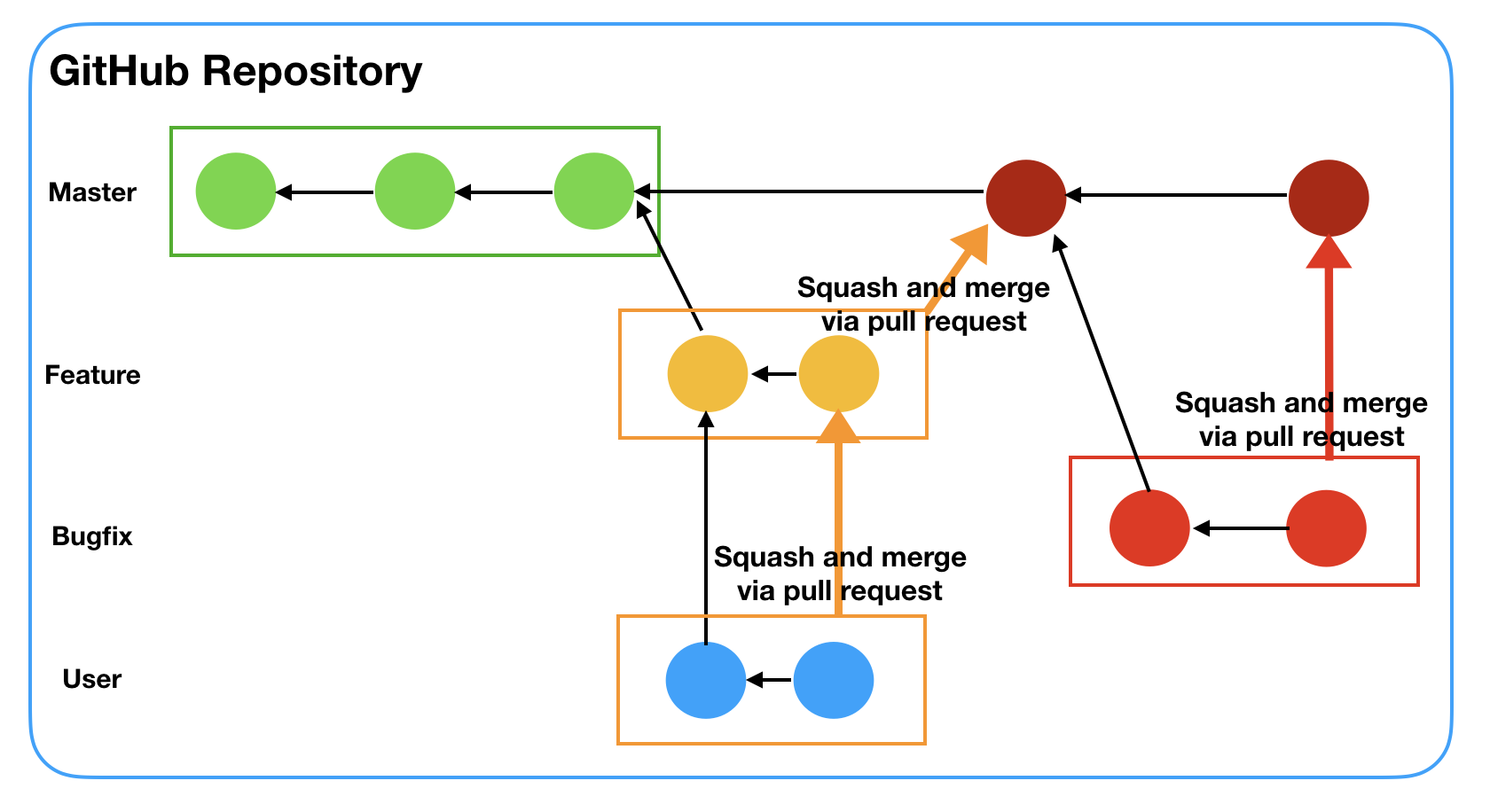
Tip Collaborating On Github
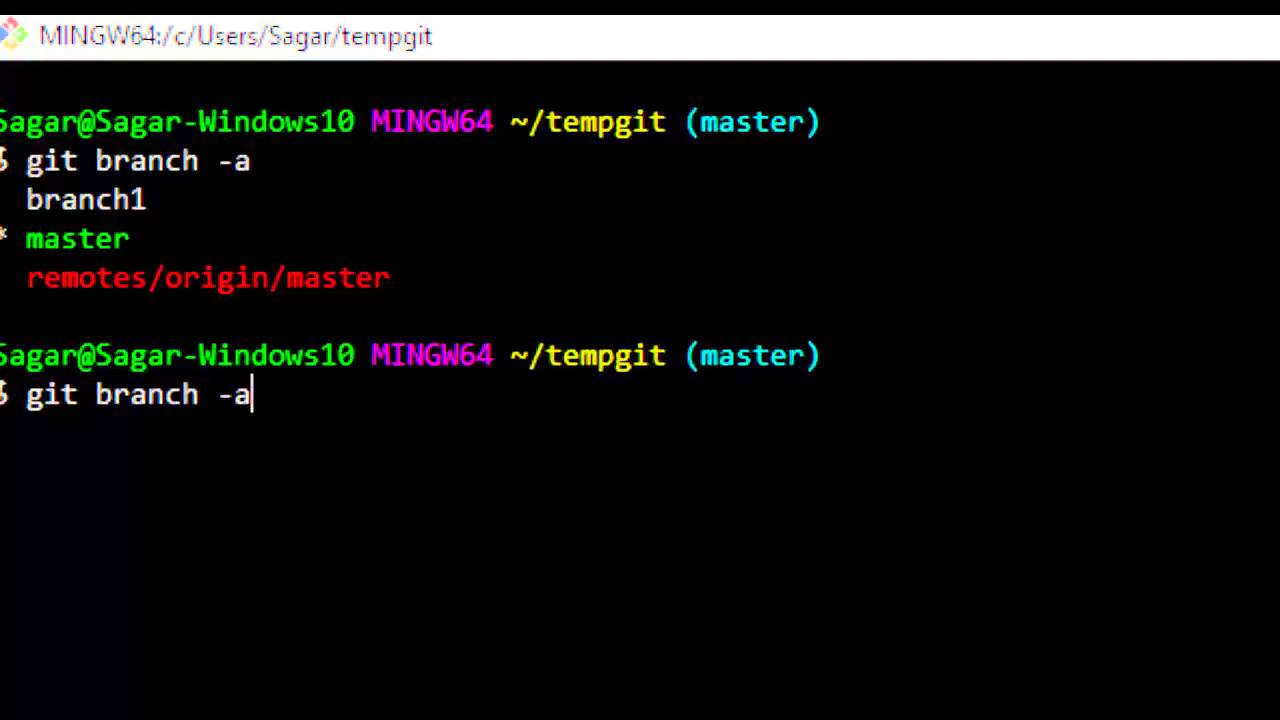
How To Switch Branch In Git YouTube
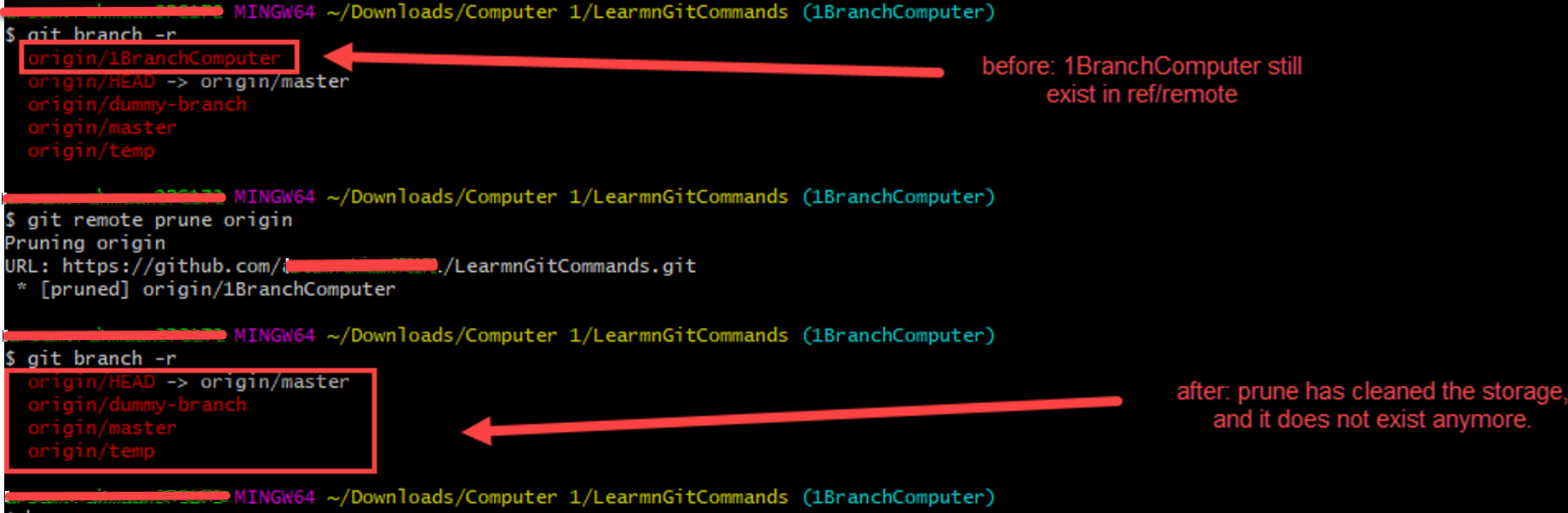
How To Delete Local And Remote Git Branches Refine
Git GitHub Branch

04 How To Create Branch In GitHub YouTube
How To Delete A Branch In GitHub Scribe

Web Jan 20 2020 nbsp 0183 32 Change the default branch from master to OhThisAmazingBranch This can be done in Settings gt Branches and setting the default branch More information here Delete the master branch This can be done by clicking the branch icon and then the delete option in front of the branch name
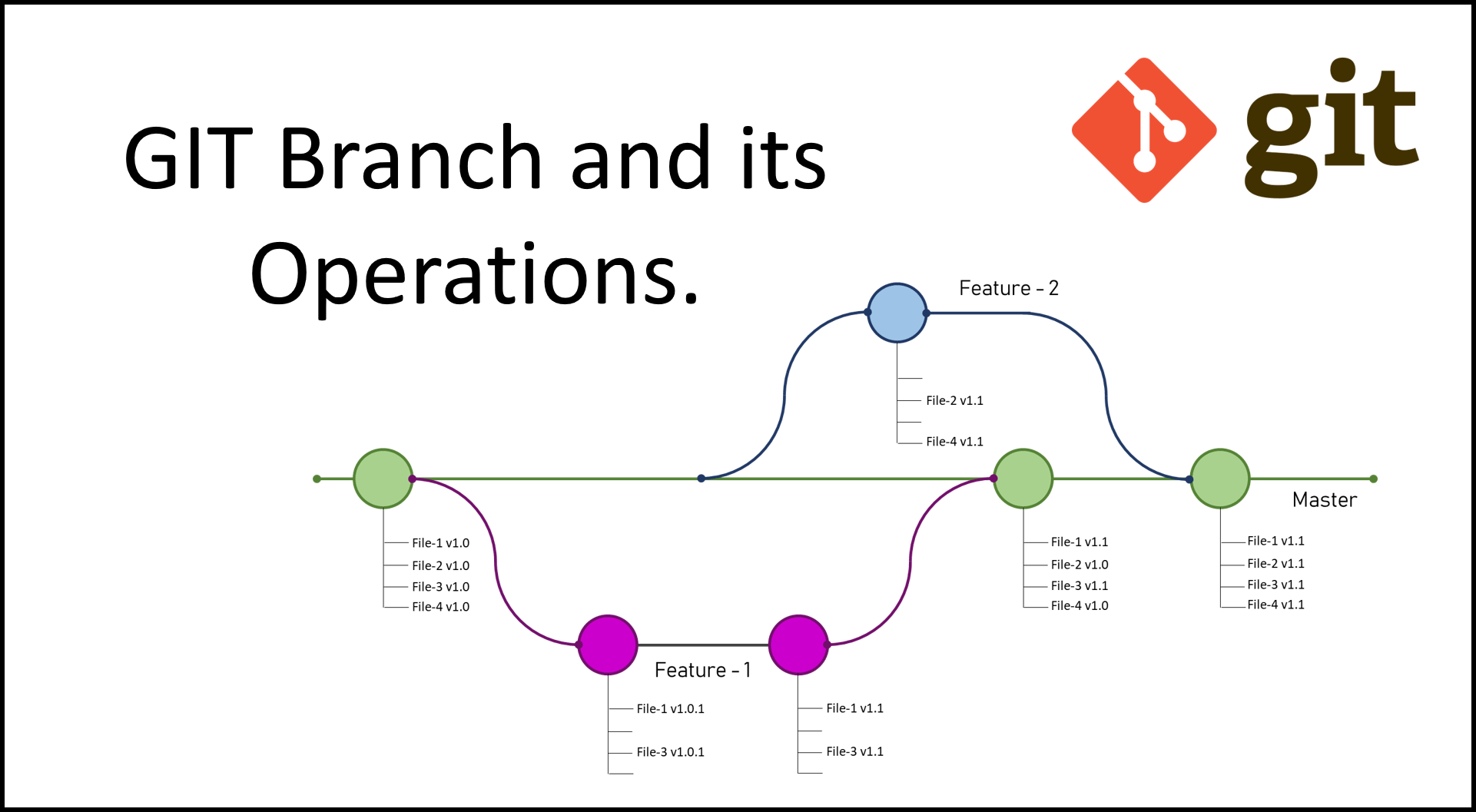
Web Jan 4 2022 nbsp 0183 32 main branch by running the git checkout lt feature branch name gt command There are two different commands you can run to delete a local branch If it s already been merged run git branch d lt branch name gt Or to force delete a branch regardless of its current status run git branch D lt branch name gt
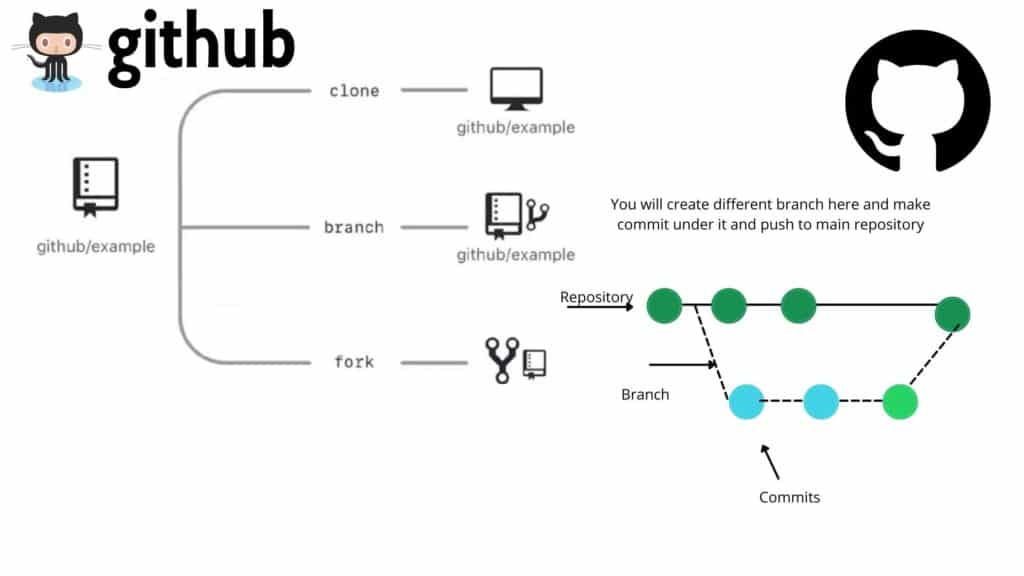
Web Jan 5 2010 nbsp 0183 32 Steps for deleting a branch For deleting the remote branch git push origin delete lt your branch gt For deleting the local branch you have three ways 1 git branch D lt branch name gt 2 git branch delete force lt branch name gt Same as D 3 git branch delete lt branch name gt Error on unmerge

Web Mar 16 2013 nbsp 0183 32 6 Answers Sorted by 75 That s actually called quot delete old master branch and create new from scratch quot This will create a new master branch pointing to initial commit git branch D master git checkout b master lt initial commit hash gt This will create a totally new master branch unrelated to whatever you had git branch D master git

Web Aug 26 2021 nbsp 0183 32 The command to delete a local branch in Git is git branch d local branch name git branch is the command to delete a branch locally d is a flag an option to the command and it s an alias for delete It denotes that you want to delete something as the name suggests local branch name is the name of the branch you
Web Access Branches Click on the quot Branches quot button usually situated near the code tab Locate the Branch Find the branch you want to delete Click the Trashcan Next to the branch name click on the trashcan icon to delete it Note If you re not an administrator you can only delete branches that you ve created Web Aug 3 2022 nbsp 0183 32 Delete the git folder as shown in the image below Linux Mac or Unix based operating systems Open a terminal and navigate to the directory of your project i e cd path to your desktop Run this command rm rf git This will remove the Git tracking and metadata from your project like the gitignore files
Web On GitHub navigate to the main page of the repository Under your repository name click Pull requests To see a list of closed pull requests click Closed In the list of pull requests click the pull request that s associated with the branch that you want to delete Near the bottom of the pull request click Delete branch