How To Remove Last Commit From Git Branch Remove Commit From Master Git Polizbazar How To Remove A File From Git YouTube How To Remove Last Commit On GIT YouTube Make A Git Commit In Visual Studio Microsoft Learn GitHub In order to revert the last Git commit use the git revert and specify the commit to be reverted which is HEAD for the last commit of your
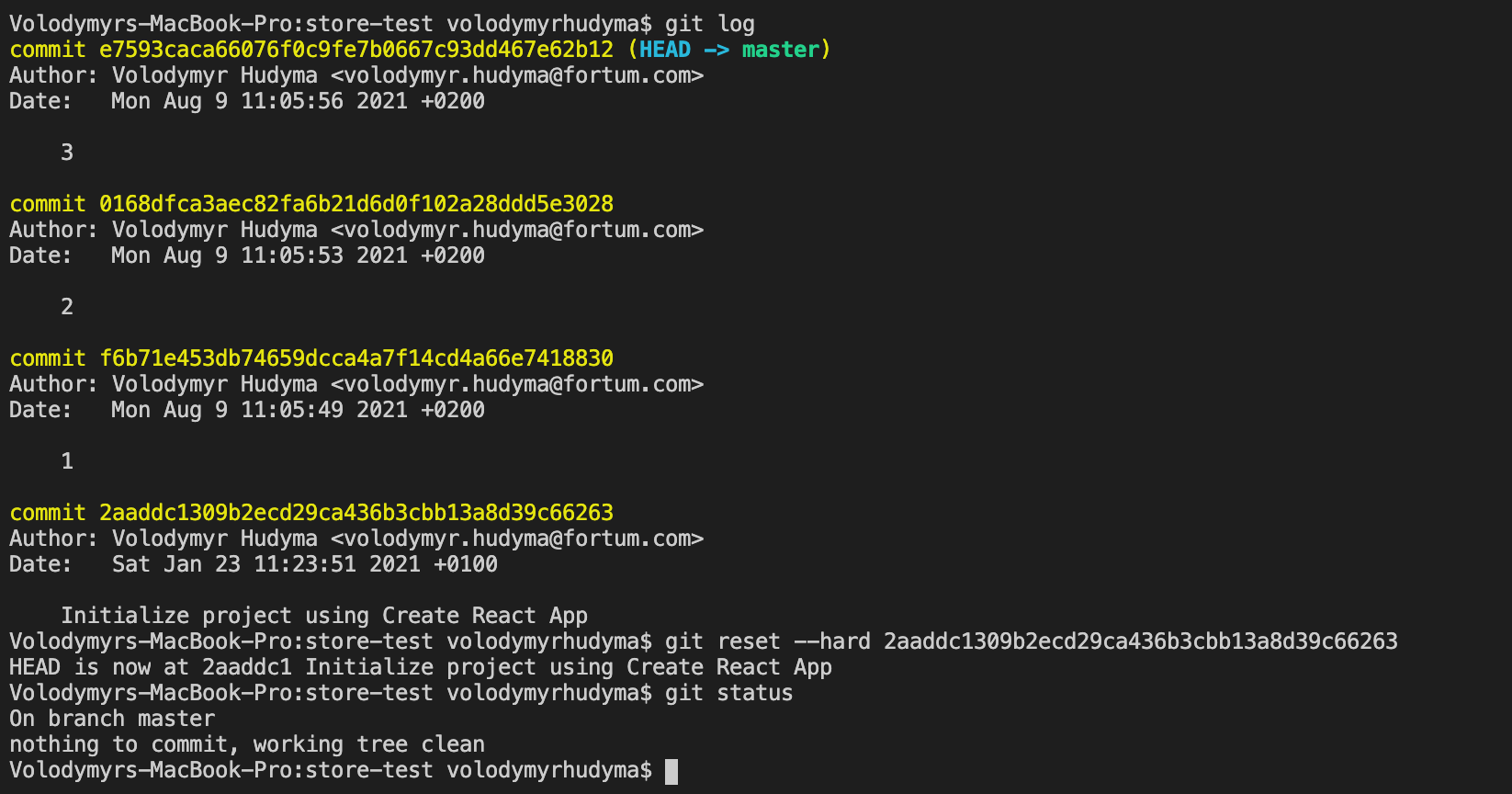
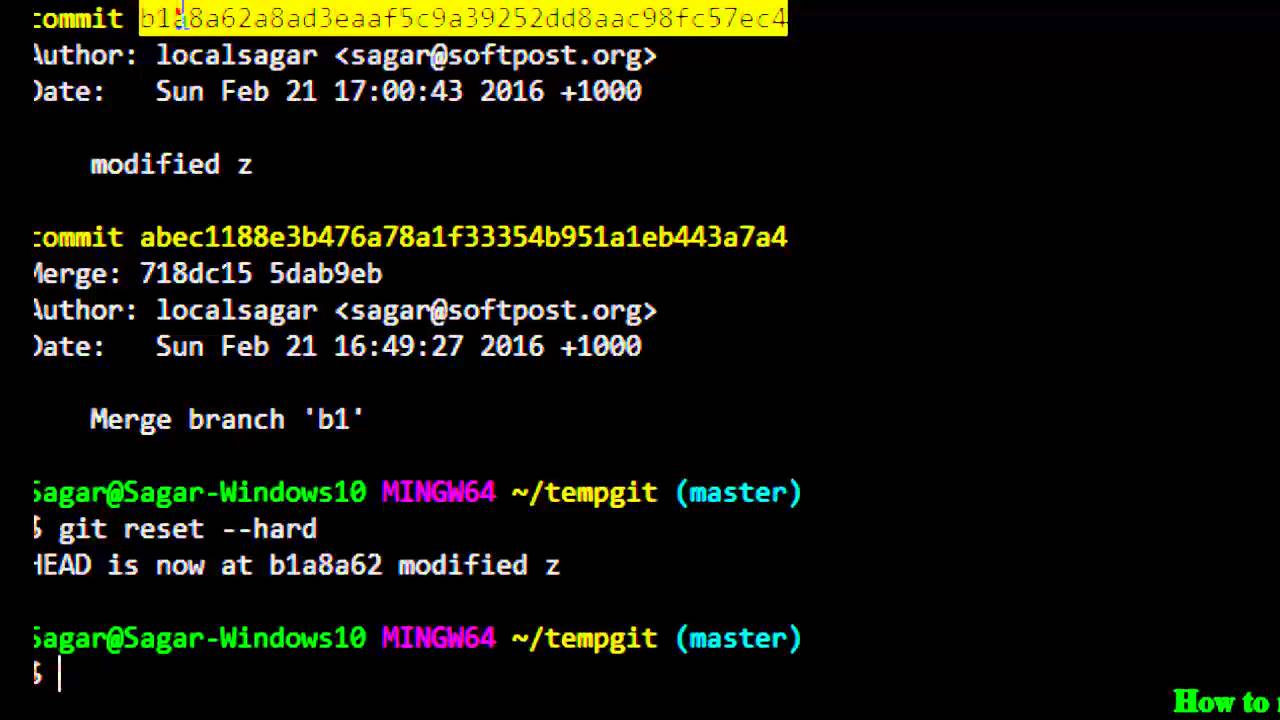
To remove the last commit from git you can simply run git reset hard HEAD If you are removing multiple commits from the top you can run git reset hard In this video we will learn how to delete your last commit from git This will remove all the
GitHub How To Revert To Last Commit In Git YouTube How Do You Correct A Commit Message In Git O Reilly To Write Git Vrogue Git Revert Studytonight Get Started With Git Commands For Version Control Earth Data Science How To Add And Commit Files In Single Command In Git YouTube Git Last Commit How To View The Details Of Your Last Commit How To Undo The Last Commit In Git Become Front End Expert I Want To Delete Or Remove Last Commit In Git Git Questions YouTube
How To Remove Last Commit From Git Branch
 How To Remove Last Commit From Git Branch
https://vhudyma-blog.eu/img/screenshot-2021-08-09-at-11.06.15.png
Find the last commit hash containing all of the commits you want to remove using the git reflog command Start an interactive rebase with git
Pre-crafted templates provide a time-saving solution for creating a diverse series of documents and files. These pre-designed formats and designs can be used for numerous individual and professional projects, including resumes, invitations, leaflets, newsletters, reports, discussions, and more, simplifying the content creation process.
How To Remove Last Commit From Git Branch
Git Last Commit How To View The Details Of Your Last Commit
How To Revert To Last Commit In Git YouTube
How Do You Correct A Commit Message In Git O Reilly To Write Git Vrogue
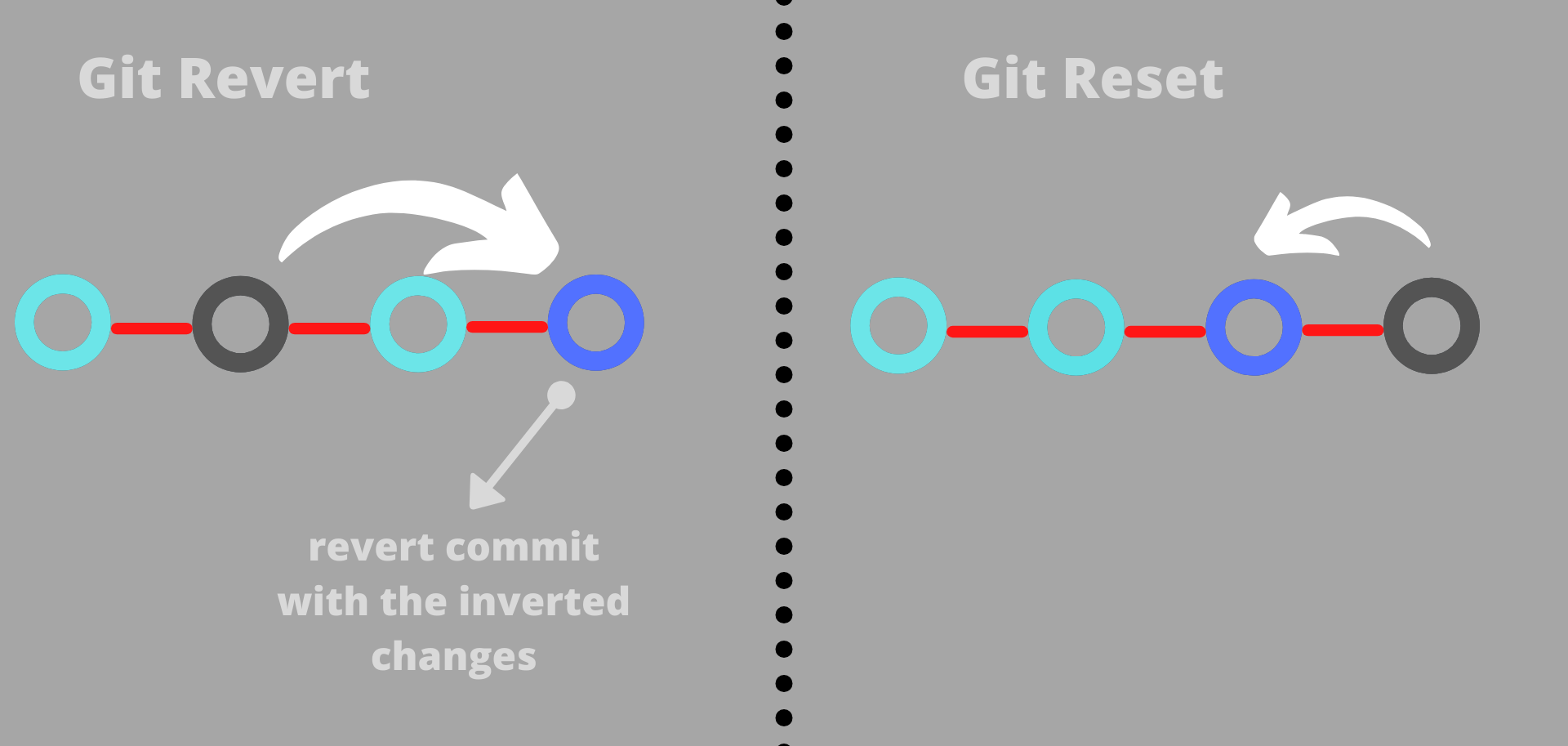
Git Revert Studytonight
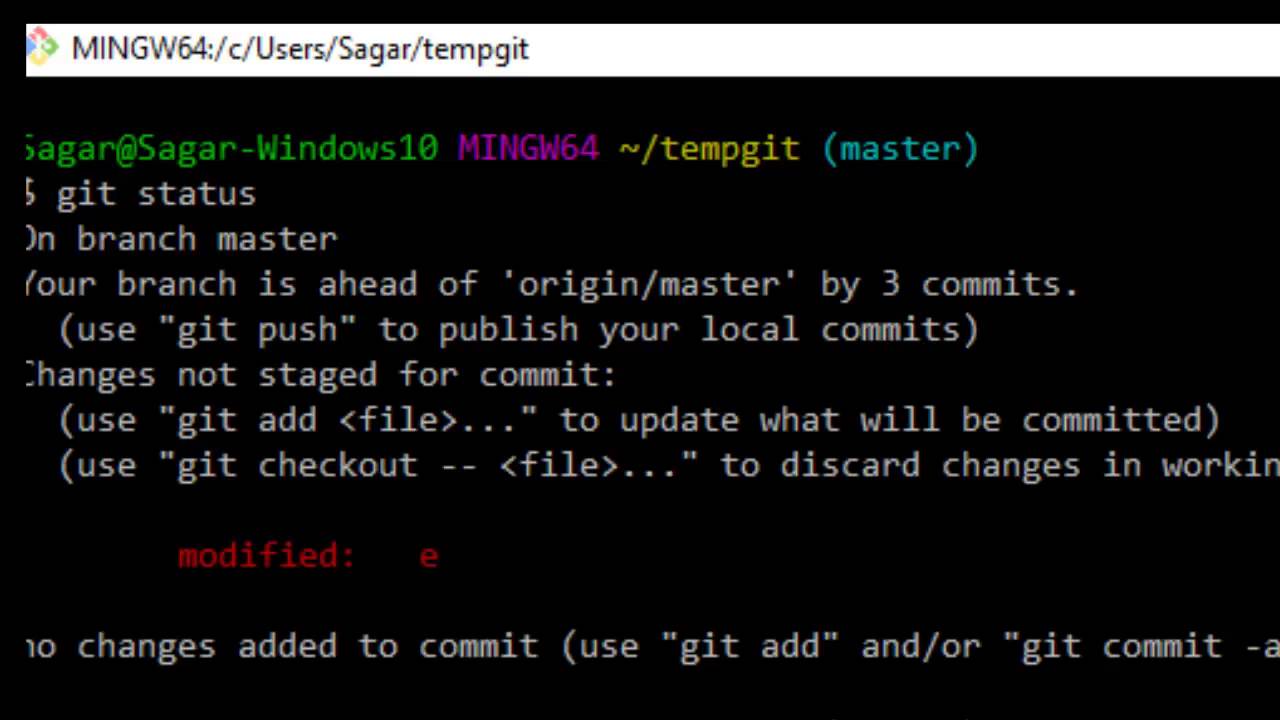
How To Add And Commit Files In Single Command In Git YouTube
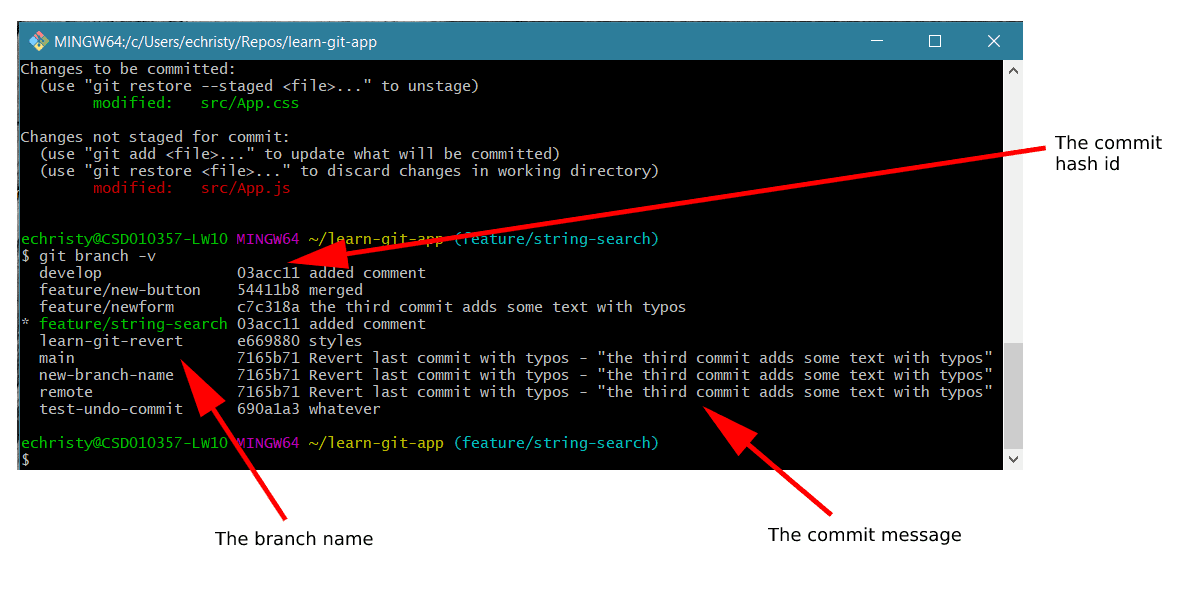
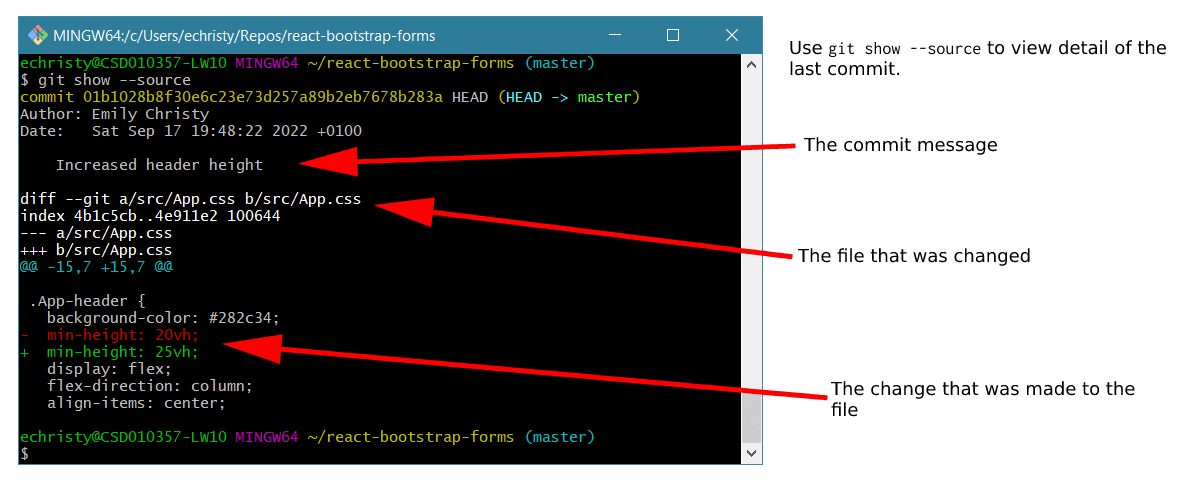
Git Last Commit How To View The Details Of Your Last Commit

The command above will undo the changes by creating a new commit and reverting that file to its previous state as if it never changed Lastly
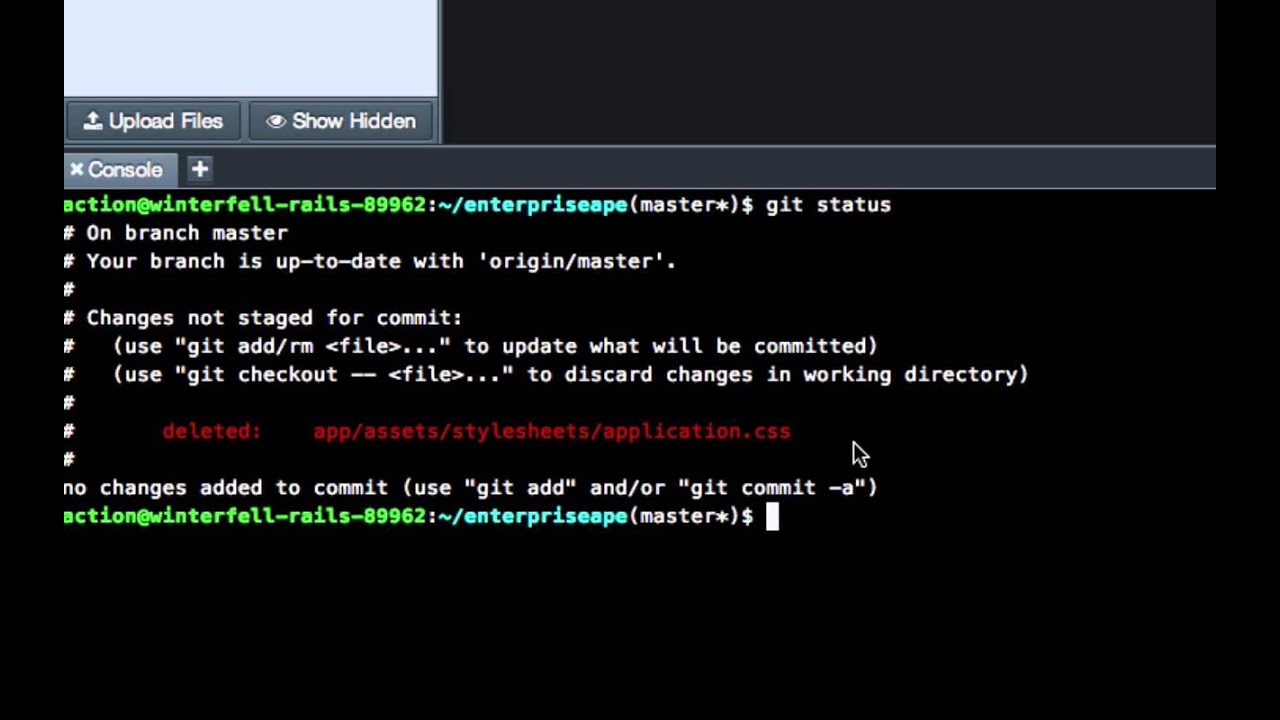
To remove the last commit from git you can simply run git reset hard HEAD If you are removing multiple commits from the top you can run git reset

In case you re using the Tower Git client you can simply hit CMD Z to undo the last commit You can use same simple CMD Z keyboard shortcut to undo many other

To delete the N th latest commits you should use HEAD N as the argument of git reset git reset hard HEAD N As an alternative to this method you can

If you d like to delete the commits up until a specific commit running git log into the command line to find the specific commit id and then running
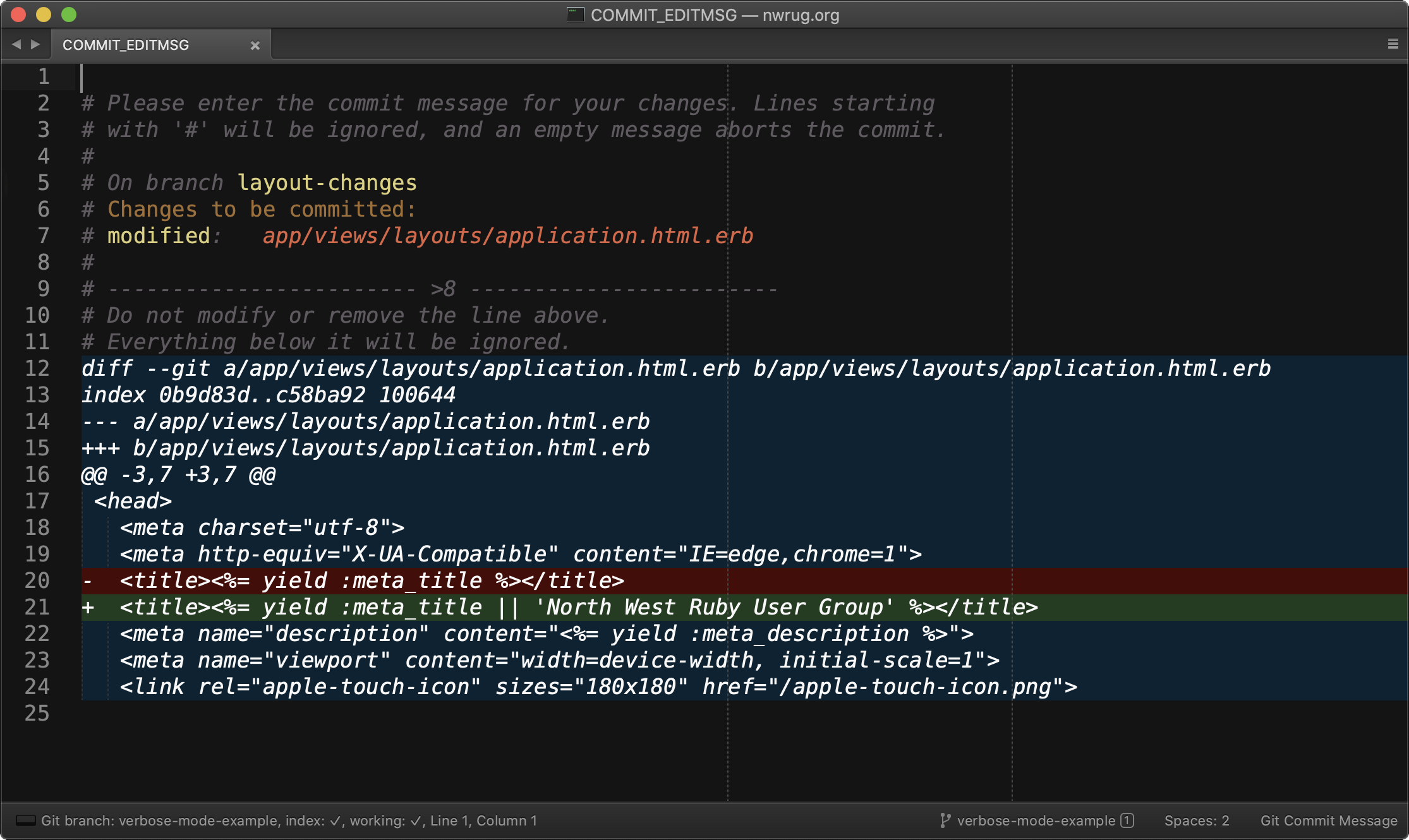
This will open a text editor with a list of the last 4 commits To delete a commit change the word pick at the beginning of the line to drop You ll often want to do two basic things to your last commit simply change the commit message or change the actual content of the commit by adding removing
Using git reset is the most common way to undo changes that have been made to a repository Resetting is a way of moving the current tip of a