How To Remove Installed Python Packages In Ubuntu How To Check Installed Software In Ubuntu Terminal Python How To List Installed Packages In Ubuntu With APT How To List Installed Python Packages ActiveState How To List All Installed Packages In Ubuntu Debian Linux Mint YouTube You can uninstall it after installing a python3 version as alternative You have to install python3 9 available from Ubuntu repository sudo apt install
Pip an alternative to setuptools easy install provides an uninstall command Install pip according to the installation instructions wget On Ubuntu Debian and related Linux distributions you can install update uninstall and otherwise managing software packages using the apt and apt get
How To List All Installed Packages In Ubuntu Debian Linux Mint YouTube How To List Installed Packages In Ubuntu With APT How To List Installed Packages In Ubuntu How To List Installed Packages On Ubuntu 22 04 VITUX How To Manage Packages In Ubuntu How To Remove Installed Programs On Windows 11 Appuals Delete Apps On Windows 10 YouTube Demystifying Ubuntus Package Management System A Comprehensive Guide Usecrack Most Popular Python Packages In 2021 LearnPython
How To Remove Installed Python Packages In Ubuntu
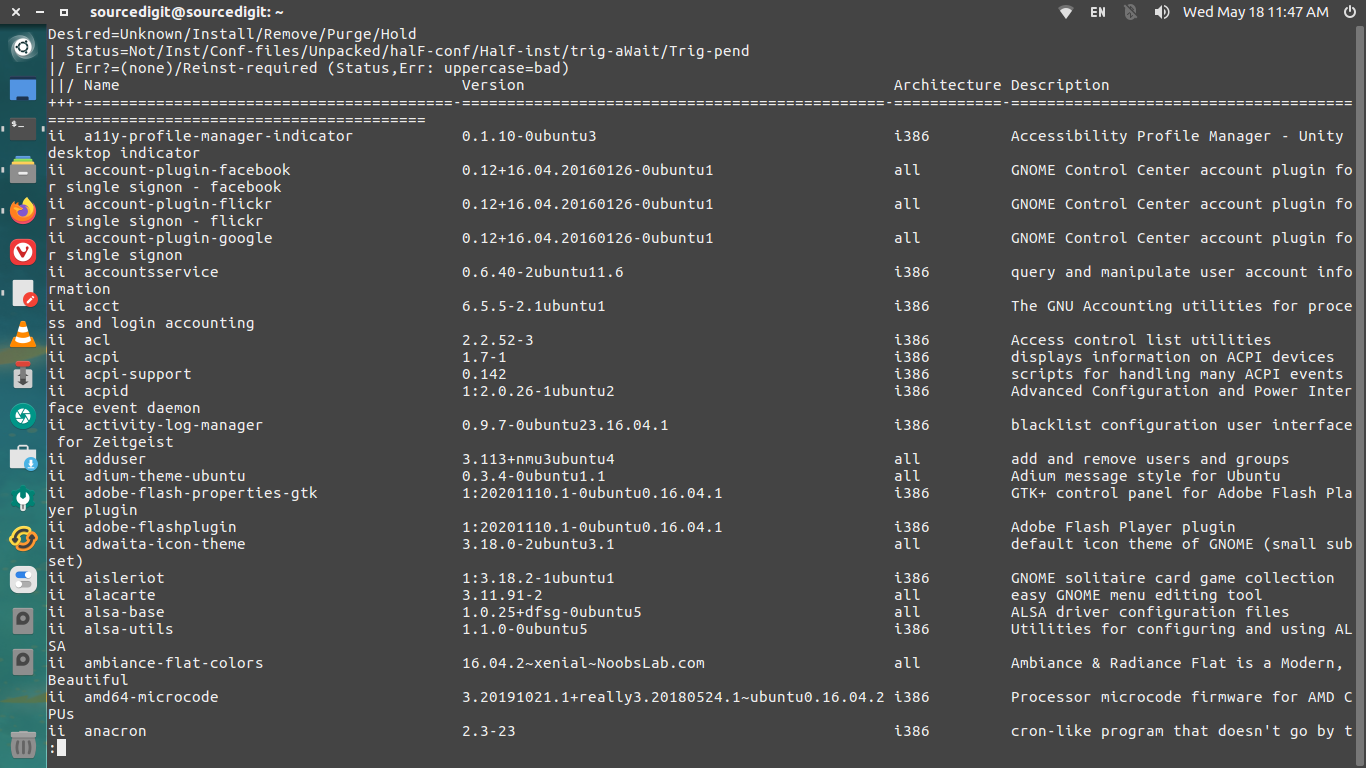 How To Remove Installed Python Packages In Ubuntu
https://sourcedigit.com/wp-content/uploads/2022/05/dpkg-ubuntu.png
33 You can use checkinstall to remove Python The idea is Install checkinstall Use checkinstall to make a deb of your Python installation Use dpkg r to
Templates are pre-designed files or files that can be utilized for different purposes. They can save effort and time by providing a ready-made format and design for creating different type of material. Templates can be utilized for personal or expert tasks, such as resumes, invitations, flyers, newsletters, reports, presentations, and more.
How To Remove Installed Python Packages In Ubuntu

Downloading And Installing Packages CADS Farmer School Of Business Miami University
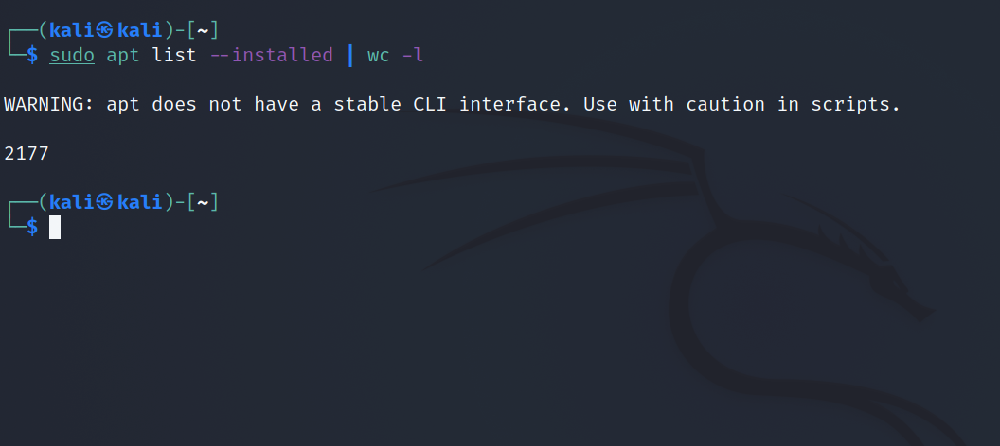
How To List Installed Packages In Ubuntu With APT

How To List Installed Packages In Ubuntu

How To List Installed Packages On Ubuntu 22 04 VITUX
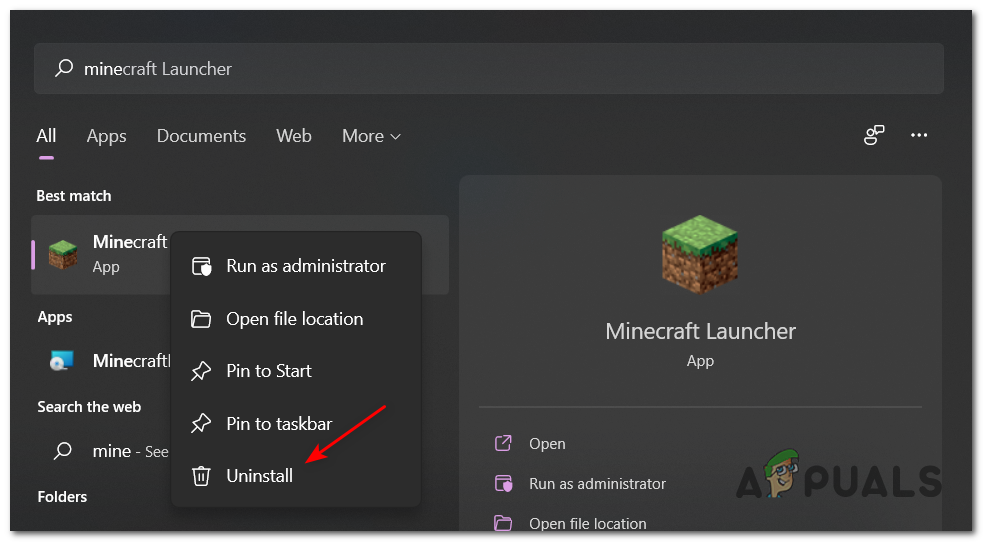
How To Remove Installed Programs On Windows 11 Appuals
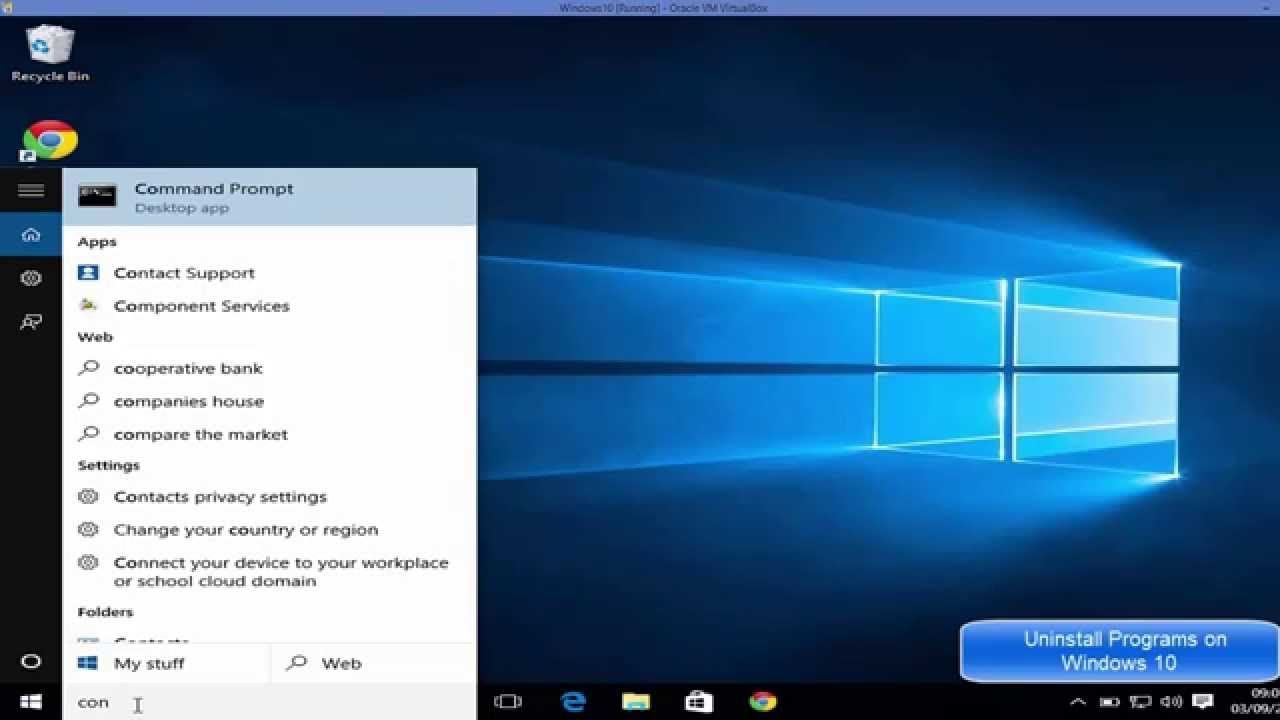
Delete Apps On Windows 10 YouTube

The first part pip freeze packages txt creates a text file with list of packages installed using pip along with the version number The second part pip
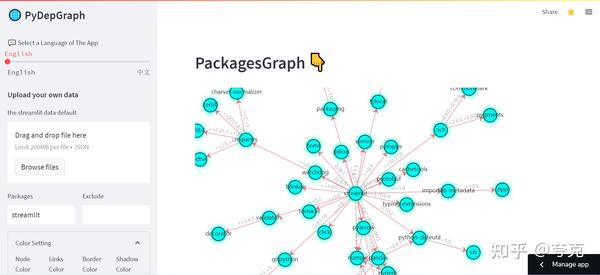
Uninstall a package Unix macOS python m pip uninstall simplejson Uninstalling simplejson home me env lib python3 9 site packages simplejson
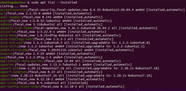
Use the pip uninstall y r pip freeze command to remove all packages installed by pip The command uses pip freeze to get a list of the installed packages
How to Uninstall Packages Installed with Pip To uninstall a package pip uninstall How to Uninstall Packages in a Python Virtual Environment Packages can be uninstalled from a virtual

To remove Ubuntu packages with the snap command follow the steps below 1 List all installed snaps with snap list 2 Note the name of the package to delete 3 To delete an installed snap execute
If you want to uninstall Python from Ubuntu be it Python 3 or Python2 you can follow this tutorial But before that let s have a look at what Python has to offer Table 1 Try using apt get install f It might fix the broken dependencies Abhimanyu singh Mar 28 2017 at 9 11 Abhimanyusingh No sadly it throws the same
27 Ubuntu has dropped Python 2 in 16 04 It is still installed after an upgrade though it was not part of the obsolete packages Is there a clean way to