How To Remove File From Master Branch Git How To Delete File On Git Removing Files From Git Repository Using How To Use Git Delete File For Git Users EaseUS How To Remove A File From Git YouTube Git Remove File How To Remove File From Git History Fedingo Web Aug 17 2020 nbsp 0183 32 In order to delete files recursively on Git you have to use the git rm command with the r option for recursive and specify the list of files to be deleted git rm r lt folder gt git commit m quot Deleted the
Web The quot rm quot command helps you to remove files from a Git repository It allows you to not only delete a file from the repository but also if you wish from the filesystem Deleting a Web Browse to the directory in your repository that you want to delete In the top right corner select the dropdown menu then click Delete directory Review the files you will delete
How To Remove File From Git History Fedingo How To Remove File From Git Commit Before Push ItSolutionStuff How To Git Remove File But Keep Local Version TecAdmin Remove Files Or Folders From Remote Git Pull Changes From Master Into Branch Top Answer Update Brandiscrafts How To Remove File From Git Git Remove Untracked Files DecodingDevops How To Remove File From Git Biointerchange Restaurants App With Flutter Restaurants App With Flutter
How To Remove File From Master Branch Git
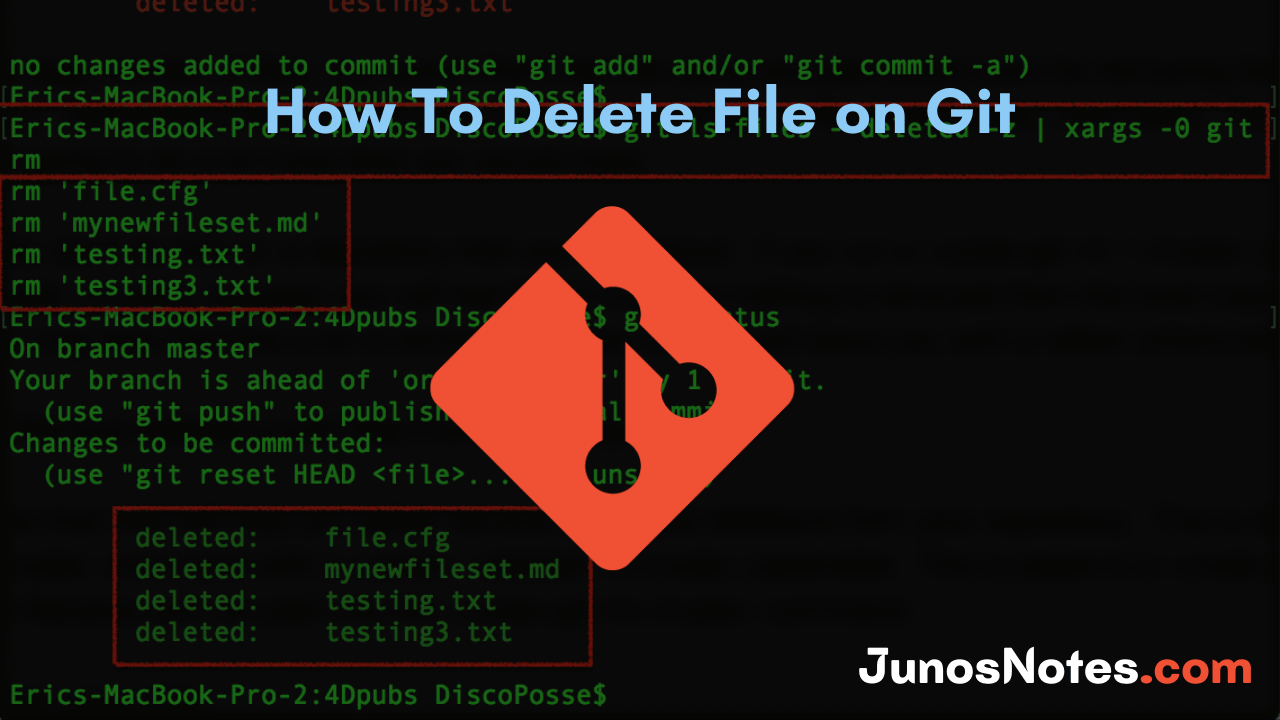 How To Remove File From Master Branch Git
https://www.junosnotes.com/wp-content/uploads/2021/07/How-To-Delete-File-on-Git.png
Web The answer is in your question Note that I haven t made any commits yet just branching If you don t commit the changes are always kept in your working directory Switching the
Pre-crafted templates use a time-saving solution for producing a diverse variety of documents and files. These pre-designed formats and layouts can be used for numerous individual and expert jobs, consisting of resumes, invitations, leaflets, newsletters, reports, presentations, and more, simplifying the content creation process.
How To Remove File From Master Branch Git

How To Remove File From Git Biointerchange
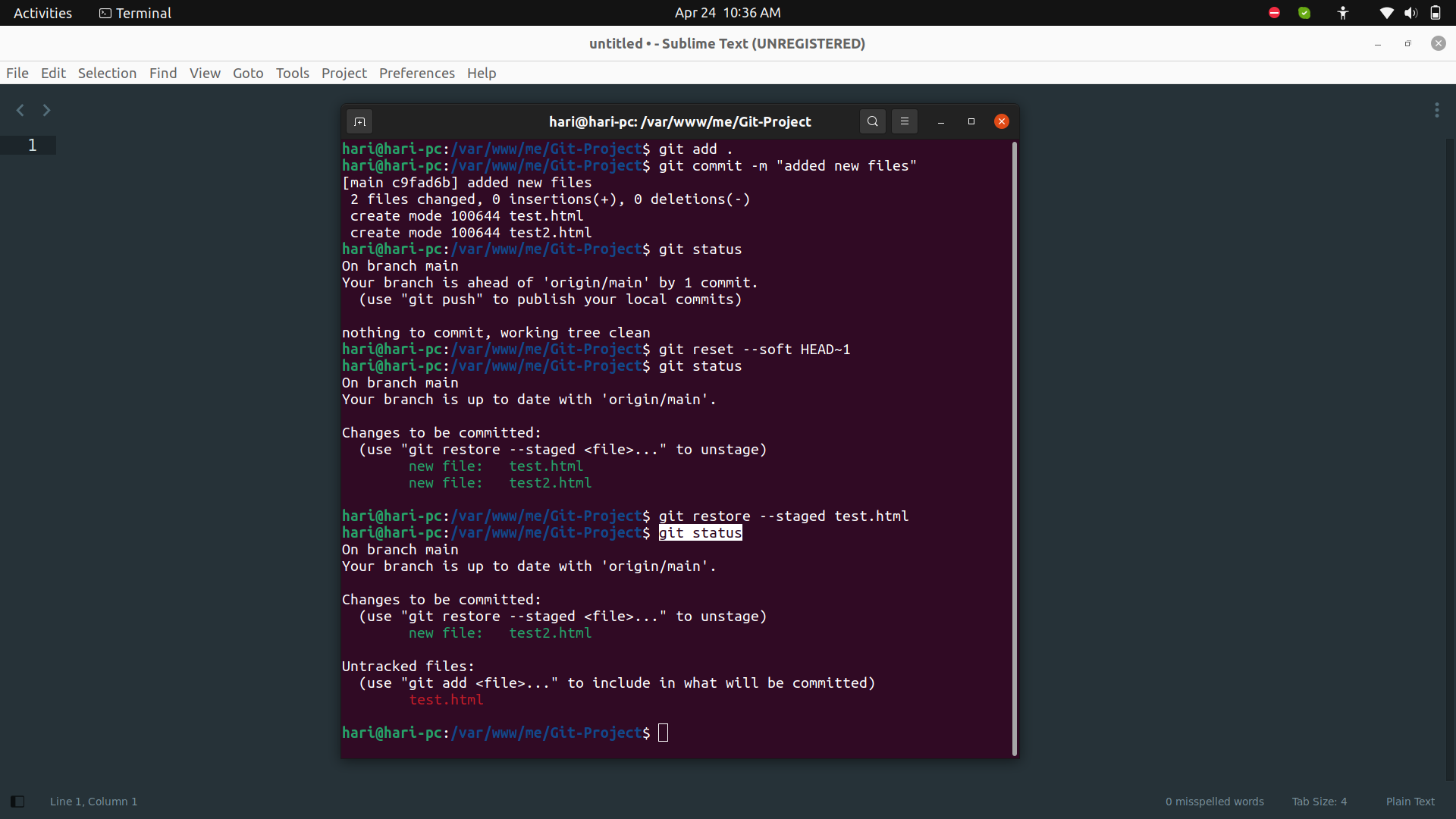
How To Remove File From Git Commit Before Push ItSolutionStuff
How To Git Remove File But Keep Local Version TecAdmin
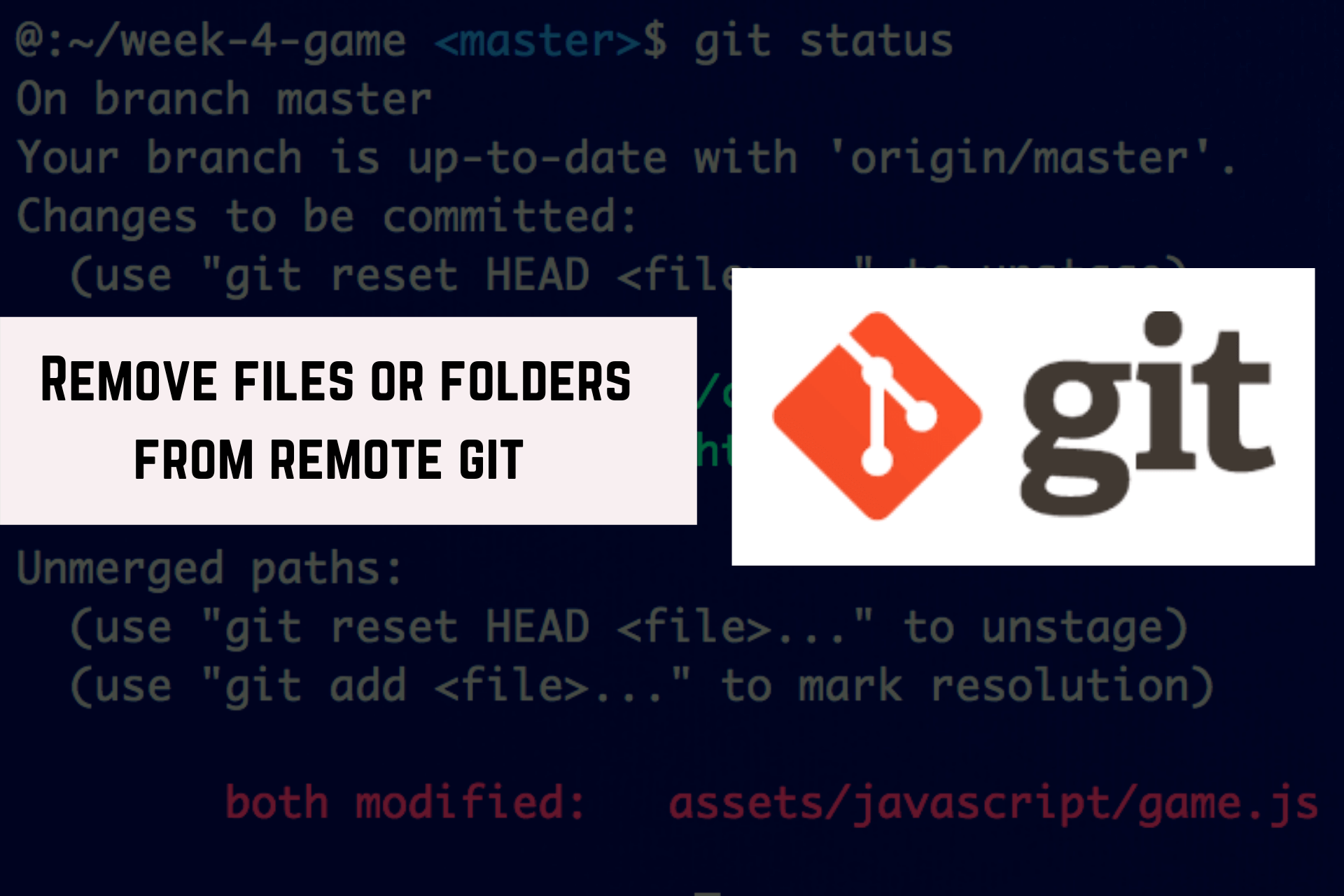
Remove Files Or Folders From Remote Git
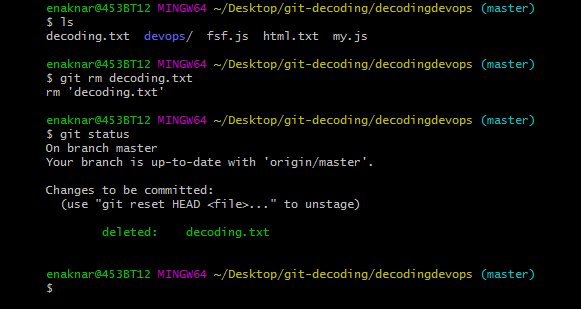
How To Remove File From Git Git Remove Untracked Files DecodingDevops
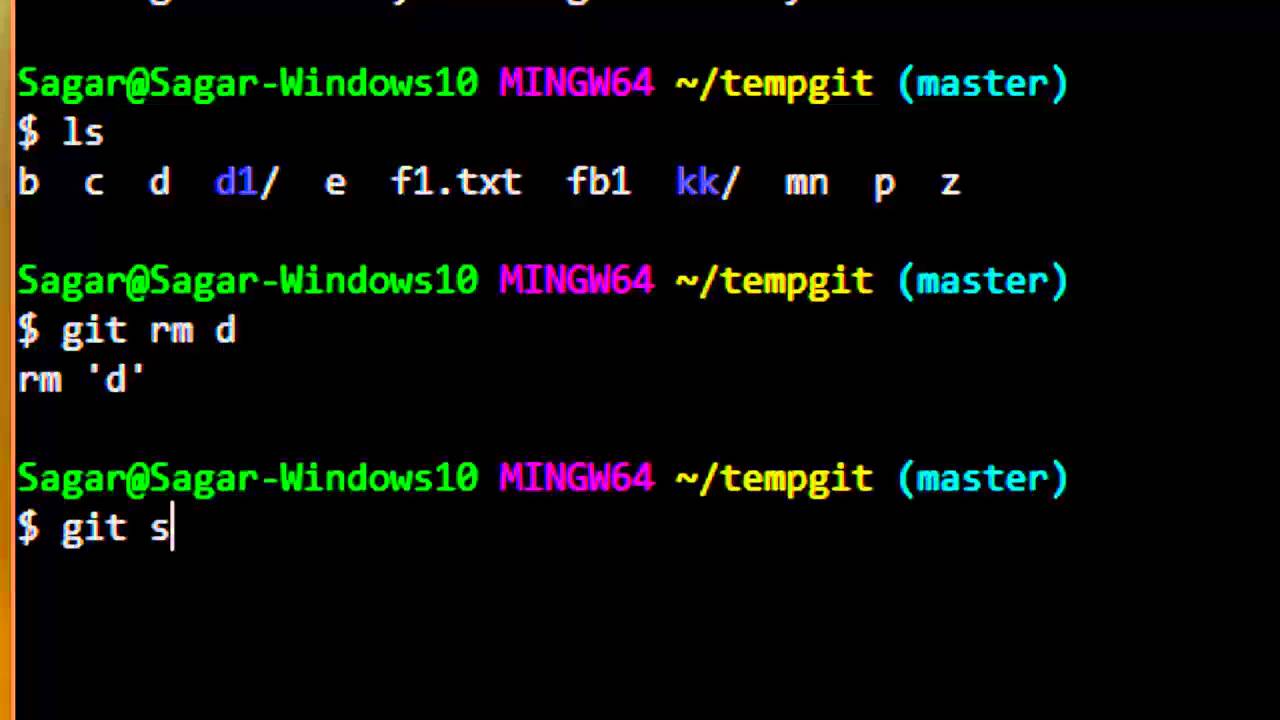
How To Remove File From Git Biointerchange
Web Jul 15 2012 nbsp 0183 32 If the file is only in your most recent commit then it s easiest to use git rm my bad file txt to remove the file then git commit amend to edit the previous commit If

Web git checkout b mybranch rm myfile txt git commit am quot delete myfile txt quot Now when you checkout master you ll see your file returned and when you checkout mybranch it will
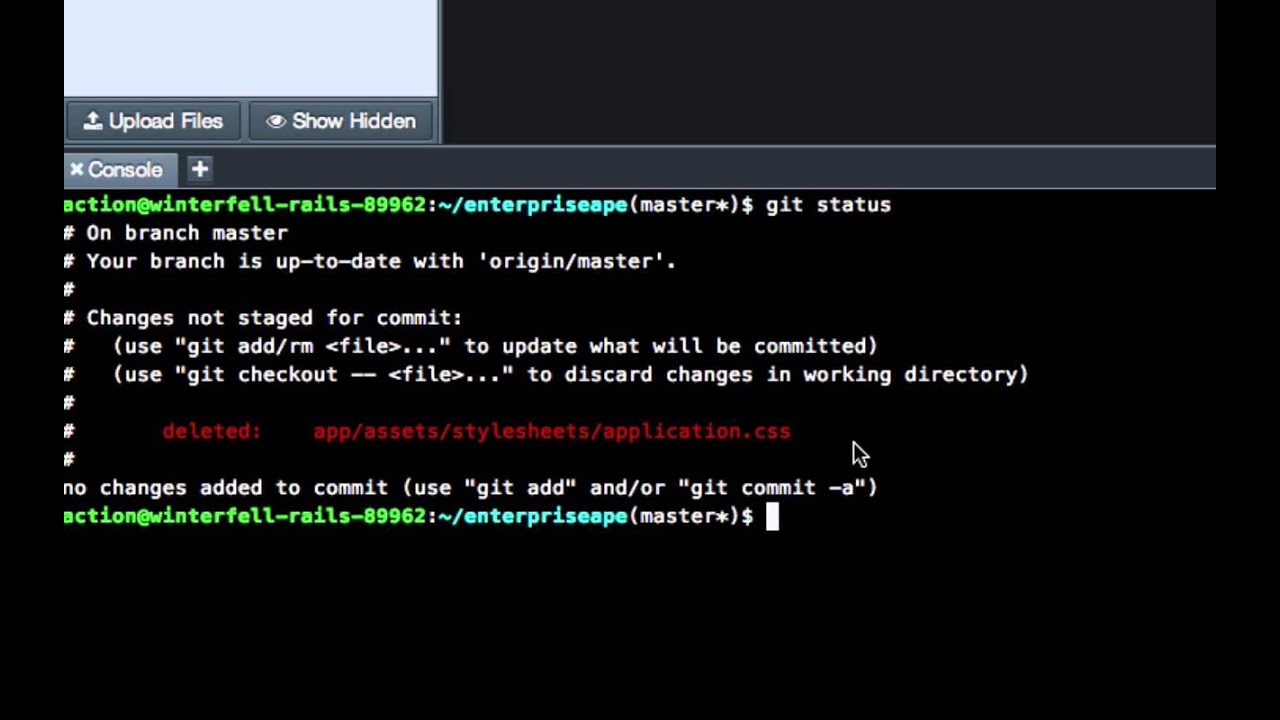
Web Mar 19 2012 nbsp 0183 32 Use git rm cached FILENAME to delete it from the repository but keep the file physically and git add FILENAME to add a file to your repository You will need to
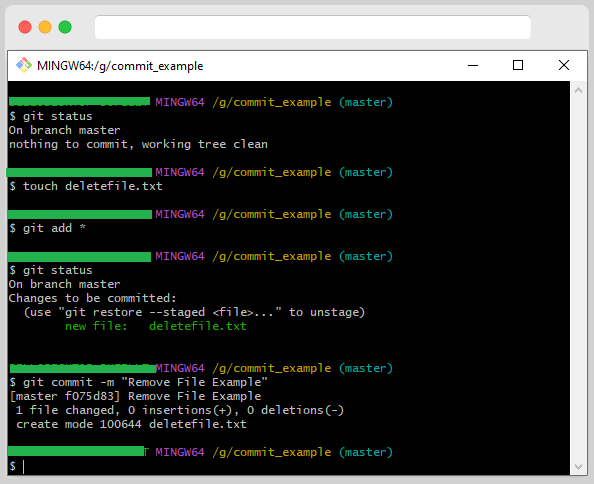
Web Feb 4 2015 nbsp 0183 32 1 Answer You have to branch off from master Check out a new branch and remove the files you do not want git checkout b new branch rm foo txt rm foo2 txt git
Web Oct 6 2023 nbsp 0183 32 The git rm command is used to remove files from both your working directory and the Git staging area To remove a file from a Git branch use the following
Web Sep 21 2022 nbsp 0183 32 If you just git added it You can run git reset lt yourFileOrYourDirectory gt If you ve git added it git committed it and git pushed it For a file you can run git rm Web Dec 14 2019 nbsp 0183 32 The file is correctly committed but you want to remove it from your Git repository To remove your file from the Git repository you want first to restore it git
Web On GitHub navigate to the main page of the repository From the file tree view on the left select the branch dropdown menu then click View all branches You can also find