How To Remove Extra Blank Lines In Notepad How To Delete Pages In Word Blank Or Not Software Accountant Riset Notepad Remove Blank Lines Quick Easy Digi Dank Removing Blank Lines In Notepad Mobile Legends How To Delete Blank Rows In Excel The Right Way 2021 Riset How To Take Delete A Page In Microsoft Word Paasdiet 131 1 1 3 6 Answers Sorted by 25 Not a regular expression but Notepad 6 3 2 has a number of ways of removing blank lines without using a regular expression Menu Edit Line operations Remove empty lines containing blank characters Menu TextFx TextFx Edit Delete blank lines
Open Search Replace or use Shortcut Ctrl H It opens Replace Window Select and type below Find What with R for blank lines h R for blank lines with empty characters Replace with empty Check Wrap Around Select Search Mode as Regular Expression Click on the Replace All button Use TextFx plugin First TextFx plugin Choose TextFX Edit Delete Blank Lines to remove exact empty lines or Delete Surplus Blank Lines to remove empty lines containing spaces or tabs Now you know various ways to remove empty lines in Notepad using built in features regular expressions or plugins
How To Take Delete A Page In Microsoft Word Paasdiet How To Delete A Blank Page In Microsoft Word On Pc And App Riset Regex Remove The First Blank Line From Every Document Notepad How To Remove Extra Blank Lines In WordPress Posts WordPress Tips How To Delete A Page In Word Remove Blank Or Extra Pages Removing Blank Lines In Notepad Mobile Legends Removing Blank Lines In Notepad Mobile Legends Riset How To Delete Blank Lines In A Notepad Document What Is Mark Down Find And Replace Empty Lines In Word Printable Templates Free
How To Remove Extra Blank Lines In Notepad
 How To Remove Extra Blank Lines In Notepad
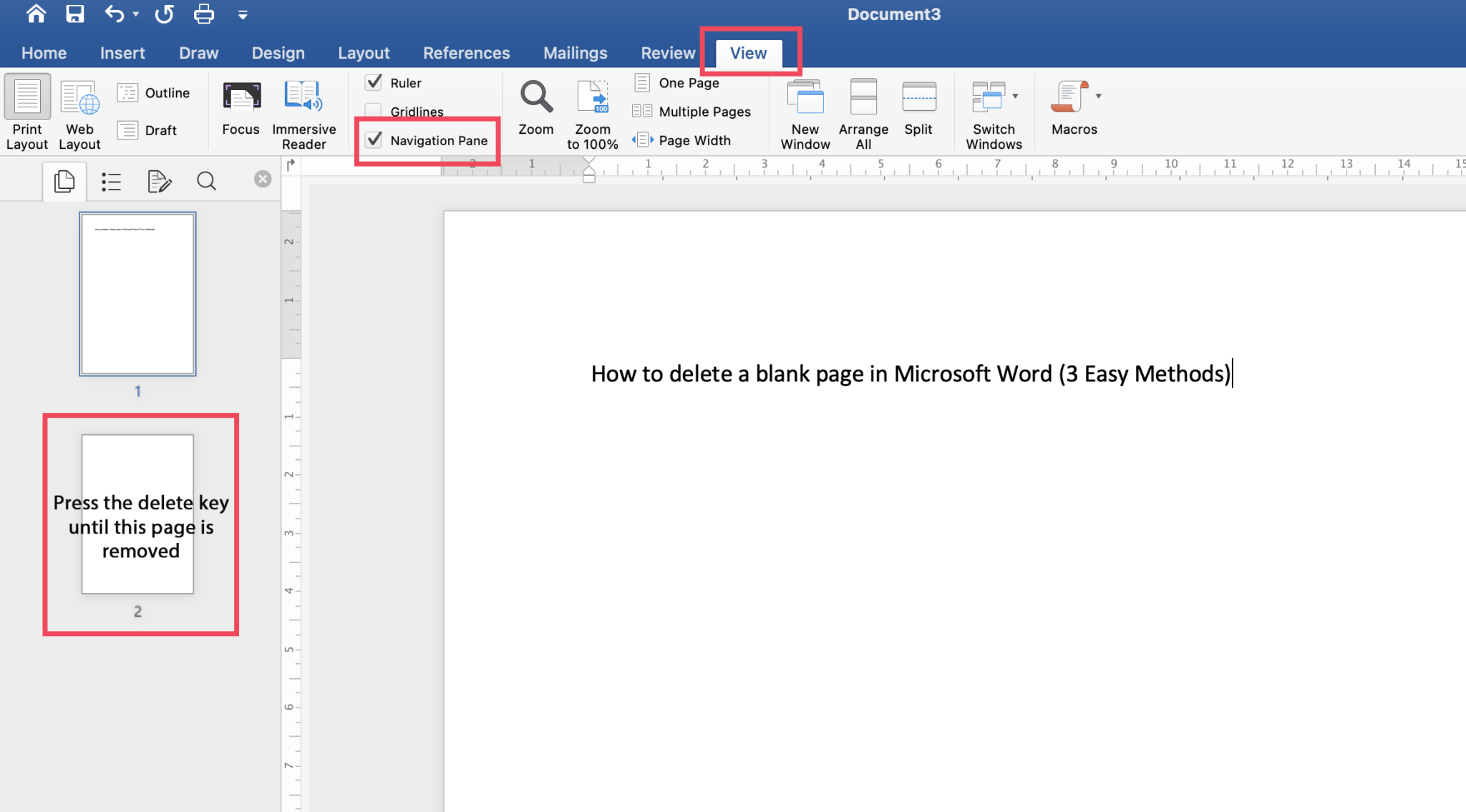
https://techbook101.com/wp-content/uploads/2021/02/delete-an-unwanted-blank-page-in-word-using-navigation-pane-2048x1135.png
Tip See our removing blank lines with regular expressions section below for how this tool and other tools use regular expressions to replace blank lines Notepad is a fantastic free text editor for Microsoft Windows computers that supports regular expression search and replace to replace blank lines in one or more files
Pre-crafted templates use a time-saving solution for creating a varied range of files and files. These pre-designed formats and layouts can be utilized for different individual and professional tasks, including resumes, invites, flyers, newsletters, reports, presentations, and more, simplifying the material development procedure.
How To Remove Extra Blank Lines In Notepad

3 Ways To Remove A Blank Page In Word WikiHow
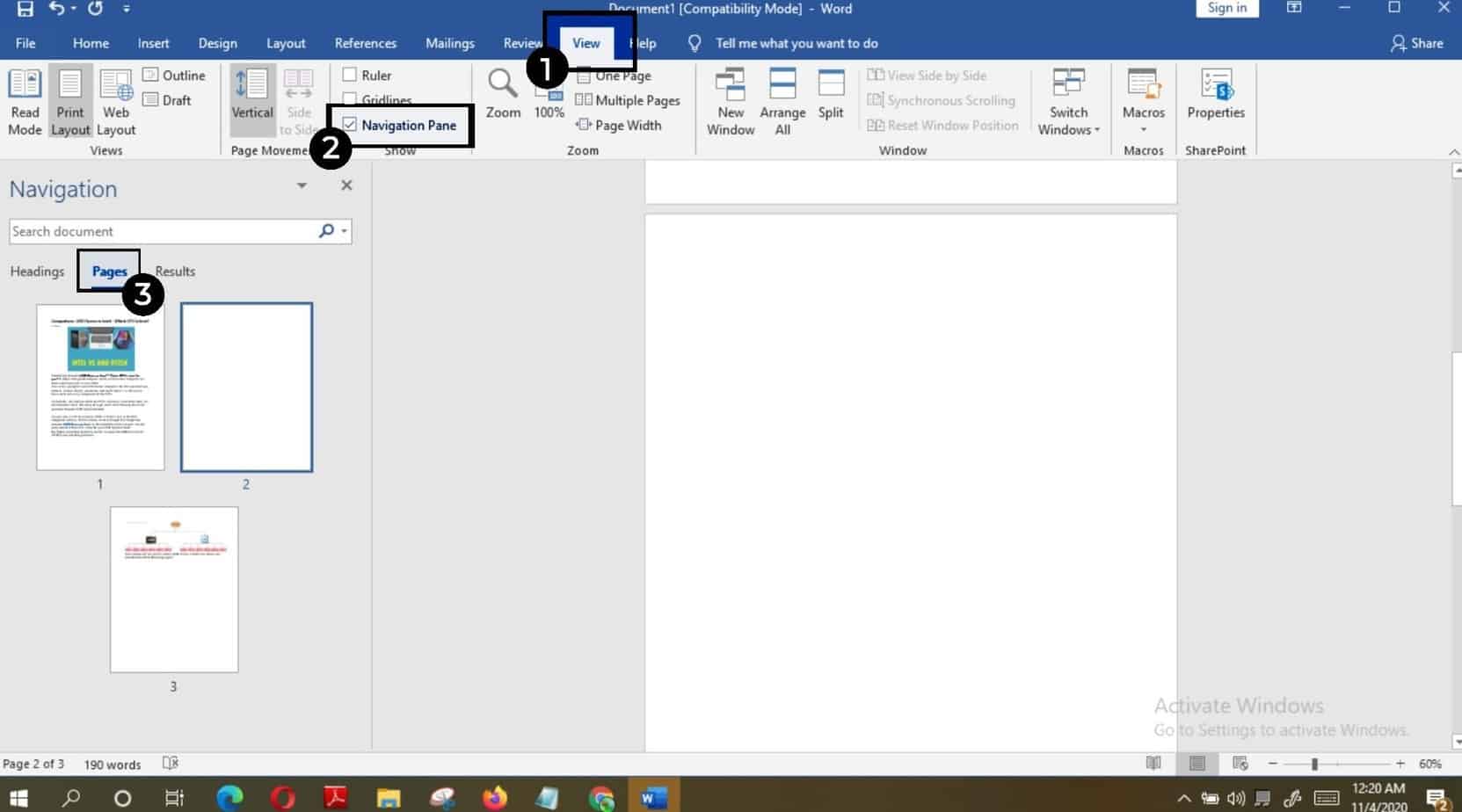
How To Delete A Blank Page In Microsoft Word On Pc And App Riset

Regex Remove The First Blank Line From Every Document Notepad

How To Remove Extra Blank Lines In WordPress Posts WordPress Tips

Removing Blank Lines In Notepad Mobile Legends

Removing Blank Lines In Notepad Mobile Legends Riset
Remove white space using regular expression as follows change pattern t into nothing where t matches either tab or space matches one or more occurrences and marks the end of line Then use notepad textFX to remove single or extra empty lines

6 Answers Sorted by 17 Within notepad there is no way to use the Find and Replace and target blank lines Consider Notepad and the regex search and replace You can use r n to find blank lines from text files

Highlight from the end of the first line to the very beginning of the third line Use the Ctrl H to bring up the Find and Replace window The highlighed region will already be plased in the Find textbox Replace with r n Replace All will then remove all the additional line spaces not required Here s how it should look

Is there a simple way of removing linebreaks in Notepad For example This text has been splitted in lines and it s longer than 3200 words so it would be great to find and replace line breaks like these notepad linebreaks Share Improve this question edited Aug 14 2017 at 16 25 Stevoisiak 14 4k 40 105 166
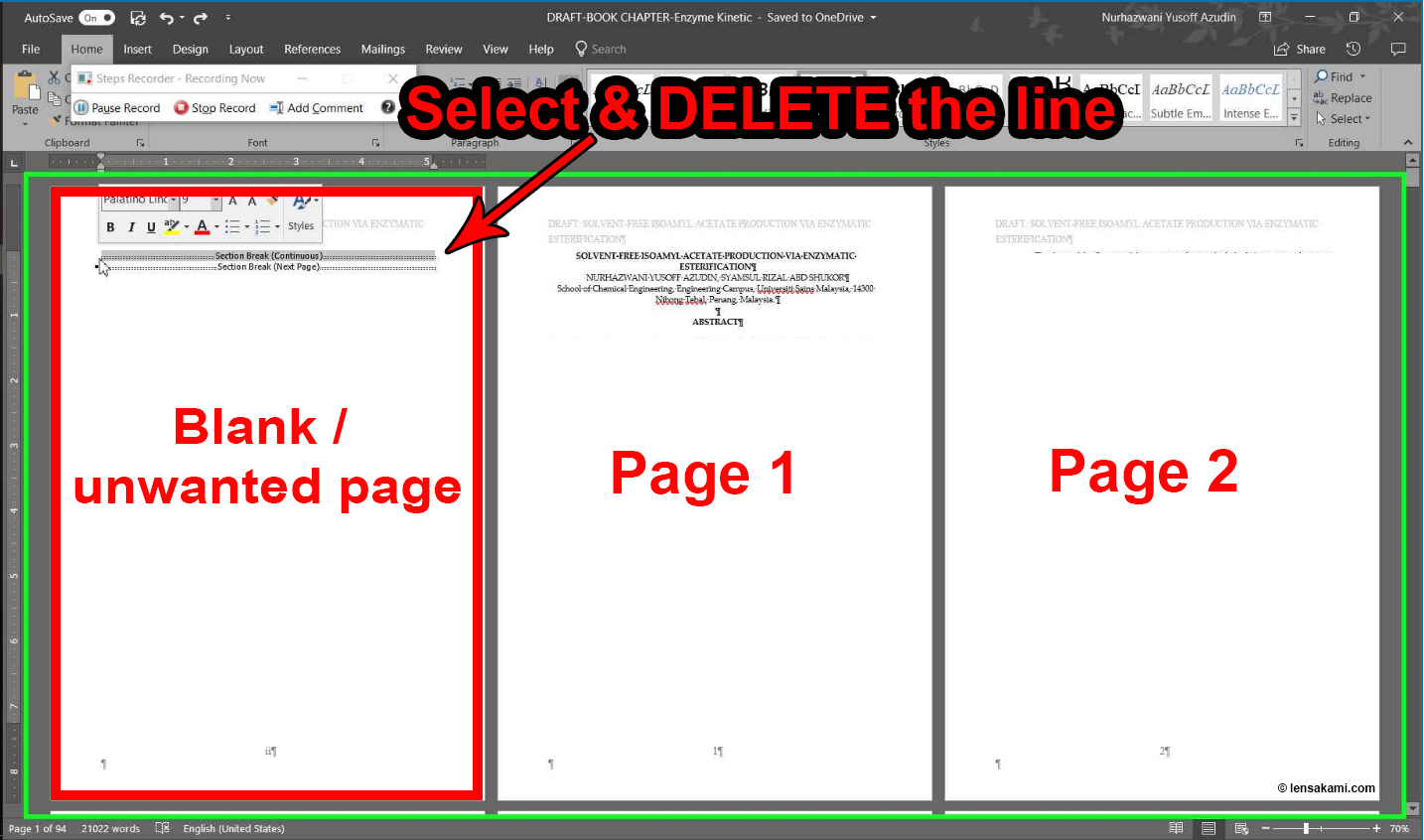
To remove or replace empty lines in Notepad follow these steps Open the script in Notepad Click on the Edit menu Select the Line Operations option Select the Remove Empty
Explanation Start of line t Match any number of spaces or tabs capture them in group 1 r n Match one linebreak 3 Answers Sorted by 3 In the Replace dialog Ctrl H select Extended Search Mode For the Find what text enter for Windows carriage return line feed convention to mark end of line r n r n For the Replace with text enter r n Each time you click replace All double CR LF s will be converted to single or quadruple CR LF s to
69 9 4K views 3 years ago Notepad Line Operations Tutorials This video tutorial will show you how to remove empty lines in Notepad without any advanced knowledge of regular