How To Remove Data Card From Excel Cell How To Remove Formula In Excel Cell Riset How To Remove Formulas In Excel And Keep The Data Spreadsheet Planet How To Extract First Middle And Last Names In Microsoft Excel CLOUD Excel Remove Formula But Keep Data With Source Formatting Mobile How To Remove Mysql On Mac Lasopaware Web May 26 2022 nbsp 0183 32 Remove Data Validation Selected Range Select the range of cells where the data validation is set In the Ribbon select Data gt Data Tools gt Data Validation gt Data Validation Click the Clear All button and then click OK There are now no data validation rules in the selected cells
Web Raw data for excel practice download https drive google open id 1t 4VO67tmGXa XnzpWfGnBjcIafY 6zThis video shows you how to remove data type format Web To use the clear function simply select the cell or range of cells from which you want to remove the data then navigate to the quot Home quot tab and click on the quot Clear quot button in the quot Editing quot group From the drop down menu select the type of data you want to remove and Excel will clear the selected data from the cell Using the replace function
How To Remove Mysql On Mac Lasopaware Remove Formula But Keep The Data In Excel 2 Really Simple Ways YouTube Excel Tutorial How To Delete Data In Excel How To Remove Text From Excel Cell 9 Easy Ways Exceldemy Vrogue How To Remove Data Validation Restrictions In Excel 3 Ways How To Remove Blank Space In Excel Cell Before Text Step 4 since The How To Remove Duplicates From Shopify Store Bulk Import Export Update How To Remove An Account From Google Inbox App Kaserpapa Parzialmente Velocit Bellissimo Excel Insert Images Into Cell
How To Remove Data Card From Excel Cell
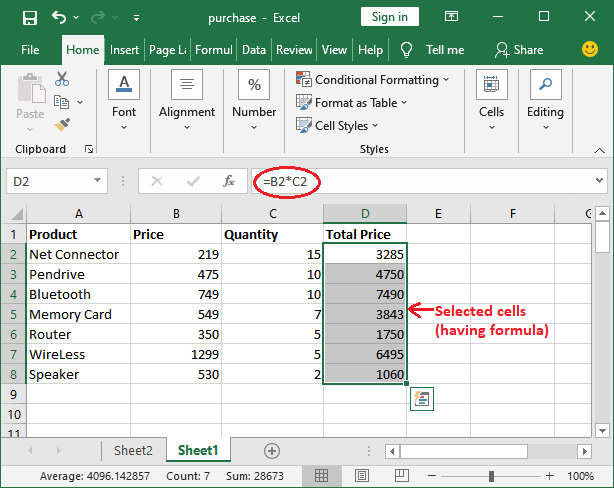 How To Remove Data Card From Excel Cell
https://static.javatpoint.com/ms/excel/images/how-to-remove-formula-in-excel.png
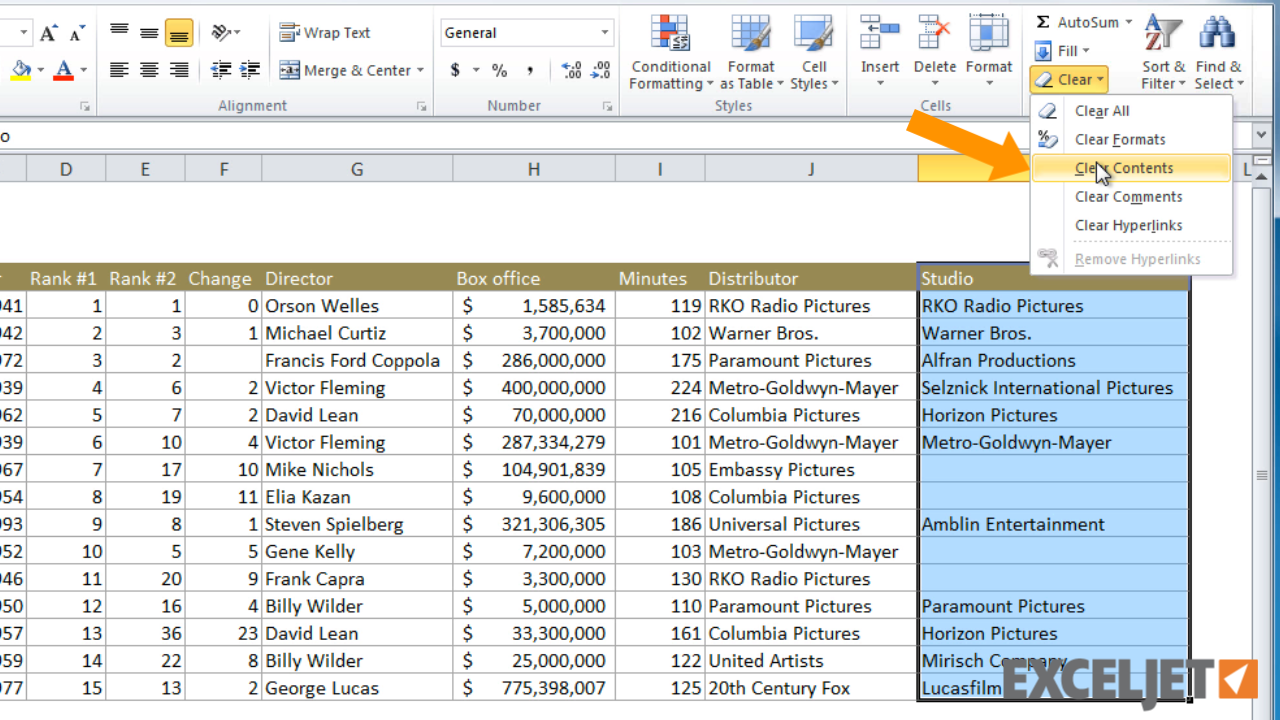
Web Select the Cell or Range of Cells Choose the cell or range of cells from which you want to clear the data Go to the Home Tab Navigate to the Home tab in the Excel ribbon Click on quot Clear quot in the Editing Group In the quot Editing quot group click on the quot Clear quot button
Templates are pre-designed files or files that can be used for different functions. They can conserve time and effort by providing a ready-made format and design for producing different kinds of material. Templates can be used for individual or professional projects, such as resumes, invites, leaflets, newsletters, reports, presentations, and more.
How To Remove Data Card From Excel Cell
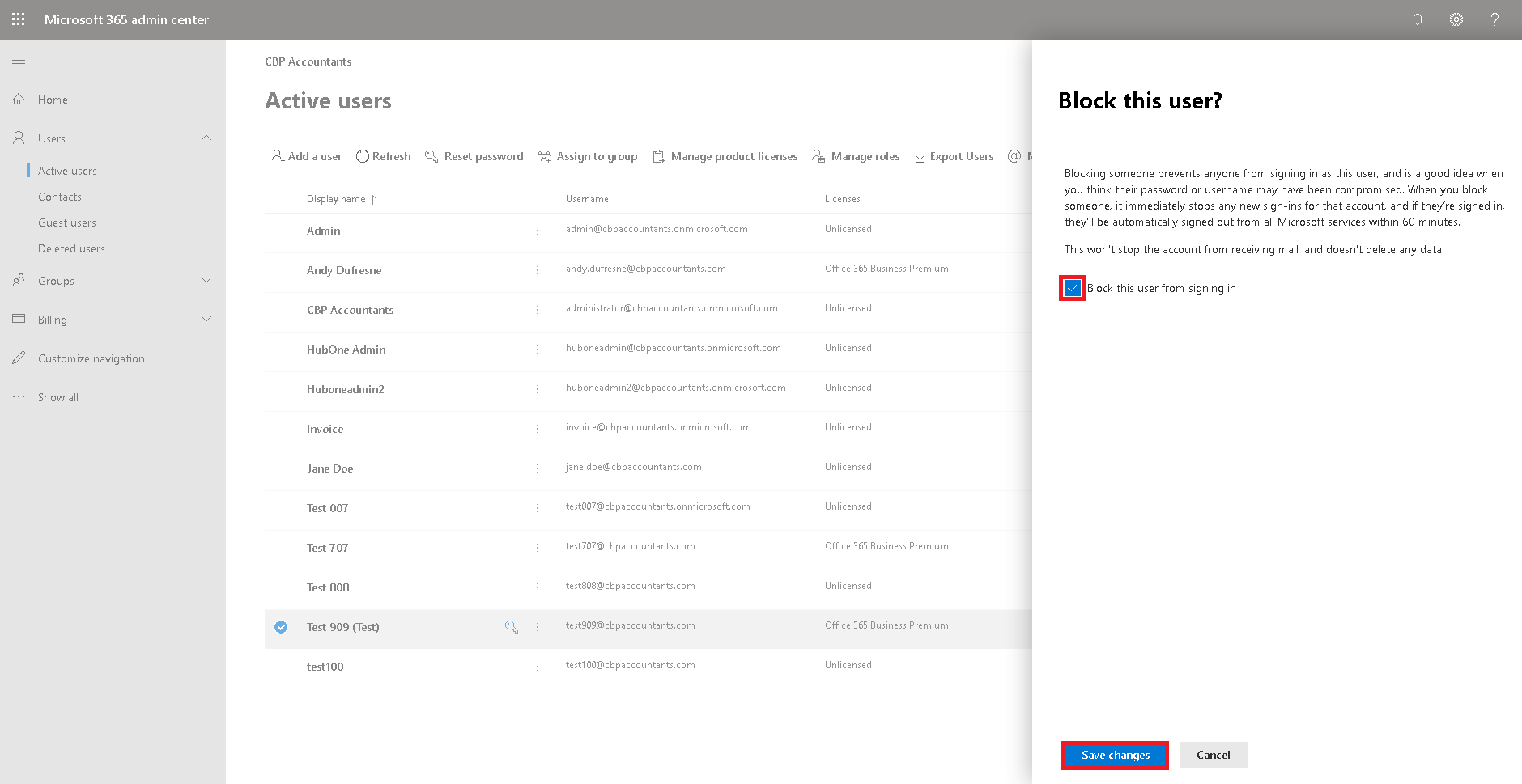
How To Remove O365 Account From Windows 10 Garelegant
Remove Formula But Keep The Data In Excel 2 Really Simple Ways YouTube
Excel Tutorial How To Delete Data In Excel
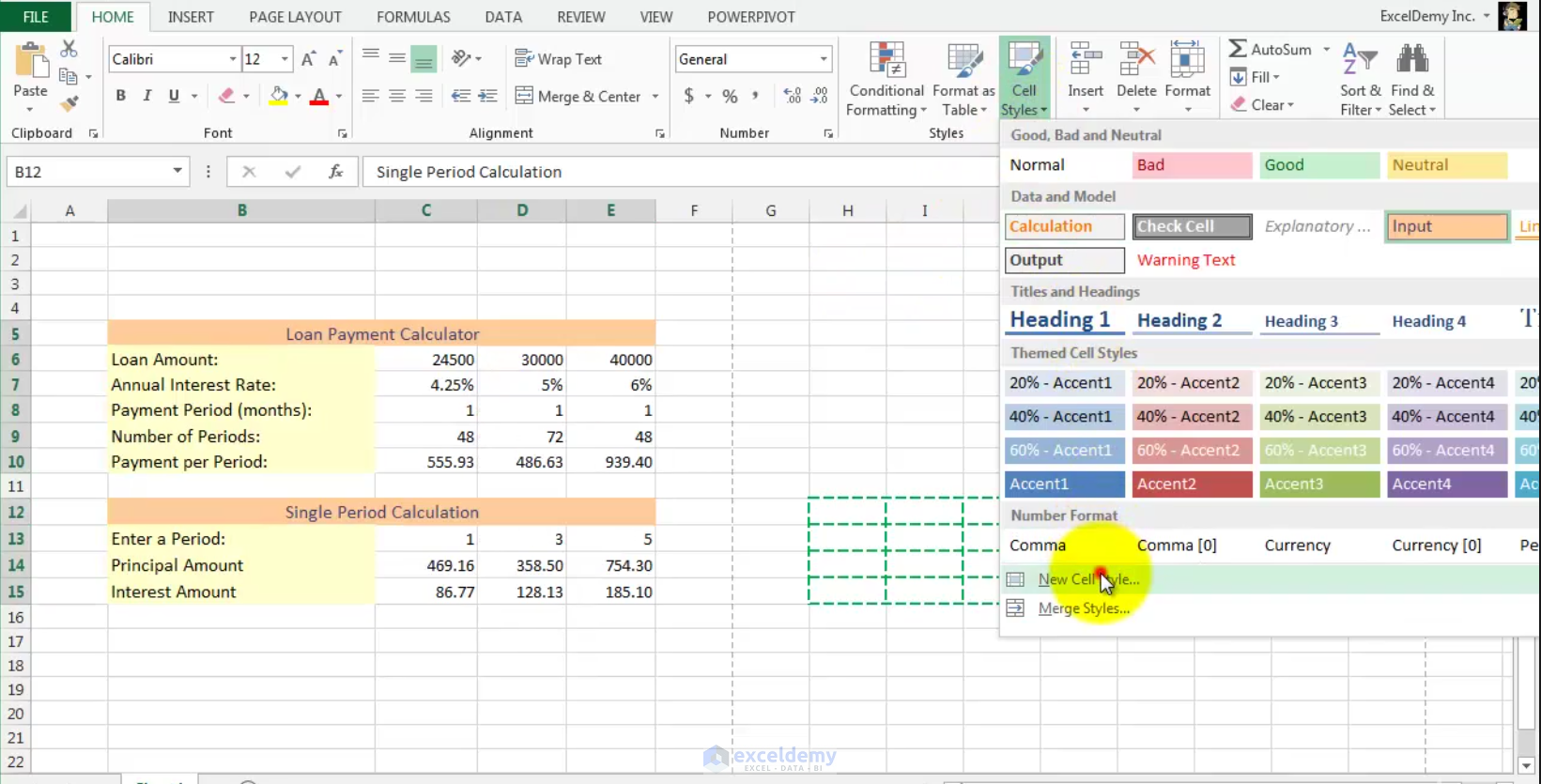
How To Remove Text From Excel Cell 9 Easy Ways Exceldemy Vrogue
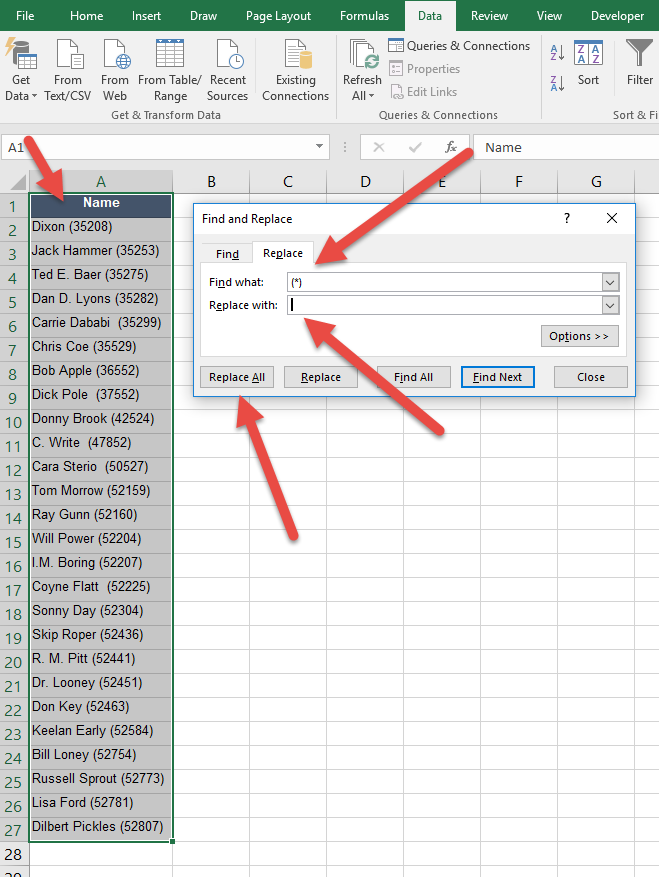
How To Remove Blank Space In Excel Cell Before Text Step 4 since The

How To Remove Duplicates From Shopify Store Bulk Import Export Update
Web Nov 6 2020 nbsp 0183 32 How do I remove and disable Show Card feature Running Excel 365

Web Apr 13 2021 nbsp 0183 32 Recently these values with card values have been appearing in our online Excel data tables I am unable to filter these out in desktop Excel and when I load the data table into Power Query it results to value errors Is there some way I can remove these card entries and disable them https i imgur UvyKilQ png

Web Oct 22 2019 nbsp 0183 32 To open this window click File gt Options Paste Options and AutoFill To remove the Paste Options button click quot Advanced quot and uncheck the quot Show Paste Options Button When Content Is Pasted quot box This setting removes the smart tag for both the paste and autofill options

Web Feb 12 2016 nbsp 0183 32 Hi How do I remove and disable Show Card feature Running Excel 365

Web You can clear cells to remove the cell contents formulas and data formats including number formats conditional formats and borders and any attached comments The cleared cells remain as blank or unformatted cells on the worksheet Select the cells rows or columns that you want to clear
Web Dec 19 2023 nbsp 0183 32 While working with Excel and dealing with large datasets sometimes it becomes necessary to delete some text from a cell You can do this manually but it will waste your valuable time Let s dive into the article and get some of the easiest ways to remove specific text from cells in Excel Web Dec 19 2023 nbsp 0183 32 6 Ways to Remove Partial Data from Multiple Cells in Excel 1 Using Flash Fill to Remove Partial Data from Multiple Cells In case you have some compacted values in your dataset then you can use the Flash Fill command to remove partial data from multiple cells in Excel To use the Flash Fill command first you will need to create a
Web Mar 10 2023 nbsp 0183 32 Press Ctrl H to open the Find and Replace dialog In the Find what box type the character Leave the Replace with box empty Click Replace all As an example here s how you can delete the symbol from cells A2 through A6