How To Remove Conditional Formatting In Excel Using Vba Excel Conditional Formatting Formula If Examples Riset Conditional Formatting In Excel 2007 YouTube How To Apply Conditional Formatting To Multiple Cells Free Excel My How To Remove Conditional Formatting In Excel SpreadCheaters Conditional Formatting Based On Date In Excel And How To Make It Web Dec 21 2023 nbsp 0183 32 1 Use of the Office Clipboard to Remove Conditional Formatting but Keep the Format in Excel In this method we would use the Clipboard to keep the format of cells while removing the conditional formatting Let s follow the steps below Select the whole dataset Press Ctrl C to copy the selected cells
Web Jun 26 2015 nbsp 0183 32 What does Conditional Formatting have to do with that Just Define your range plenty of posts on SO as to how to do that Count the entries in that range execute the range removeduplicates method and count again Web 1 Answer Sorted by 0 When deleting the most natural way to loop is backwards Sub Remove New Formatting Dim i As Long With ActiveSheet Cells FormatConditions For i Count To 3 Step 1 Item i Delete Next i
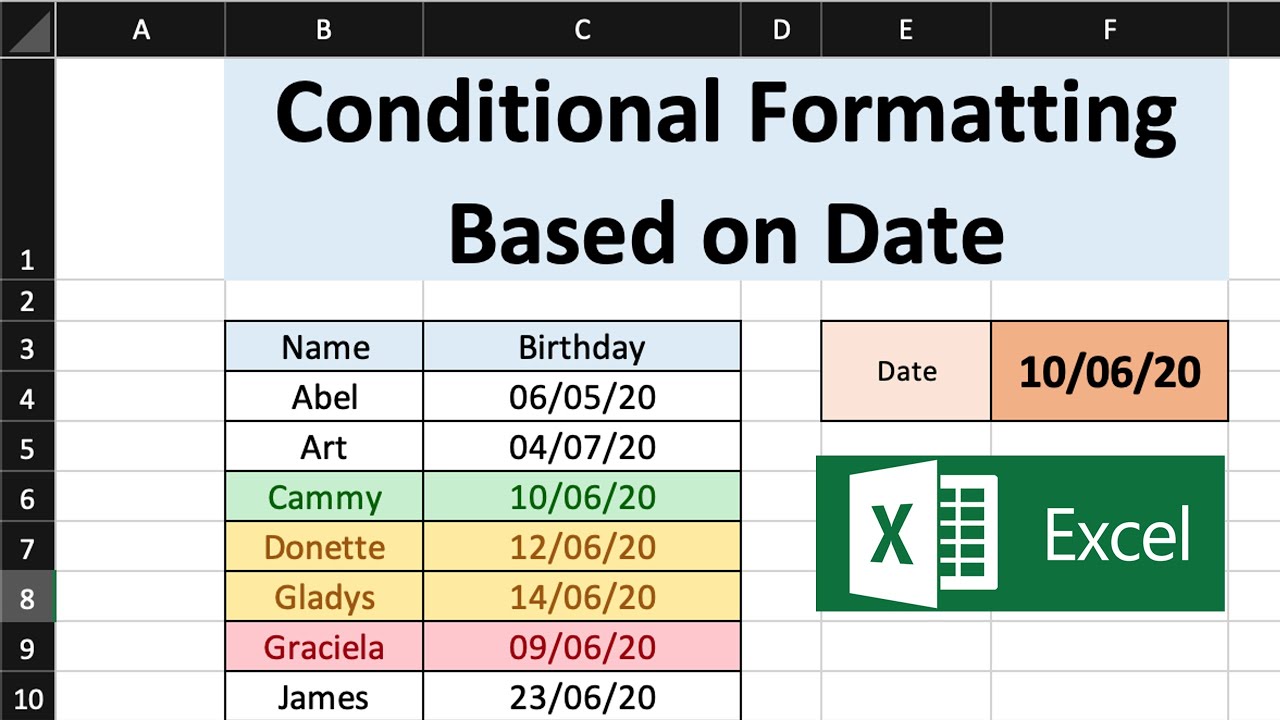
Conditional Formatting Based On Date In Excel And How To Make It How To Remove Conditional Formatting In Excel 3 Examples ExcelDemy How To Create A Conditional Formatting Rule In Excel Ms My XXX Hot Girl Format Condition Beinyu How To Use Conditional Formatting In Excel To Highlight Rank 2022 Guide Excel Advance Conditional Formatting Create Your Own Rules Conditional Formatting Excel Spreadsheet YouTube Openoffice Conditional Formatting Using Formulas Lasermertq Online Offline Earn Money With Easy Skills What Is Text That Contain
How To Remove Conditional Formatting In Excel Using Vba
 How To Remove Conditional Formatting In Excel Using Vba
https://www.lifewire.com/thmb/63BR8YIMIS_ZnOsirVW9u8IR3iI=/1543x1029/filters:no_upscale():max_bytes(150000):strip_icc()/OrderofPrecedenceforConditionalFormatting-5bf051f046e0fb0051ab848a.jpg
Web Apr 10 2024 nbsp 0183 32 How to Remove Conditional Formatting in Excel Last Updated April 10 2024 Written by Puneet Contents hide Clear Option to Remove Conditional Formatting Use the Manage Rules Option to Clear the Conditional Formatting Using a Keyboard Shortcut Using a VBA Code to Remove Conditional Formatting
Templates are pre-designed documents or files that can be utilized for different purposes. They can save effort and time by supplying a ready-made format and design for creating different sort of material. Templates can be utilized for personal or expert projects, such as resumes, invitations, leaflets, newsletters, reports, discussions, and more.
How To Remove Conditional Formatting In Excel Using Vba

How To Set Up Multiple Conditional Formatting Rules In Google Sheets

How To Remove Conditional Formatting In Excel 3 Examples ExcelDemy
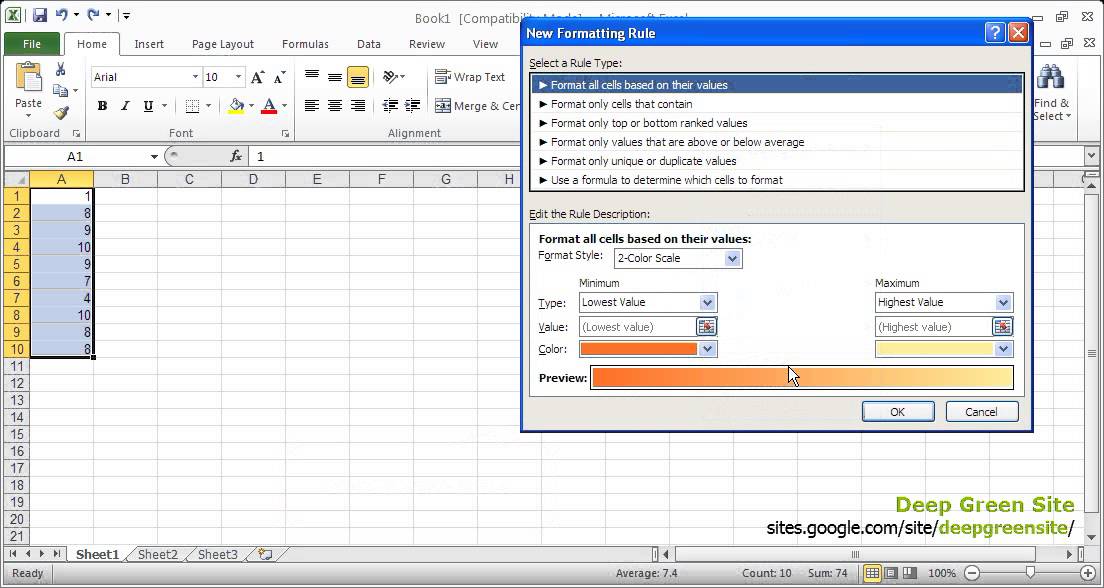
How To Create A Conditional Formatting Rule In Excel Ms My XXX Hot Girl

Format Condition Beinyu
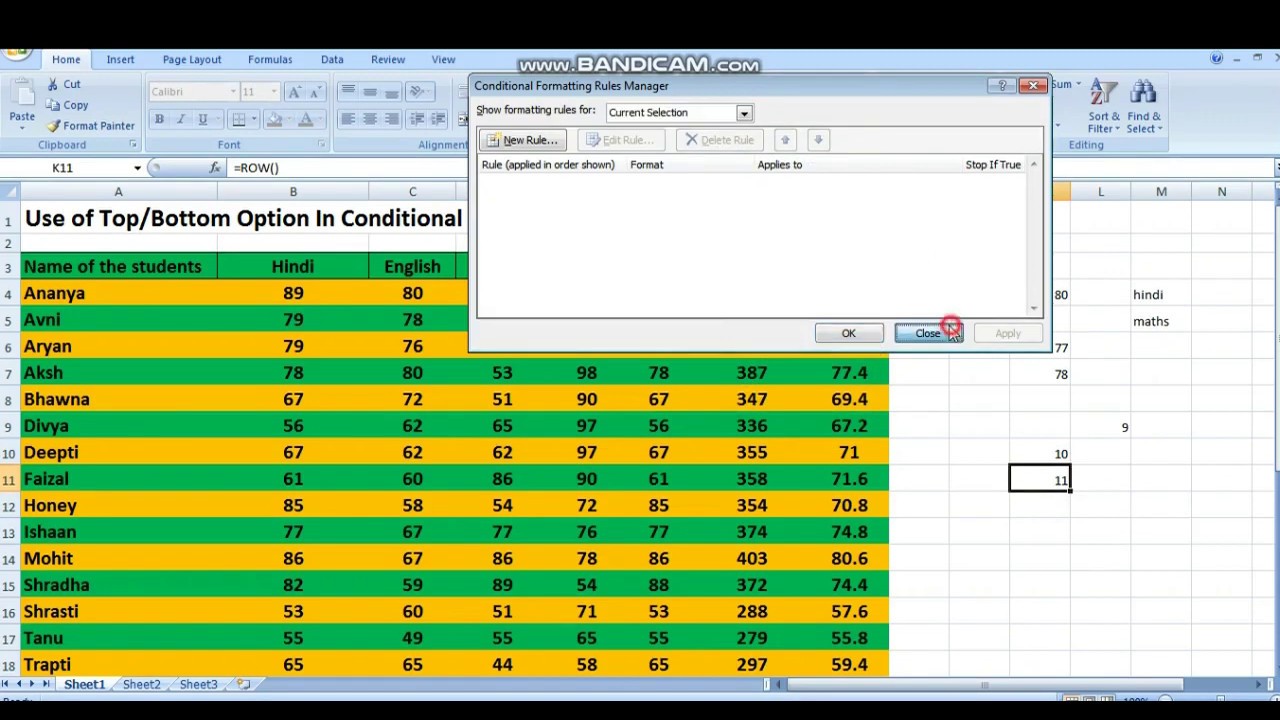
Excel Advance Conditional Formatting Create Your Own Rules
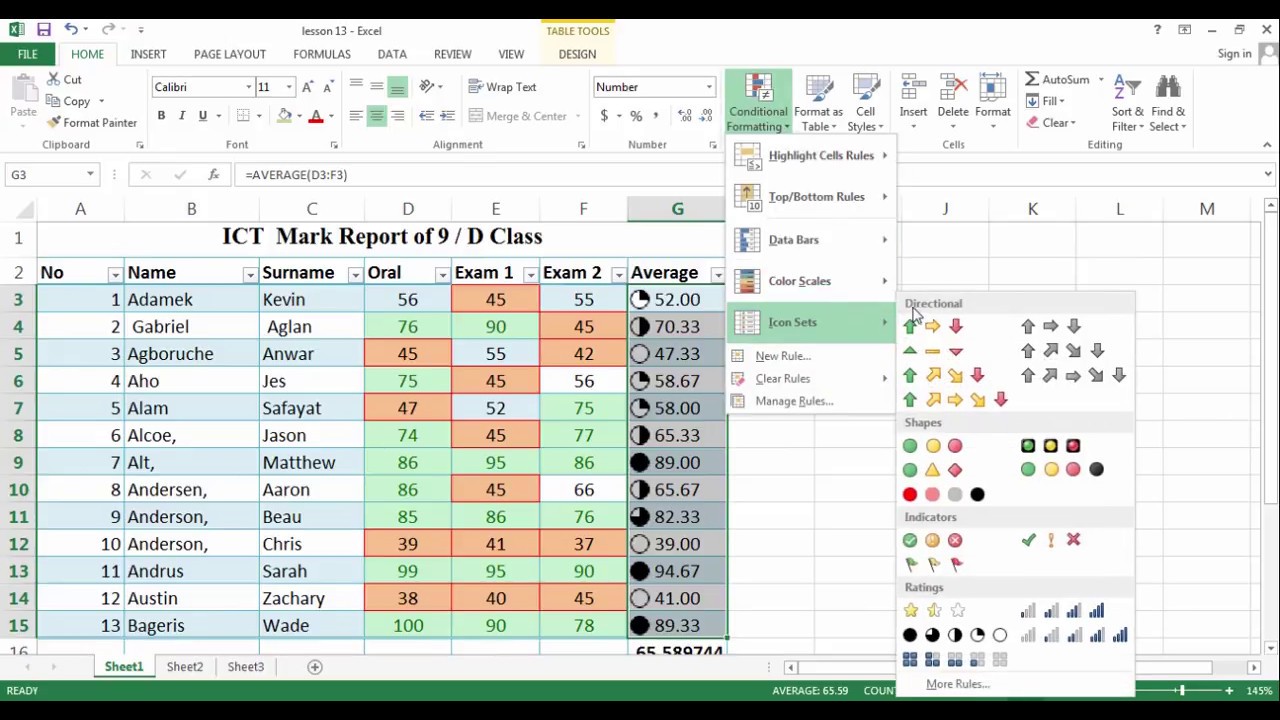
Conditional Formatting Excel Spreadsheet YouTube

Web ALT H L C E To use the above keyboard shortcut first activate the sheet from which you want to remove the conditional formatting rules and then use it Also read Remove Formulas but Keep Data in Excel Clear Conditional Formatting Using the Quick Analysis Tool option
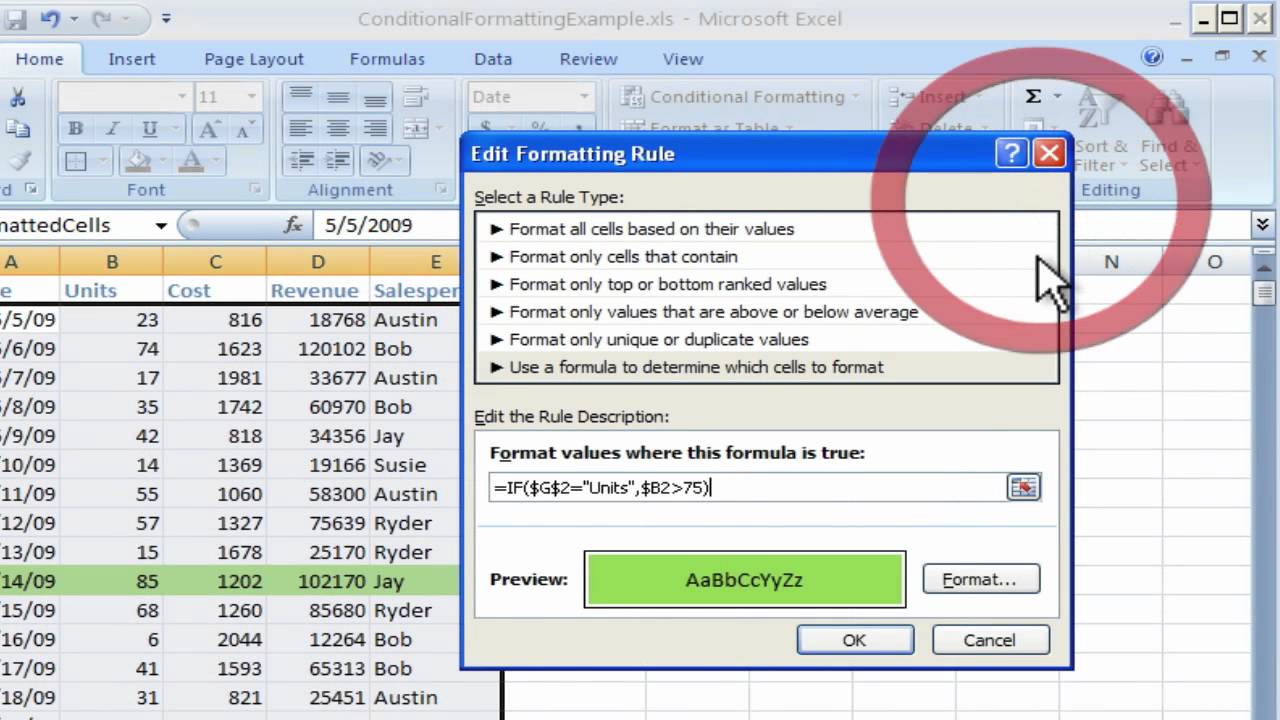
Web We can do it using following code Sub RemoveConditionalFormatting Dim WS As Worksheet Set WS ActiveSheet WS Cells FormatConditions Delete End Sub This will remove conditional formatting from activesheet So If we

Web Nov 15 2023 nbsp 0183 32 Method 1 Using Clear Rules Option Remove Rules from Selected Cells Remove Rules from Entire Sheet Remove Rules from Table Remove Rules from PivotTable Method 2 Using Manage Rules Option Method 3 Using Shortcut Keys Method 4 Using Quick Analysis Tool Method 5 Using the Clear Formats Option

Web Aug 10 2022 nbsp 0183 32 Sub ConditionalFormattingExample Define Range Dim MyRange As Range Set MyRange Range A1 A10 Delete Existing Conditional Formatting from Range MyRange FormatConditions Delete Apply Conditional Formatting MyRange FormatConditions Add Type xlCellValue Operator xlBetween
Web 5 Answers Sorted by 19 Yes it is possible What you need to do is change the formatting of the cells that you plan to copy by mimicking the DisplayFormat and then deleting the conditional formatting Sub Keep Format Dim ws As Worksheet Dim mySel As Range aCell As Range gt Change this to the relevant sheet
Web May 2 2022 nbsp 0183 32 1 Click anywhere in the range where you want to remove conditional formatting and in the Menu go to Format gt Conditional formatting 2 On the right side of the sheet the Conditional format rules window will appear 1 Position the cursor on the rule you want to remove and 2 click on the bin icon when it appears 3 Web Aug 18 2016 nbsp 0183 32 You could use FormatConditions Delete to remove the conditions and if you want to enable it again you can use FormatConditions Add method with the given range Reference Stupid Intern
Web 2 Answers Sorted by 1 You can easily index into the FormatConditions collection and delete a specific one sheet1 Range quot A 1 C 7 quot FormatConditions 2 Delete Or if you want the last condition With Sheet1 Range quot A 1 C 7 quot FormatConditions FormatConditions Count Delete End With answered Oct 9