How To Remove A Pushed Commit From Git How To Delete A GitHub Repository Rewind Git How To Remove Pushed Commits From Me And Someone Else On Github How To Revert Pushed Commit In Git YouTube Git Revert File Reverting A File To A Previous Commit Rewording A Pushed Git Commit Message Web Feb 26 2023 nbsp 0183 32 To remove specific commits from a Git branch after they have been pushed to a remote repository the most commonly used and safest method is to revert the commits Reverting creates a new commit that undoes the changes made in the specified commit keeping a record of the undo action
Web Feb 2 2024 nbsp 0183 32 Add modify more files git add all git commit m quot Make another healthy commit quot We will now push these commits to the undo pushed commits remote repository on GitHub git remote add undo remote git github danielturidandy undo pushed commits remote git git push undo remote master Our remote repository now has two Web Jan 13 2023 nbsp 0183 32 Type quot git push f quot The quot f quot is important as this means forced push A normal push will prompt Visual Studio to Pull then Push as your local branch is now quot behind quot the the remote branch Double check your remote repository s branch history to ensure the old commit is removed This is how you edit or remove a quot pushed quot commit using Visual
Rewording A Pushed Git Commit Message Get Started With Git Commands For Version Control Earth Data Science Mastering Git Commit Types A Guide To Proper Usage And Best Practices Git Delete SourceTree Commit History Stack Overflow How Do You Correct A Commit Message In Git O Reilly To Write Git Vrogue Crayon Couronne Crocodile Git Correct Commit Message Stylo Magasin La Git How To Edit Or Remove A pushed Commit Using Visual Studio DEV Git Git Scenarios Revert Pushed Commit Git Revert no commit Add Commit From Git Repository To GitHub Stack Overflow
How To Remove A Pushed Commit From Git
 How To Remove A Pushed Commit From Git
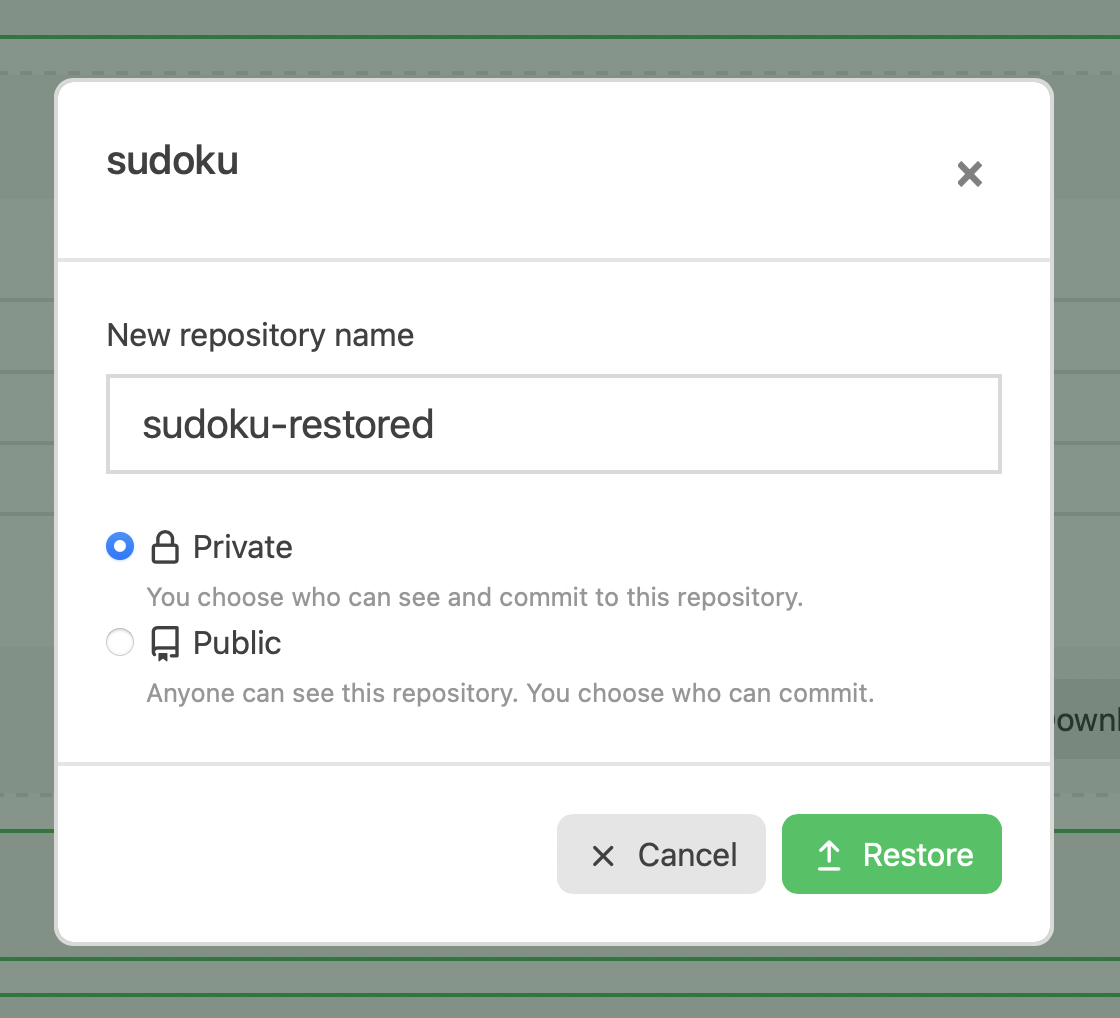
https://rewind.com/wp-content/uploads/2022/03/Repository20info20within20the20Rewind20Vault.png
Web Sep 21 2022 nbsp 0183 32 First run git status to make sure you have staged the file meaning you used git add On branch main Your branch is up to date with origin main Changes to be committed use quot git restore staged lt file gt quot
Pre-crafted templates use a time-saving option for producing a varied series of documents and files. These pre-designed formats and layouts can be utilized for numerous personal and expert tasks, consisting of resumes, invitations, leaflets, newsletters, reports, presentations, and more, simplifying the material development process.
How To Remove A Pushed Commit From Git

Git How To Edit Or Remove A pushed Commit Using Visual Studio DEV
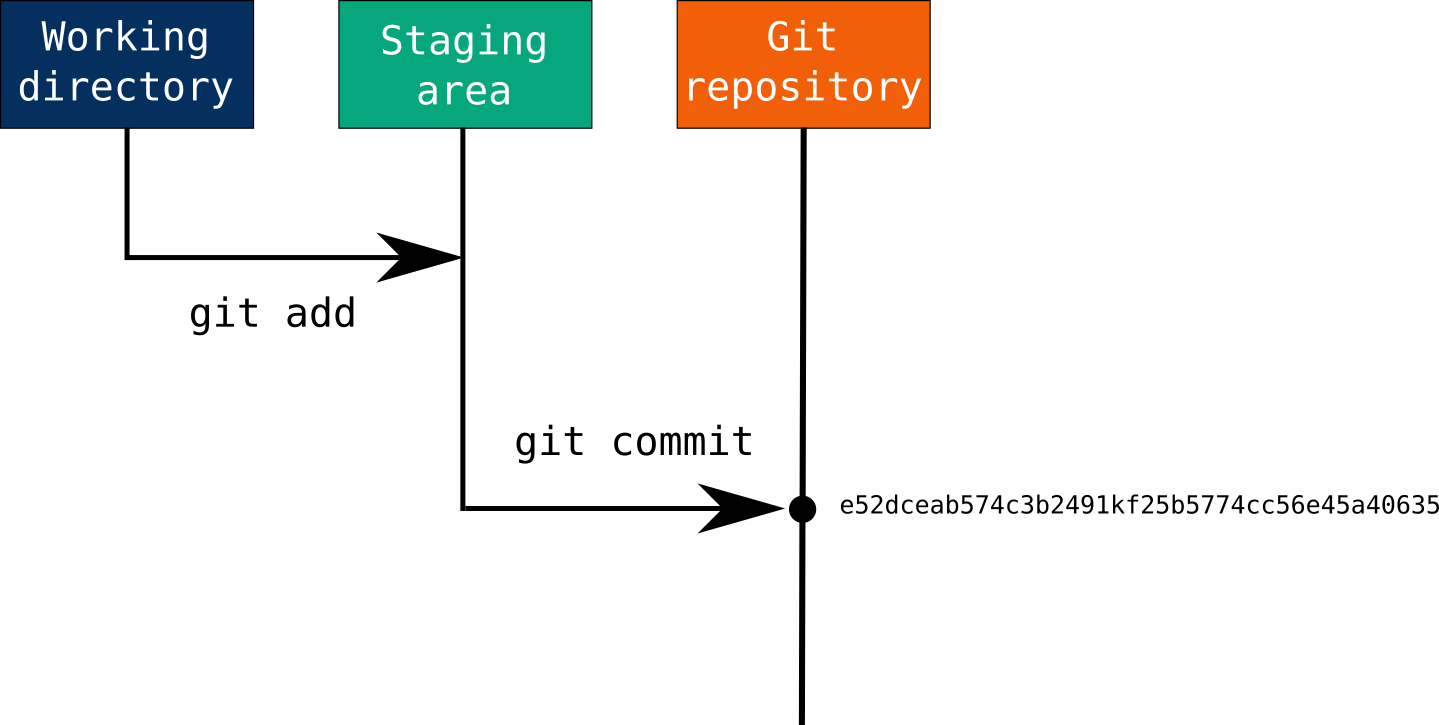
Get Started With Git Commands For Version Control Earth Data Science
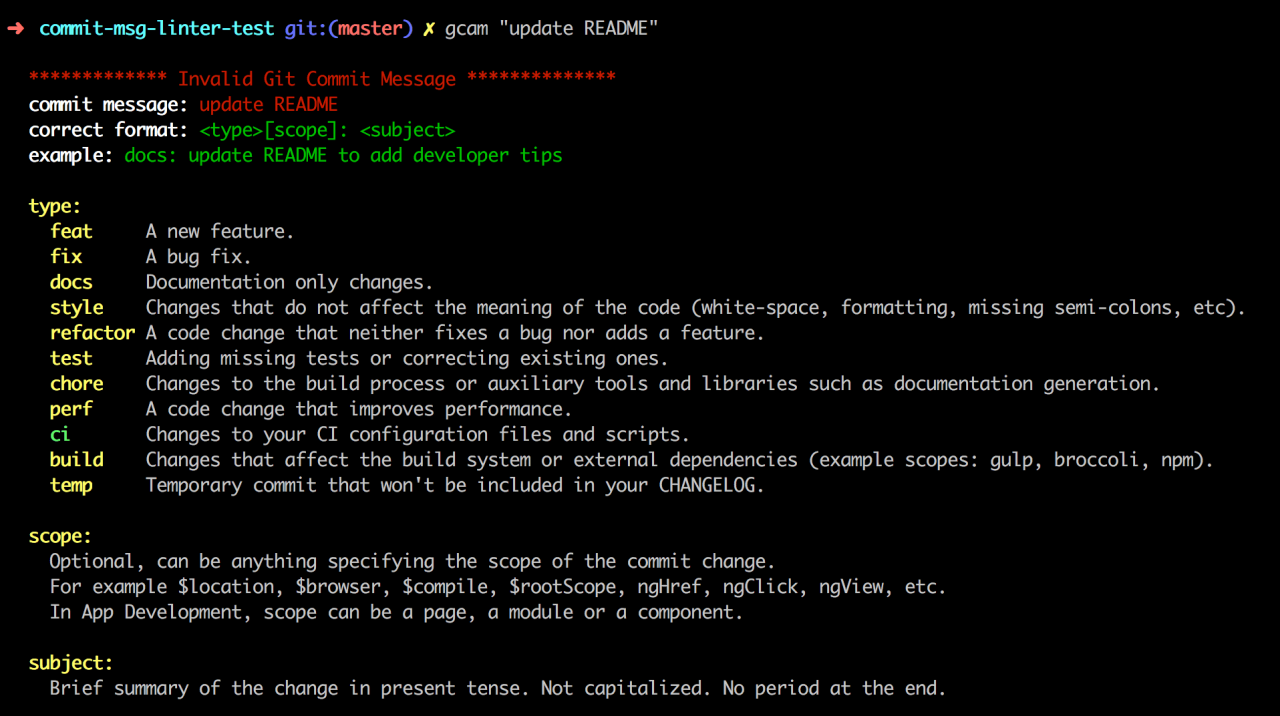
Mastering Git Commit Types A Guide To Proper Usage And Best Practices

Git Delete SourceTree Commit History Stack Overflow
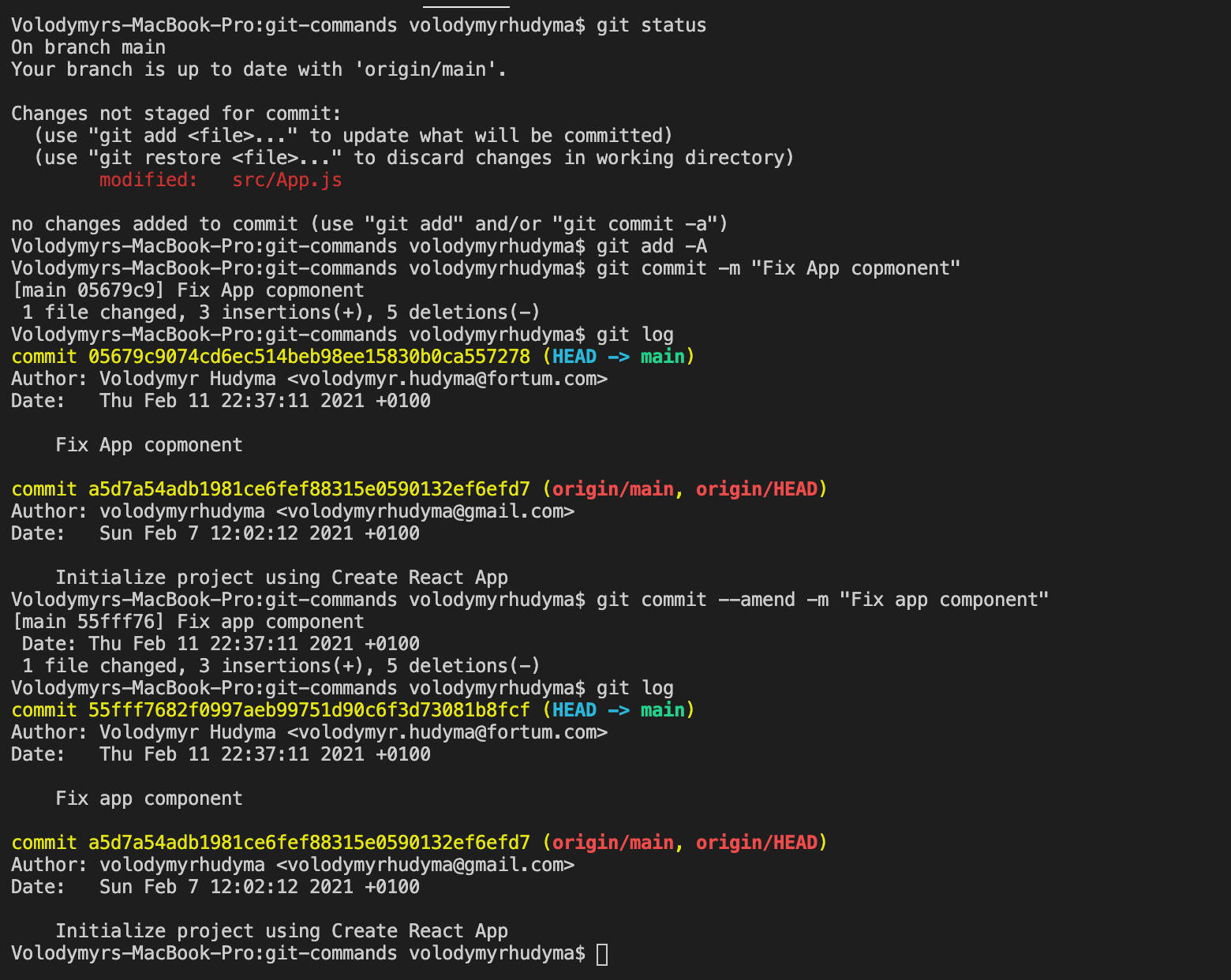
Crayon Couronne Crocodile Git Correct Commit Message Stylo Magasin La

Git How To Edit Or Remove A pushed Commit Using Visual Studio DEV
Web Jan 28 2014 nbsp 0183 32 4 Answers Sorted by 2 If you want to cancel the commits but keep the modifications you made in the files git reset soft HEAD 2 If you want to both cancel the commits AND cancel the modifications in your local files git reset hard HEAD 2 Head X means the Xth commit before last commit on the current branch

Web Jun 8 2017 nbsp 0183 32 There are several methods to delete or undo the commit In that case you can use git revert or git rebase or git reset One information git rebase don t add one extra commit compared to using git revert git revert adds one extra commit during the merge If you re not familiar with using git rebase I suggest you use git revert then Revert

Web Apr 5 2022 nbsp 0183 32 Setup In your repository create a new file called index md in our repository Let s commit and push some changes to our repository I added a few arbitrary changes for the sake of the tutorial In the image below I added the words hey there on line 1 of our index md Then I ran the following commands to add commit and push the changes

Web Jul 22 2019 nbsp 0183 32 To remove certain files from a commit that hasn t been pushed yet first undo the last commit with git reset soft HEAD 1 Next run git rm cached lt file name gt to remove the file you don t want to commit This removes it from the commit and sets it back to an untracked file You should be able to confirm by doing a quick git status

Web Nov 11 2023 nbsp 0183 32 You can git remove commit by resetting the head squashing the commits on a branch or clearing the commit history However you should understand the working tree reset and branching before that Use the following commands to remove target commit s respectively
Web May 31 2022 nbsp 0183 32 To delete commits from remote you can use the git reset command if your commits are consecutive from the top or an interactive rebase otherwise After you delete the commits locally push those changes to the remote using the git push command with the force option Web When you want to completely remove the last commit you need to mention the commit id of the one before last Then push your new branch up to the remote repo if you have a remote If you just want to remove the commit but keep the changes of that commit then git reset lt COMMIT ID gt will work
Web Jul 30 2021 nbsp 0183 32 First you ll need to stage your changes git add And then amend git commit amend no edit The no edit flag will make the command not modify the commit message If you need to clarify the new changes in a new message leave this flag out and you ll be prompted for the new commit message Under the hood the amend command