How To Randomly Change Pen Color In Python Turtle Python Turtle Starting Position Nintendo Announces New Charmander Evolution Gerrymander That s Change Pen Color In Presentation Microsoft Office Support How To Change Pen Color In Adobe Acrobat How To Change Text Color In Python How do I change my turtle pen color randomly To use RGB colors we change the color mode to RGB mode 255 and then we use the randint function from the random module to generate random numbers in the range 0 to 255 With the help of the randint function we can create a random color turtle in our Python program 26 Feb 2022
Turtle circle radius extent None steps None Parameters radius a number extent a number or None steps an integer or None Draw a circle with given radius The center is radius units left of the turtle extent an angle determines which part of the circle is drawn If extent is not given draw the entire circle If extent is not a full circle one endpoint of Changing the Turtle and Pen Color When you first open a new screen the turtle starts out as a black figure and draws with black ink Based on your requirements you can do two things Change the color of the turtle This changes the fill color Change the color of the pen This changes the outline or the ink color
How To Change Text Color In Python Color Programming With Python Turtle ILLUMINATION Python Turtle Graphics Rainbow Color Patterns Passy World Of ICT Python Turtle Python Turtle Commands Cheat Sheet Vegibit Change Pen Color In Python Turtle Vegibit Change Pen Color In Python Turtle Vegibit What Do The Text Colors Mean On Python The Meaning Of Color Python Turtle Background Examples Python Guides 2022
How To Randomly Change Pen Color In Python Turtle
 How To Randomly Change Pen Color In Python Turtle
https://i2.wp.com/projects-static.raspberrypi.org/projects/turtle-snowflakes/fd22de0cf0b10faef92d0cf2d2908290488dfd06/en/images/colour.png
Code in the following code we import the turtle package as import turtle and give the turtle shape to the cursor and also give the pen color as RGB turtle shape turtle gives the shape to the cursor as a turtle turtle pencolor is used for giving the color and make the graphic attractive
Pre-crafted templates offer a time-saving solution for producing a varied series of files and files. These pre-designed formats and designs can be used for various individual and professional projects, consisting of resumes, invites, leaflets, newsletters, reports, discussions, and more, streamlining the content development process.
How To Randomly Change Pen Color In Python Turtle

FRC PlayMaker For Android APK Download
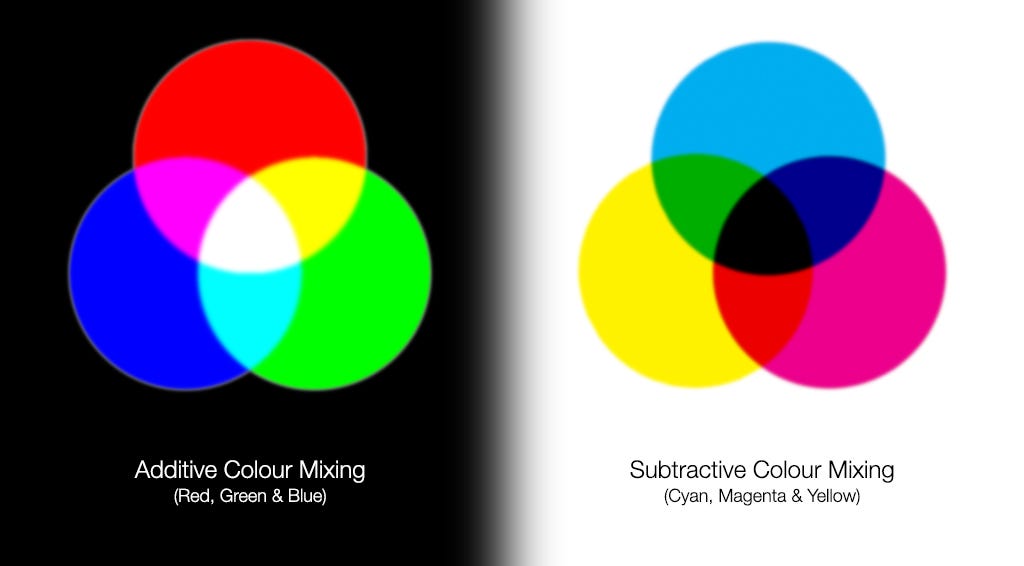
Color Programming With Python Turtle ILLUMINATION
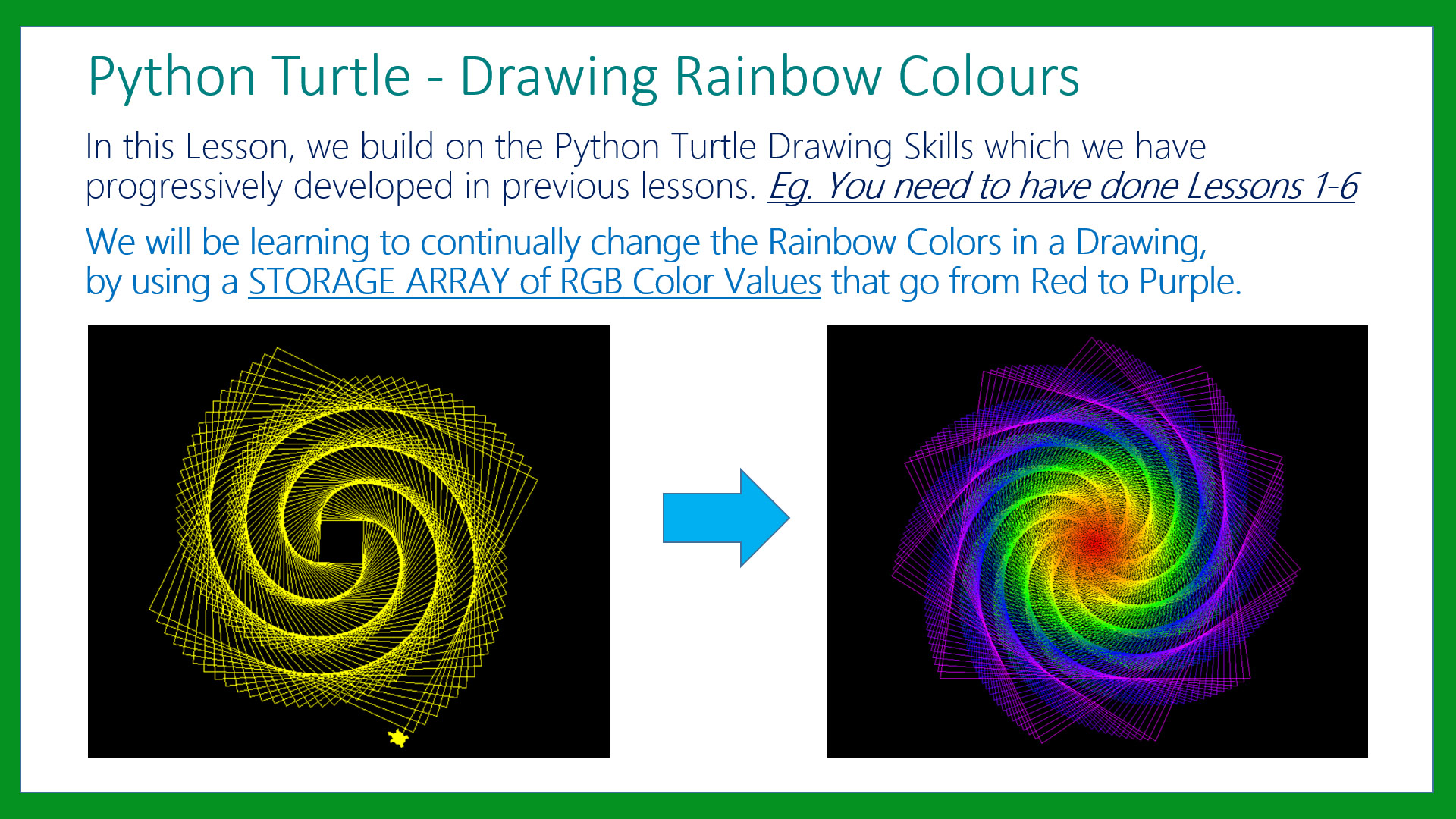
Python Turtle Graphics Rainbow Color Patterns Passy World Of ICT

Python Turtle

Change Pen Color In Python Turtle Vegibit

Change Pen Color In Python Turtle Vegibit

This method is used to change the color of the ink of the turtle drawing The default color is black Syntax turtle pencolor args Arguments This method have following arguments colorstring optional colorstring A string of color name like red green etc r g b optional A tuple of three values r g and b using rgb color code

1 Answer Sorted by 2 You would have to call the code a second time For ex def get random color r random randint 0 255 g random randint 0 255 b random randint 0 255 return r g b color get random color Whenever you call the function above you will get a new rgb value in a tuple Share Improve this answer Follow

When you change the pen color in Python Turtle the effect is more pronounced when making the lines thicker This can be done with the width function like so from turtle import drawing area Screen drawing area setup width 750 height 500 shape square width 10 color blue forward 75 done

2 Answers Sorted by 1 I want to change either the line or the fill color with a key but not both The simple answer is to invoke pencolor and fillcolor rather than color

Below is an example in Python of how to get a random color turtle import turtle from random import randint turtle colormode 255 t turtle Turtle def moveTurtle x t color randint 0 255 randint 0 255 randint 0 255 t forward 5 if x 3 0 t right 45 else t left 25 for x in range 0 100 moveTurtle x
1 2 3 4 5 6 import random r random randint 0 255 g random randint 0 255 b random randint 0 255 rgb r g b print A Random color is rgb Explanation First importing a random function to get the random color in python A variables r is for red color g is for green and b is for blue color First you will need to import the random library below import turtle type import random Next change the background colour from blue to grey Below that line create a variable called colours to store a list of the colours to select from like this colours cyan purple white blue
To change the pen color we can use the pencolor function import turtle t turtle Turtle t pencolor green For changing the fill color we can use the fillcolor function import turtle t turtle Turtle t fillcolor blue To begin and end filling a shape we use the begin fill and end fill functions