How To Put Table In Excel Insert Blank Rows From Data Table In Excel Delete Blank Row In Excel How To Create Table In Excel 2013 Youtube YouTube Excel Tutorial Turn A List Into A Table In Excel YouTube How To Make A Table In Excel Pixelated Works How To Make A Table In Excel Tips This wikiHow teaches you how to create a table of information in Microsoft Excel You can do this on both Windows and Mac versions of Excel Quick Steps Select the data you want to include in the table Click the Insert tab at the top Click Table Click OK Part 1 Creating a Table Download Article 1 Open your Excel document
3 ways to create a table in Excel To insert a table in Excel organize your data in rows and columns click any single cell within your data set and do any of the following On the Insert tab in the Tables group click Table This will insert a table with the default style Select any cell within your data set On the Insert tab in the Tables group click the Table button or press the Ctrl T shortcut The Create Table dialog box appears with all the data selected for you automatically you can adjust the range if needed
How To Make A Table In Excel How To Remove A Table In Excel A Step By Step Guide The Explanation How To Create A Contingency Table In Excel GeeksforGeeks Arbitration Tech Toolbox Damages Expert Evidence Using Sensitivity How To Make A Timetable In Excel Students Class Time Table In Excel How To Make A Table In Excel Pixelated Works How Do I Bold All Subtotals In A Pivot Table Excel Brokeasshome Excel Work Create A Table In Excel And Solve For The Following What How To Delete A Pivot Table In Excel SpreadCheaters
How To Put Table In Excel
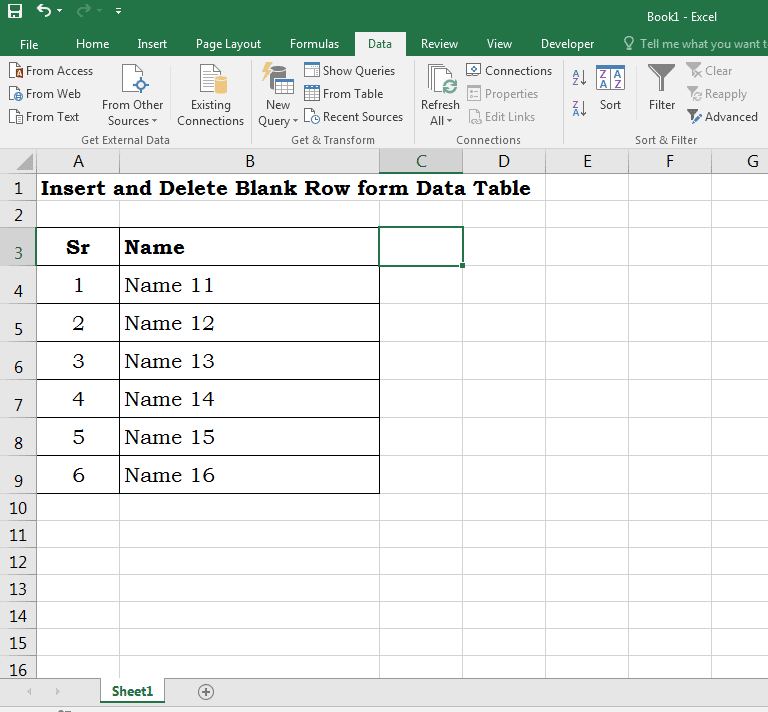 How To Put Table In Excel
https://exceldesk.in/wp-content/uploads/2020/08/Insert-2BBlank-2BRow-2B1.png
Select a cell within your data Select Home Format as Table Choose a style for your table In the Create Table dialog box set your cell range Mark if your table has headers Select OK Want more Overview of Excel tables Video Create and format an Excel table Total the data in an Excel table Format an Excel table
Templates are pre-designed documents or files that can be used for numerous functions. They can conserve effort and time by offering a ready-made format and design for developing different type of content. Templates can be used for personal or expert jobs, such as resumes, invitations, flyers, newsletters, reports, presentations, and more.
How To Put Table In Excel

How To Insert Table In Excel Using VBA

How To Remove A Table In Excel A Step By Step Guide The Explanation

How To Create A Contingency Table In Excel GeeksforGeeks

Arbitration Tech Toolbox Damages Expert Evidence Using Sensitivity

How To Make A Table In Excel Pixelated Works
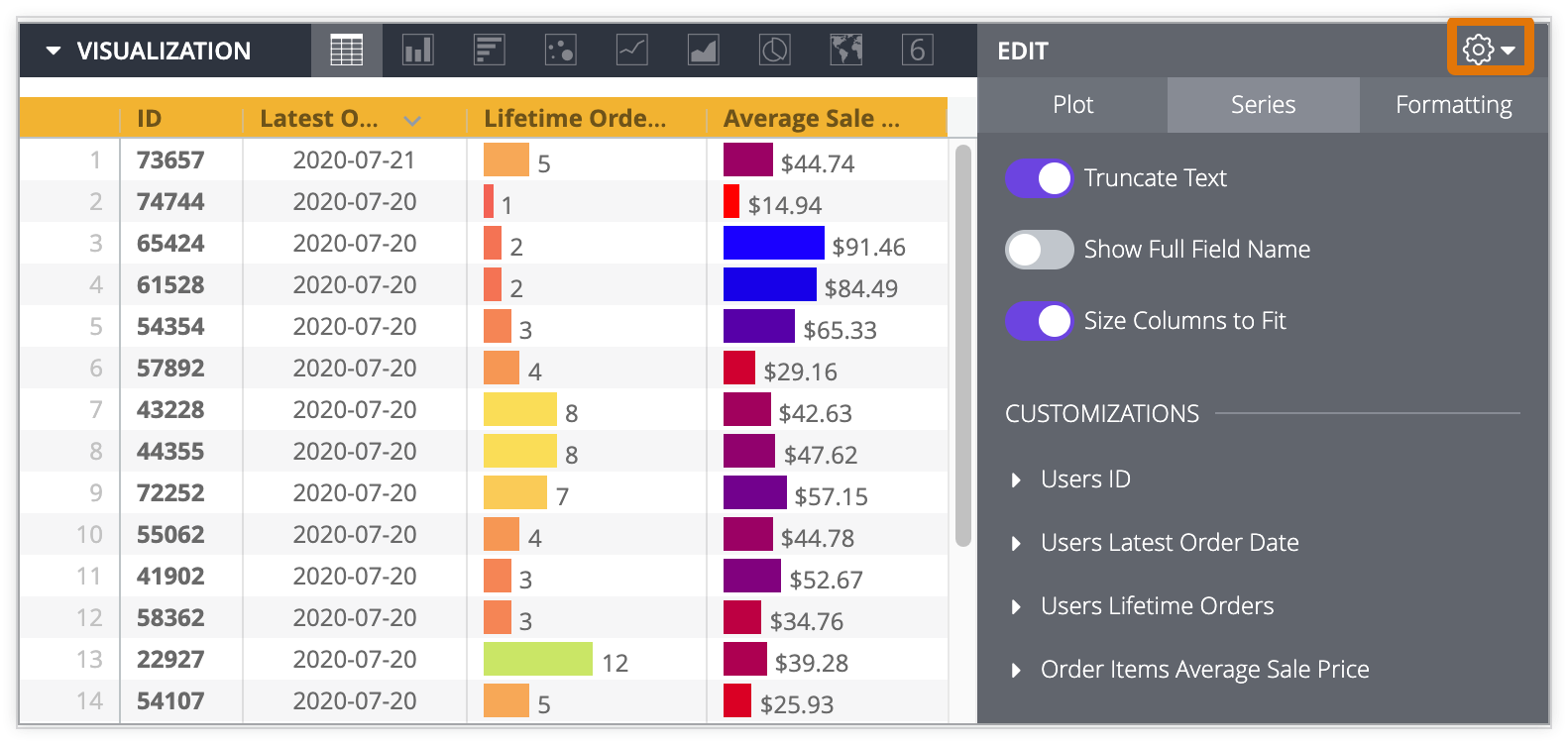
How Do I Bold All Subtotals In A Pivot Table Excel Brokeasshome

Learn how to create a table in Excel This is a beginners guide to Excel spreadsheet basics We will learn to make a simple table in excel for a Personal Budget
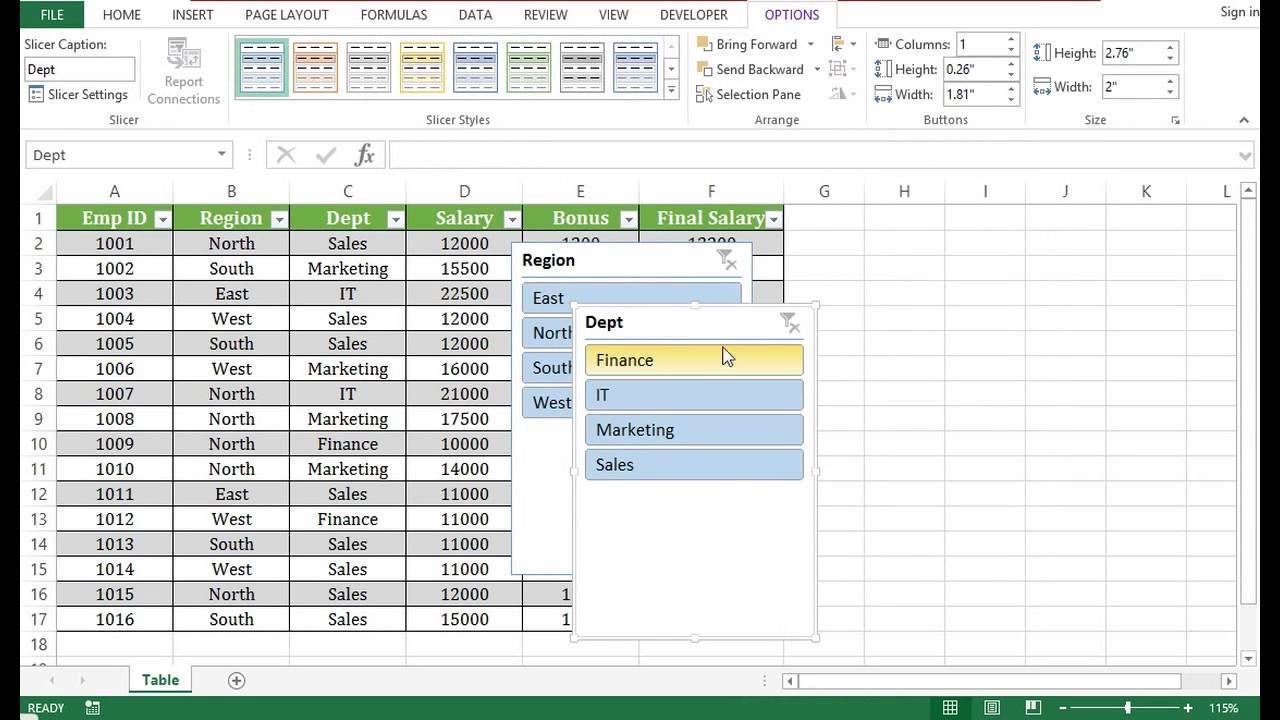
How to Create a Table in Excel You have two ways to create a table in Microsoft Excel The only noticeable difference is if you want to apply a specific color style to the table Create a Table With Style If you d like to use a fancy color scheme follow along with this method to create your table
You can create and format a table to visually group and analyze data Select a cell within your data Select Home and choose Format as Table under Styles Choose a style for your table In the Create Table dialog box confirm or set your cell range Mark if your table has headers and select OK

Tables are a very useful feature for your tabular data in Excel Your data can be added to a table in several ways such as from the Insert tab from the Home tab with a keyboard shortcut or using the Quick Analysis tools Tables work well with other tools in Excel such as Power Query

Microsoft 365 615K subscribers Subscribed 664 343K views 3 years ago Formatting in Excel You can create and format a table to visually group and analyze data See how to use Excel for
[desc-11] [desc-12]
[desc-13]