How To Print Pdf File Without Adobe Reader Eastwood Coping Mid Atlantic Concrete Products The Best How To Print Pdf With Comments References Dakwah Islami How To Print PDFs Without Margins A Step by Step Guide WPS PDF Blog Solved Print Pdf With No Margin In Adobe Reader HP Support Community How To Print A PDF File Without Opening It Quora Web May 23 2023 nbsp 0183 32 Try Acrobat for free Video tutorial Print to PDF Watch this video tutorial to use the Adobe PDF Printer to create PDFs from almost any application Video 03 34 Contributers lynda Claudia McCue Print to PDF Windows Open a file in a Windows application Choose File gt Print Choose Adobe PDF as the printer in the Print dialog box
Web Select a file in any application that prints and open it Choose File gt Print Choose Adobe PDF from the list of printers in the print dialog box Click quot Print quot to use the Acrobat PDF printer Click OK and enter a new file name for your PDF Save to your desired location Web Oct 29 2013 nbsp 0183 32 Answer VeryPDF PDFprint can help you print PDF without Adobe Acrobat installed But for now it can not pick up added PDF files automatically according to its paper size but this software can help you print PDF to different printers
How To Print A PDF File Without Opening It Quora How To Print A PDF As Duplex Without Adobe Reader Or Acrobat To A How To Print PDF Without Margins Multiple Free PDF Editor Methods Create Booklet From Pdf Ladyholoser Extract Pages From PDF File With Bitwar PDF Converter How To Make Pages Into Pdf Primabda How To Edit PDF File Without Adobe YouTube A Step by step Guide To Edit A PDF With Or Without Adobe Reader ADOBE PDF 9 0 PRINTER DRIVER
How To Print Pdf File Without Adobe Reader
 How To Print Pdf File Without Adobe Reader
http://www.macpinc.com/img/cover/accessories/eastwood-coping/eastwood-coping-1.jpg
Web Select a file in any application that prints and open it Choose File gt Print Choose Adobe PDF from the list of printers in the print dialog box Click quot Print quot to use the Acrobat PDF printer Click OK and enter a new file name for your PDF Save to your desired location
Pre-crafted templates offer a time-saving service for developing a diverse variety of files and files. These pre-designed formats and layouts can be utilized for numerous individual and professional projects, including resumes, invites, leaflets, newsletters, reports, presentations, and more, simplifying the material production procedure.
How To Print Pdf File Without Adobe Reader
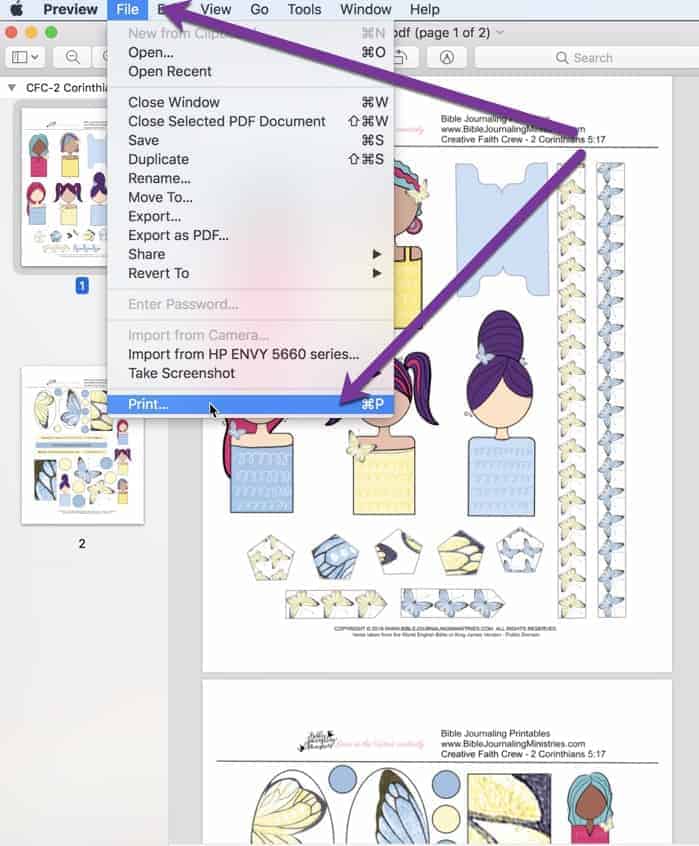
How To Print A PDF File From A Mac Or Windows PC

How To Print A PDF As Duplex Without Adobe Reader Or Acrobat To A

How To Print PDF Without Margins Multiple Free PDF Editor Methods

Create Booklet From Pdf Ladyholoser

How To Make Pages Into Pdf Primabda
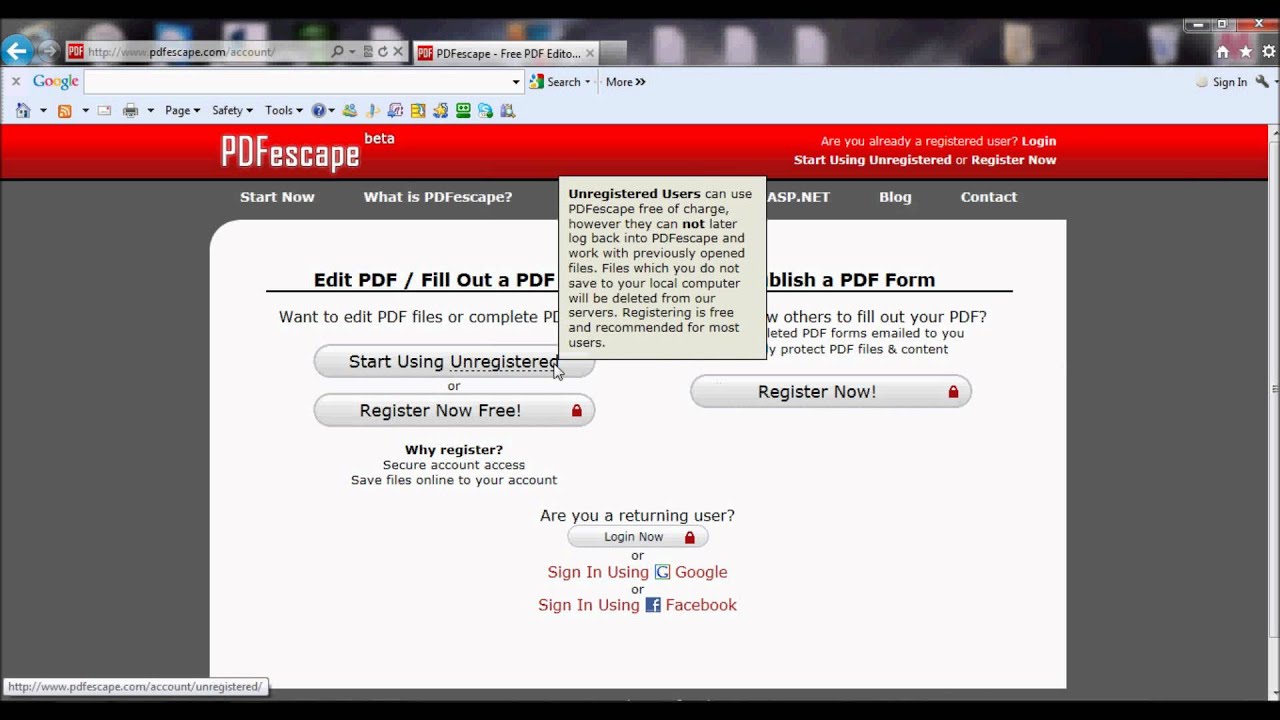
How To Edit PDF File Without Adobe YouTube

Web Apr 25 2019 nbsp 0183 32 Share 5 3K views 4 years ago google docs tutorial Contact for freelance service https www fiverr share 309aQL or Email shaponshekh gmail In this Video I am going to show you

Web Aug 21 2023 nbsp 0183 32 1 Open the PDF file Use your reader program to open the PDF or open it in your browser by dragging the file into the browser window Adobe makes a free reader program that can be downloaded from their website You can also download readers from a variety of other developers

Web May 23 2023 nbsp 0183 32 Choose Adobe PDF as the printer in the Print dialog box To tailor the Adobe PDF printer setting select the Properties or Preferences button In some applications you mayor do on select Setup in the Print dialog box to open the list of printers and then select Properties or Preferences How the print PDF files without

Web Jan 22 2021 nbsp 0183 32 Setting up Microsoft Print to PDF Step 1 Navigate to the Windows 10 Settings page which you can find in the Start Menu or search for from the search bar Once there click on Devices Image
Web Dec 27 2019 nbsp 0183 32 Here is an alternative approach that uses GemBox Pdf which also doesn t require having Adobe Acrobat installed using PdfDocument document PdfDocument Load pdfFilePath document Print The above will print your PDF using default printer and print options
Web Aug 11 2015 nbsp 0183 32 Click a button then print PDF file without opening the acrobat reader How to do that in VB 2013 The code below works but it opens acrobat reader first then print Program Files x86 Adobe Reader 11 0 Reader AcroRd32 exe quot proc StartInfo Arguments String Format quot p h 0 quot pdfFileName Web Nov 16 2018 nbsp 0183 32 Nov 7th 2018 at 7 13 AM Nick Automox wrote https gregcaporale wordpress 2012 01 18 powershell to print files automatically That blogs has some good examples and should get you where you need to go Hope this helps It does but they re all using Start Process which is what I m trying to avoid flag Report
Web Use the print function to save your file as a PDF Turn just about any file format into a high quality PDF Simply click Print and then choose to save as a PDF document inside the print dialog box or select Adobe PDF from the list of printers