How To Pass Multiple Values To A Variable In Powershell C Tutorial Store Multiple Values With ARRAYS YouTube Nadmo sk V ka Postgradu ln kola Vrtat Only One Expression Can Be How To Pass Multiple Variables Into A Javascript Function Spritely Passing Arguments By Value In Java YouTube 36 Declare Multiple Const Javascript Modern Javascript Blog There s a PowerShell script named itunesForward ps1 that makes iTunes fast forward 30 seconds iTunes New Object ComObject iTunes Application if iTunes playerstate eq 1 iTunes PlayerPosition iTunes PlayerPosition 30 It is executed with a prompt line command powershell exe itunesForward ps1
The Get Help cmdlet returns various details about the command including a description the command syntax information about the parameters and examples showing how to use the parameters in a command You can also use the Parameter parameter of the Get Help cmdlet to find information about a particular parameter 5 Answers Sorted by 77 Make this in your test ps1 at the first line param string a Write Host a
36 Declare Multiple Const Javascript Modern Javascript Blog Master Independent Dependent Variables For Higher SAT ACT Scores Tableau Basics Challenge 30 How To Pass Multiple Values Through Describe Your PowerShell Variables Scripting Blog archived Multiple Choice In Input Dialog Box Help UiPath Community Forum C Program To Calculate Sum Of Array Elements Mobile Legends Powershell Validateset Array The 17 Correct Answer Brandiscrafts Use The PowerShell Debugger To Check Variable Values Scripting Blog Get Date Taking On PowerShell One Cmdlet At A Time Weekly Blog
How To Pass Multiple Values To A Variable In Powershell
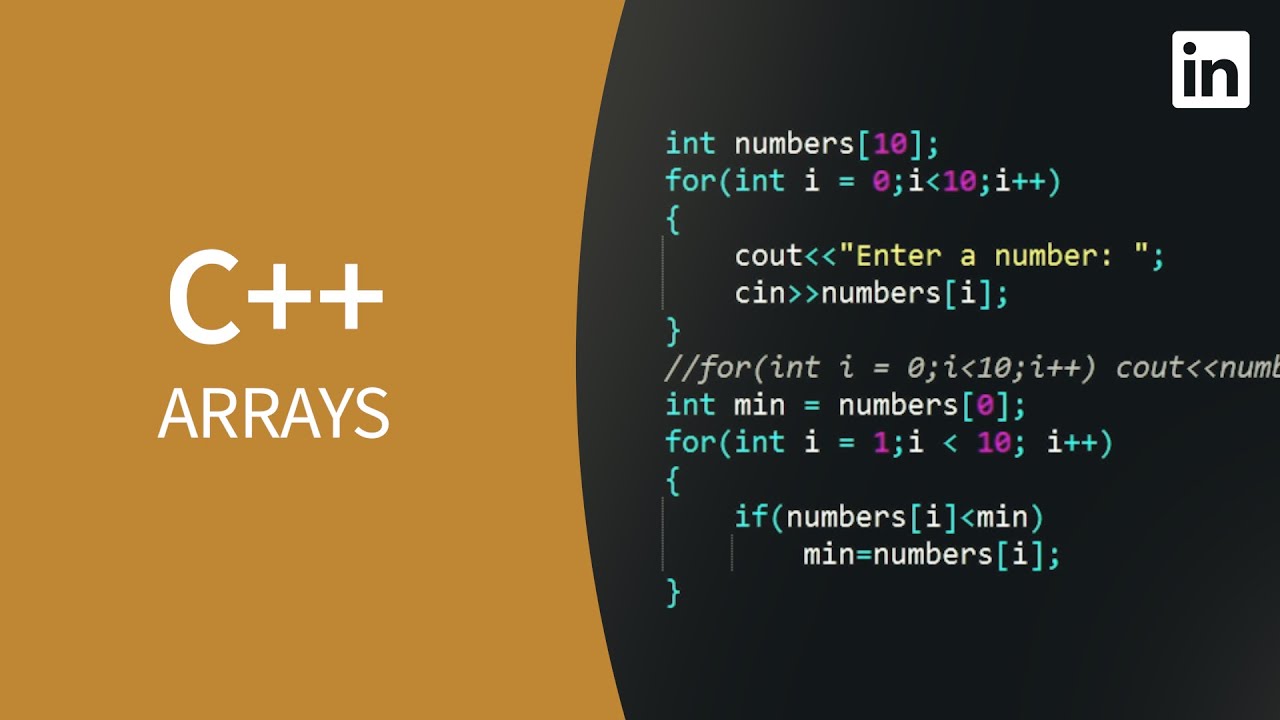 How To Pass Multiple Values To A Variable In Powershell
https://i.ytimg.com/vi/x_y3Dk_6S4w/maxresdefault.jpg
1 I want to be able to pass multiple values through the pipeline for a module I am building The module is built around a specific SQL Database Schema so i designed this function to return all databases of that schema
Pre-crafted templates provide a time-saving service for creating a varied variety of documents and files. These pre-designed formats and layouts can be made use of for numerous personal and professional projects, including resumes, invitations, leaflets, newsletters, reports, presentations, and more, enhancing the material production procedure.
How To Pass Multiple Values To A Variable In Powershell
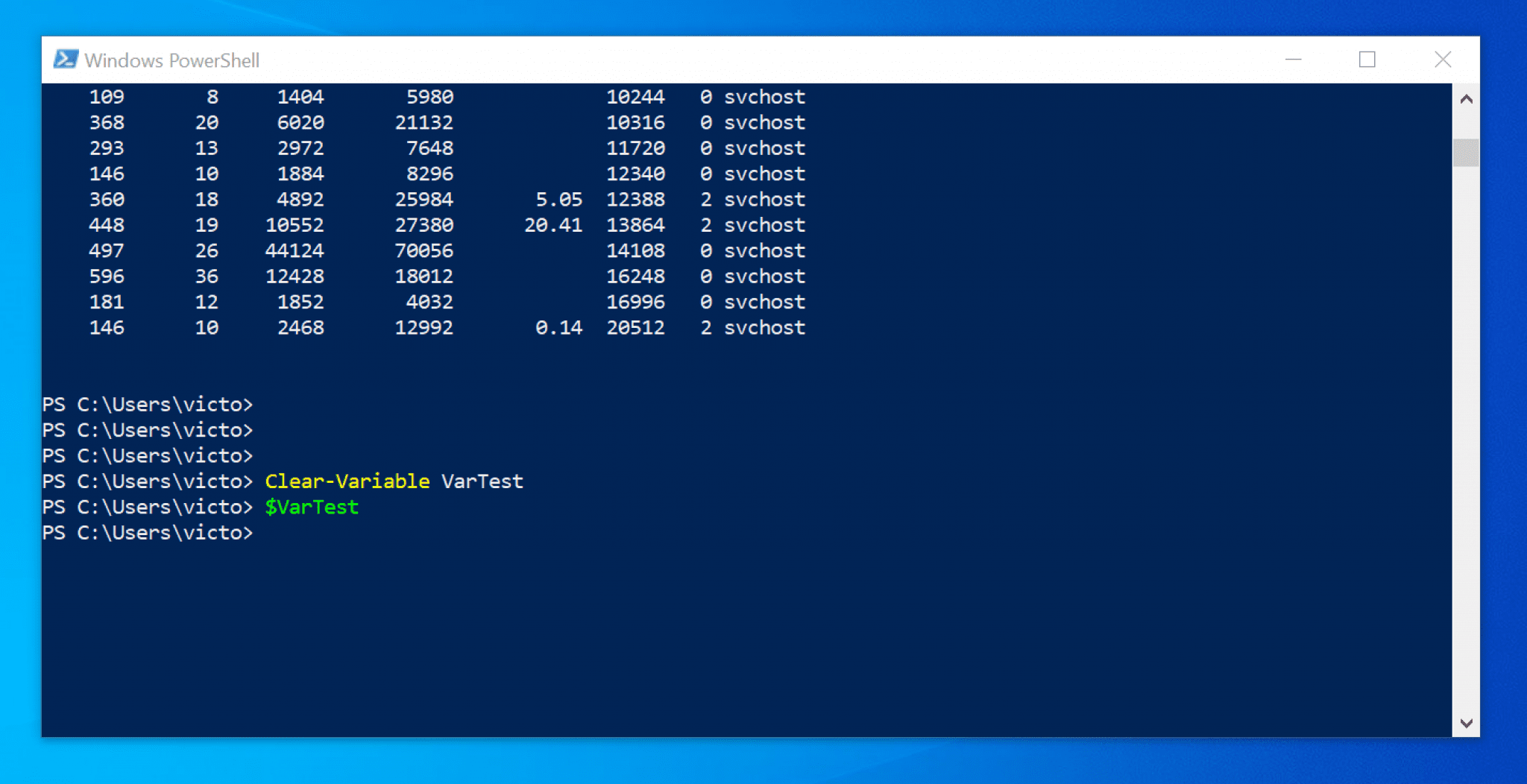
Display Path Variable In Powershell Thinking Aloud Gambaran

Master Independent Dependent Variables For Higher SAT ACT Scores

Tableau Basics Challenge 30 How To Pass Multiple Values Through
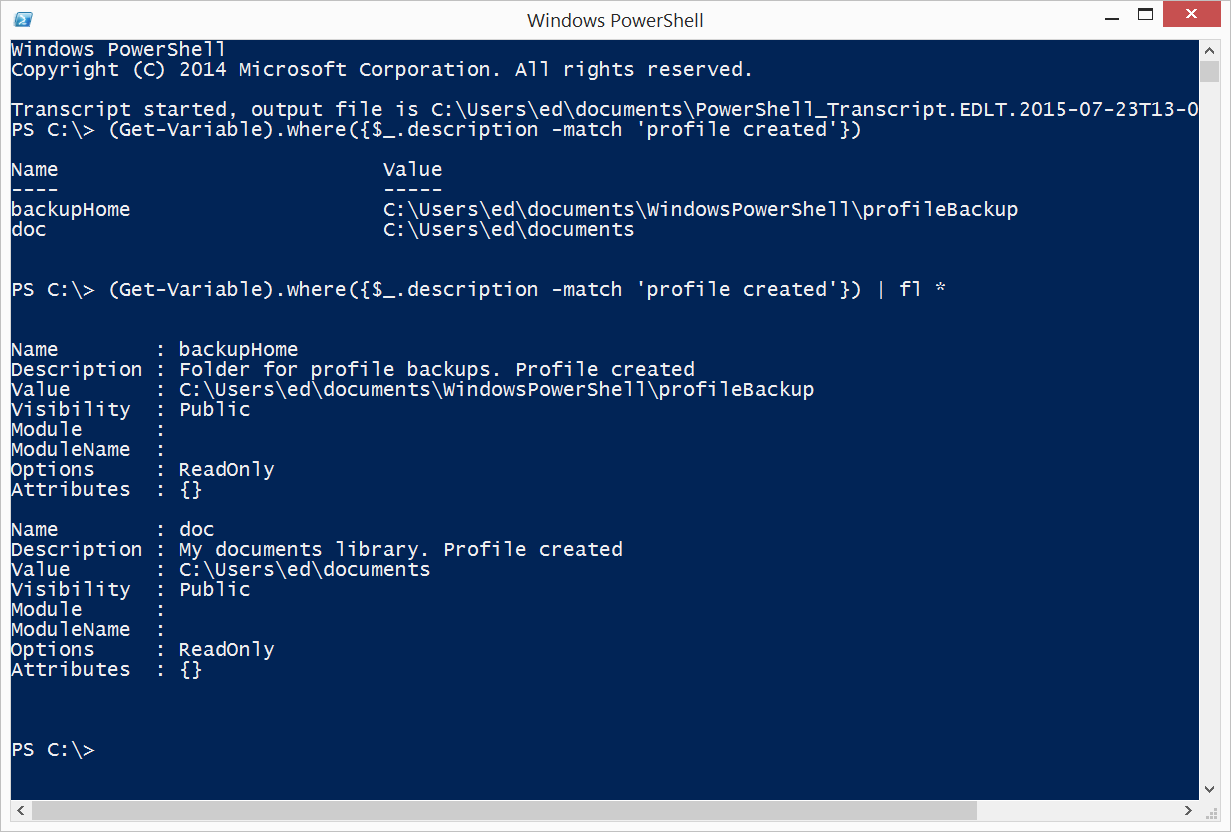
Describe Your PowerShell Variables Scripting Blog archived

C Program To Calculate Sum Of Array Elements Mobile Legends

Powershell Validateset Array The 17 Correct Answer Brandiscrafts
Using a parameter function in a script is via named parameters When passing values to a script or function via named parameters we can use the variable s name as the full name of the parameter sample ps1 param String name Write Output name We can then use the named parameters when executing a ps1 file

The match operator uses regex so you can do something like Thing match ValOne ValTwo ValThree to get a match on any one of the values the pipe is the way regex does or grin Lee Dailey Oct 3 2019 at 16 25 PLEASE do not use curly smart quotes in code Replace them with straight ones Theo Oct 5 2019 at 14 50

Syntax CommandName optional parameters HashTable optional parameters CommandName optional parameters Array optional parameters To provide parameter values for positional parameters in which parameter names are not required use the array syntax To provide parameter name and value pairs use the hash table syntax

Beginning in PowerShell 3 0 you can use splatting with Args to represent the parameters in a command Splatting is valid on simple and advanced functions For more information see about Functions and about Splatting Type conversion of parameter values

In the PowerShell function we can pass multiple parameters sets with different data types These parameters may be mandatory or optional We will see for example to create folder and file at a specified location using the PowerShell function Problem Statement Create a function to create directory if not exists
In PowerShell variables are represented by text strings that begin with a dollar sign such as a process or my var Variable names aren t case sensitive and can include spaces and special characters But variable names that include special characters and spaces are difficult to use and should be avoided By security minded design an elevated process launched from a non elevated one does not inherit the latter s environment While Start Process does have an Environment parameter in PowerShell Core v7 4 the latter is unfortunately quietly ignored in combination with Verb RunAs the argument that requests elevation as of v7 4 0 see GitHub issue 20923
You can see below that if you pipe the pipeline variable itself to Get Member it returns the same System IO DirectoryInfo object type as Get Item PS C Get ChildItem Path C Windows Directory ForEach Object PSItem Get member Select Object First 1 TypeName System IO DirectoryInfo SNIP