How To Open Vscode In A Folder Visual Studio Code How To Set Appearance Or Color Scheme For Setting Up GDB In VSCode Windows Example Lager Data Inc Run Open VSCode From Mac Terminal Row Coding Top 10 Python Plugins For VS Code Visual Studio Code How Do I Set The Sidebar Color In Vscode Stack You can take a picture screenshot or record a video of your phone s screen After you capture your screen you can view edit and share the image or video Important Some of these steps
You can choose to temporarily hide content on your channel or permanently delete your channel How to hide or delete your YouTube channel Before you delete your Google Account Review the info in your account Learn how to download data that you want to keep If you use your Gmail address for online banking social media or
Visual Studio Code How Do I Set The Sidebar Color In Vscode Stack How To Open VSCode From The Terminal Quick And Easy Set Up Guide For C How Do I Display Clean Output In Visual Studio Code With Out Path How To Run Flutter Using Vscode In 2020 Projekt202 Experience Vrogue Visual Studio Code User And Workspace Settings How To Import Images Into Manga Studio 4 Quickmzaer GitHub PKief vscode material icon theme Available On The VSCode Python Vscode Getting Started Jc Chouinard My XXX Hot Girl 15 Ekstensi Visual Studio Code Terbaik Untuk Web Developer
How To Open Vscode In A Folder
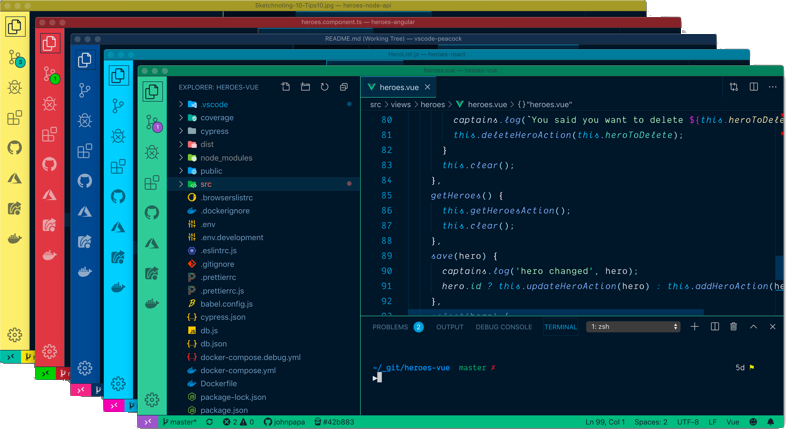 How To Open Vscode In A Folder
https://raw.githubusercontent.com/johnpapa/vscode-peacock/main/resources/hero.png
Official Google Account Help Center where you can find tips and tutorials on using Google Account and other answers to frequently asked questions
Pre-crafted templates provide a time-saving solution for creating a diverse range of files and files. These pre-designed formats and designs can be made use of for different individual and expert tasks, consisting of resumes, invites, leaflets, newsletters, reports, discussions, and more, streamlining the content development process.
How To Open Vscode In A Folder
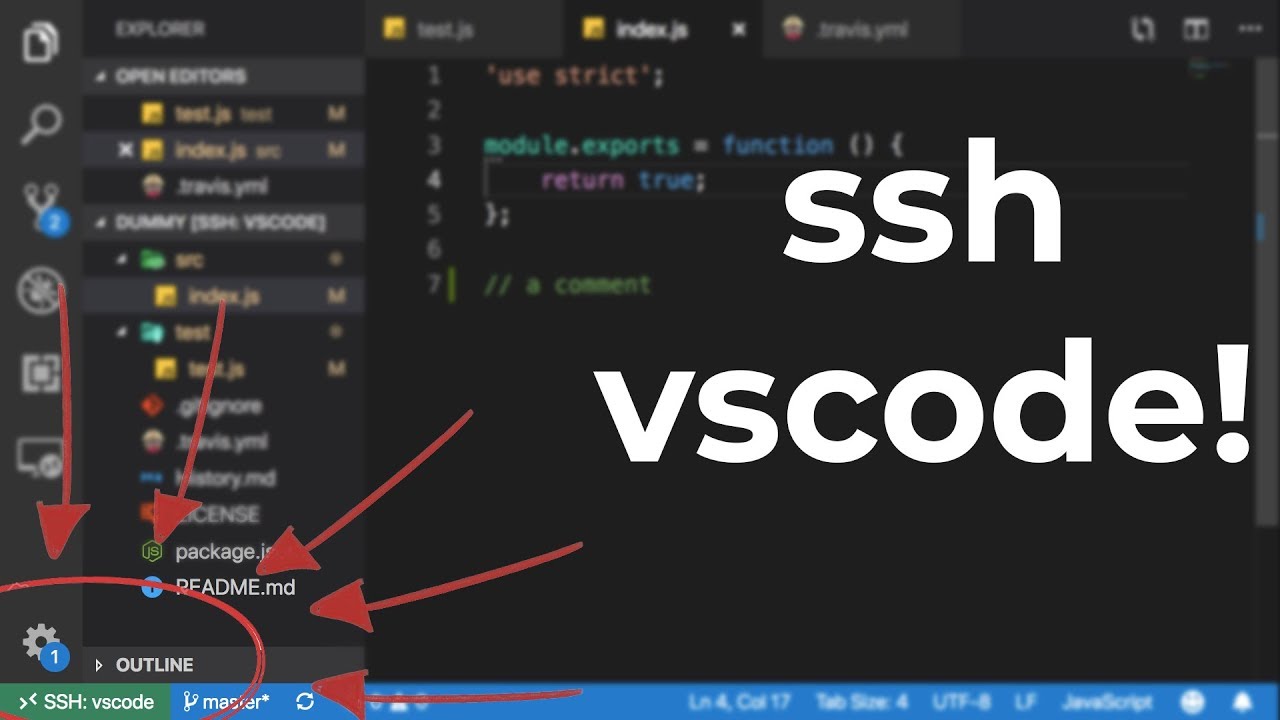
Open Remote Servers In VSCode Natively YouTube
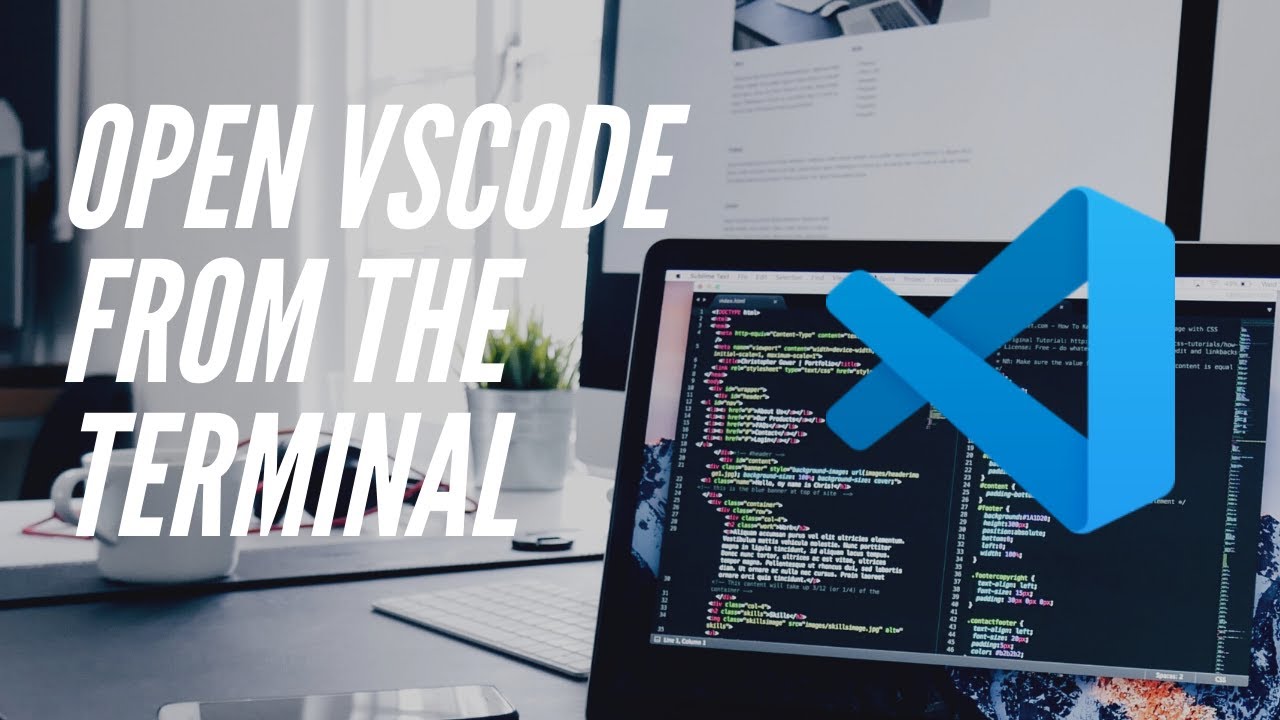
How To Open VSCode From The Terminal Quick And Easy Set Up Guide For
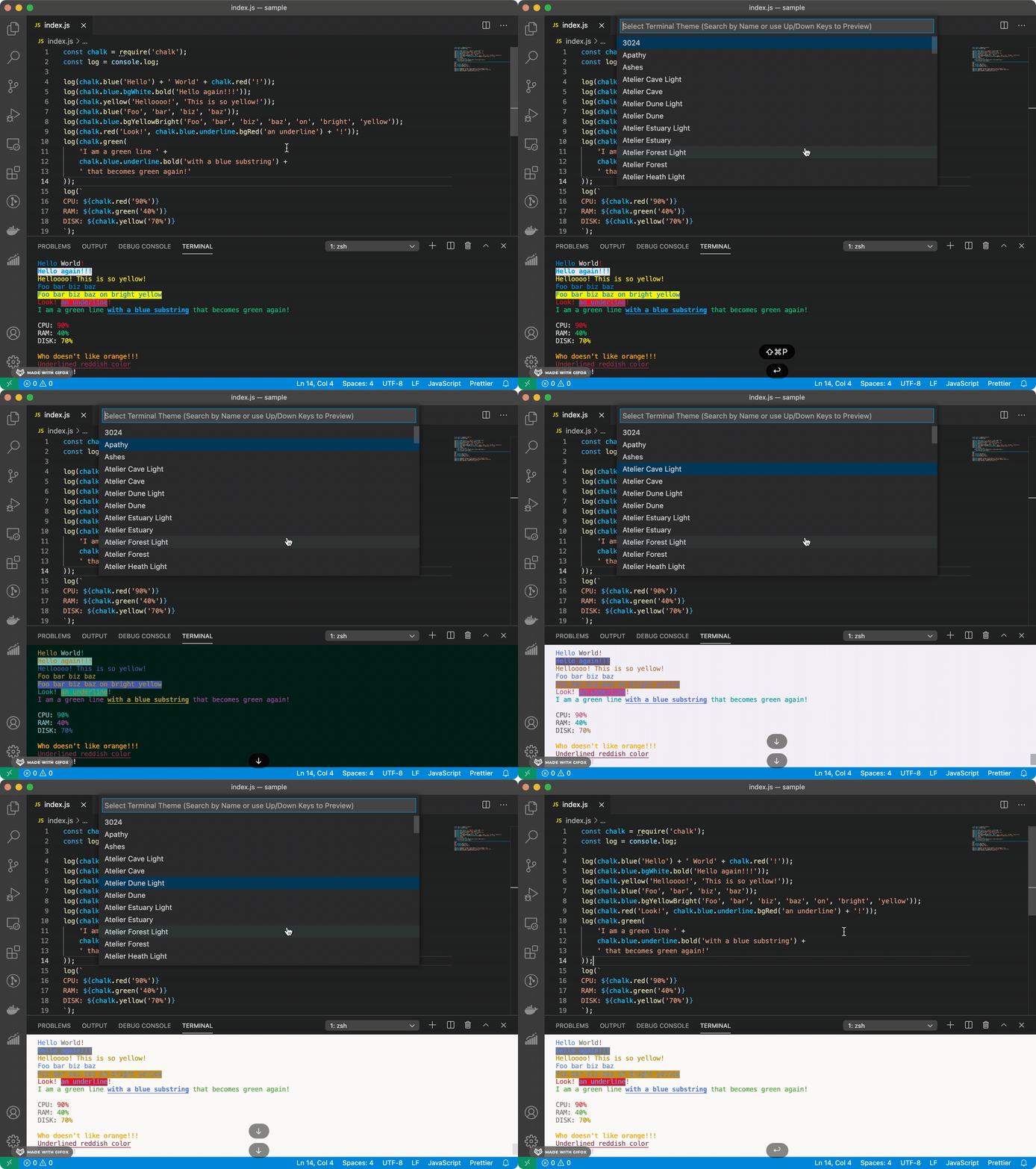
C How Do I Display Clean Output In Visual Studio Code With Out Path
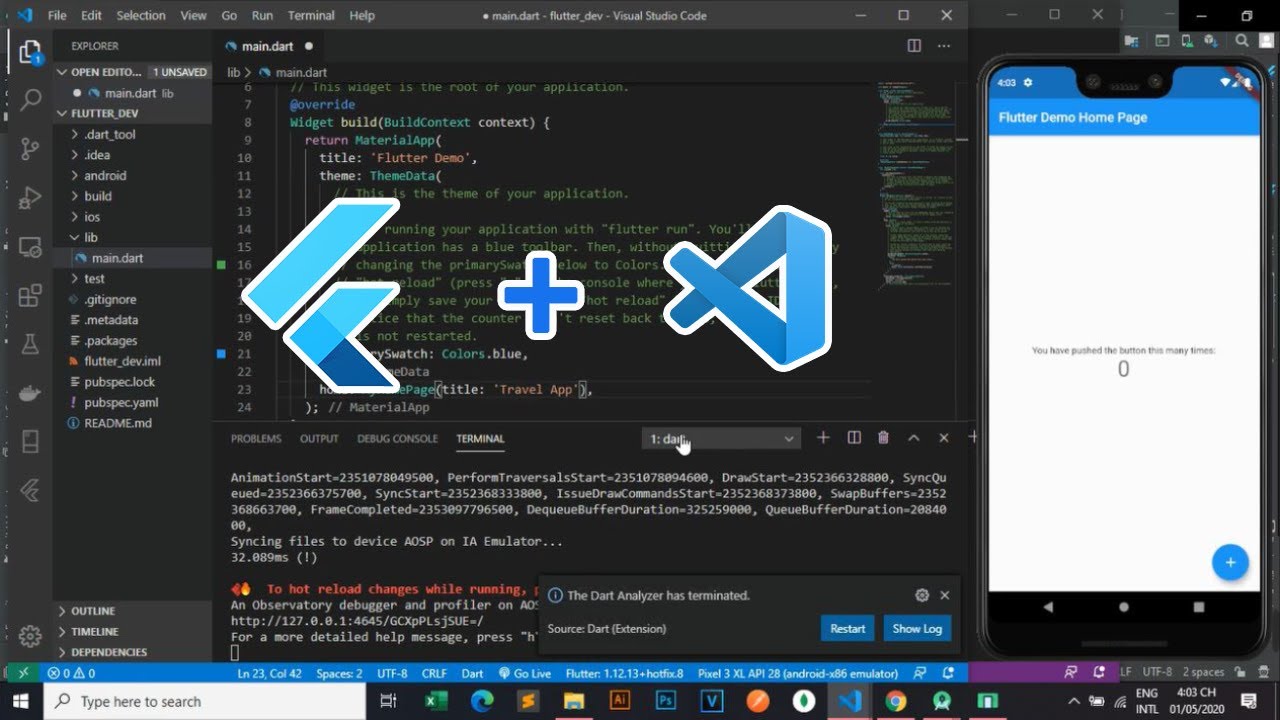
How To Run Flutter Using Vscode In 2020 Projekt202 Experience Vrogue

How To Import Images Into Manga Studio 4 Quickmzaer
GitHub PKief vscode material icon theme Available On The VSCode
To find your username follow these steps You need to know A phone number or the recovery email address for the account The full name on your account Follow the instructions to
Sign in to Gmail Tip If you sign in to a public computer make sure to sign out before you leave the computer Learn how to sign in on a device that s not yours

Important Before you set up a new Gmail account make sure to sign out of your current Gmail account Learn how to sign out of Gmail From your device go to the Google Account sign in

Official Gmail Help Center where you can find tips and tutorials on using Gmail and other answers to frequently asked questions

You can use Google Forms to create online surveys quizzes and forms send them to others to fill out and then analyze their responses in real time To edit forms and analyze responses with
[desc-11] [desc-12]
[desc-13]