How To Open Merge Editor In Visual Studio Code Finally Released 3 Column Merge Editor In VS Code Finally Released 3 Column Merge Editor In VS Code How To Install Visual Studio Code For IBM I Nick Litten IBM I AS400 Connecting HTML And Javascript In Visual Studio Code Visual Studio Code September 2022 Important Before you set up a new Gmail account make sure to sign out of your current Gmail account Learn how to sign out of Gmail From your device go to the Google Account sign in
Official Gmail Help Center where you can find tips and tutorials on using Gmail and other answers to frequently asked questions Gemini Apps give you direct access to Google AI You can get help with writing planning learning and more Learn more about what Gemini is and how it works
Visual Studio Code September 2022 How To Run JavaScript In Visual Studio Code Coding Campus ServerScript Language Support Visual Studio Marketplace Visual Studio Code Wsl2 Websitevse Get Coding Assistance With Copilot While Editing Site Code In Visual How Do I Restore The Default Visual Studio Code Settings Visual Studio Code September 2022 How Can Fix The System Cannot Find The File Specified At Visual Studio Visual Studio Code August 2022
How To Open Merge Editor In Visual Studio Code
 How To Open Merge Editor In Visual Studio Code
https://cdn-images-1.medium.com/max/6028/1*olERc7Z8qOUZFqpxRuut_g.png
To edit a document On your computer open a document in Google Docs To select a word double click it or use your cursor to select the text you want to change Start editing To undo
Templates are pre-designed documents or files that can be utilized for various purposes. They can conserve time and effort by supplying a ready-made format and layout for creating different kinds of material. Templates can be used for individual or expert jobs, such as resumes, invitations, leaflets, newsletters, reports, discussions, and more.
How To Open Merge Editor In Visual Studio Code
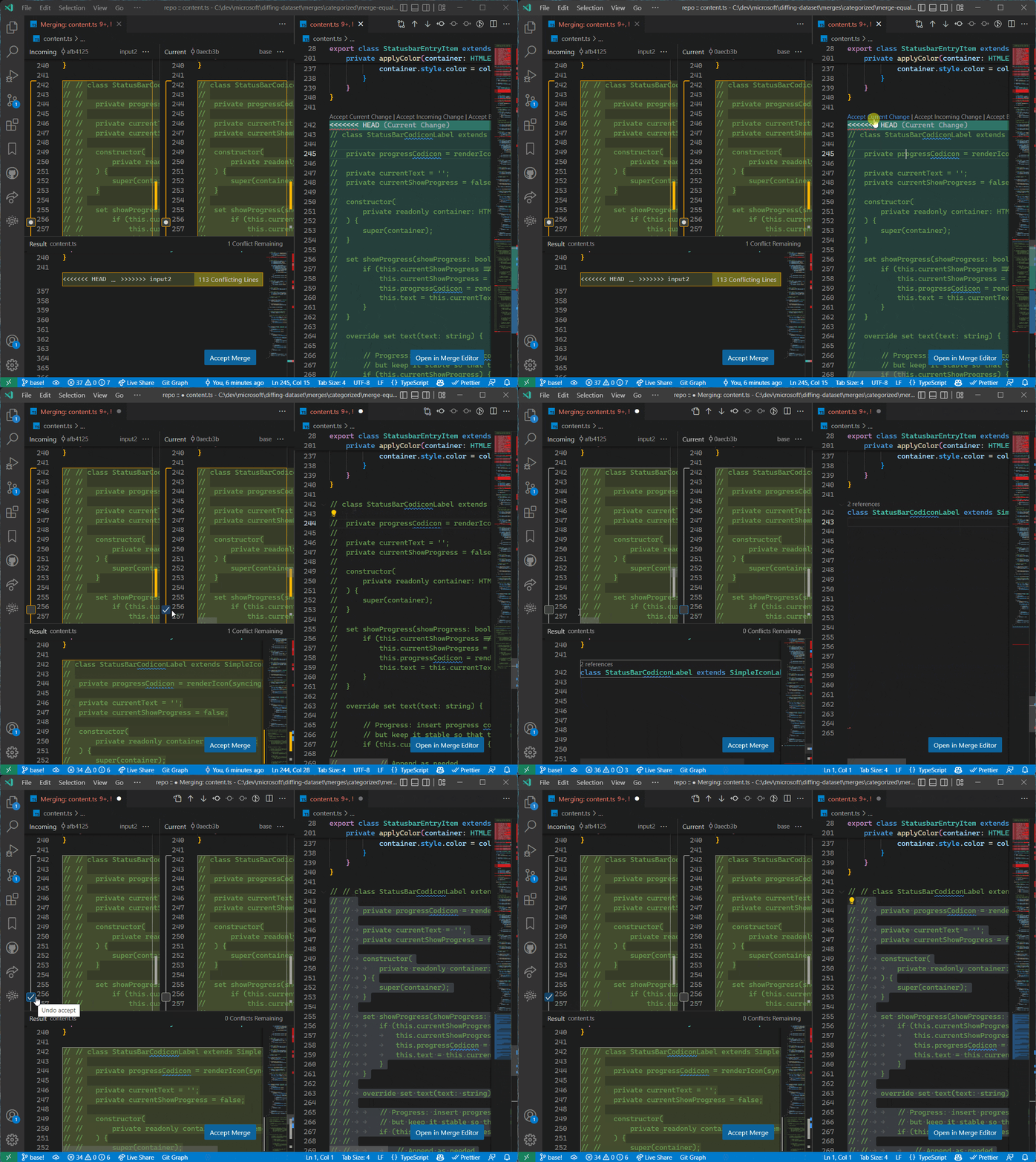
Visual Studio Code August 2022

How To Run JavaScript In Visual Studio Code Coding Campus
ServerScript Language Support Visual Studio Marketplace

Visual Studio Code Wsl2 Websitevse
How Do I Restore The Default Visual Studio Code Settings
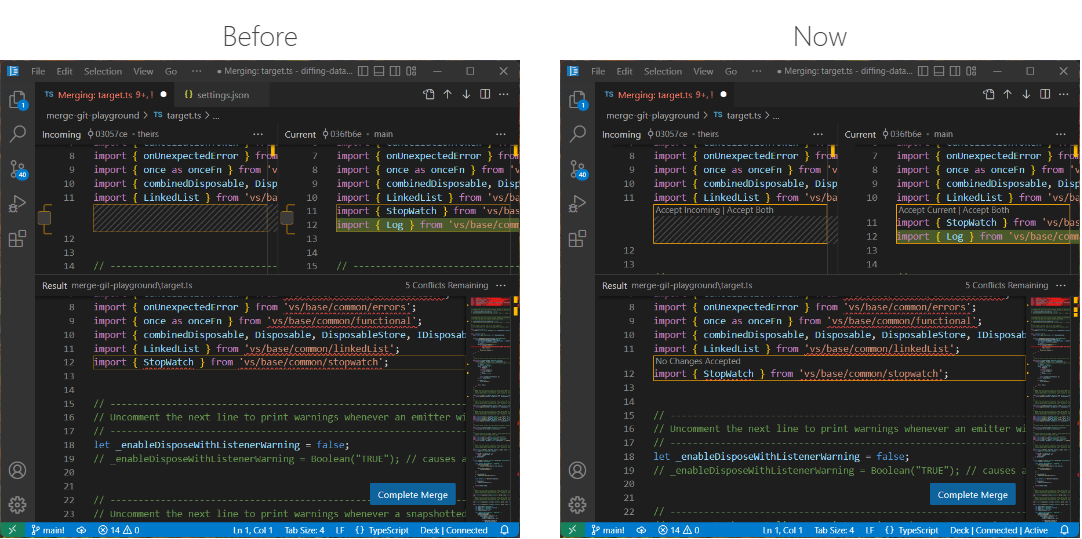
Visual Studio Code September 2022

How to install Chrome Important Before you download you can check if Chrome supports your operating system and other system requirements

Google Chrome tips Google Chrome tips From productivity to customization learn how to get things done more quickly with your browser

Want advanced Google Workspace features for your business Try Google Workspace today Google Drive helps you keep all your files together You can upload and share your files from

If you forgot your password or username or you can t get verification codes follow these steps to recover your Google Account That way you can use services like Gmail Pho
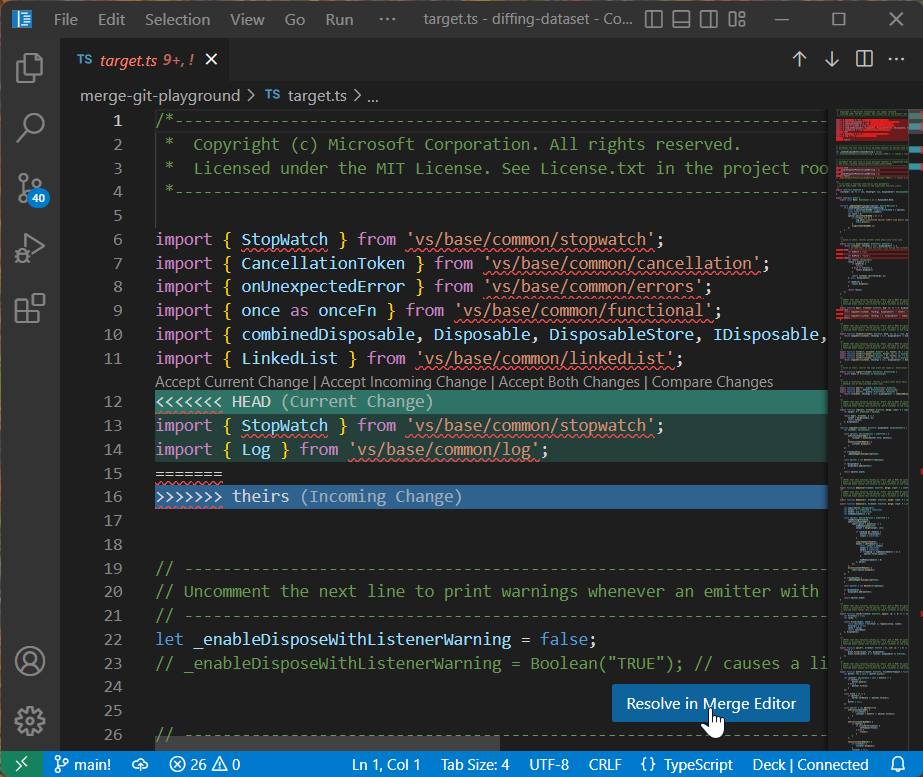
To easily manage and share content across all of your devices and the cloud use Google s desktop sync client Drive for desktop If you edit delete or move a file on the Cloud the same
[desc-11] [desc-12]
[desc-13]