How To Open Folder In Visual Studio Mac VisualStudio How To Save The Obj Folder Somewhere Else Open Visual Studio From Cli BEST GAMES WALKTHROUGH Open Folder In Visual Studio Code Mac Andgai Open A Folder In Visual Studio Code In MAC Studyraft Open Folder In Visual Studio For Mac Hellever Web Oct 30 2019 nbsp 0183 32 Installation Before writing any code you ll first need to download Visual Studio for Mac from https visualstudio microsoft vs mac Once downloaded click on the dmg to launch it Double click the installer icon to mount it and start your install experience Click Open i f you re prompted with security messages
Web Mar 9 2023 nbsp 0183 32 On the Visual Studio menu bar choose File gt Open gt Folder and then browse to the code location On the context right click menu of a folder containing code choose the Open in Visual Studio command Choose the Open Folder link on the start window Important Web Aug 30 2023 nbsp 0183 32 Solution shows you a graphical representation of the hierarchy of files and folders in your project solution or code folder You can browse the hierarchy and select a file to open it in the Editor Menus The menu bar along the top of Visual Studio for Mac groups commands into categories
Open Folder In Visual Studio For Mac Hellever Open Folder In Visual Studio Code Mac Gaiaviation Learn About Solution Explorer Visual Studio Windows Microsoft Learn Open A Folder Through The Right click Popup In The Explorer In The Mac Install VS Code Lehigh Computer Science Docs How To Open Project Folder From Visual Studio In Windows Explorer VSCode Tip 3 Create Folders And Files At The Same Time Esegui Apri VSCode Dal Terminale Mac How To Open Visual Studio Code To Current Folder With Cmd YouTube
How To Open Folder In Visual Studio Mac
 How To Open Folder In Visual Studio Mac
https://i.stack.imgur.com/8LMkh.png
Web Mar 9 2023 nbsp 0183 32 The Open Folder feature allows users to open any codebase in Visual Studio without the need for project or solution files Open Folder provides the features users expect from Visual Studio such as Solution Explorer integration and search Editor colorization Go
Pre-crafted templates provide a time-saving solution for creating a varied range of files and files. These pre-designed formats and layouts can be made use of for different personal and professional projects, consisting of resumes, invites, flyers, newsletters, reports, presentations, and more, simplifying the material production procedure.
How To Open Folder In Visual Studio Mac
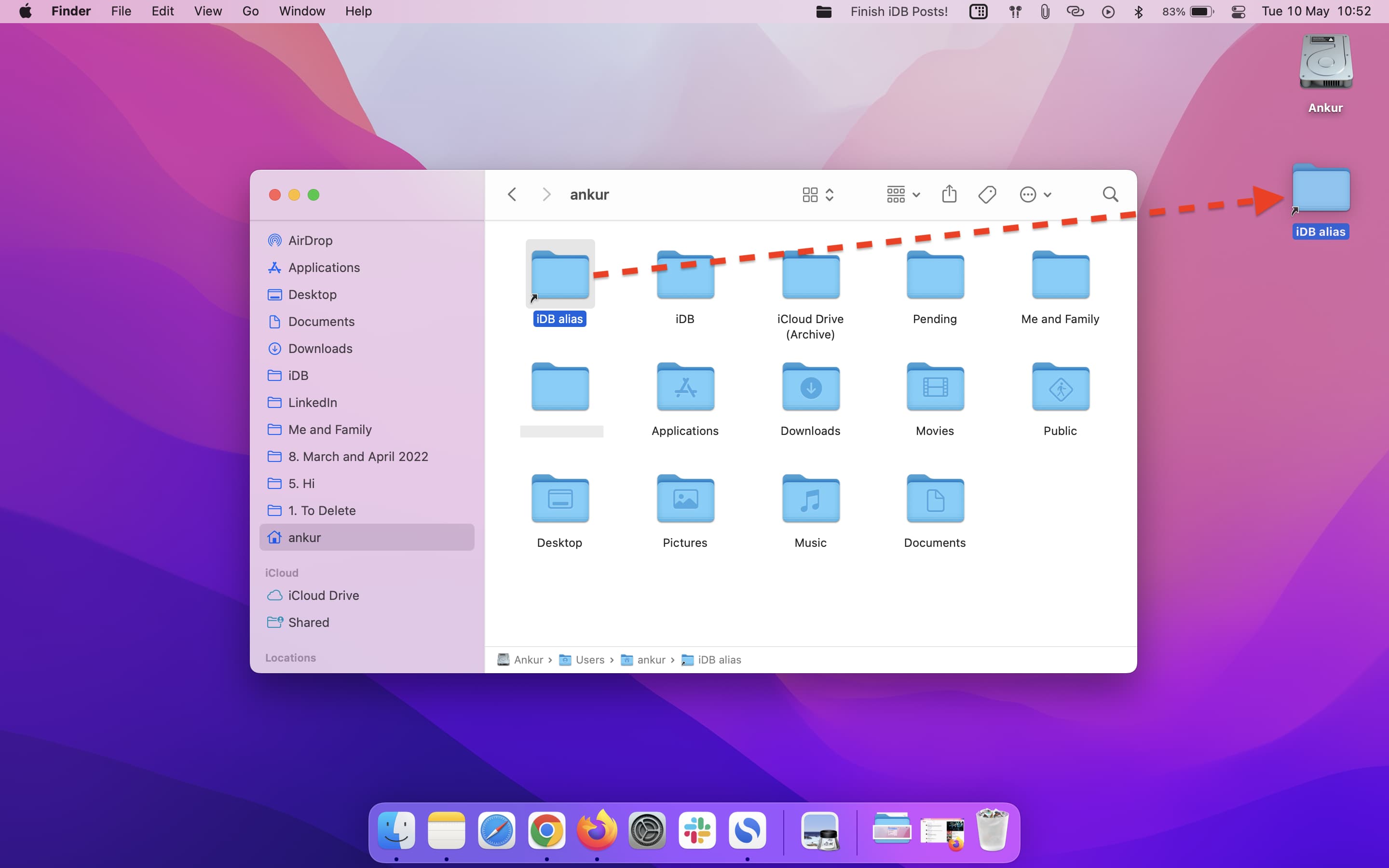
How To Open Folders Instantly On Your Mac 5 Ways

Open Folder In Visual Studio Code Mac Gaiaviation
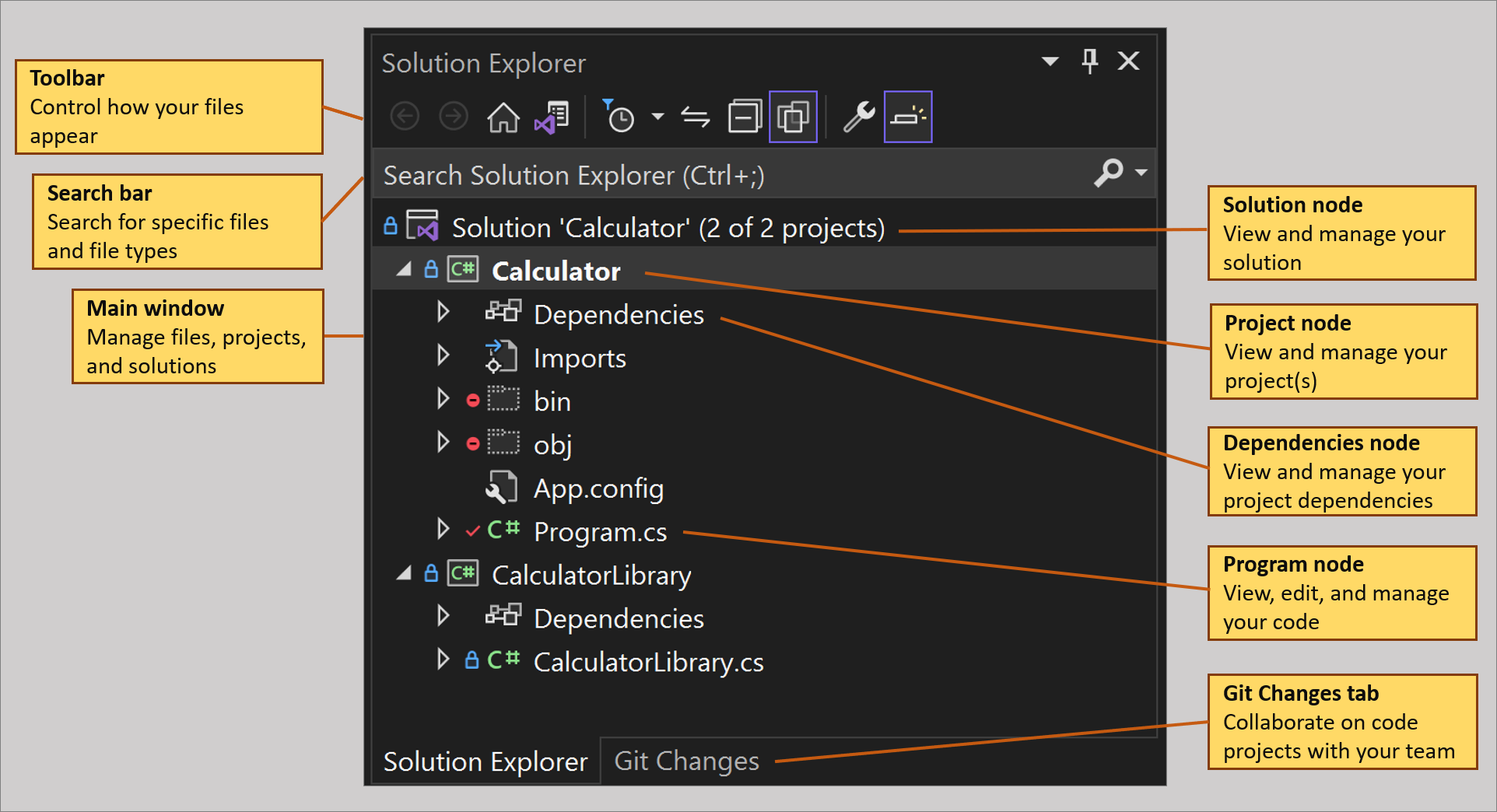
Learn About Solution Explorer Visual Studio Windows Microsoft Learn

Open A Folder Through The Right click Popup In The Explorer In The

How To Open Project Folder From Visual Studio In Windows Explorer
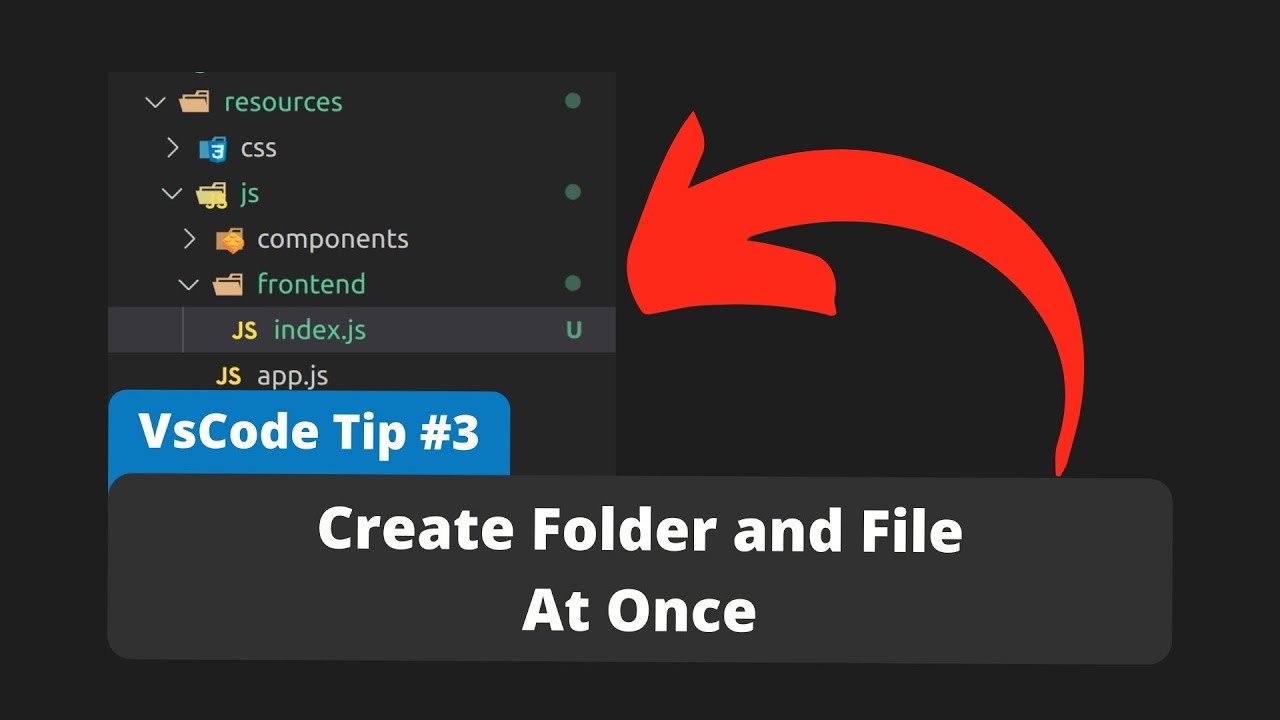
VSCode Tip 3 Create Folders And Files At The Same Time

Web Oct 23 2009 nbsp 0183 32 If you enable the quot Show All Files quot option by either choosing it from the Project menu or clicking the icon at the top of the Solution Explorer files not in you project will be shown in the tree but with a white icon This gives you a view of the project folder including all of the files that are not part of your project

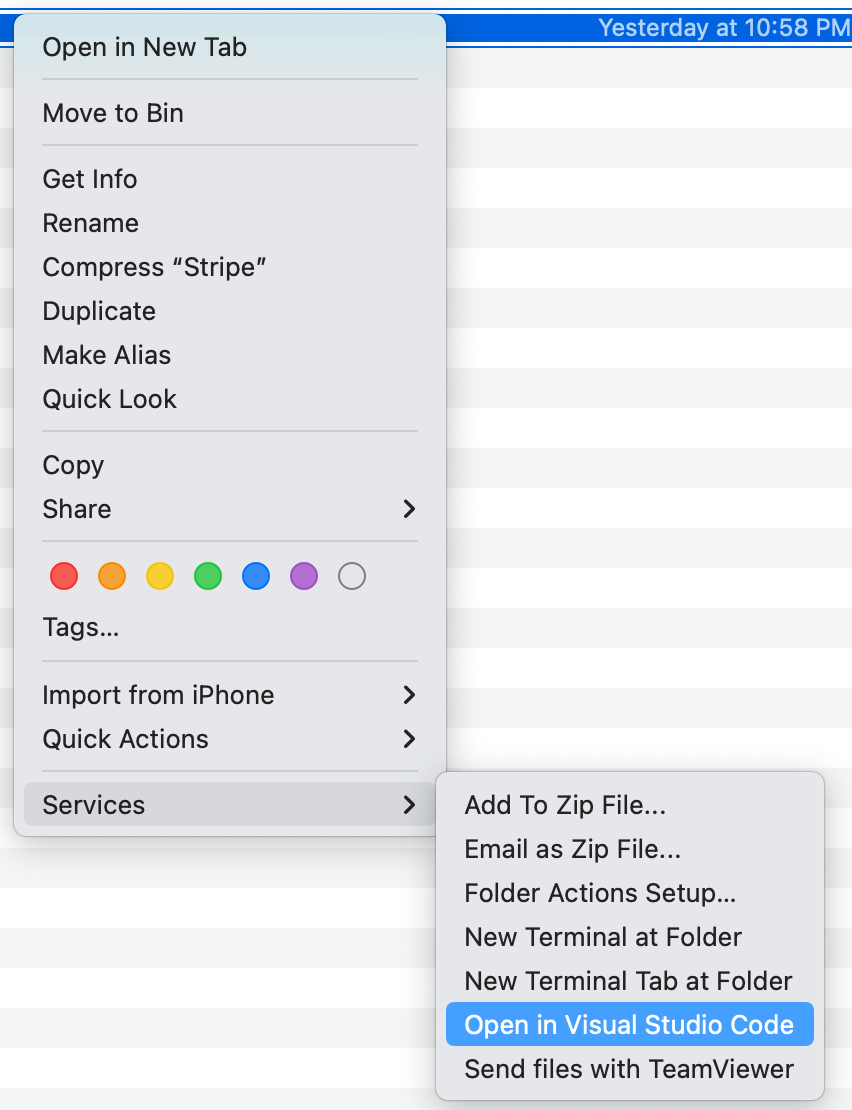
Web Sep 24 2020 nbsp 0183 32 161 On my windows pc I would just double click a folder and click quot Open in VS Code quot to a open a folder which saved time for me when looking through lots of code online With Mac however I do not have this option I have to directly open vscode and click quot Open quot to open a new folder
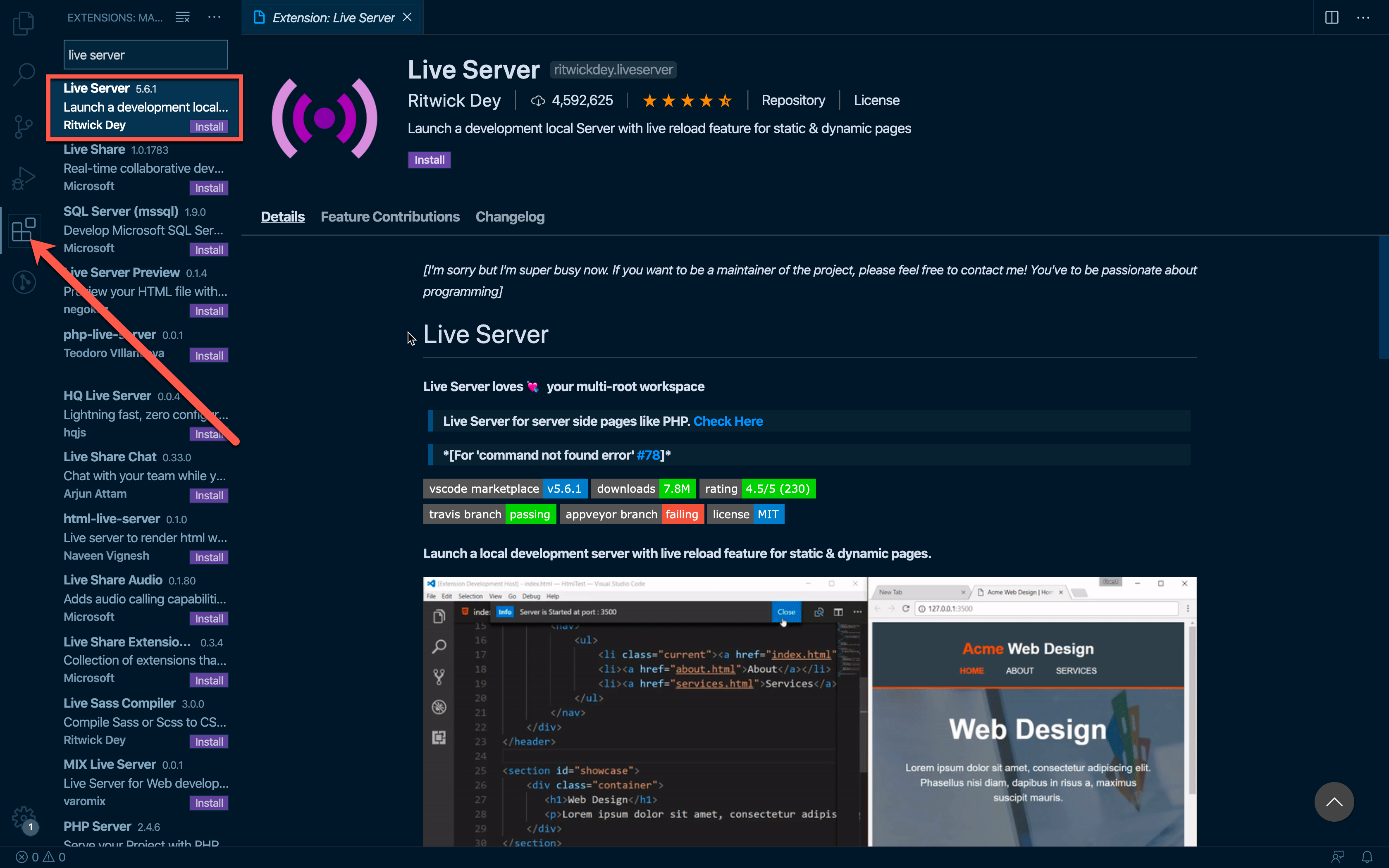
Web Dec 1 2022 nbsp 0183 32 When a project is loaded by Visual Studio for Mac the Solution Window uses the project file to display the files and folders in your project During compilation MSBuild reads the settings from the project file to create the executable Solutions A solution is a container that groups together one or more related projects
Web Dec 1 2022 nbsp 0183 32 Visual Studio for Mac Develop Open multiple solutions or instances of Visual Studio for Mac Article 08 30 2023 14 contributors Feedback In this article Open a second instance of Visual Studio for Mac Open a second solution inside a single instance Related Video Important

Web File management N New File O Open File S Save S Save As S Save All W Close K W Close All T Reopen closed editor K Enter Keep preview mode editor open Tab Tab Open next previous K P Copy path of active file K R Reveal active file in Finder K O Show active file in new window instance
Web Feb 11 2017 nbsp 0183 32 There is indeed a shortcut for it the command is workbench action files openFolder and the default keybinding is Ctrl K Ctrl O It s easy to find in the list of shortcuts File Preferences Keyboard Shortcuts if you search for quot folder quot or quot openFolder quot in the Default Keybindings Share Improve this answer Follow Web Apr 27 2018 nbsp 0183 32 Solution File gt Open Website gt File System and choose the folder No extra project or solution file VS just opens the folder as it is This solution still valid even in Visual Studio 2017 community
Web Jun 1 2022 nbsp 0183 32 Visual Studio Code can t open a folder on MacOS so I wanted to switch between projects in VSC on my MacBook Air macOS Monterey so like usual I went for a top bar selected File chose Open Folder But then the Finder window that was prompted stopped responding for my touchpad clicks