How To Open Class File In Eclipse How To Open Class 8 Social Flipbook Online YouTube Java How To Open class Files With Decompiler By Default In Eclipse How To Open Class Files On Linux Systran Box Open Class Files In VSCode And Add A Debug Breakpoint Anywhere Issue How To Open Class File In Windows 7 Gidley Anxiortampt I wrote an application in the Eclipse which was successfully compiled and run After that in a corresponding directory I found java and class files Then I have deleted the class file and now I do not know how can I get it back Eclipse writes me
1 For this you have to go to Window Show view Navigator 2 Now there will be a window opened on left side where you can explore all folders including build folder 3 Here in build folder go to classes This is the place where you can Find all your class Files Hope This will answer your Quest Learn more We show how to locate the source code of Java s built in classes within the Java Development Kit JDK and describe how to configure Eclipse for easy viewing of source code files Key
How To Open Class File In Windows 7 Gidley Anxiortampt How To Open Class File In Windows 7 Gidley Anxiortampt How To Start Class With Opening Questions Engagement Research Java Decompiler Javapapers Solved Generate Interface From Solid Class File In 9to5Answer Solved Eclipse Indirectly Referenced class File 9to5Answer How To Debug class File In Eclipse How To Decompile Class File In Java And Eclipse Javap Command Example CLASS Opener Free File Tools Online MyPCFile
How To Open Class File In Eclipse
 How To Open Class File In Eclipse
https://i.ytimg.com/vi/KMrZjZhDM2w/maxresdefault.jpg
The Eclipse class file browser is a plugin for Eclipse which allows for more comfortable viewing of Java class files than the supplied class file viewer The installation can be done through the regular update mechanism in eclipse Get the plugin from the update site https update libusb java ch Look out for the plugin s wiki here
Templates are pre-designed documents or files that can be utilized for numerous functions. They can save time and effort by providing a ready-made format and design for developing various kinds of material. Templates can be utilized for personal or expert projects, such as resumes, invites, flyers, newsletters, reports, presentations, and more.
How To Open Class File In Eclipse

How To Open Class File In Windows 10 Gingrich Lailes

How To Open Class File In Windows 7 Gidley Anxiortampt

How To Start Class With Opening Questions Engagement Research
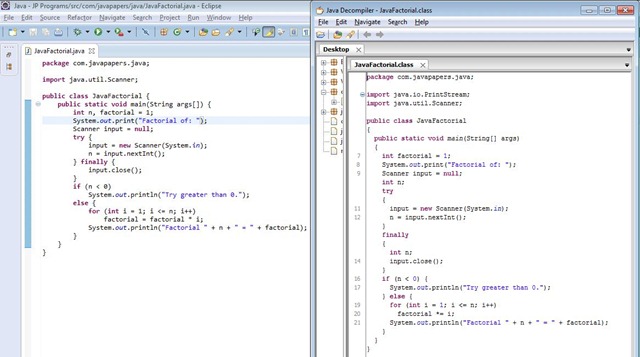
Java Decompiler Javapapers

Solved Eclipse Indirectly Referenced class File 9to5Answer

How To Debug class File In Eclipse

When opening a class file in Eclipse the default Class File Viewer editor is used showing a not coder friendly view of the class Having several decompilers installed on my Eclipse instance I can manually use any them to open my class file so it shows in the Class Decompiler Viewer editor

In this article we looked at the most common ways to find and open a Java class with the Eclipse IDE including Open Type Open Resource Package Explorer Open Declaration and Type Hierarchy Partner Aegik AB NPI EA tag SQL

Subscribed 15K views 2 years ago How to Open a Class File in Eclipse Part of the series How to Open Different File Types Eclipse is an open source and free integrated development
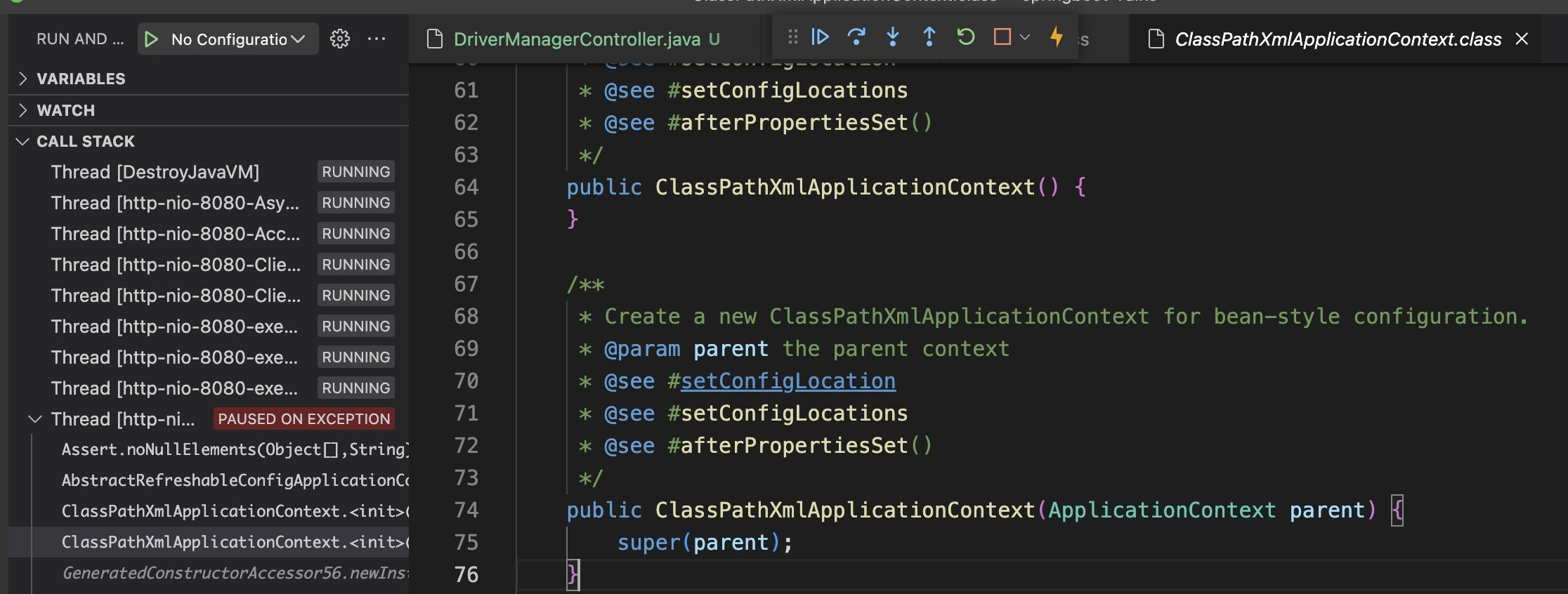
Approach is by creating a executable jar file and by including all required libraries xyz class Right click on the class file from the Package Explorer Run goto file new project Import add executable jar files select your path where you have stored your class files check include in work place

JAD is an excellent option if you want readable Java code as a result If you really want to dig into the internals of the class file format though you re going to want javap It s bundled with the JDK and allows you to decompile the hexadecimal bytecode into readable ASCII
6 Answers Sorted by 458 There is a button in the Package Explorer view that looks like two yellow arrows pointed at left and right The tooltip is Link with Editor Click that Share Improve this answer Follow answered Jun 13 2011 at 18 08 Konstantin Komissarchik 29k 6 61 61 9 More Information CLASS files can be compiled from JAVA files using the javac command which is included with a JVM installation Many Java IDEs such as Eclipse can compile CLASS files on the fly as developers write program code Since there are multiple versions of the JVM e g 1 4 1 5 and 1 6 some CLASS files may not be
The Eclipse class file browser is a plugin for Eclipse which allows for more comfortable viewing of Java class files than the supplied class file viewer Explore share and collaborate on Eclipse Plugins Tools and Extensions Discover new and popular additions to enhance your Eclipse development experience