How To Number Table In Google Docs How To Delete A Table In Google Docs A Quick 5 Step Guide Solve How To Add Links Table Of Contents In Google Docs Brokeasshome How Do I Make A Table In Google Docs Brokeasshome How To Add Table Of Contents Google Docs Brokeasshome How To Make Tables In Google Docs Masteryourtech Web Sep 11 2012 nbsp 0183 32 function onOpen DocumentApp getUi createMenu Num 233 rotation des titres addItem Ajouter Mettre 224 jours Num 233 rotation numberHeadingsAdd
Web Dec 5 2018 nbsp 0183 32 Note Adding page numbers is available only for use on Docs neither Sheets nor Slides support this feature How to Add Page Numbers to Google Docs Open up your document and head to Insert Web You can use footnotes to add references in your Google Doc In documents that are in pages format you can add amp nbsp page numbers and you can also include headers and
How To Make Tables In Google Docs Masteryourtech How To Create A Table Of Contents In Google Docs How To Add And Edit A Table In Google Docs How To Add Serial Number Inside Table In Google Docs YouTube How To Add Links Table Of Contents In Google Docs Brokeasshome Auto Numbering Table Of Contents List Sub Titles On Google Docs Top 20 How To Move A Table In Google Docs In 2022 2023 AZSAGE How To Use Google Docs Table Of Contents Likosflicks How To Use A Random Number Table Instructions For Using The Random
How To Number Table In Google Docs
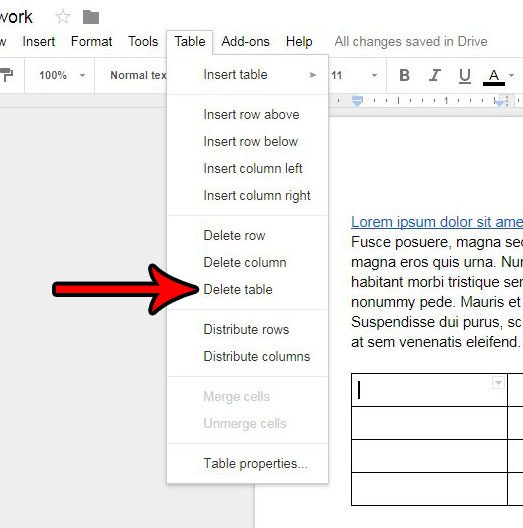 How To Number Table In Google Docs
https://v8r5x7v2.rocketcdn.me/wp-content/uploads/2018/02/how-to-delete-table-google-docs-3.jpg
Web Sep 8 2022 nbsp 0183 32 How to Put Figure Numbers in Google Docs Step by step Tutorial 12 506 views Are you also annoyed with the fact that Google Docs does not have a built in function for captioning figures
Pre-crafted templates offer a time-saving option for developing a diverse range of documents and files. These pre-designed formats and designs can be utilized for various personal and expert jobs, consisting of resumes, invites, leaflets, newsletters, reports, discussions, and more, improving the content development process.
How To Number Table In Google Docs
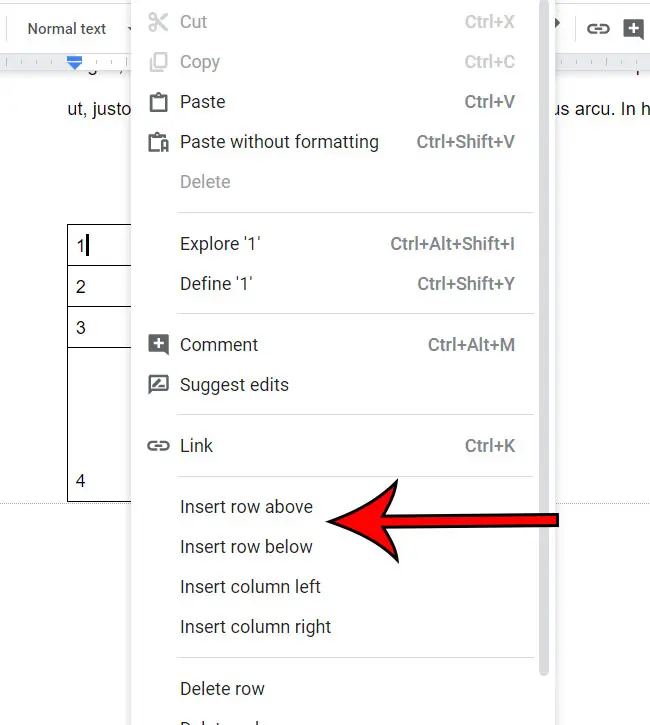
How To Add A Row To A Table In Google Docs Solvetech
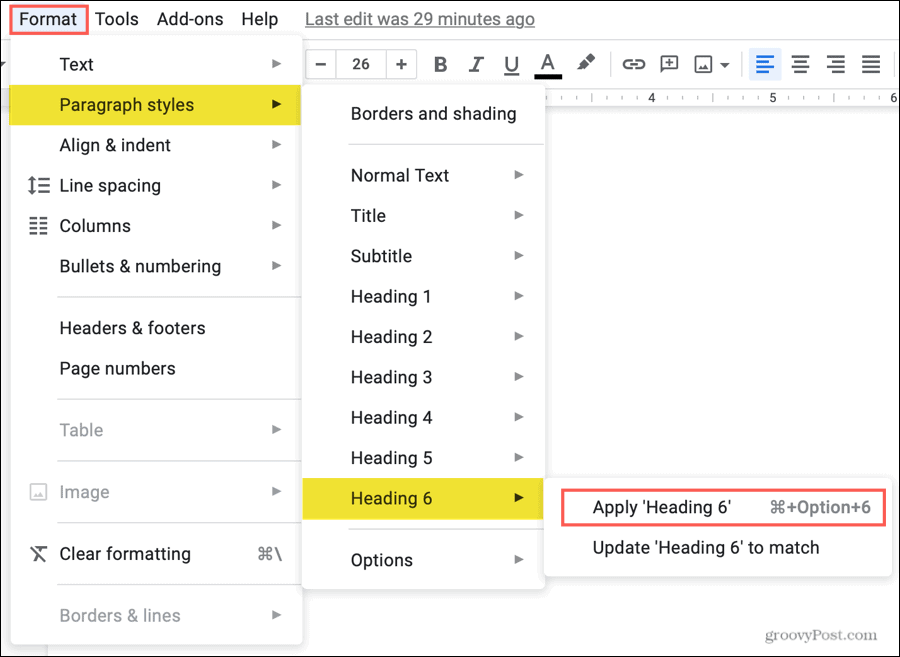
How To Create A Table Of Contents In Google Docs
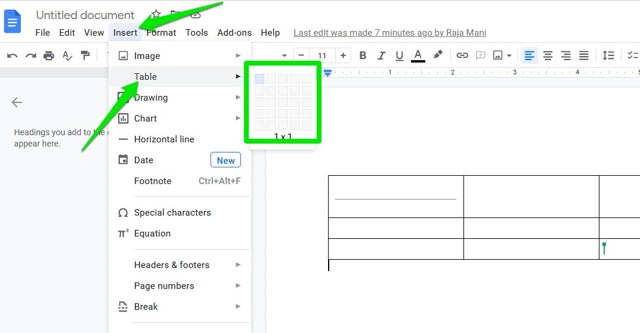
How To Add And Edit A Table In Google Docs
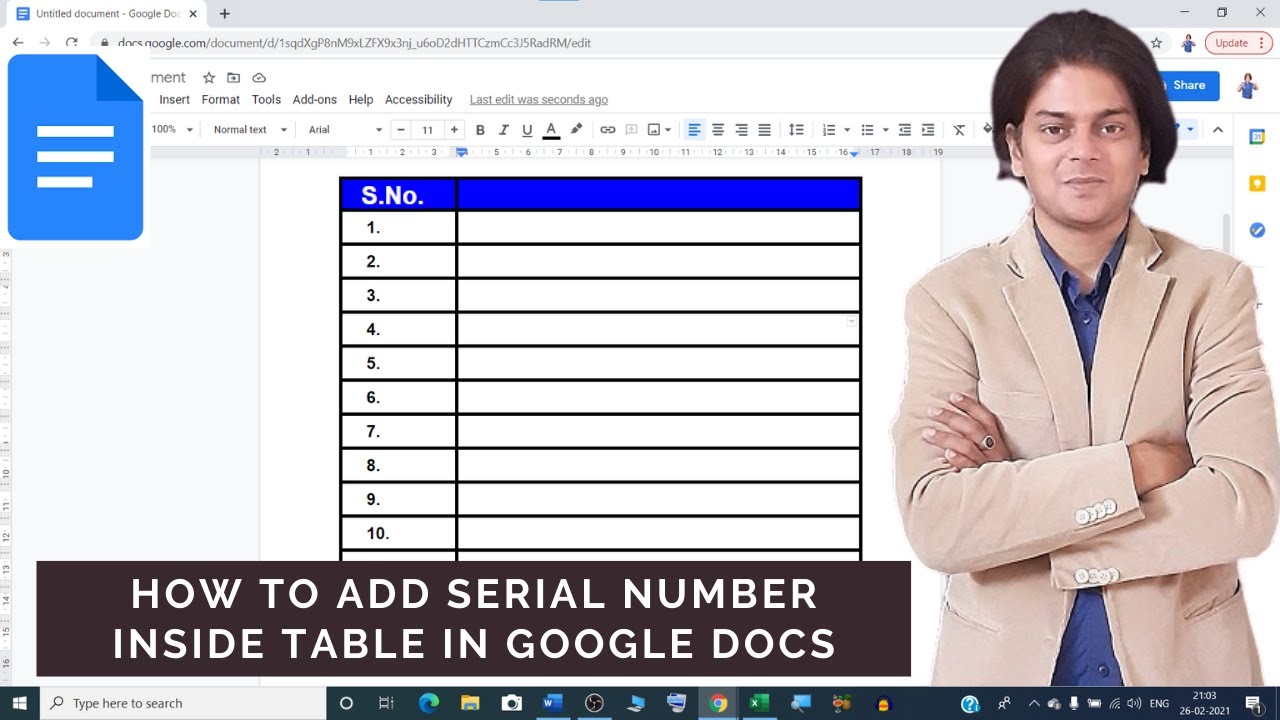
How To Add Serial Number Inside Table In Google Docs YouTube
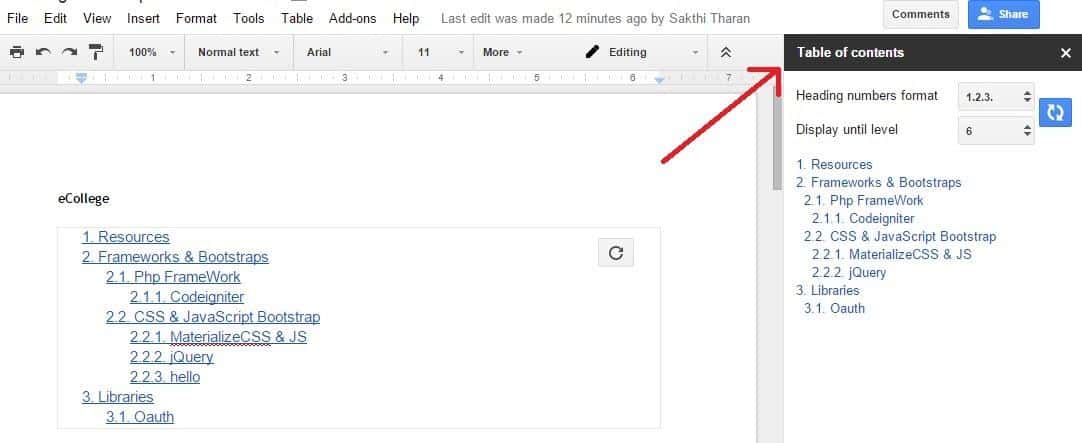
Auto Numbering Table Of Contents List Sub Titles On Google Docs
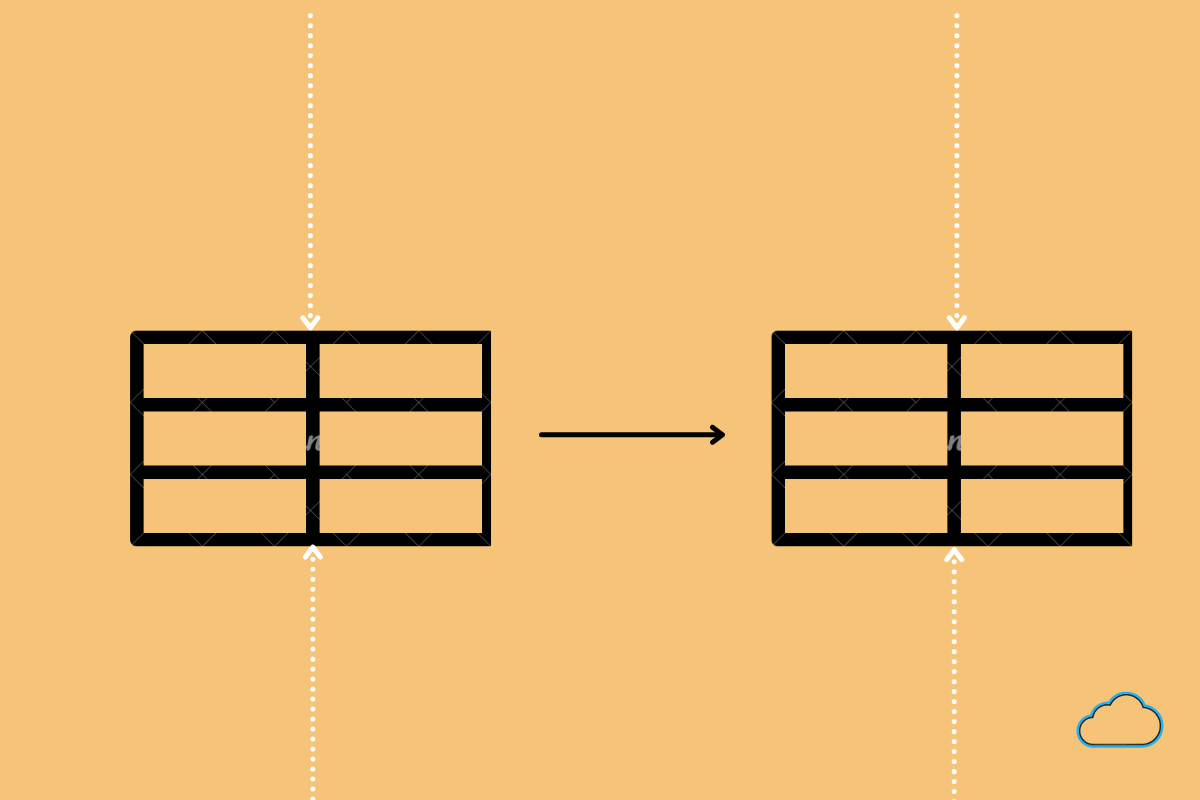
Top 20 How To Move A Table In Google Docs In 2022 2023 AZSAGE

Web Oct 31 2023 nbsp 0183 32 169 2023 Google LLC Hello everyone Today I will show you How to number tables in google docs Facebook Page https goo gl mVvmvAhttps goo gl FmZ84UPlease Subscribe to
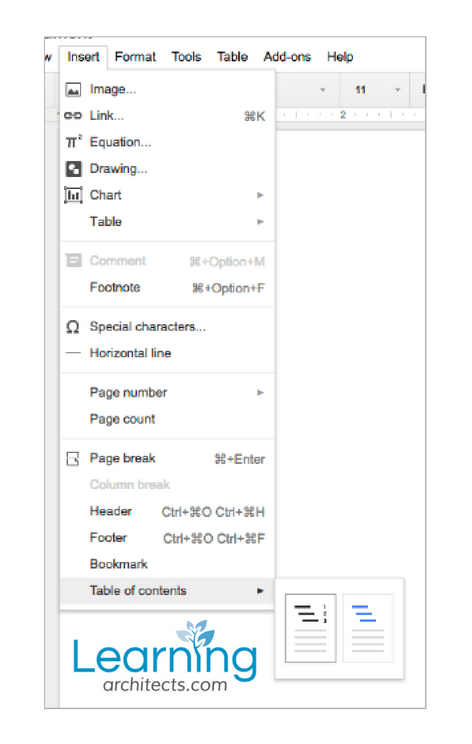
Web Sep 13 2021 nbsp 0183 32 Rather than changing the list style or type you may want to simply apply a color You can use a color for all numbers in the list or only certain ones To apply color

Web Previous tutorial Adding a Table of Contents Adding a List of Figures Google Docs lt div class quot docs butterbar container quot gt lt div class quot docs butterbar wrap quot gt lt div class quot jfk

Web Mar 29 2021 nbsp 0183 32 Insert a Table in Google Docs Head to Google Docs sign in and open your document or create a new one Place your cursor in the document where you want to add the table Click Insert gt Table from the

Web On your computer open a document in Google Docs Double click the first number At the top click Format Bullets amp numbering Select List options Continue previous
Web Oct 9 2023 nbsp 0183 32 Working with tables Google Docs Google for Developers Home Google Workspace Google Docs Guides Send feedback Working with tables bookmark border Web Use Table Grid in Google Docs to select how many rows and columns you want for your table To do this simply drag your mouse cursor across the grid and click the mouse
Web Nov 1 2017 nbsp 0183 32 1 I was looking for the same thing and discovered there is now a Google Docs addon which allows you to select multiple table cells and click a button to calculate