How To Navigate To A Network Folder In Powershell How To Escape Spaces In File Paths On The Windows Command Line How To Count The Files In A Folder Using Powershell Cmd Or File Explorer Vrogue Concert Joseph Banks Compromite Cd Root Cruzerz Gift Longitude Rinse Navigate Folder In Cmd Advertisement Alcove Tray PowerShell Create A Folder If Not Exists Or Create A Directory If Not Exists SPGuides 1 Answer Sorted by 1 You don t need to map a network share to open a file on a network share
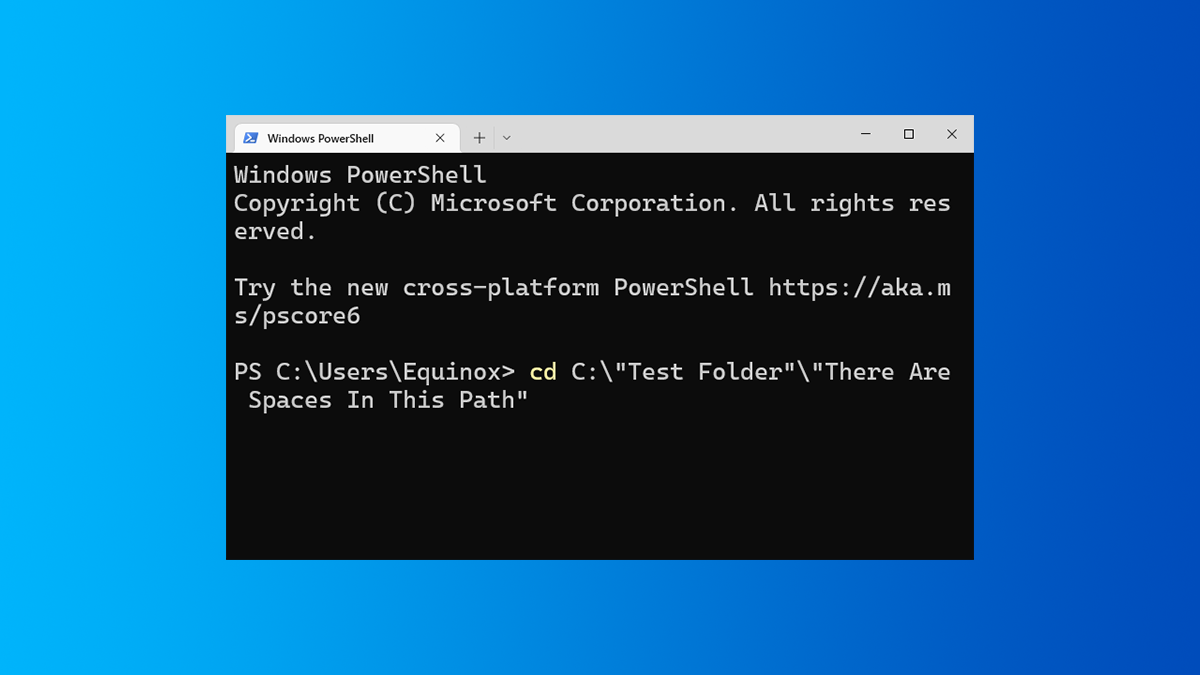
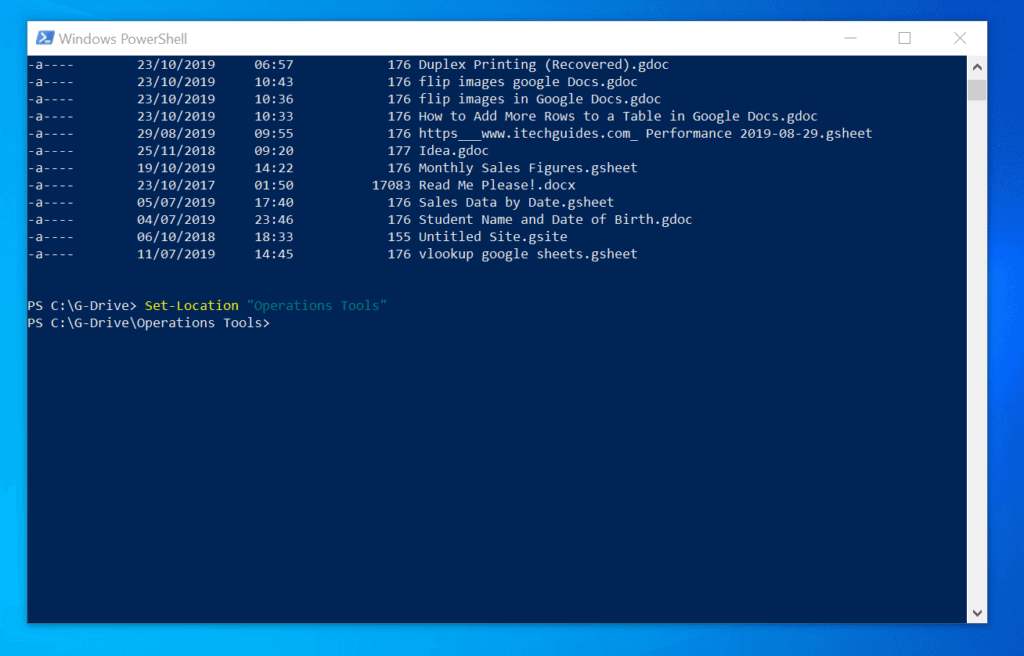
To map a network drive with PowerShell on Windows 10 use these steps Open Start on Windows 10 Search for PowerShell and click the top result to open the console Type the following command to map a drive assigning letter manually and press Enter New PSDrive Name DRIVER LETTER PSProvider FileSystem Root DEVICE NAME OR IP SHARED 46 PowerShell will resolve full paths just fine with CD Where in DOS you have to d for drive changing cd d H Folder PowerShell you can just type the full path cd H Folder Share Improve this answer
PowerShell Create A Folder If Not Exists Or Create A Directory If Not Exists SPGuides Use PowerShell To Navigate Windows Folder Structure ITPro Today IT News How Tos Trends Change Directory In Powershell 11 Examples Itechguides Com Vrogue How To Rename A Folder In PowerShell SharePoint Diary How To Create New Files Folders In PowerShell MSSQL DBA Blog How To Create A Folder Using PowerShell SharePoint Diary How To Create New Files Folders In PowerShell MSSQL DBA Blog GitHub Siddm03 ACA OOPS 2022 Scan To Network Folder HP Support Community 6335995
How To Navigate To A Network Folder In Powershell
 How To Navigate To A Network Folder In Powershell
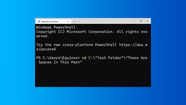
https://static1.howtogeekimages.com/wordpress/wp-content/uploads/2020/10/Terminal-With-Spaces-in-Path-Header-Image-1.png
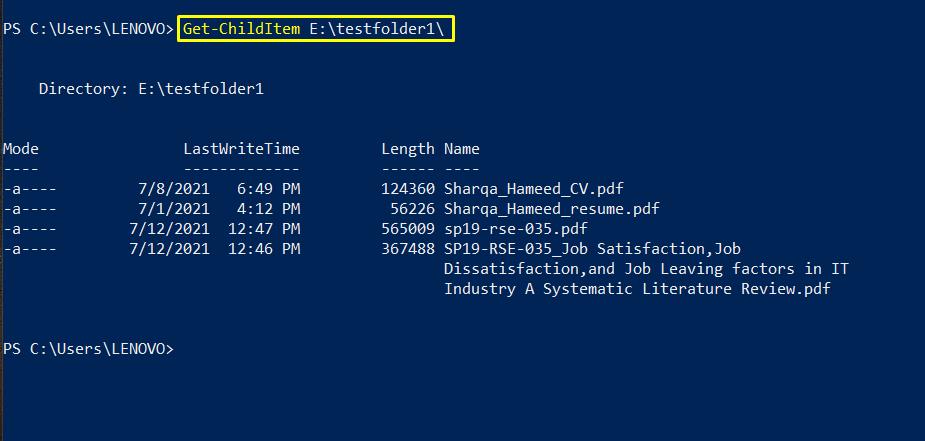
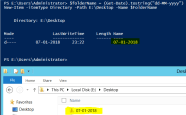
Navigating Folders I ll start with navigating folders also known as directories I have a two window setup to better show what s going on with both PowerShell and File Explorer By default an elevated PowerShell starts in the C Windows System32 folder Get Location
Templates are pre-designed files or files that can be used for numerous functions. They can conserve effort and time by supplying a ready-made format and layout for creating various type of content. Templates can be used for individual or expert jobs, such as resumes, invitations, leaflets, newsletters, reports, presentations, and more.
How To Navigate To A Network Folder In Powershell
Delete A Folder In PowerShell DevsDay ru

Use PowerShell To Navigate Windows Folder Structure ITPro Today IT News How Tos Trends
Change Directory In Powershell 11 Examples Itechguides Com Vrogue

How To Rename A Folder In PowerShell SharePoint Diary
How To Create A Folder Using PowerShell SharePoint Diary
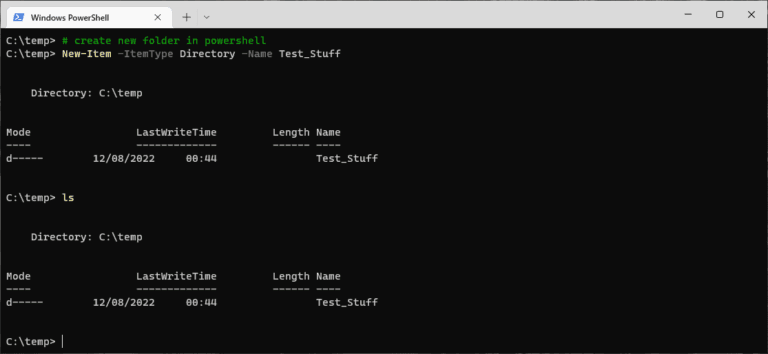
How To Create New Files Folders In PowerShell MSSQL DBA Blog
PowerShell uses several commands to navigate the Windows folder structure When you open a new PowerShell window PowerShell usually starts you in your user profile directory In Figure 1 for example you can see that the PowerShell prompt is pointing to C Users Brien

1 Actually you don t have to specify or use a letter at all with net use See the first answer here serverfault questions 580369 Joshua Hanley Oct 21 2016 at 14 15 Add a comment 5 Answers Sorted by 38 PowerShell fully supports UNC paths you can use them everywhere a directory or file name would be expected

Method 1 Map a temporary network drive using PSDrives You can browse a UNC path in Powershell to temporarily map a network drive in the current Powershell session using the PSDrive CMDLet Note that this method is sessions specific and the mapping will be lost when you close the Powershell session

You need to make sure that the drive is mapped under the user which is running the command prompt Try typing net use U and see what info it gives you If it s not showing the drive as being mapped try remapping the drive net use U servername share path You can also try changing directories by using cd d U rather than just U
To map a network drive using File Explorer click on This PC in the left navigation bar and then click Map a network drive from the top menu within the Explorer A Map network drive wizard will now popup
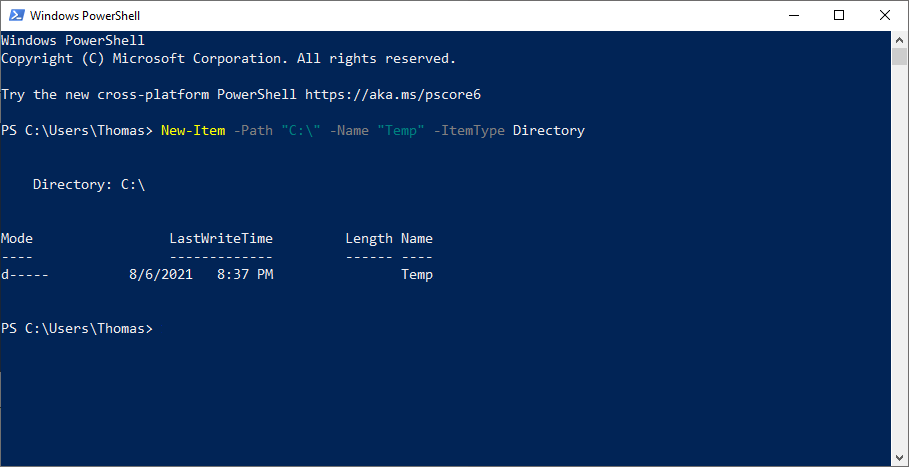
Now let s go ahead and create a new file share Here are the details I m going to use for my new share Name Logs Path C Shares Logs Description Log Files You ll need to make sure the folder path exists prior to running this command New SmbShare Name Logs Description Log Files Path C Shares Logs The steps to share the folder are displayed below Create the demo folder Figure 1 Create a folder named demo After you create the folder right click it and choose Properties Select Advanced Sharing from the Sharing tab Figure 2 Share the demo folder using the Advanced Sharing options
1 Open PowerShell and confirm if the prompt says C Users admin If so then you are currently on the C drive in the admin user s profile directory as shown below Viewing the default working drive 2 Next open another PowerShell session but this time as an administrator Related Discover How to Run PowerShell as Administrator