How To Maximize Window In Selenium Read CSV File Using Java Selenium WebDriver Example 2023 SOLVED Windows 11 Keyboard Shortcuts The Complete List Up Running Technologies Tech How To s How To Maximize Windows Using Windows 10 Shortcut Key How To Maximize A Window In Mac Like You Do In Windows How To Maximize Window Using Selenium Webdriver And C YouTube In selenium script this is also one of the most commonly utilised appr In this video we ll look at a few different ways to maximise the window in selenium
If the browser window is larger than the display screen resolution elements will appear off screen Learn how to change the desktop screen resolution The following sample shows you how to resize the browser window to custom dimensions using Selenium browserstack yml Copy The Selenium WebDriver library provides an interface called Window that provides the user with the ability to interact with the browser window This interface includes methods like maximize and minimize that allows the user to adjust the size of the browser window as needed The maximize method can be used to expand the window to its
How To Maximize Window Using Selenium Webdriver And C YouTube How To Maximize The Browser Window In Selenium WebDriver Maximize Window Using Selenium How To Maximize Window Space For Plants How To Maximize Browser Window In Selenium Different Methods To Maximize Window Or Tabs SN Maximize Window In Windows 11 Tutorial Windows 11 Forum How To Maximize Windows Using Windows 10 Shortcut Key Solved How To Maximize Window In Chrome Using WebDriver 9to5Answer Open Windows Maximized In Windows 7 YouTube Initial Render Issue Issue 164 Azouaoui med react pro sidebar GitHub
How To Maximize Window In Selenium
 How To Maximize Window In Selenium
https://www.softwaretestingo.com/wp-content/uploads/2018/11/Handle-Dynamic-Web-Table-In-Selenium.jpg
Add a comment 1 The statement driver manage window maximize Works perfectly but the window maximizes only after loading the page on browser it does not maximizes at the time of initializing the browser here driver is called object of Firefox driver it may be any thing depending on the initializing of Firefox object by you only
Templates are pre-designed documents or files that can be used for various purposes. They can conserve time and effort by providing a ready-made format and layout for creating various sort of material. Templates can be utilized for personal or professional projects, such as resumes, invites, flyers, newsletters, reports, presentations, and more.
How To Maximize Window In Selenium

Introduction To Selenium Webdriver Selenium Maximize Minimize Window Selenium Tutorial

How To Maximize The Browser Window In Selenium WebDriver Maximize Window Using Selenium
How To Maximize Window Space For Plants

How To Maximize Browser Window In Selenium Different Methods To Maximize Window Or Tabs SN
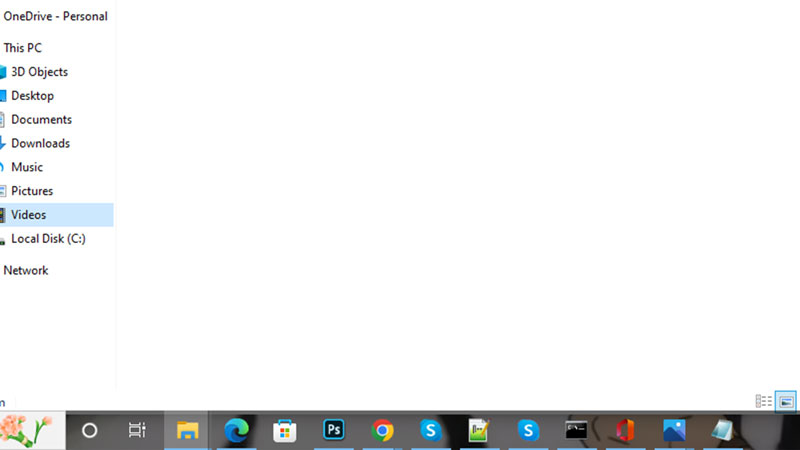
How To Maximize Windows Using Windows 10 Shortcut Key

Solved How To Maximize Window In Chrome Using WebDriver 9to5Answer

For me maximize window had no effect Not doing set window size kept the window at 800x600 set window size 1920 1080 before calling maximize window and when not calling maximize window made the window size 1920x1080 fullscreen window caused my code to hang I m using Chrome with options add argument headless

Successful execution of the selenium script above will do the following launch the Chrome browser navigate to the BrowserStack website maximize the Chrome Window and wait for five seconds Try Selenium Testing on Real Device Cloud for Free 2 Use the ChromeOptions class

Kotlin driver quit Quit will Close all the windows and tabs associated with that WebDriver session Close the browser process Close the background driver process Notify Selenium Grid that the browser is no longer in use so it can be used by another session if you are using Selenium Grid Failure to call quit will leave extra background
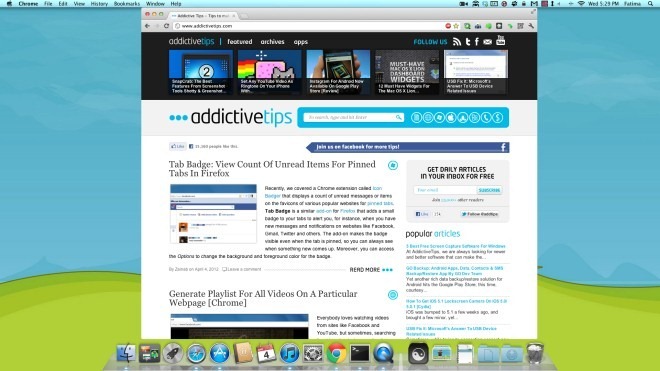
Selenium WebDriver offers various useful methods to control the session or in other words browser For example adding a cookie pressing back button navigating among tabs etc This article revolves around maximize window driver method in Selenium maximize window method maximizes the current window that webdriver is using

Selenium maximize Maximization of a web browser through the Web Driver Python selenium is very easy In short all you have you have to do is start the browser and call the maximize window Selenium is a Python module that uses a web driver to control a web browser for you Related course Selenium Web Automation Course Examples selenium
Here we will see how to do this task using Python Installation pip install selenium In any web browser the maximize button is used to enlarge a web browser window whereas the minimize button is used to shrink the window Before running the code we have to download the chrome driver and place the file path of the executable file in our In this page it shows steps to maximize minimize or full screen the browser window in the Selenium automation code I hope you like this video For any quest
Nov 20 2021 at 0 14 Add a comment 2 Unfortunately Selenium does not provide any built in function for minimizing the browser window There is only the function for maximizing the window But there is some workaround for doing this driver manage window setPosition new Point 2000 0 Share