How To Make A Poll On Microsoft Forms How To Create Poll With Microsoft Forms Pureinfotech How To Make A Poll In Google Forms Do A Poll In Microsoft Teams Meeting Design Talk How To Make A Poll In Google Forms 3 Steps Extended Forms How To Create A Poll In Microsoft Teams Vrogue The Polls app powered by Microsoft Forms is a more discoverable way for everyone in your organization to add polls to your Teams meetings Since November 2020 you had to add a tab the Forms app to your meeting to use polls in Teams meetings Now you ll add a new app called Polls as an option for your meeting tab
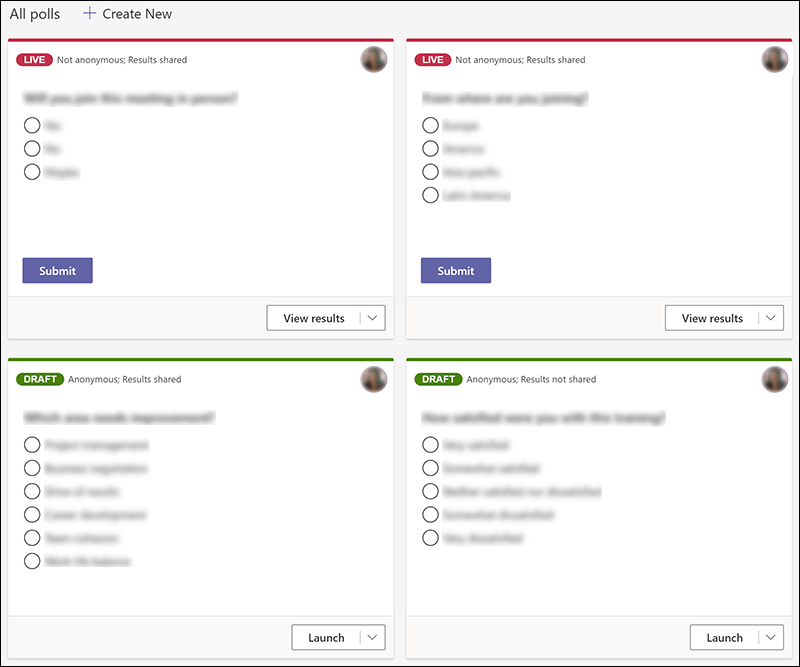
Go to the channel or chat in which you want to include a poll At the bottom of your Teams window select Forms Note If you don t see the Forms icon click Messaging extensions and then select Forms Add your question and answer options If you want to allow multiple answers click or tap the toggle next to Multiple answers Microsoft Polls is an Add in for Outlook users who sign in with a work or school account With Polls you can create a real time poll in seconds In the body of your Outlook email add questions and options for single or multiple answers Once you send the message recipients can vote directly in email or click on a handy included link and vote
How To Create A Poll In Microsoft Teams Vrogue How To Create A Poll In Microsoft Teams Vrogue How To Use Microsoft Teams Poll Msofto Aria Art How To Create Polls On Microsoft Teams Windows Central Create A Poll In An Outlook Email Chris Menard Training How To Make A Poll On Google Forms Steps Examples Forms app How To Use Microsoft Teams Poll Msofto Aria Art How To Make A Poll On Twitch YouTube How To Create A Quick Poll In Microsoft Teams YouTube
How To Make A Poll On Microsoft Forms
 How To Make A Poll On Microsoft Forms
https://pureinfotech.com/wp-content/uploads/2020/12/microsoft-forms-poll_hero.jpg
In Microsoft Forms https forms office open the form or quiz Select Collect responses Note If you re on the mobile site make sure you re on the Questions tab and then press the arrow button in the center Under Send and collect responses select the audience from these options
Pre-crafted templates provide a time-saving solution for producing a diverse range of documents and files. These pre-designed formats and designs can be utilized for numerous individual and professional projects, including resumes, invites, leaflets, newsletters, reports, discussions, and more, simplifying the content production procedure.
How To Make A Poll On Microsoft Forms
How To Make A Poll On Google Forms Steps Examples Forms app
How To Create A Poll In Microsoft Teams Vrogue

How To Use Microsoft Teams Poll Msofto Aria Art

How To Create Polls On Microsoft Teams Windows Central
How To Make A Poll On Google Forms Steps Examples Forms app
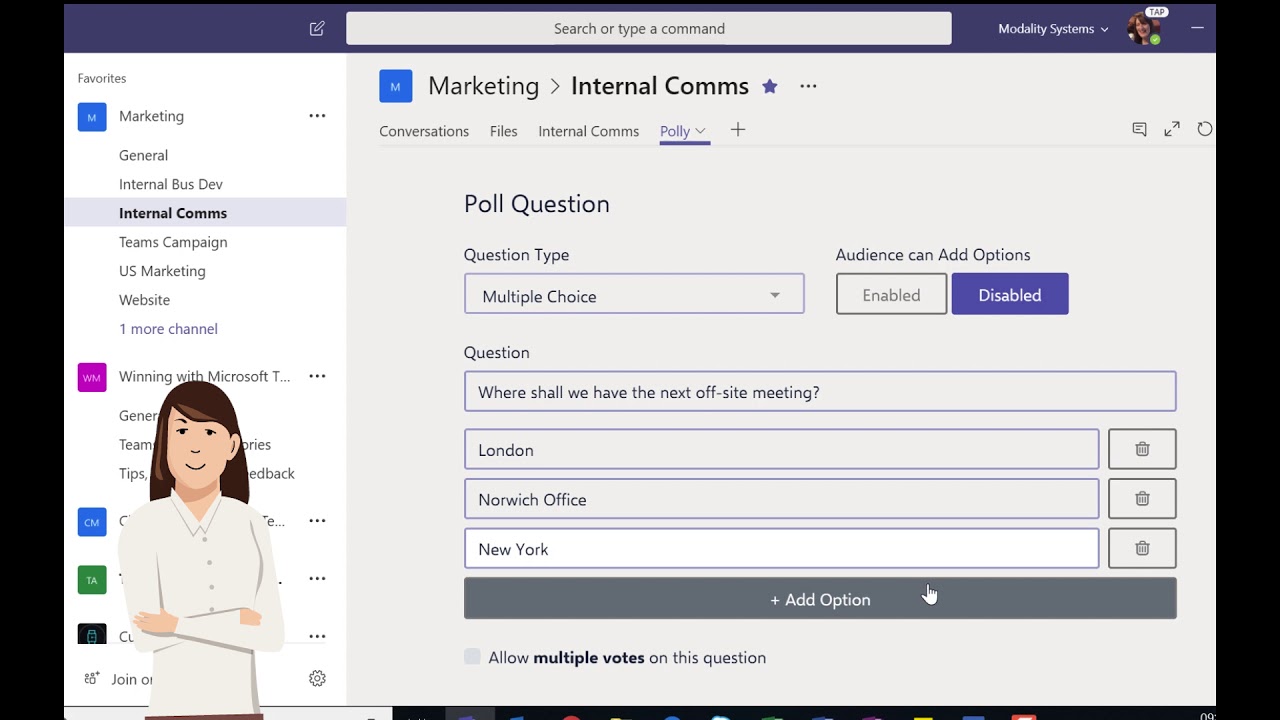
How To Use Microsoft Teams Poll Msofto Aria Art
Welcome to Microsoft Forms Create and share online surveys quizzes polls and forms Collect feedback measure satisfaction test knowledge and more Easily design your forms with various question types themes and branching logic Analyze your results with built in charts and reports or export them to Excel for further analysis
With Microsoft Forms you can create surveys quizzes and polls and easily see results as they come in Enter a name for your form and then select Create A new tab for Microsoft Forms will open in your web browser Note
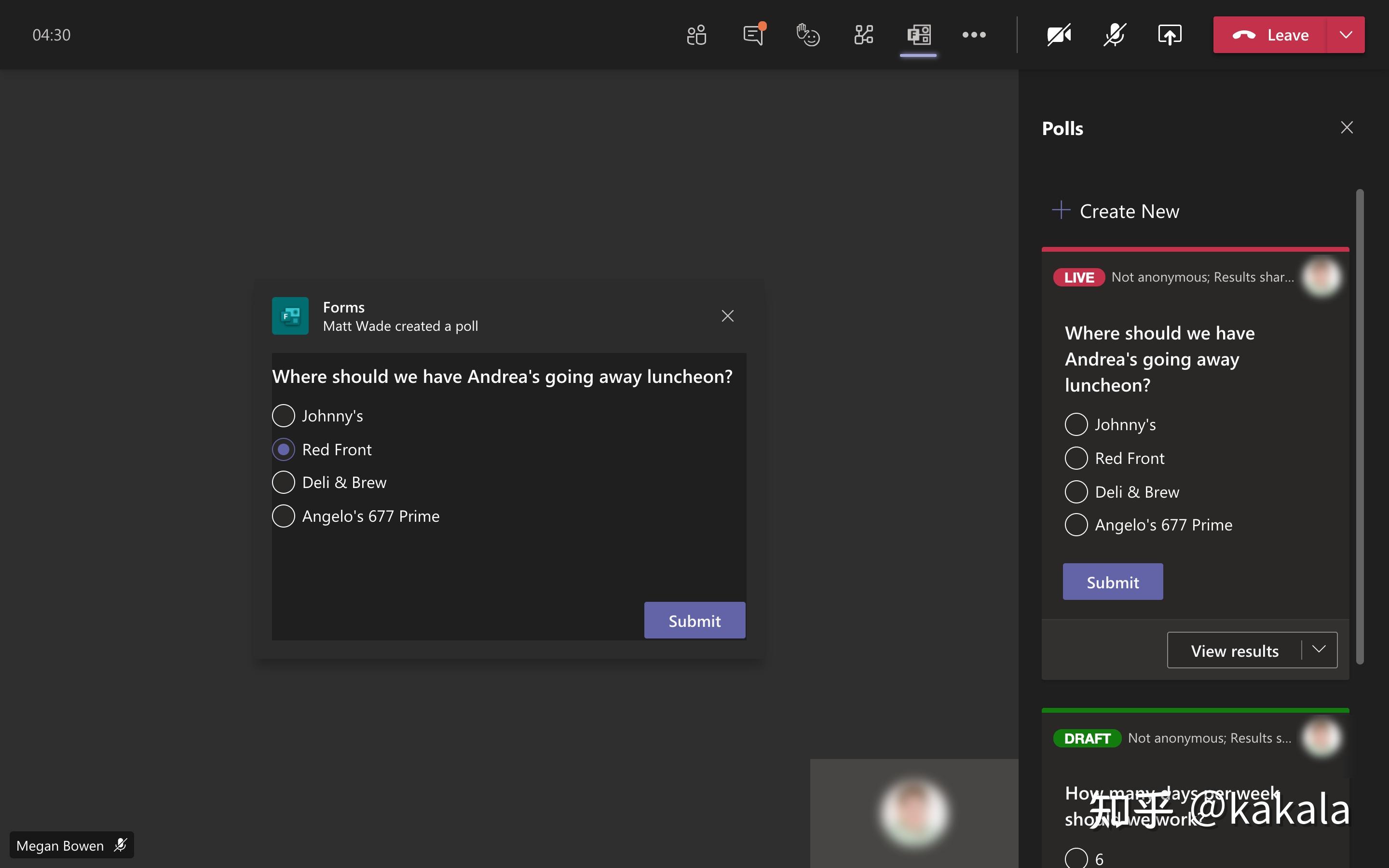
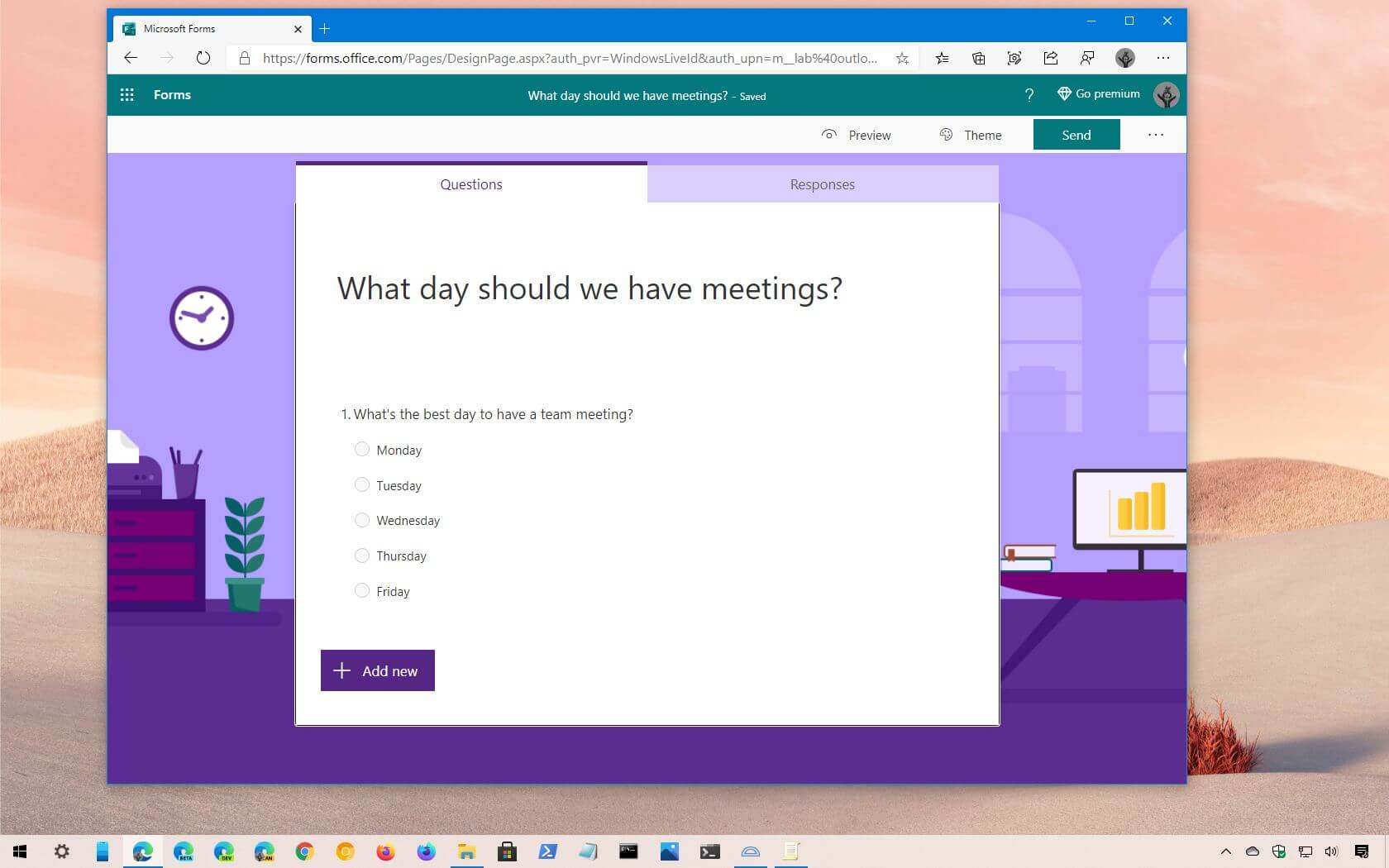
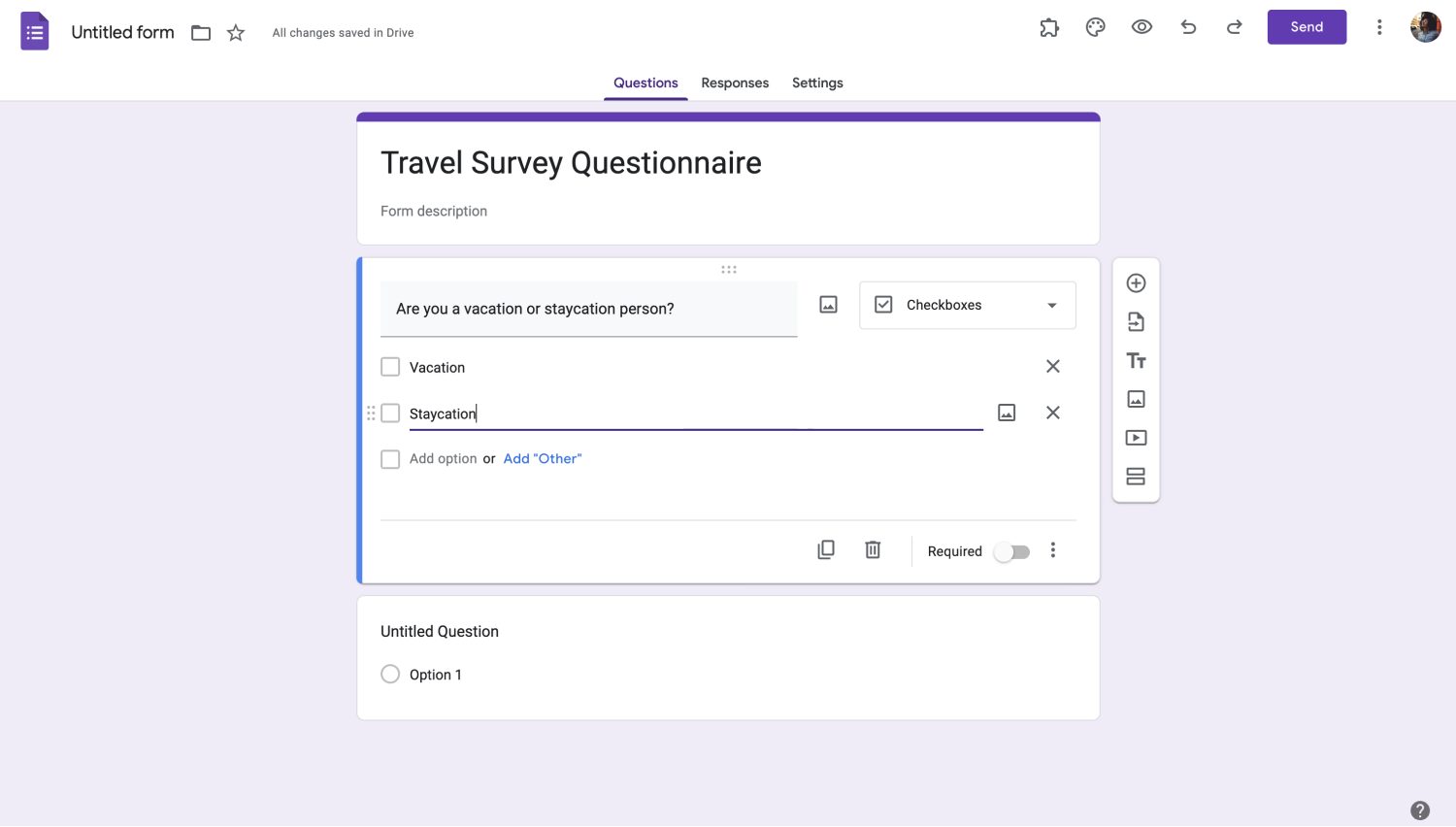
Open Microsoft Forms online Sign in with your Microsoft account if applicable Click the New From button Click on Untitled form and write a title and description for the poll Optional Click the Image button to insert an image for form using Bing OneDrive or manual upload Click the Add new button
Creating a Word Cloud poll Showing results of Word Cloud poll 3 Ask a multiple choice knowledge check question related to the upcoming information you plan to present 4 Setting expectations at the start of the meeting can also encourage engagement

Engage your students and track their progress with enhanced lessons assignments and quizzes Ask your students to weigh in during class using Forms Assess student progress with quizzes and easily export answers to Excel Transform a quiz into an educational asset by adding videos to the questions
To use Copilot in Forms you need to have a Microsoft 365 account and access to Microsoft Forms In Forms select to create a new form from scratch Copilot will prompt you to describe what you want to create You can provide a description in your own words or view prompts to help you get started Select Generate to submit your request To create a Collaborative Poll go to the channel you want to collaborate on the poll with Click on the Add tab option icon next to the existing tabs Then add Forms from the Add a Tab window You can either Create a new form or Add an existing form that everyone can edit
Open the Microsoft Outlook application and in a new email click Insert Poll A panel will open on the right hand side of the email for you to enter your question and possible answers You can only ask one question in an email poll though you can allow for multiple answers When the poll is complete click the Insert poll into email button