How To Make A Google Docs Order Form Free Order Form Template Google Docs Free Printable Templates Google Forms Free Templates Of Order Form Template Google Docs Order Form Template For Google Sheets And Excel YouTube 10 Form Templates In Google Sheets Purchase Order Form Template For Google Sheets And Excel Etsy Web Jan 4 2021 nbsp 0183 32 Go to Docs from a Google page by clicking the grid of dots at the top right side of the page to bring up the list of apps Then click the three horizontal lines in the top left corner to
Web Feb 3 2024 nbsp 0183 32 Setting Up Your Google Doc Order Form Creating an order form using Google Docs is a straightforward process that can significantly enhance your business s operational efficiency By following these steps you can create a professional looking order form which can be shared with customers to gather orders seamlessly Web Apr 2 2024 nbsp 0183 32 Steps to create an order form in Google Docs Decide on which tool to use Start building a form Begin collecting payments Set up notificaiton alerts Google Docs and Google Drive are great tools for businesses teams and groups They make it easy to collaborate with others by sharing documents folders and files
Purchase Order Form Template For Google Sheets And Excel Etsy How To Create A Google Order Form 15 Order Templates In Google Docs Make High quality Sheets For Orders With This Simple Order Form How To Make A Order Form On Google Docs Google Forms Guide Everything 15 Order Templates In Google Docs 15 Order Templates In Google Docs Google Docs Pricing Features Reviews Alternatives GetApp Google Docs Add Template Master Template
How To Make A Google Docs Order Form
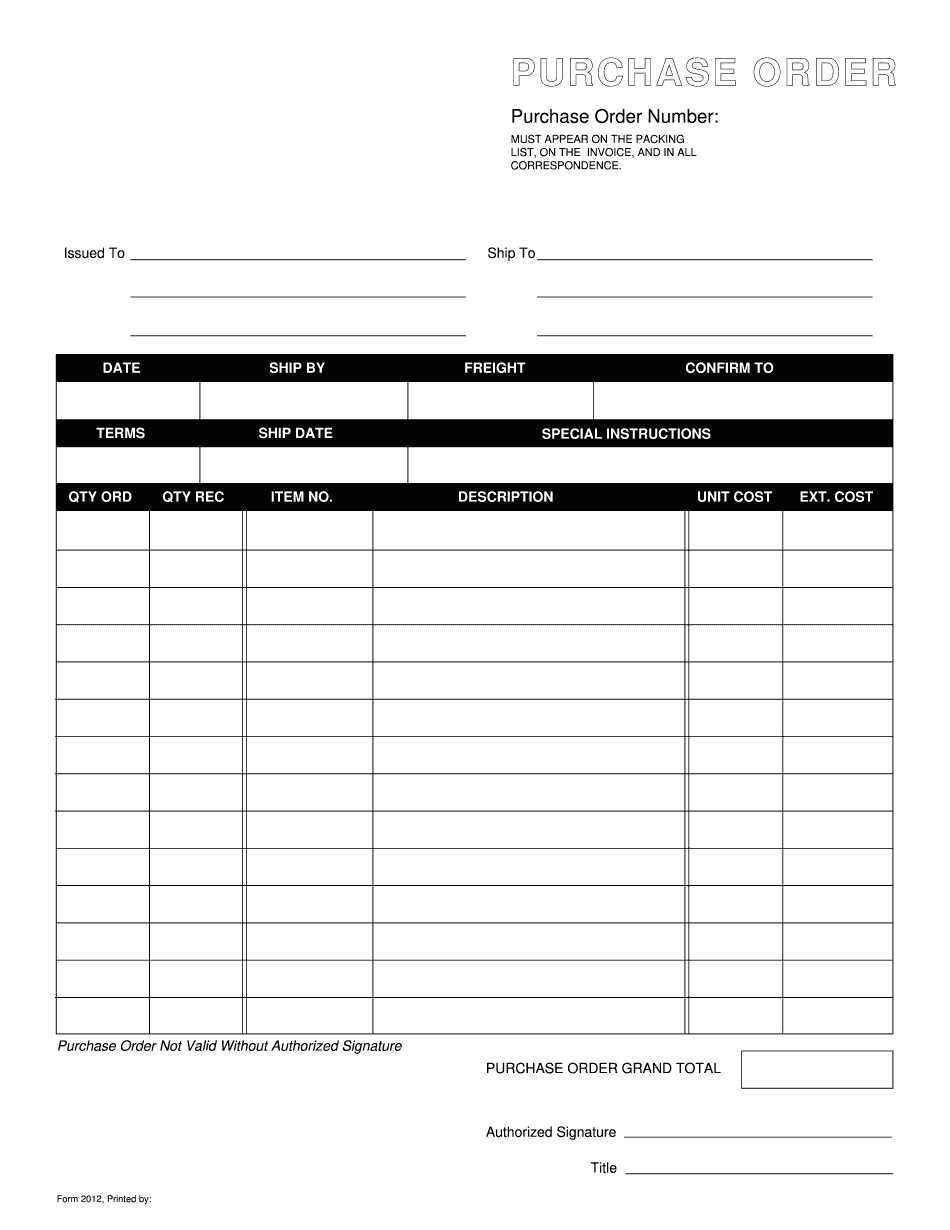 How To Make A Google Docs Order Form
https://www.pdffiller.com/preview/0/17/17645/big.png
Web May 2 2024 nbsp 0183 32 Step 1 Sign into Google and Access Google Forms Head over to the Google Forms website and sign in with your Google account Once you re signed in you ll be greeted with the Google Forms dashboard This is where all your forms are stored and where you can create new ones Step 2 Start a New Form
Templates are pre-designed documents or files that can be used for various functions. They can save time and effort by providing a ready-made format and layout for producing various type of material. Templates can be used for personal or expert tasks, such as resumes, invites, leaflets, newsletters, reports, discussions, and more.
How To Make A Google Docs Order Form
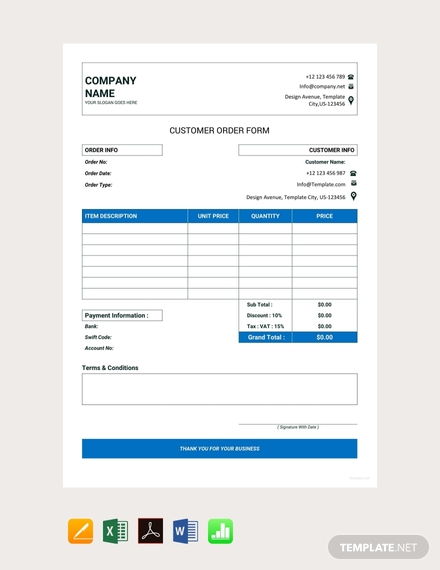
15 Order Templates In Google Docs
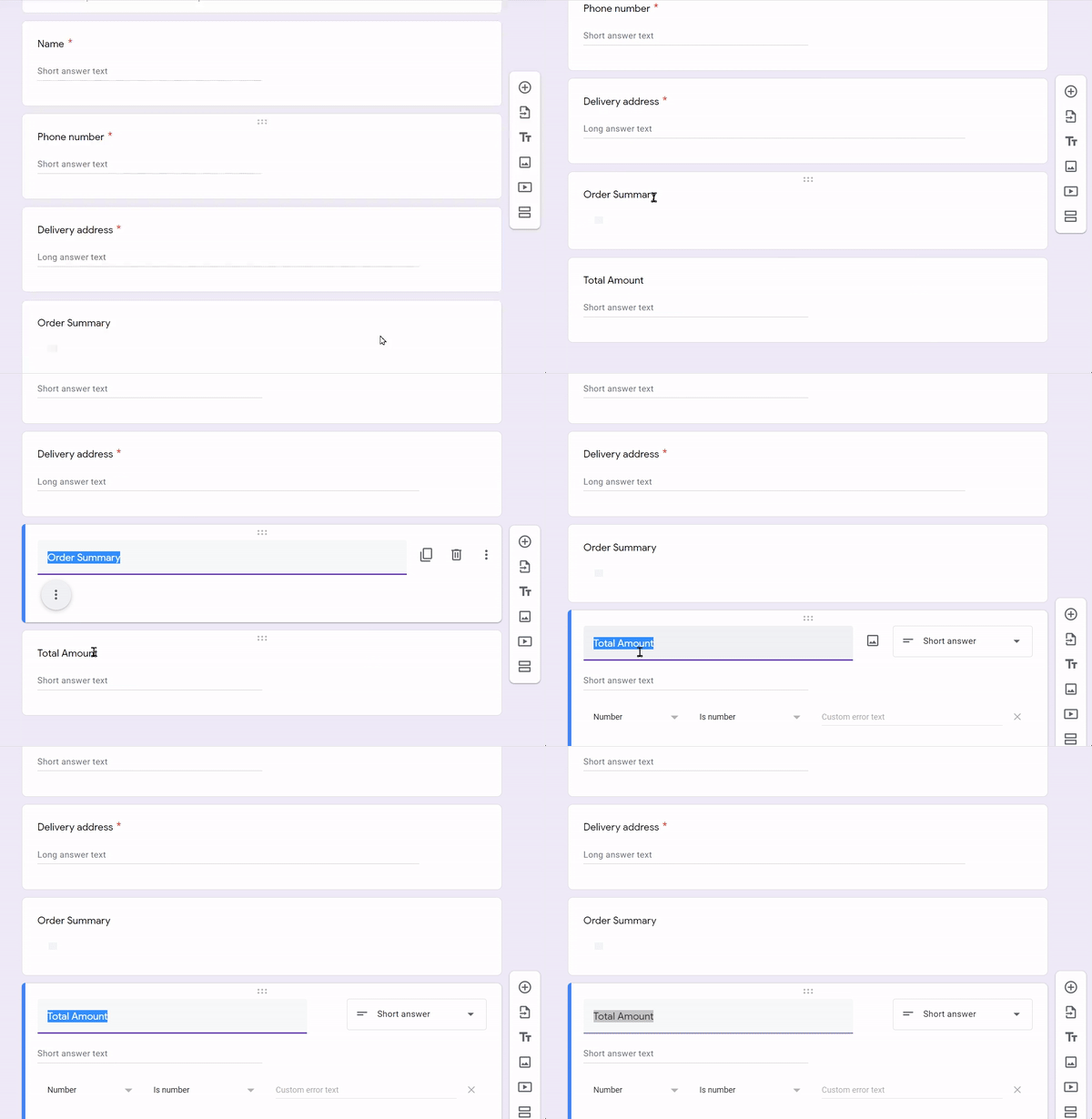
How To Create A Google Order Form

15 Order Templates In Google Docs

Make High quality Sheets For Orders With This Simple Order Form
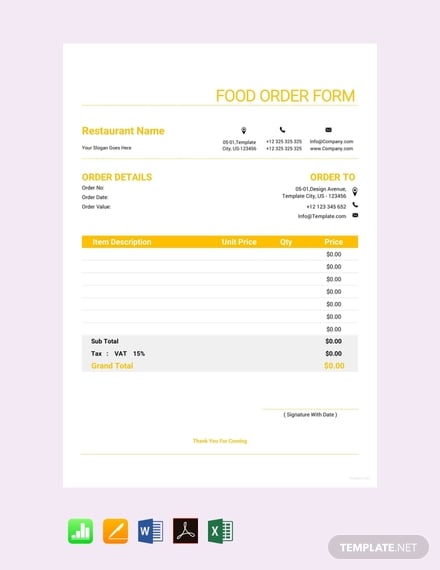
15 Order Templates In Google Docs

15 Order Templates In Google Docs

Web Jan 18 2024 nbsp 0183 32 Open Google Docs and create a new form Choose a template or start from scratch Add questions and fields Customize your form Set up response collection Share your form Frequently Asked Questions Can I make

Web Apr 2 2024 nbsp 0183 32 How to Build Order Forms With Google Docs Here s how to create an order form in Google Docs Open Google Docs at Docs New Set up the page by heading to File gt Page Setup Then set the page orientation size
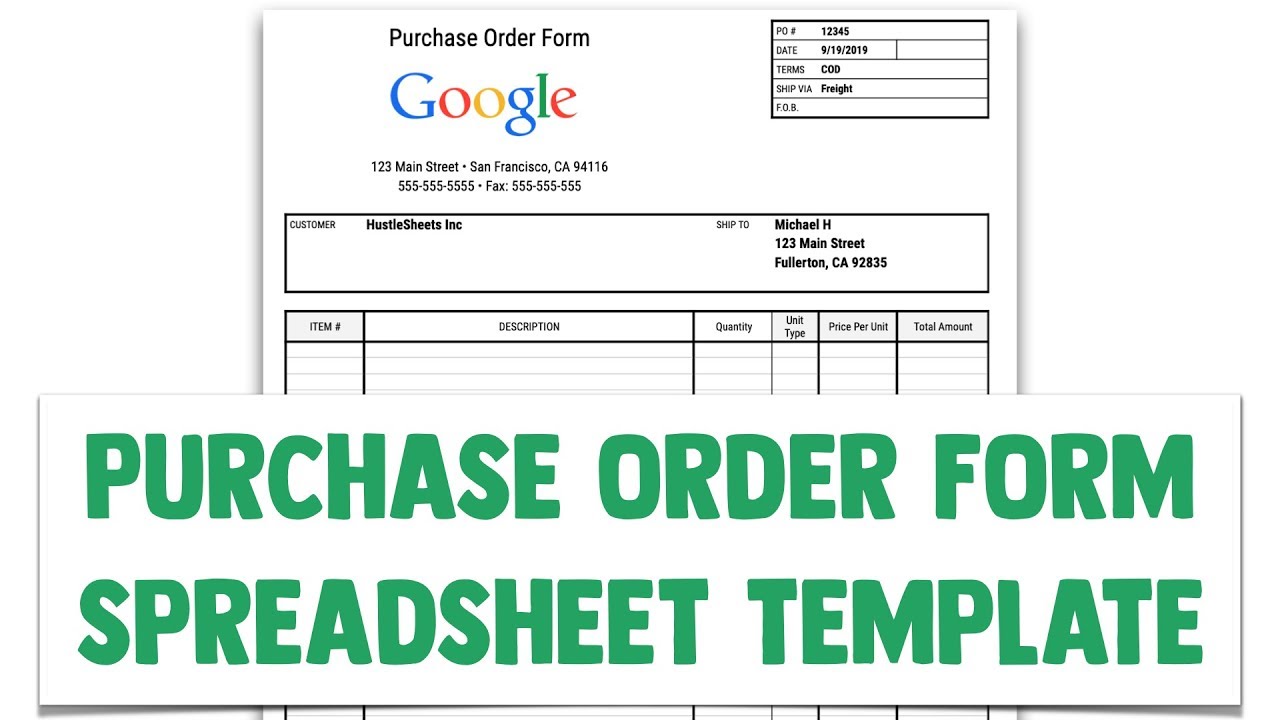
Web Jan 18 2017 nbsp 0183 32 85K views 7 years ago Need an efficient way for your customers to virtually fill out and submit an order form In this video I will show you how to create your own Google Order Form for
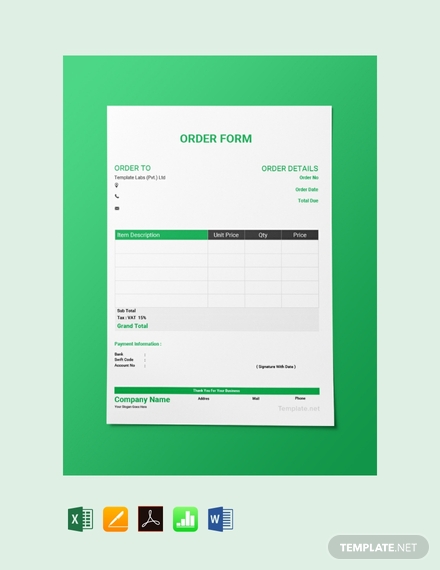
Web Step 1 Start a new form Go to Google Forms To start a new form click on the quot Blank quot page or choose a template from the template gallery if you see one that fits your needs Step 2 Name your form Click on the quot Untitled form quot at the top to give your form a name
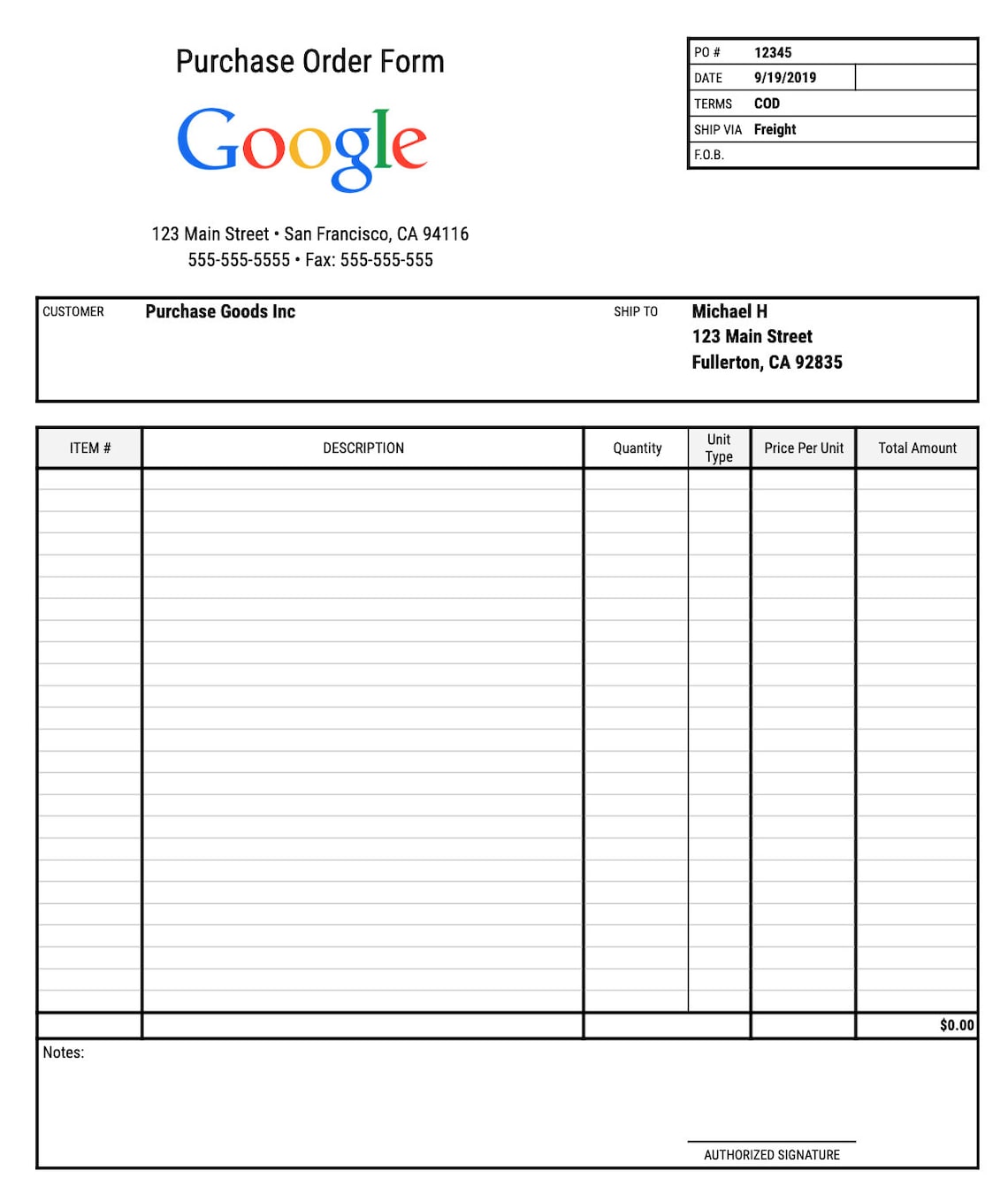
Web Jan 25 2023 nbsp 0183 32 In this article we ll teach you how to create a Google Forms order form for business and share it with vendors This step by step guide will help you get your order form up and running quickly so you can start managing orders with ease With just a few clicks you ll be able to create an effective purchase order form that will make it much
Web Social Media JOB OPPORTUNITIES Work from home No experience required Click here to learn more shorturl at jKSX2 SUBSCRIBE to get NEW Tutorials E Web Jan 2 2024 nbsp 0183 32 Step 1 Create a form Create a new Google form by going to this link And then click on the icon Step 2 Add the relevant purchase order details Add the form title and description Add the questions and type of answers which is suitable to be accepted
Web Create a new form From your Docs list click the Create button then select Form From a spreadsheet click the Form menu and select Create a form From any other doc click