How To Install Terminal In Visual Studio Code Terminal In Visual Studio Code Halolasopa Riset How To Open Terminal In Visual Studio Code Windows BEST GAMES WALKTHROUGH Open The Terminal In Visual Studio How To Open Terminal In Visual Studio Community 2019 Windows Computer How To Open Terminal In Visual Studio Code BEST GAMES WALKTHROUGH Web Apr 25 2019 nbsp 0183 32 1 remove second terminal from settings json Now in terminal list right side of Terminal panel you have only git bash 2 rename path from git bash to cmd exe 3 in terminal panel right side click on button quot new terminal quot
Web Dec 16 2019 nbsp 0183 32 To use a different shell in vscode Use the shortcut Ctrl Shift P on your keyboard or go to view gt gt Command Palette Type in Terminal select default shell From there you can select a powershell terminal instead of the usual command prompt VSCode Change Default Terminal Web Aug 11 2023 nbsp 0183 32 To open the terminal in Visual Studio select View gt Terminal Tip This page describes how to use the command line shells in Visual Studio If you re looking for the equivalent in Visual Studio Code also known as VS Code see Command Line Interface CLI and Terminal Basics
How To Open Terminal In Visual Studio Code BEST GAMES WALKTHROUGH How To Install Terminal Service Client Integrated Terminal In Visual Studio Code How To Open Visual Studio Integrated Terminal In Visual Studio Code 2023 Integrated Terminal In Visual Studio Code 2023 Integrated Terminal In Visual Studio Code 2023 Ubuntu How2 How To Clean Unnecessary Files In Ubuntu How To Open Terminal In Visual Studio 2018 Gaswco VS Code Compilar Y Ejecutar En C Acervo Lima
How To Install Terminal In Visual Studio Code
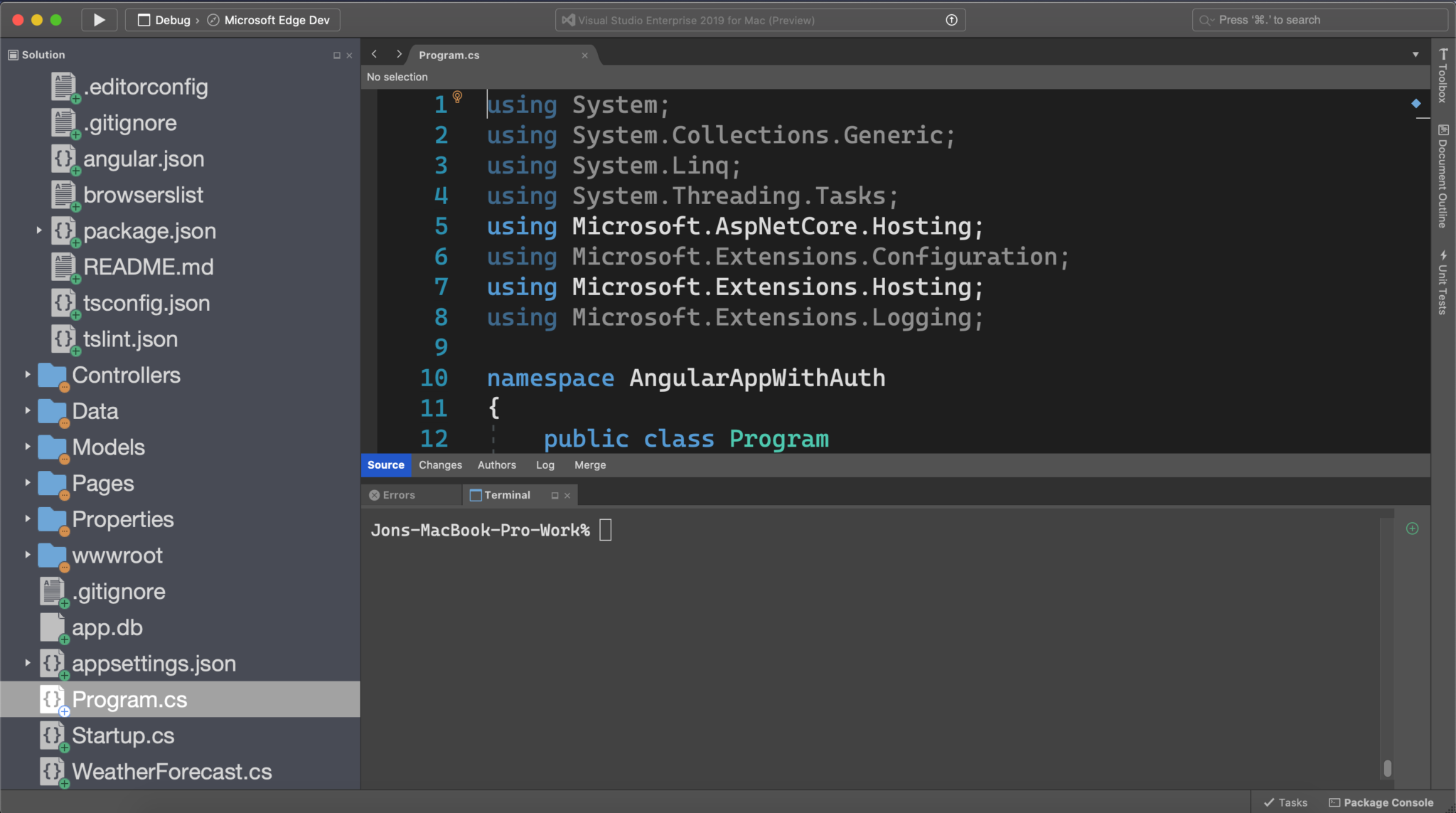 How To Install Terminal In Visual Studio Code
https://learn.microsoft.com/en-us/visualstudio/mac/media/integrated-terminal-intro.png?view=vsmac-2022
Web Dec 13 2021 nbsp 0183 32 If you are looking for way to use a different terminal profile in VS Code and you don t care to open the terminal in a new window you can try these steps Open the VS Code Command Palette Cmd Shift P Type quot Default quot Select Terminal Select Default Profile Select the desired terminal profile you want to use
Templates are pre-designed files or files that can be utilized for various purposes. They can conserve time and effort by providing a ready-made format and design for producing different sort of content. Templates can be used for individual or expert projects, such as resumes, invites, leaflets, newsletters, reports, discussions, and more.
How To Install Terminal In Visual Studio Code

Changed Font Size Of Integrated Terminal In Visual Studio Code Youtube
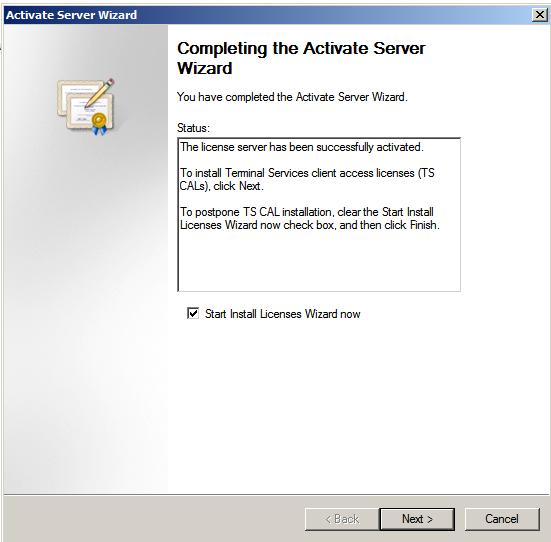
How To Install Terminal Service Client

Integrated Terminal In Visual Studio Code How To Open Visual Studio
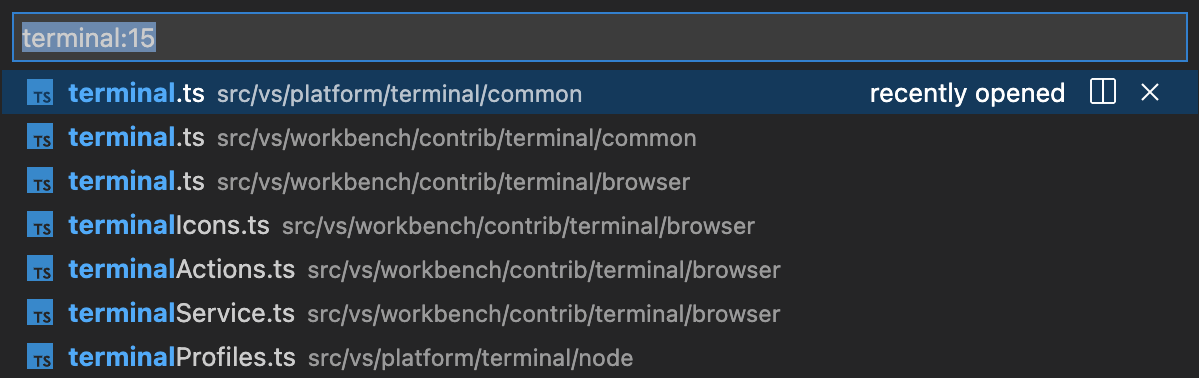
Integrated Terminal In Visual Studio Code 2023
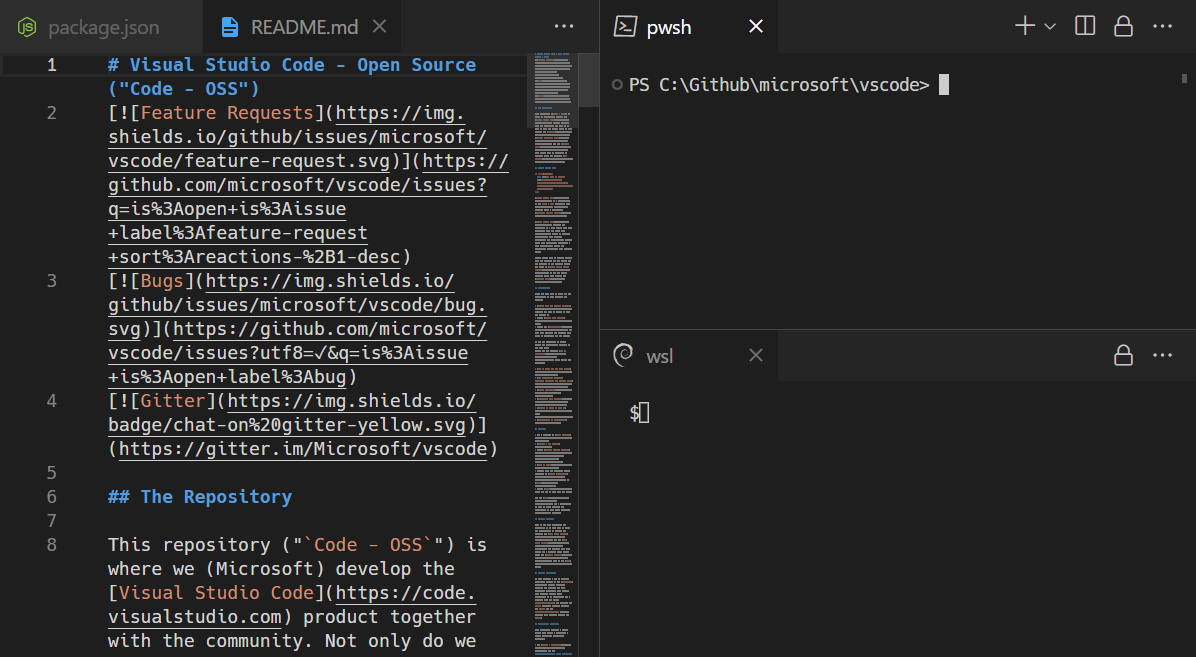
Integrated Terminal In Visual Studio Code 2023
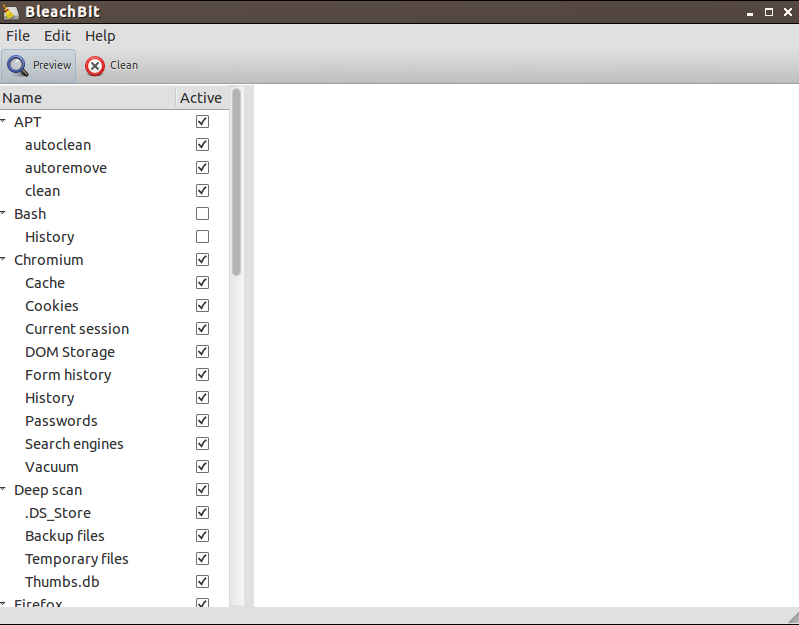
Ubuntu How2 How To Clean Unnecessary Files In Ubuntu
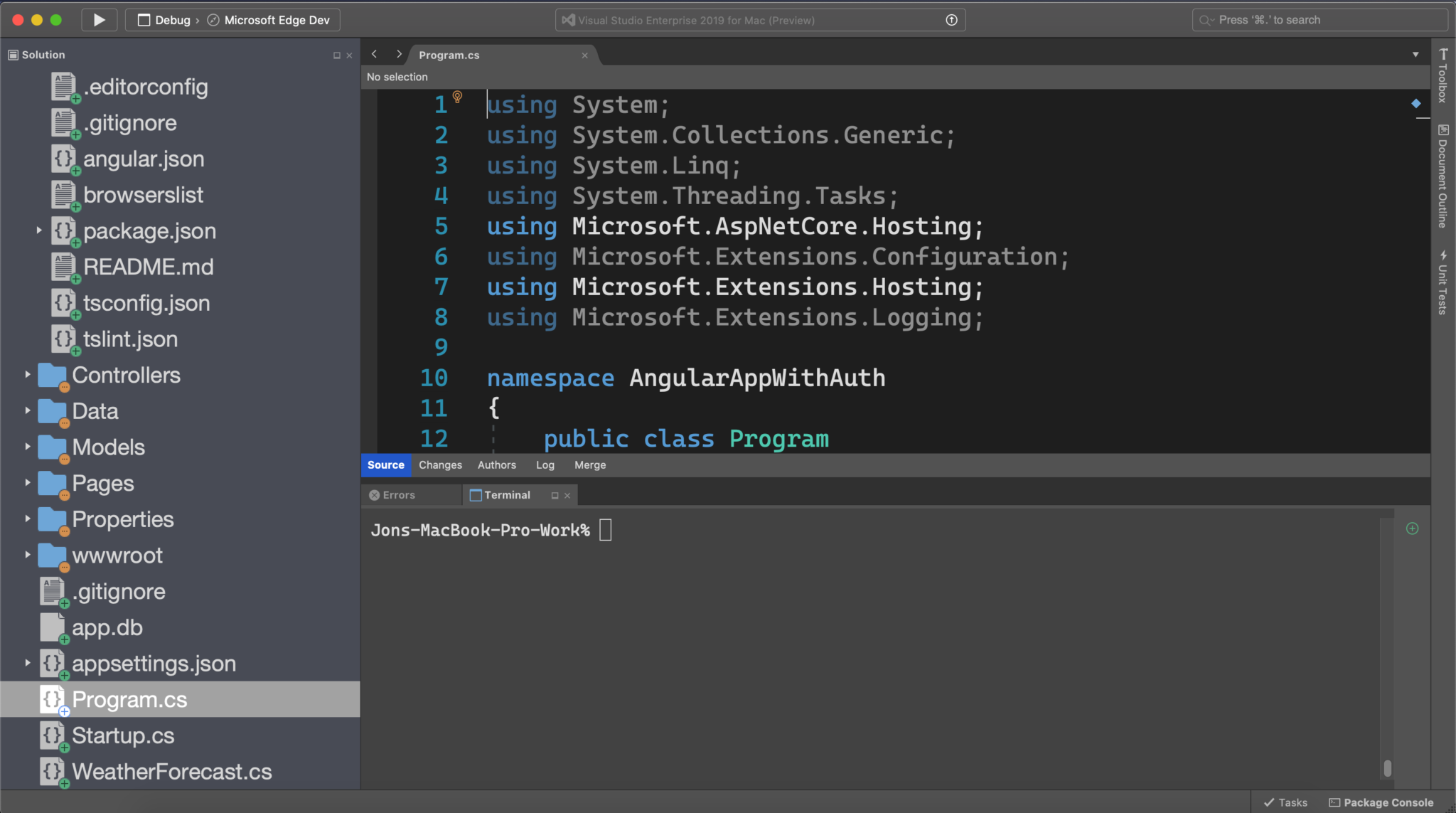
Web Start by opening View gt Terminal Windows Linux Ctrl Click on the dropdown arrow next to the icon in the terminal panel to pick a new shell to open If Git Bash is installed it will be shown in the list You can toggle between different terminals and shells in the Terminal sidebar

Web To do this from an open terminal or command prompt navigate to your project folder and type code Note Users on macOS must first run a command Shell Command Install code command in PATH to add VS Code executable to the PATH environment variable Read the macOS setup guide for help

Web Nov 30 2021 nbsp 0183 32 Visual Studio Code provides a built in command to install its command line interface Bring up Code s Command Palette by typing Command Shift Pon Mac or Control Shift Pon Windows and Linux This will open a prompt near the top of your Code window Type shell commandinto the prompt

Web Mar 5 2017 nbsp 0183 32 Install Git from https git scm download win Open Visual Studio Code and press and hold Ctrl to open the terminal Open the command palette using Ctrl Shift P Type Select Default Profile Select Git Bash from the options Click on the icon in the terminal window The new terminal now will be a Git Bash terminal
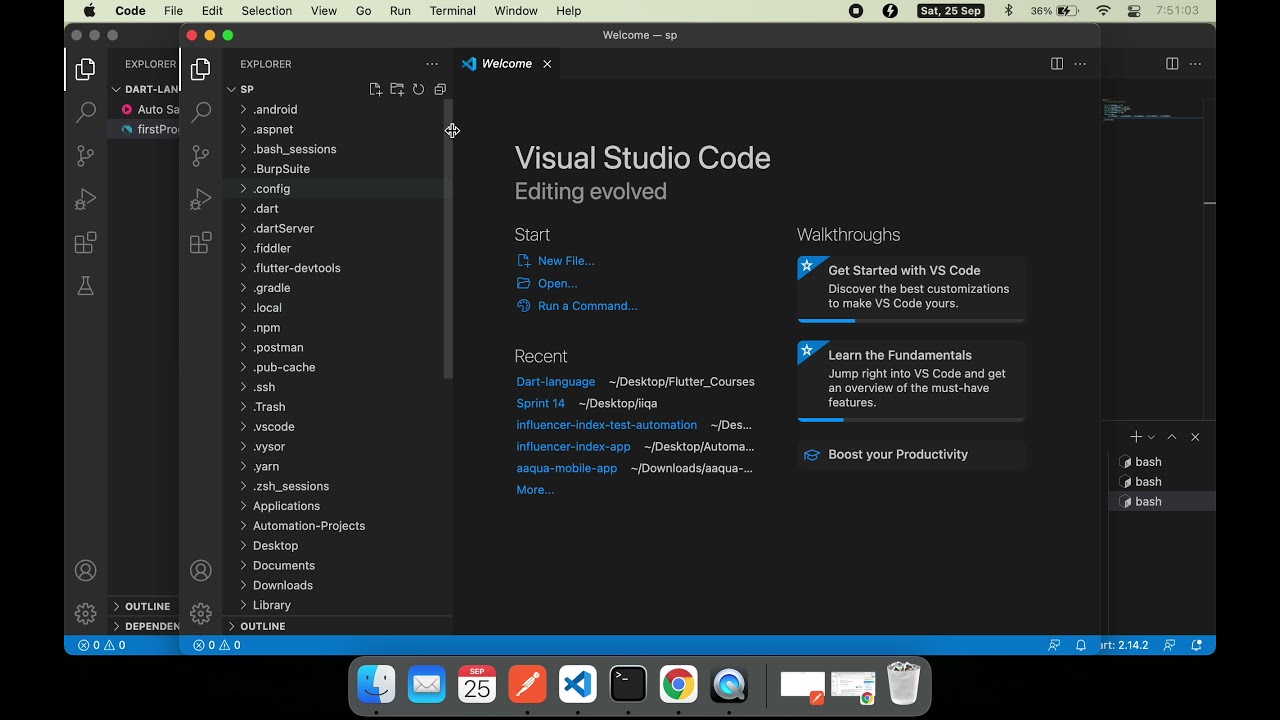
Web For now Visual Studio Code supports defining only one of available terminals as the default at a time and you can not add multiple shell terminals If you don t want to install the quot Shell Launcher quot plugin as suggested by ian0411 then here is a quick way to change select default terminal Press Ctrl Shift P to open the Command Palette
Web Sep 30 2023 nbsp 0183 32 Open the Terminal in Visual Studio Code by selecting View gt Terminal from the main menu The Terminal opens with the command prompt in the HelloWorld folder In the Terminal enter the following command dotnet new console framework net8 0 use program main Open the Program cs file to see the simple application Web To manually install shell integration the VS Code shell integration script needs to run during your shell s initialization Where and how to do this depends on the shell and OS you re using When using manual install it s recommended to set terminal integrated shellIntegration enabled to false though not mandatory
Web Oct 3 2022 nbsp 0183 32 Install VS Code and the WSL extension Visit the VS Code install page and select the 32 or 64 bit installer Install Visual Studio Code on Windows not in your WSL file system When prompted to Select Additional Tasks during installation be sure to check the Add to PATH option so you can easily open a folder in WSL using the code