How To Install Npm On Linux How To Install NPM On Linux Mint Distroid How To Install Nodejs And Npm On Ubuntu Linux How To Change NPM Version In Linux Windows Or MacOS How To Install Node js And NPM On Ubuntu 20 04 18 04 ImagineLinux Complete How To Install Npm On Ubuntu Here s The Explanation Step 1 Install npm check updates To install npm check updates open a terminal and run the following command sudo npm install g npm check updates This command installs npm check updates globally on your Ubuntu system making it available as a command line tool
I will discuss all three methods of installing Node and npm Method 1 Install Node js and npm on Ubuntu using the official repository As I said earlier Node js is available on Ubuntu So all you need to do is to open a terminal in Ubuntu and use the following command sudo apt install nodejs npm In this tutorial we will explore three different ways of installing Node js and npm on Ubuntu 22 04 From the NodeSource repository Use this repository to install a different Node js version than the one provided in the Ubuntu repositories Currently NodeSource supports Node js v18 x v17 x v16 x and v14 x
Complete How To Install Npm On Ubuntu Here s The Explanation How To Install Nodejs On Mac Step By Step Install Node js And Npm In 3 Easy Steps C mo Instalar Paquetes Npm Trucos CSS Aprender Marketing How To Install Node js On Ubuntu And Update Npm To The Latest Version Install Npm On Linux LinuxConfig How To Install Npm On Windows 10 Molqyeg AddyOsmani Offline Installation Of Npm Packages How To Install Node js And Npm On Debian 10 Linux Linuxize
How To Install Npm On Linux

https://lh5.googleusercontent.com/Ck7Pdofl5fSMsnr_SVbd7xgNlil6mreLOLpSA803oQ2tKwgpeewhnyc5diCoFgfd1jE6e6C_jUe4Csl59LvbPZA1jUbAte6iJOIL9yS2Qur54Eku2JLcZ-Nhu-EKopnaPlege-KWR2aKowNymcHoDFLUUOwXFJ_N61K2CH_IFkMQjLmS5nxp5o9vJvpLmWvs-vWr
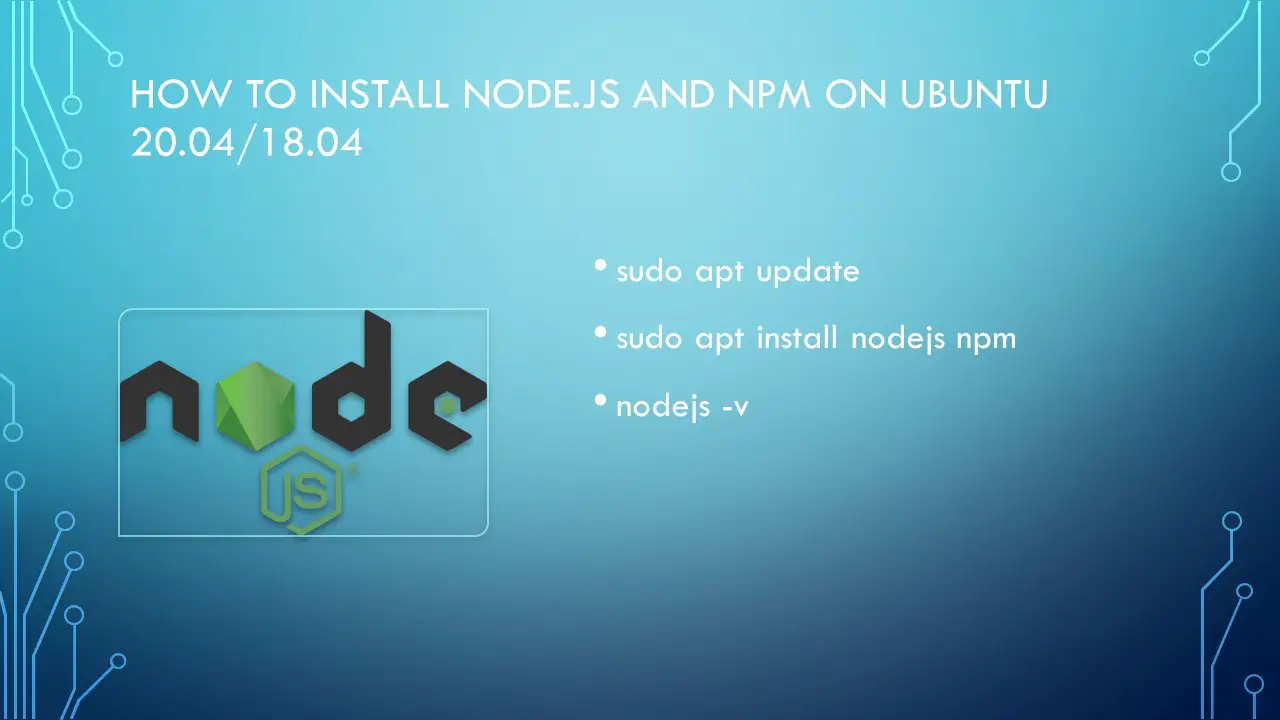
Node js and npm packages are available from the default Ubuntu 18 04 repositories At the time of writing the version included in the Ubuntu repositories is v8 10 0 which is the previous TLS version To install nodejs and npm run the following commands sudo apt update sudo apt install nodejs npm
Pre-crafted templates provide a time-saving service for developing a varied series of documents and files. These pre-designed formats and designs can be utilized for various individual and expert projects, consisting of resumes, invites, leaflets, newsletters, reports, discussions, and more, improving the content production procedure.
How To Install Npm On Linux

How To Install Latest Nodejs With Npm On Ubuntu 20 04 Linux

How To Install Nodejs On Mac Step By Step
Install Node js And Npm In 3 Easy Steps
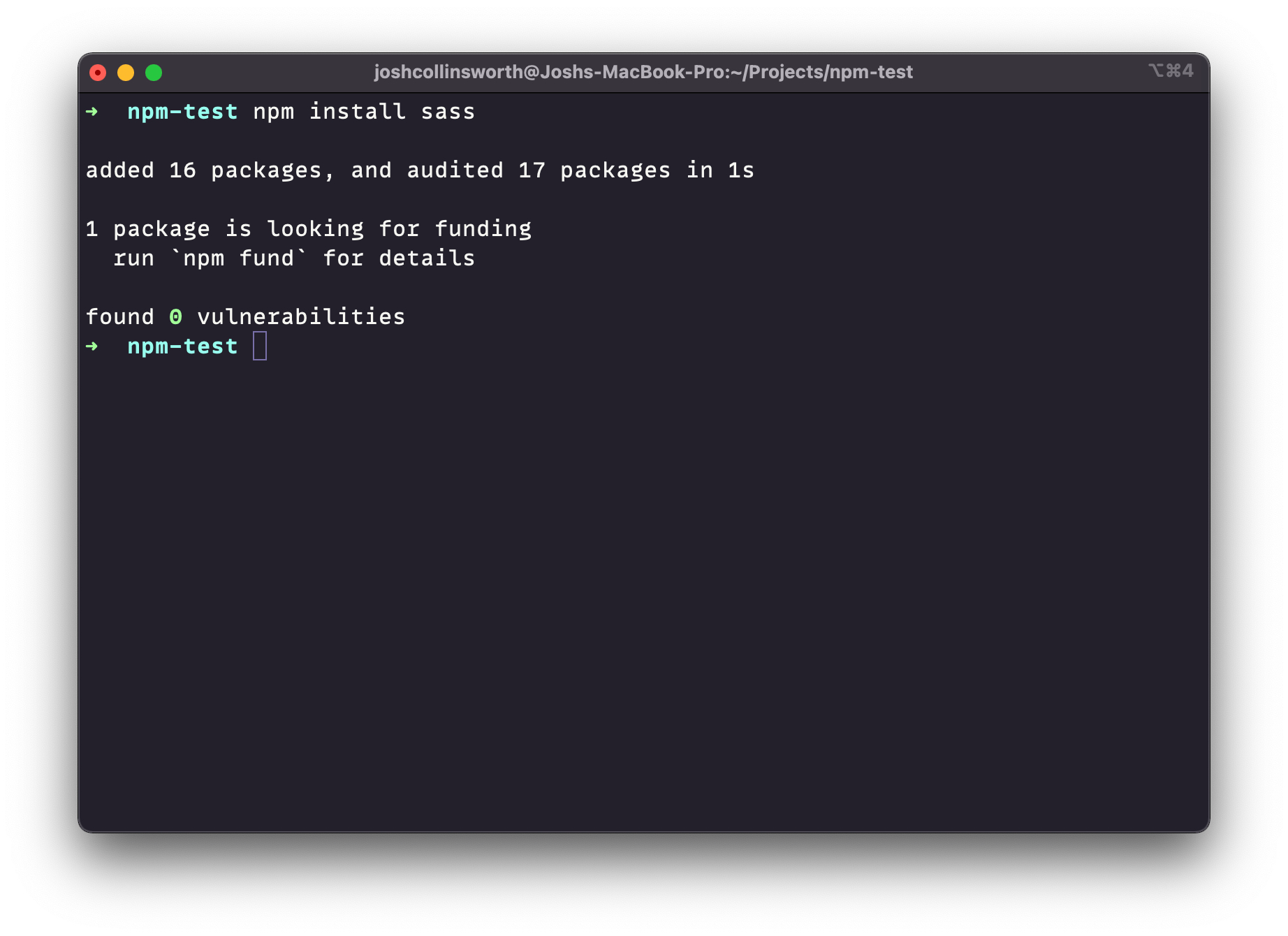
C mo Instalar Paquetes Npm Trucos CSS Aprender Marketing

Install Npm On Linux LinuxConfig
How To Install Npm On Windows 10 Molqyeg

To install npm on Ubuntu Debian and Linux Mint sudo apt install npm OR sudo apt install npm nodejs To install npm on CentOS 8 and newer Fedora and Red Hat sudo dnf install npm also installs nodejs To install npm on CentOS 6 and 7 and older versions of Red Hat
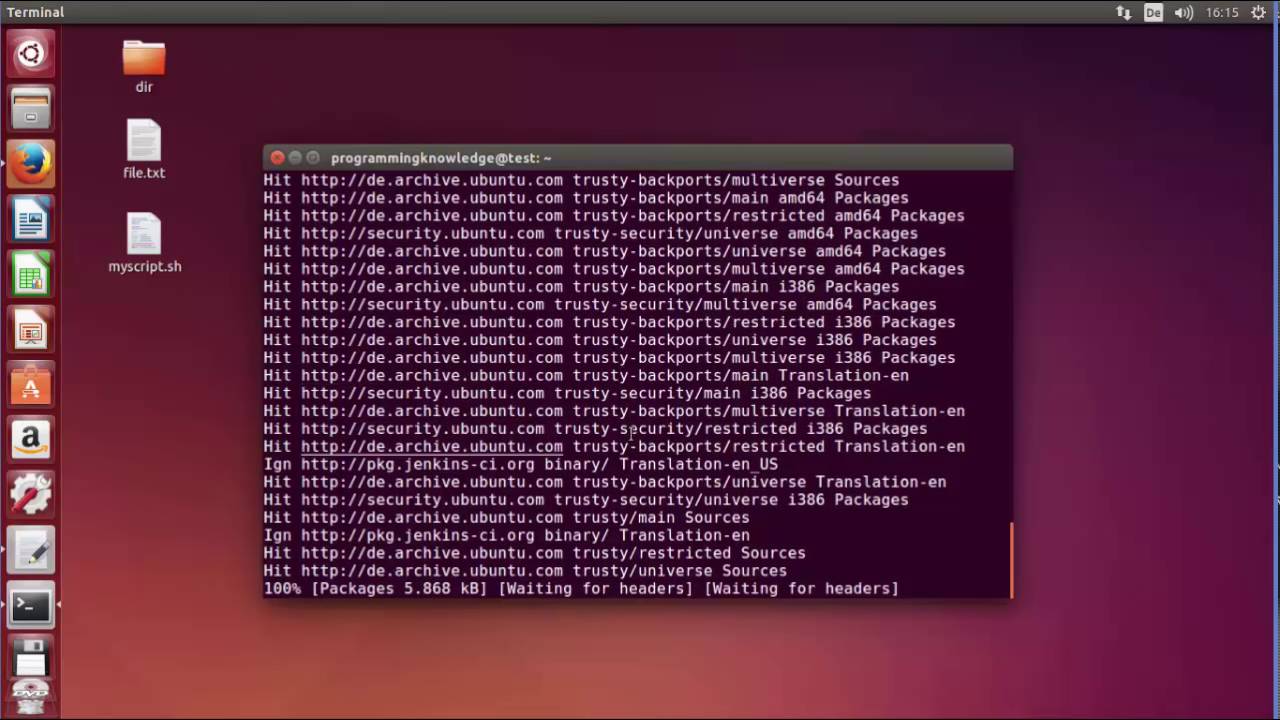
Install and Use the Node Package Manager NPM on Linux Updated March 9 2023 by Nathaniel Stickman Create a Linode account to try this guide The Node Package Manager NPM is the most widely used package manager for JavaScript projects and includes Node js by default

Choose the installation method that is appropriate for your environment If you are unsure which Node js version to install consult the documentation of the application you will deploy Installing Node js and npm from NodeSource NodeSource is a company focused on providing enterprise grade Node support
Sudo apt install npm This allows you to install modules and packages to use with Node js At this point you have successfully installed Node js and npm using apt and the default Ubuntu software repositories

Installing Node js and NPM is pretty straightforward using Linuxbrew the Linux port of Homebrew It handles downloading unpacking compiling and installing Node and NPM on your system After you have Linuxbrew installed the whole process should only take you a few minutes Open up your terminal and type brew install node
[desc-11] [desc-12]
[desc-13]