How To Install Nodejs On Ubuntu Command Line How To Check Your Ubuntu Version Using Command Line GUI How To Install Nodejs And Npm On Ubuntu Linux How To Install NodeJs On Ubuntu 23 04 How To Install Latest Nodejs With Npm On Ubuntu 20 04 Linux How To Install Node js And NPM On Ubuntu 20 04 18 04 ImagineLinux In this tutorial we will guide you through three different methods of installing Node js and npm on Ubuntu 20 04 From the NodeSource repository Use this repository if you want to install a different Node js version than the one provided in the Ubuntu repositories Currently NodeSource supports Node js v14 x v13 x v12 x and v10 x
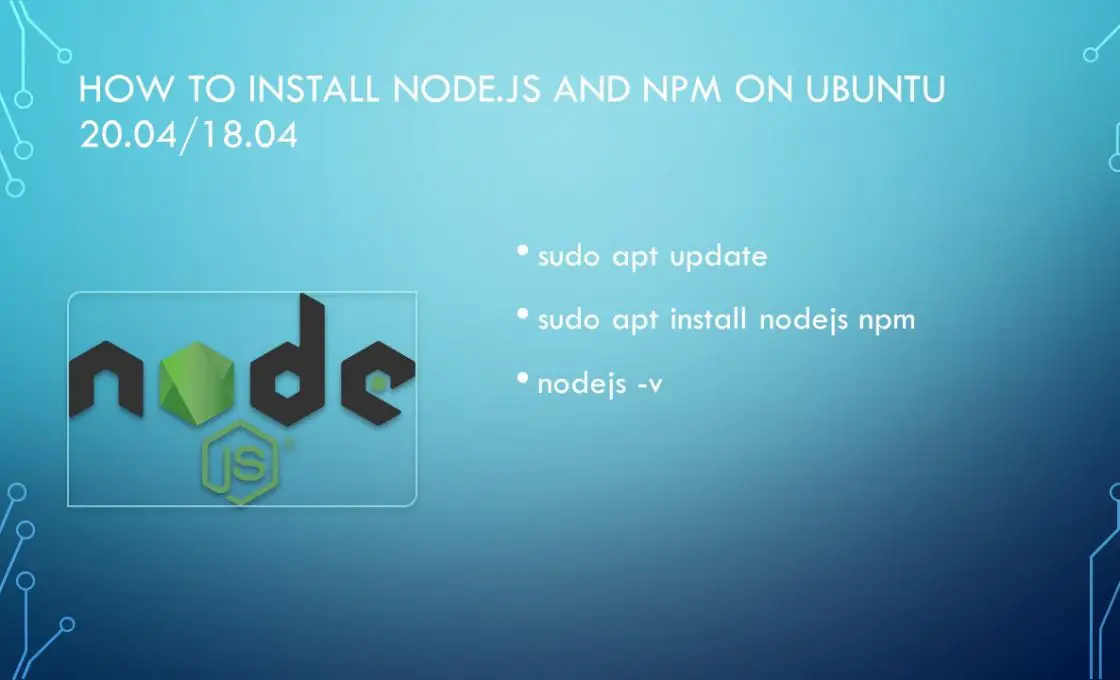
The installation process is quite simple Run the following commands to update the package index and install Node js and npm sudo apt update sudo apt install nodejs npm The command above will install a number of packages including the tools necessary to compile and install native addons from npm Open Terminal and type below command sudo tar C usr local strip components 1 xzf Downloads node v6 2 linux x64 tar gz ls l usr local bin node That s it Now check your node version by typing
How To Install Node js And NPM On Ubuntu 20 04 18 04 ImagineLinux Debian Install Nodejs Lasten ee How To Manually Install A Deb Package Using Command Line In Ubuntu How To Install Java On Ubuntu 20 04 Cloudbooklet Riset Installing Node js On Ubuntu 22 10 The CrownCloud Blog How To Install Nodejs On Ubuntu 18 04 Ken Favors Com How To Install NodeJS On Ubuntu 22 04 ByteXD How To Install NodeJS On Ubuntu 22 04 ByteXD Ubuntu 22 04 Network Setup Linux Tutorials Learn Linux Configuration
How To Install Nodejs On Ubuntu Command Line
 How To Install Nodejs On Ubuntu Command Line
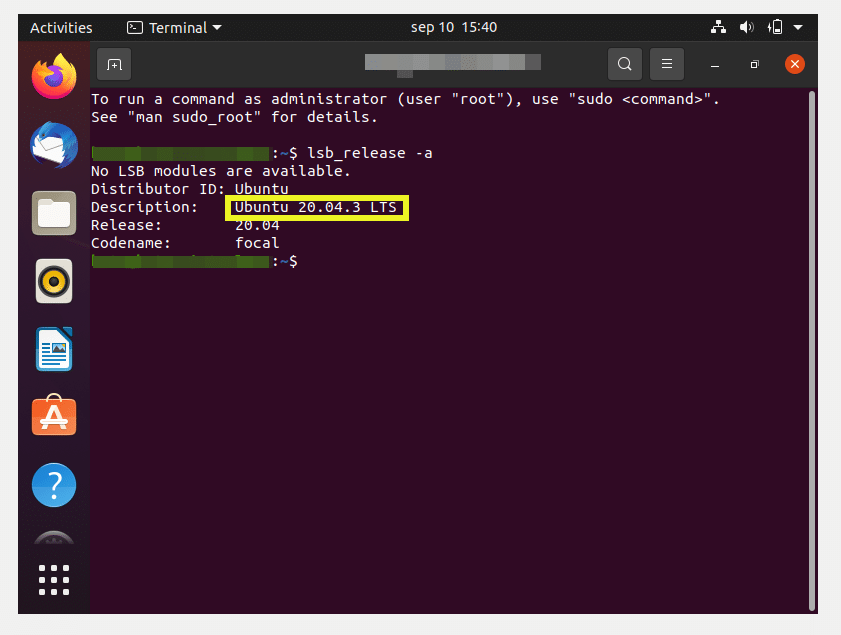
https://kinsta.com/wp-content/uploads/2021/12/lsb-release-a.png
Step 1 Install Node js using NodeSource PPA NVM You can install Node js 16 on Ubuntu 22 04 20 04 18 04 from either NodeSource PPA Repository Using NVM Manager Method 1 Install Node js 16 on Ubuntu from NodeSource PPA Repository To install any version of Node js you can use a PPA personal package archive which is maintained by Nodesource
Templates are pre-designed documents or files that can be utilized for various functions. They can conserve effort and time by supplying a ready-made format and layout for creating different kinds of content. Templates can be used for personal or professional jobs, such as resumes, invites, flyers, newsletters, reports, presentations, and more.
How To Install Nodejs On Ubuntu Command Line
Install NodeJS Ubuntu 3 Ways To Install Nodejs And NPM
Debian Install Nodejs Lasten ee
How To Manually Install A Deb Package Using Command Line In Ubuntu
How To Install Java On Ubuntu 20 04 Cloudbooklet Riset
How To Install Nodejs On Ubuntu 18 04 Ken Favors Com
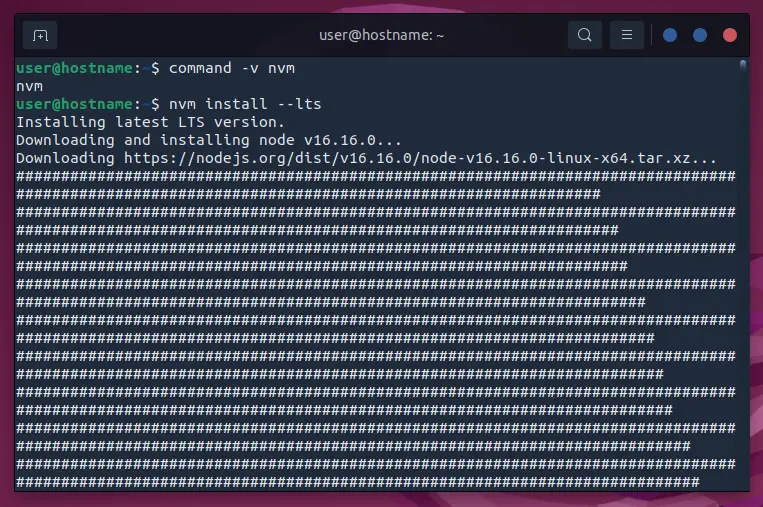
How To Install NodeJS On Ubuntu 22 04 ByteXD
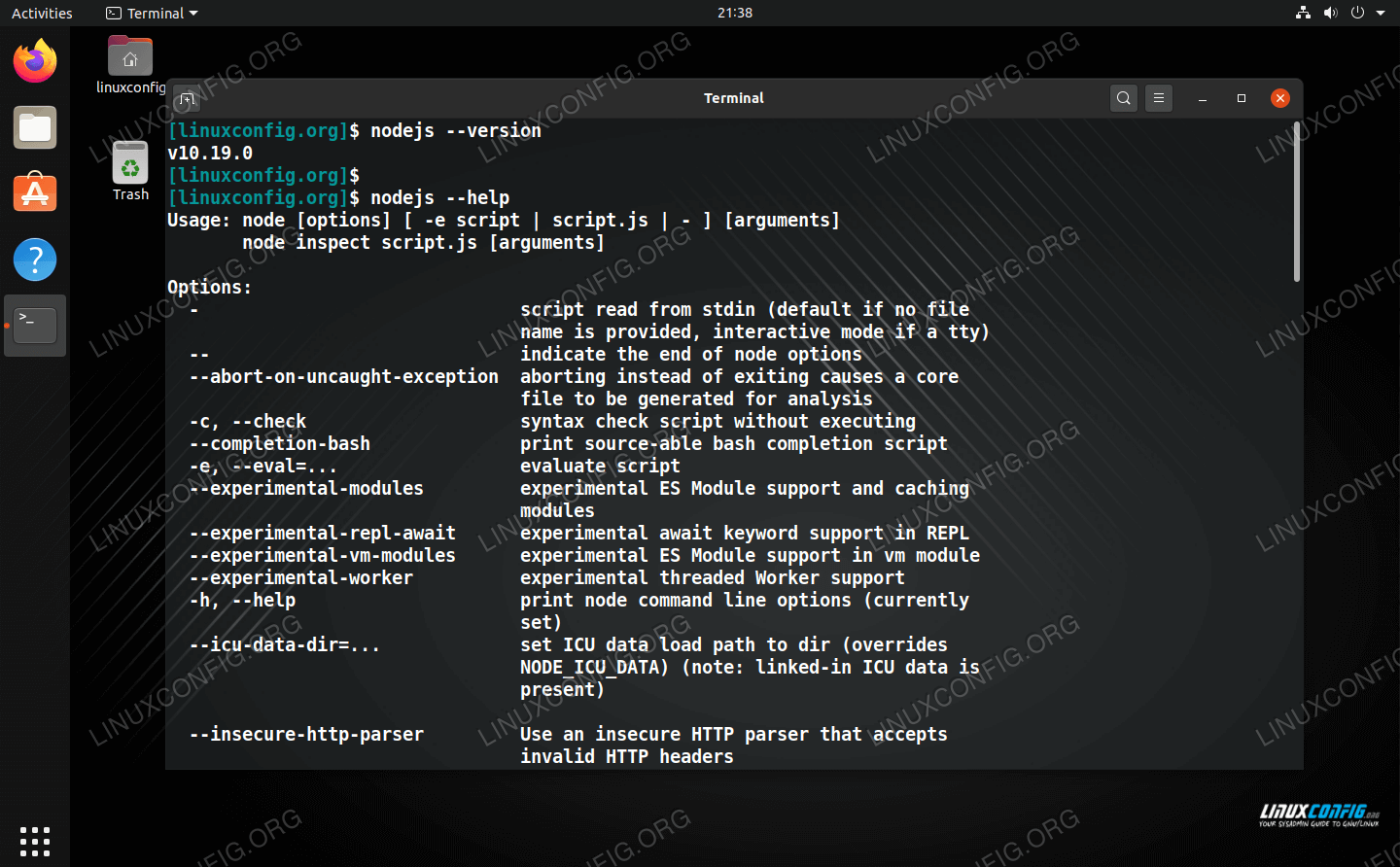
Option 1 Installing Node js with Apt from the Default Repositories Ubuntu 20 04 contains a version of Node js in its default repositories that can be used to provide a consistent experience across multiple systems At the time of writing the version in the repositories is 10 19
Console log Hello Node js from Ubuntu Writing a simple console log code in the app js file using nano Use Ctrl O to save the file Use Enter to save the file as app js Save the app js file with the newly added line of code Use Ctrl X to return to the bash terminal again Returning to the terminal again

Node js can be installed in different ways This post highlights the most common and convenient ones Official packages for all the major platforms are available at https nodejs download One very convenient way to install Node js is through a package manager In this case every operating system has its own
Installing Node js via package manager Note The packages on this page are maintained and supported by their respective packagers notthe Node js core team Please report any issues you encounter to the package maintainer If it turns out your issue is a bug in Node js itself the maintainer will report the issue upstream Alpine Linux Android
To publish and install packages to and from the public npm registry or a private npm registry you must install Node js and the npm command line interface using either a Node version manager or a Node installer We strongly recommend using a Node version manager like nvm to install Node js and npm
05th Sep 2023 Views Read Time 9 Mins In this article Being able to install Node js on Ubuntu or another OS is a boon for JavaScript users worldwide Learning one language that would serve all your development needs is a goldmine in the tech world Optional here we are installing nodejs v20 but if you want to install v18 change NODE MAJOR 18 in above command Similarly if you want to install nodejs v16 then change NODE MAJOR 16 step 3 Run Update and Install sudo apt get update sudo apt get install nodejs y congratulations you just installed nodejs
Installing Node js from the Default Repositories The following steps show the simplest method to get the current Node js implementation for Ubuntu 22 04 using the default repositories Install Node js sudo apt install y nodejs