How To Install Node Js Server In Ubuntu How To Install Node JS On Linux 6 Minute Read Upstack How To Install Node js And NPM On Ubuntu How To Install Node js On Ubuntu 20 04 How To Install Node js And NPM On Debian 11 RoseHosting Install NPM And Node js On Ubuntu 22 04 Example One very convenient way to install Node js is through a package manager In this case every operating system has its own Other package managers for MacOS Linux and Windows are listed in https nodejs download package manager nvm is a popular way to run Node js
Step 1 Installing Node js Let s begin by installing the latest LTS release of Node js using the NodeSource package archives First install the NodeSource PPA in order to get access to its contents How to Install Node JS on Ubuntu Step by Step for Beginners Blog Author Darlington Gospel Published 05th Sep 2023 Views Read Time 9 Mins In this article Being able to install Node js on Ubuntu or another OS is a boon for JavaScript users worldwide Learning one language that would serve all your development needs is a goldmine in the tech world
Install NPM And Node js On Ubuntu 22 04 Example How To Install Node Js On Ubuntu 22 04 How To Install And Use Nmv Node Version Manager Otosection How To Download And Install Node Js And Npm On Windows 10 Riset How To Install Node js On Ubuntu 22 04 ITzGeek How To Install Node js And NPM On Ubuntu 20 04 18 04 ImagineLinux How To Install Node Js On Centos Ubuntu Linux Vps Server 16 04 Operavps Vrogue How To Install Node Js In Ubuntu Linux Install NPM And Node Js Ubuntu Tutorial YouTube How To Install Node js NPM On Debian 11 How To Install Node js And NPM On Ubuntu 20 04 Linux Concept
How To Install Node Js Server In Ubuntu
 How To Install Node Js Server In Ubuntu
https://d19d9m2dcgrxq7.cloudfront.net/how-to-install-node-js-on-linux-sm.jpg
Option 1 Install Node js and NPM using the Ubuntu repository This section will install Node js and npm using the Ubuntu repository This method provides a straightforward and hassle free installation process Step 1 In the terminal run the below command to update the package lists sudo apt update
Pre-crafted templates provide a time-saving solution for producing a diverse series of documents and files. These pre-designed formats and designs can be made use of for numerous personal and expert projects, consisting of resumes, invites, leaflets, newsletters, reports, presentations, and more, simplifying the content development process.
How To Install Node Js Server In Ubuntu

How To Install Node js 18 LTS On Ubuntu 22 04 20 04 18 04 TechViewLeo

How To Install Node Js On Ubuntu 22 04 How To Install And Use Nmv Node Version Manager Otosection
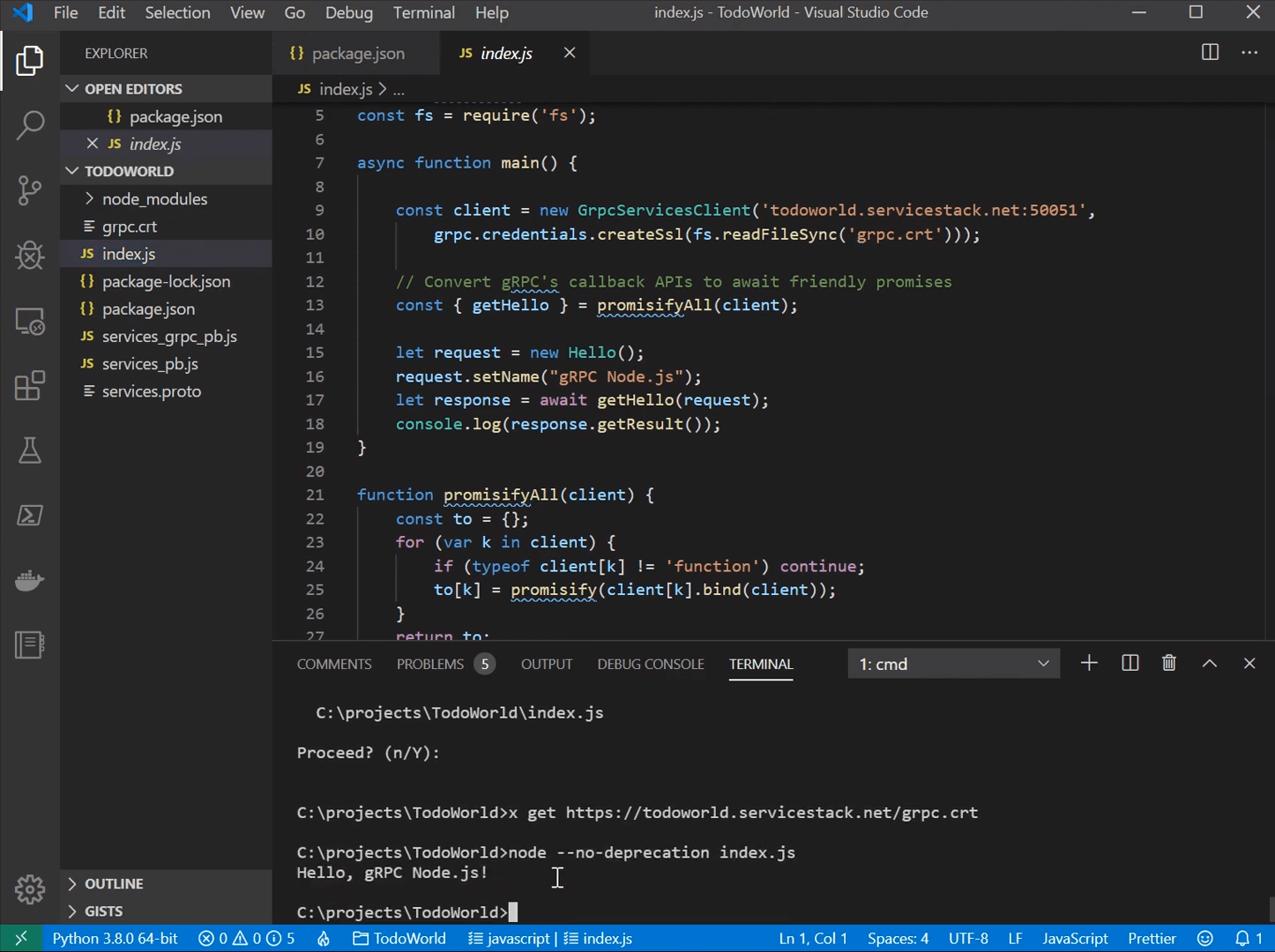
How To Download And Install Node Js And Npm On Windows 10 Riset
How To Install Node js On Ubuntu 22 04 ITzGeek

How To Install Node Js On Centos Ubuntu Linux Vps Server 16 04 Operavps Vrogue

How To Install Node Js In Ubuntu Linux Install NPM And Node Js Ubuntu Tutorial YouTube
Option 1 Installing Node js with Apt from the Default Repositories Ubuntu 22 04 contains a version of Node js in its default repositories that can be used to provide a consistent experience across multiple systems At the time of writing the version in the repositories is 12 22 9

Installing CURL How to Install Node js Now you ll need to follow these steps in order to ensure that you ve installed Node js successfully on your system Install Node Version Manager NVM Install the Node Version Manager NVM by using the following command curl o https raw githubusercontent nvm sh nvm v0 39 install sh bash
From the standard Ubuntu repositories This is the easiest way to install Node js and npm on Ubuntu The version included in the Ubuntu repositories is 10 x However Nodejs 10 is no longer maintained and should not be used in production Choose the installation method that is appropriate for your environment
It is generally used to build fast and scalable server side and networking applications npm is the default package manager for Node js and also the name of the world s largest software registry This is the easiest way to install Node js and npm on Ubuntu The version included in the Ubuntu repositories is 12 x However Nodejs 10 is no

The following steps show the simplest method to get the current Node js implementation for Ubuntu 22 04 using the default repositories Install Node js sudo apt install y nodejs Once the install is complete verify your Node js installation node v
Sudo apt update sudo apt install nodejs npm You can check the success of the installation and at the same time you can find out the version using the command nodejs v Installing Node js with PPA Installing via the PPA gives you a choice of version Check out the available versions in the documentation We ll also need curl to continue Step 1 Install Node js using NodeSource PPA NVM You can install Node js 16 on Ubuntu 22 04 20 04 18 04 from either NodeSource PPA Repository Using NVM Manager Method 1 Install Node js 16 on Ubuntu from NodeSource PPA Repository To install any version of Node js you can use a PPA personal package archive which is maintained by Nodesource
Sudo apt install nodejs Verify you ve installed Node js successfully by querying node for its version number node v Output v8 10 If the package in the repositories suits your needs this is all you need to do to get set up with Node js In most cases you ll also want to install npm the Node js package manager