How To Install Html In Visual Studio LzbethewtVazquez Visual Studio Hotkeys Run Britishasl How To Run HTML In Visual Studio Code On Windows 11 YouTube Installing HTML Into Visual Studio Code A Guide To Setting Up And How To Download And Install Visual Studio Code YouTube Web How to Create an HTML Page in Visual Studio 182 Open your Visual Studio and create a new project 23 4 1 For Mac Users 182 Select either a Generic or Blank project Name your solution and project Once your project is created open your Solution Explorer Right click on your project select Add then New File
Web Aug 6 2023 nbsp 0183 32 Luckily there are a number of extensions for Visual Studio Code that allow you to easily run HTML code from within Visual Studio Code You can also use the Terminal to run an HTML file This wikiHow article teaches you how to run an HTML file in Visual Studio Code Web Getting Started with Visual Studio Code and Building HTML Websites Codecademy Team Visual Studio Code is one of the most popular and powerful text editors used by software engineers today In this article we will go over the steps necessary to download a popular text editor called Visual Studio Code also referred to as VS Code
How To Download And Install Visual Studio Code YouTube How To Download And Install Visual Studio YouTube How To Install Visual Studio 2010 YouTube Installing Visual Studio YouTube How To Install Visual Studio Code In Windows 10 TechDecode Tutorials How To Run Html In Visual Studio Code On Windows 10 2022 Mobile Legends Microsoft Visual Studio Code How To View HTML Code In A Browser YouTube How To Download And Install Visual Studio Code 2020 Visual Studio Code Tutorial Html Mobile Legends
How To Install Html In Visual Studio
 How To Install Html In Visual Studio
https://i.stack.imgur.com/gJgXa.png
Web Apr 23 2022 nbsp 0183 32 The solution that work for me was to modify the visual studio installation via the VS installer and add the node js development package Hope it helps Share Improve this answer
Pre-crafted templates use a time-saving service for creating a diverse variety of documents and files. These pre-designed formats and layouts can be used for numerous individual and professional projects, consisting of resumes, invitations, flyers, newsletters, reports, presentations, and more, simplifying the content production procedure.
How To Install Html In Visual Studio
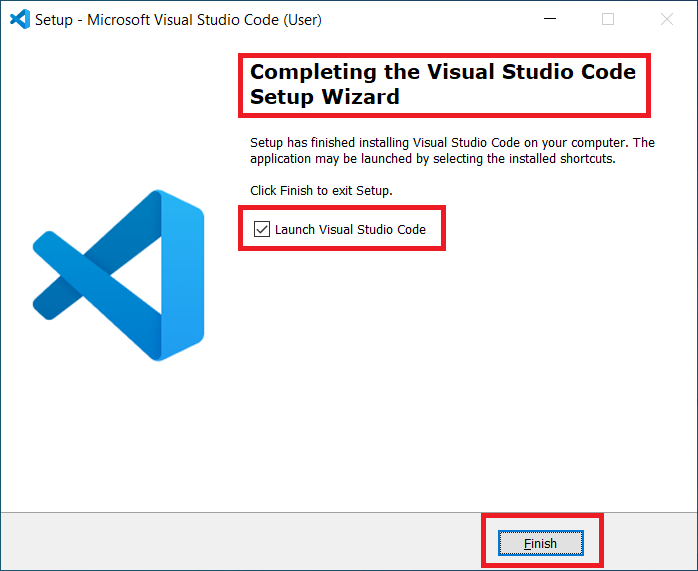
How To Install Visual Studio Code On Windows 10 Youtube Riset
How To Download And Install Visual Studio YouTube
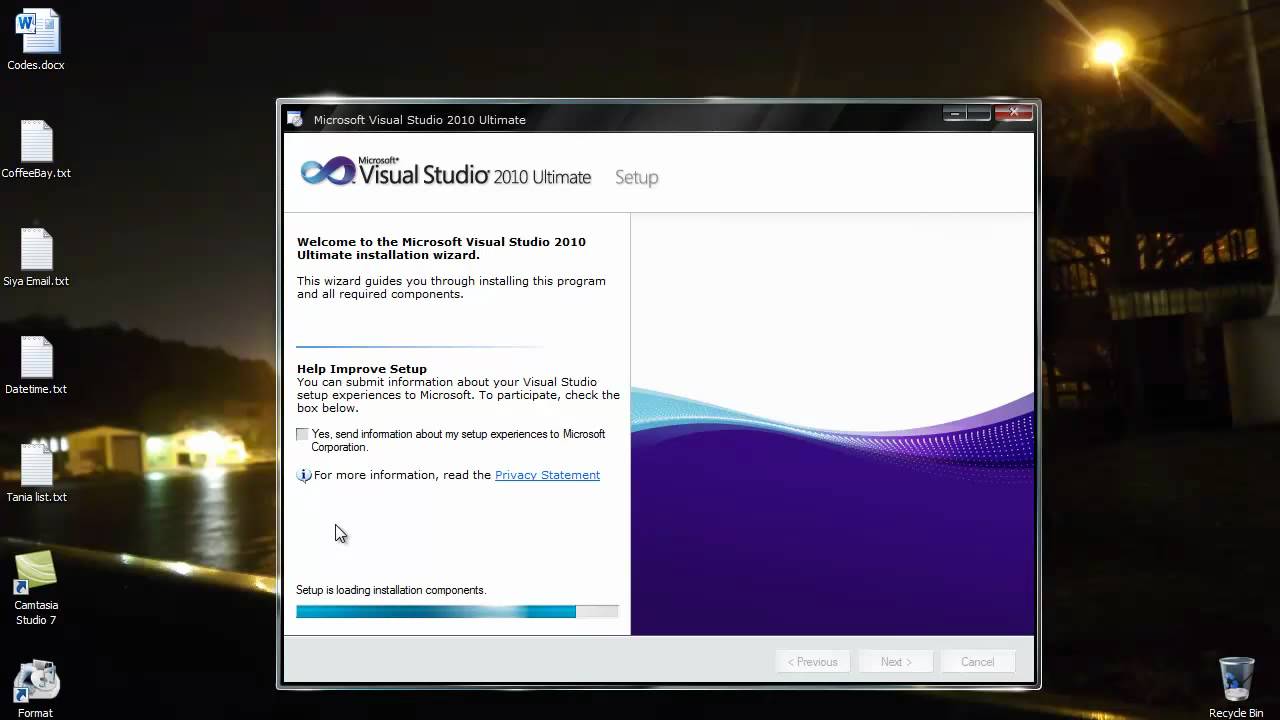
How To Install Visual Studio 2010 YouTube

Installing Visual Studio YouTube
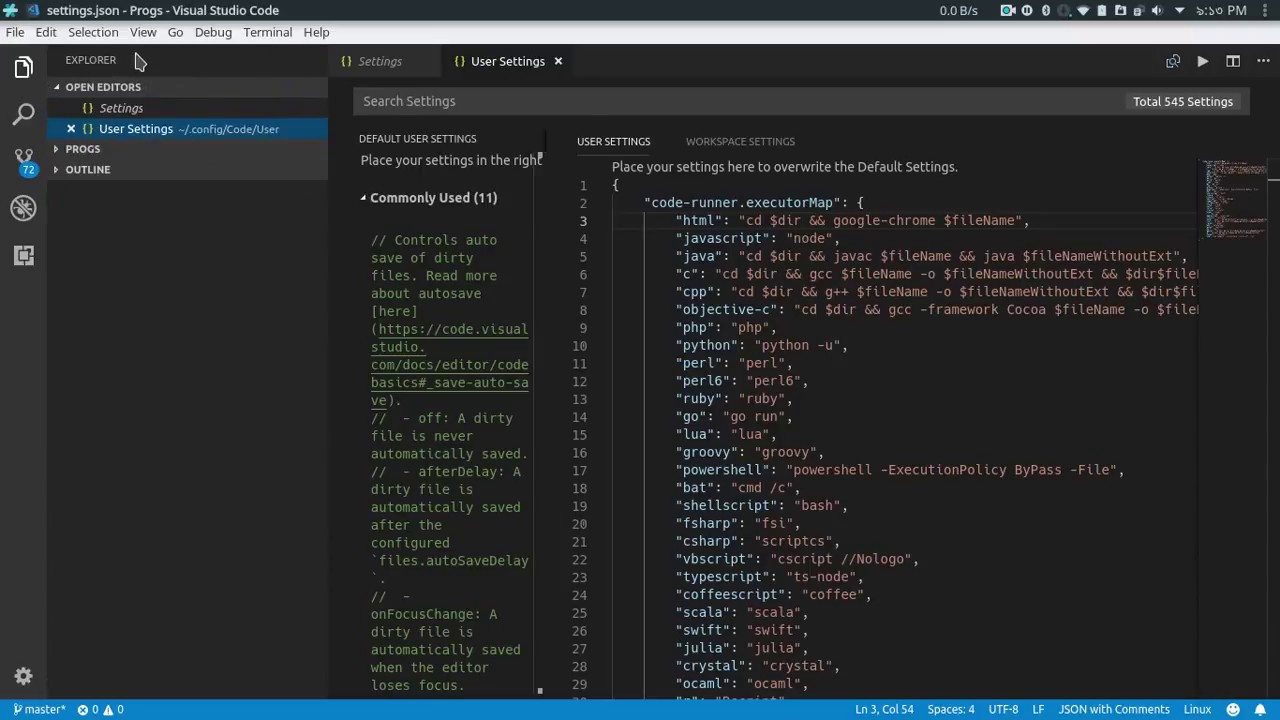
How To Run Html In Visual Studio Code On Windows 10 2022 Mobile Legends

Microsoft Visual Studio Code How To View HTML Code In A Browser YouTube

Web Visual Studio 2022 Getting Started Web Design amp Development HTML stands for Hyper Text Markup Language for web pages With HTML you can create your own website CSS for Cascading Style
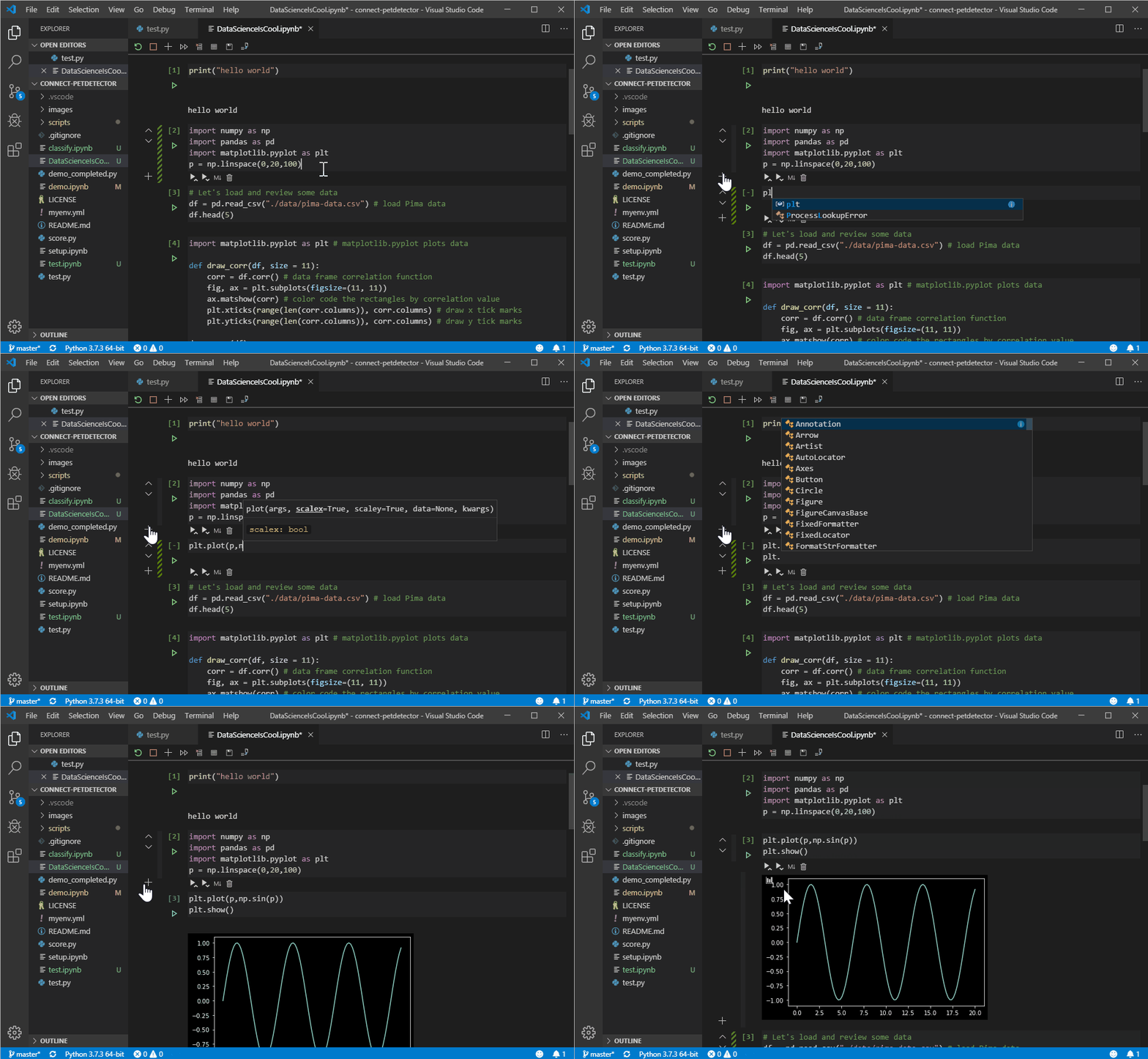
Web Aug 9 2021 nbsp 0183 32 How To Set Up Your HTML Project With VS Code To explore HTML in practice and begin building an HTML website we ll need to set up a new project using a text editor This tutorial series uses Visual Studio Code a free code editor available for Mac Windows or Linux but you may use whichever code editor you prefer

Web Dec 7 2019 nbsp 0183 32 How to create Html Project in Visual Studio 2019 Visual Studio community edition 2019 beginners tutorial on how to use visual studio 2019 How to create web project html css

Web 0 00 1 45 Learn how to setup and run HTML on Visual Studio 2022 Visual Studio is an IDE developed by Microsoft and used to develop websites web apps mobile apps e
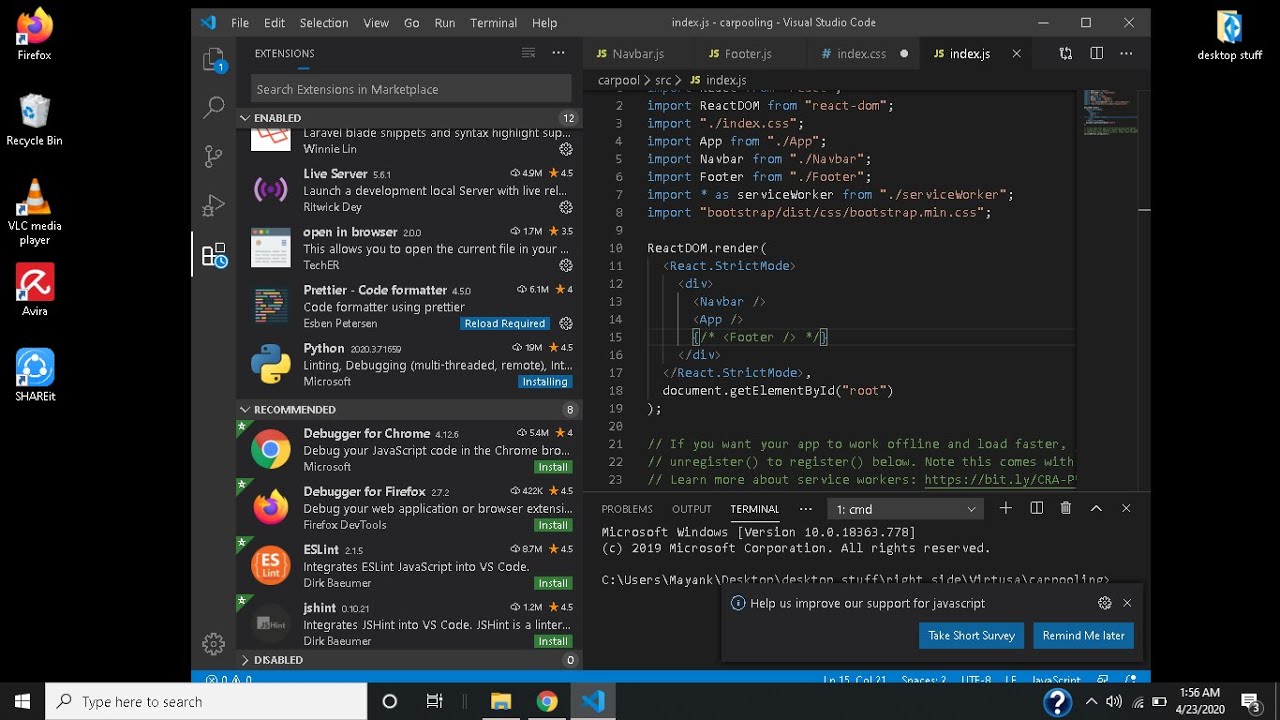
Web Oct 12 2020 nbsp 0183 32 In this tutorial you will set up the folders and files necessary for exploring CSS and building a website Using a code editor you will create a project directory for our website a folder and file for our CSS code a file for our HTML code and a folder for images This tutorial series uses Visual Studio Code a code editor freely available
[desc-11] [desc-12]
[desc-13]