How To Insert Special Characters In Visual Studio Code How To Insert Special Characters In Google Sheets YouTube How To Insert Special Characters In Notepad Using The Character Map How To Use The Escape Function In PHP To Insert Special Characters Into How To Insert Special Characters In Google Docs And Google Slides Insert Special Characters CustomGuide Markup files that are created in Visual Studio are automatically saved in the Unicode UTF 8 file format which means that most special characters such as accent marks are encoded correctly However there is a set of commonly used special characters that are handled differently
Visual Studio Code Tips and Tricks character code goto package json 10 5 see help options code help disable all extensions code disable extensions Add a logpoint with the Add Logpoint command in the left editor gutter and it will be displayed as a diamond shaped icon Log messages are plain text but can include Features This command replaces the current selection s with the corresponding value in a lookup table For instance pi becomes and rho becomes As of version 1 3 0 there are some replacements available for the following categories You may also replace a hexadecimal Unicode escape sequence such as u03b1
Insert Special Characters CustomGuide How To Insert Special Characters In Google Sheets 2022 How To Insert Special Characters In Microsoft Word YouTube How To Insert Symbol In Excel Shortcut How To Insert Special Characters In Notepad Using The Character Map How To Insert Special Characters In Google Sheets How To Insert Special Characters In Origin YouTube How To Insert Special Characters In Google Sheets Easy Guide 2022 How To Insert Special Characters In Google Sheets
How To Insert Special Characters In Visual Studio Code
 How To Insert Special Characters In Visual Studio Code
https://i.ytimg.com/vi/qp-Qb2y1SOg/maxresdefault.jpg
If you want to replace just a character or two there is a simple method For our example we ll use the greek question mark 1 Open wordpad 2 Type 037E and then highlight it 3 Alt X will do the conversion 4 Copy and paste the result to code window Friday April 28 2017 6 09 AM
Templates are pre-designed documents or files that can be used for numerous purposes. They can conserve effort and time by providing a ready-made format and layout for producing various kinds of content. Templates can be used for individual or professional projects, such as resumes, invitations, leaflets, newsletters, reports, discussions, and more.
How To Insert Special Characters In Visual Studio Code

How To Insert Symbols And Special Characters In Word One Minute
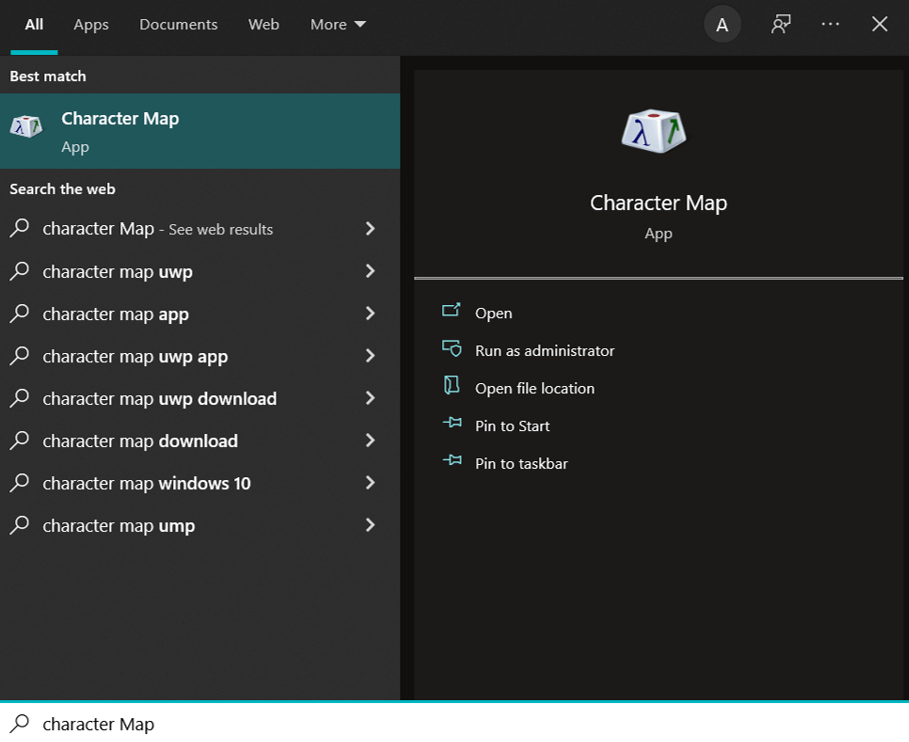
How To Insert Special Characters In Google Sheets 2022
How To Insert Special Characters In Microsoft Word YouTube
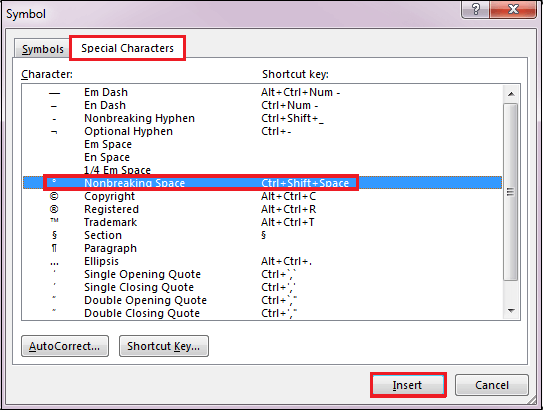
How To Insert Symbol In Excel Shortcut

How To Insert Special Characters In Google Sheets
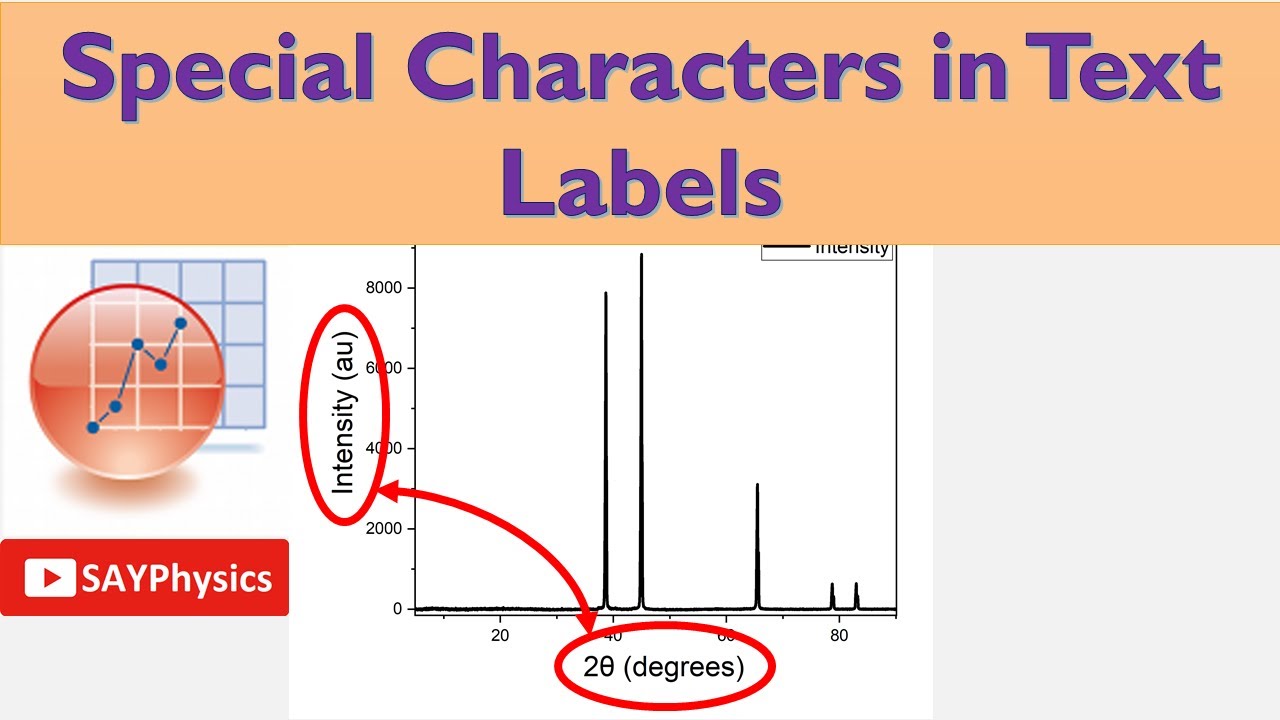
How To Insert Special Characters In Origin YouTube
Insert Unicode This is an extension for Visual Studio Code which adds commands for inserting Unicode characters codes and Emoji The commands can be executed via the command palette View Command Palette Ctrl Shift P or bound to keyboard shortcuts No keys are bound by default Use the command Preferences Open Keyboard Shortcuts to add custom keyboard shortcuts

The work around is to just paste in the Unicode symbol 1 run charmap exe 2 click advanced view 3 search for the symbol you want by name or code number 4 copy the symbol you want 5 paste it into your document charmap exe comes standard with windows You can use it to insert any Unicode symbol

1 Answer Sorted by 7 You can encode any character using escape sequences string s x03 note hexadecimal value While it is technically possible to get at least some special characters directly in a string it will be completely hopeless to make sense of since they can t be displayed properly

In Visual Basic the separator character is the colon Use separators when you want to include multiple statements on a single line instead of separate lines This saves space and improves the readability of your code The following example shows three statements separated by colons VB
Download 1 0 0 3 23 2023 Download Extension for Visual Studio Code This extension inserts some special characters to the active editor
Using Your Mouse 1 Go to the Settings page of VS Code Mac Code Preferences Settings hotkeys Command Windows File Preferences Settings hotkeys Ctrl 2 Type render whitespace into the search field then head to the Editor Render Whitespace section Click on the dropdown then select all from the menu as follows Type in the Character Code from the tables below Press ALT X Use the following step to insert special characters Make certain the Num Lock key is activated Depress the ALT key While pressing the ALT key type the number for the below tables for the desired character Release the ALT key
JULY 6 2022 In Visual Studio Code s menu bar go to Code Preferences Settings or press Search for Render Whitespace in the Search settings search bar Set the value to all You can also set this value to none to hide hidden characters throughout Visual Studio Code or set it to be displayed for boundary selection or