How To Insert Image File Path In Excel How To Display The File Path Of Your Excel File YouTube Mac Finder Window Show File Path Lasopaei How To Get File Name In Excel Quick Formula How To Display File Path Or Document Location Of Your Excel File YouTube How To Set File Path In Excel My Microsoft Office Tips All you need to do is type the following into a cell IMAGE source alt text sizing height width where Required source is the URL path of the image file using an https protocol NOTE Supported file formats include BMP JPG JPEG GIF TIFF PNG ICO and WEBP
The IMAGE function inserts pictures into cells from a web source location along with alternative text All you need to do is enter into a cell IMAGE source alt text sizing height width where Required Source The URL path using an https protocol of the picture file 1 In the Path URL Range section select the cells containing the file paths you will display pictures based on 2 In the Insert Range One cell section select a cell you will output the images 3 Specify the picture size as you need in
How To Set File Path In Excel My Microsoft Office Tips How To Insert Image In HTML Using Visual Studio Code PeterElSt How To Insert File Path And Name Into Documents Footer Or Header In Word Java File With Absolute Path How To Insert A Button In Excel Show File Path In Excel Easy Excel How To Link Files In Excel 5 Different Approaches ExcelDemy HOW TO CREATE TO FILE PATH IN EXCEL YOUTUBE YouTube How To Set File Path In Excel My Microsoft Office Tips
How To Insert Image File Path In Excel
 How To Insert Image File Path In Excel
https://i.ytimg.com/vi/7JGu1z3UCD8/maxresdefault.jpg
Here are the steps to insert a picture into a cell in Excel Go to the Insert tab Click on the Pictures option it s in the illustrations group In the Insert Picture dialog box locate the pictures that you want to insert into a cell in Excel Click on the Insert button Re size the picture image so that it can fit perfectly within
Templates are pre-designed files or files that can be used for different functions. They can save effort and time by offering a ready-made format and design for producing various sort of content. Templates can be utilized for personal or professional tasks, such as resumes, invites, flyers, newsletters, reports, discussions, and more.
How To Insert Image File Path In Excel
Insert Object In Excel Youtube Riset

How To Insert Image In HTML Using Visual Studio Code PeterElSt

How To Insert File Path And Name Into Documents Footer Or Header In Word

Java File With Absolute Path
Show File Path In Excel Easy Excel
How To Link Files In Excel 5 Different Approaches ExcelDemy
Syntax IMAGE source alt text sizing height width The IMAGE function takes the following arguments source The URL path using an https protocol of the image file Required Supported file formats include BMP JPG JPEG GIF TIFF PNG ICO and also WEBP WEBP is unsupported on Web and Android

Insert Picture in Cell from Excel ribbon Paste Picture in Cell from the clipboard Switch from Picture over Cells to Picture in Cell Note For inserting pictures in cells Excel supports the following picture file types JPG JPEG PNG BMP ICO WEBP TIF TIFF GIF not animated

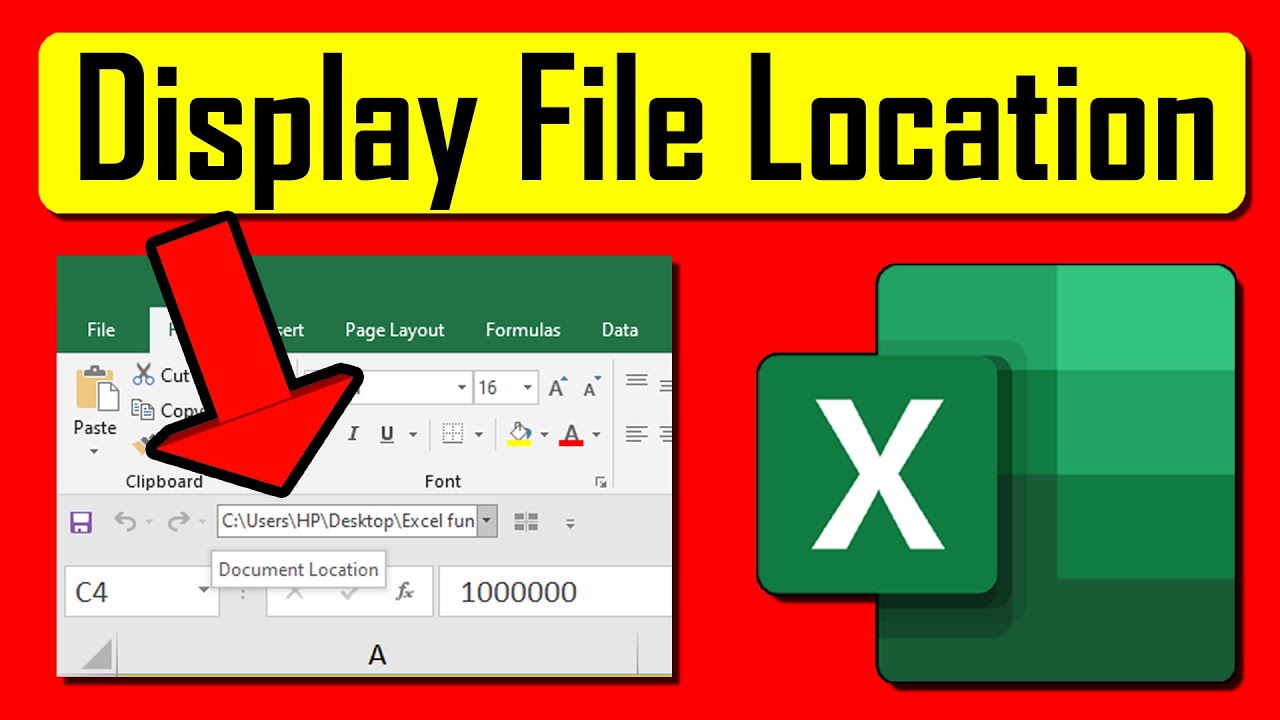
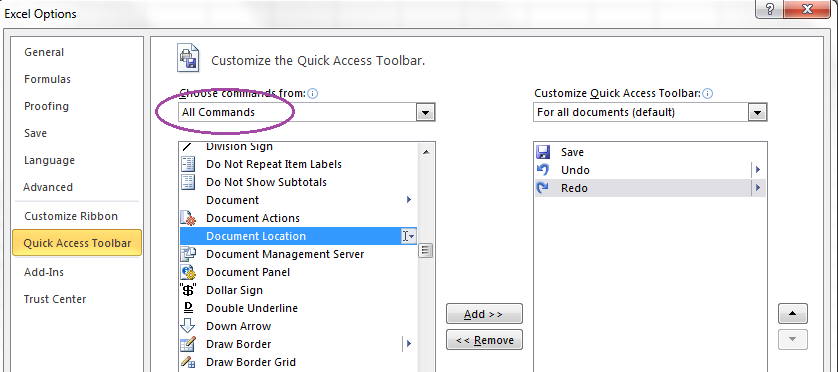
In Excel you can insert a file path to a cell to help locate files quickly Here s how to add a file path and filename in Excel Select the cell where you want to add the file path Type the equal sign followed by CELL function In parentheses type filename a comma and the file path in quotation marks

1 fill the cell with the image ignoring its aspect ratio 2 keep the original image size even if it goes beyond the cell boundary 3 set the image s height and width Height optional the image height in pixels Width optional the image width in pixels IMAGE function availability
Select all the data type cells Click on the Extract button that appears at the top right of the selected cells Choose the Image option from the list This will extract the data type image into the adjacent cell
Insert the current file name only Type or paste the following formula to insert the name of the current file in a cell MID CELL filename SEARCH CELL filename 1 SEARCH CELL filename SEARCH CELL filename 1 All I want to do is is to insert an image that is 2 x 3 wide based on the path in another cell If there is no file path or the file path is incorrect I just want it to skip that row The file path is in K and the image location is in L
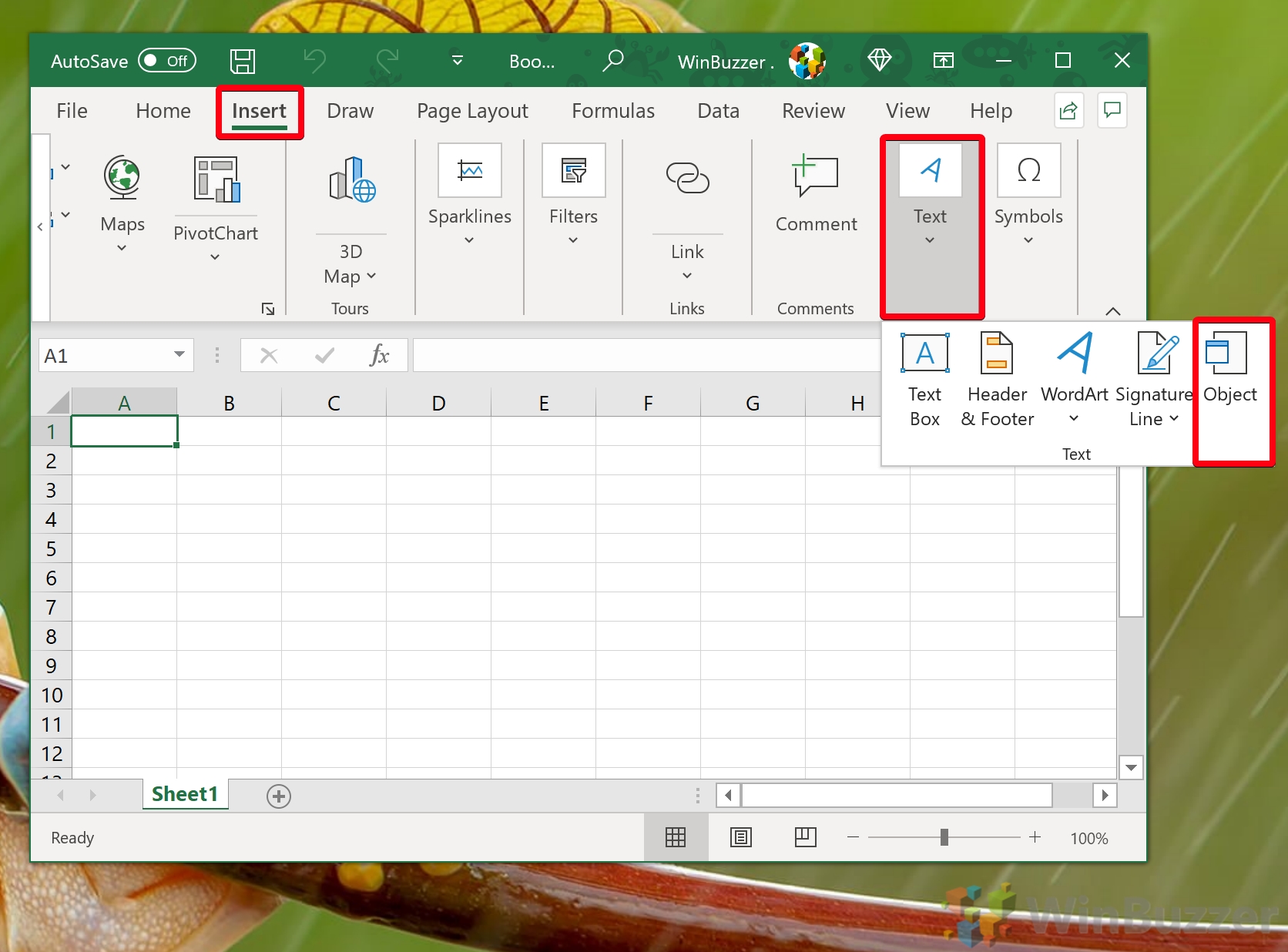
A Detailed steps on how to insert an image into an Excel worksheet 1 Click on the cell where you want to insert the image 2 Go to the Insert tab in the Excel ribbon 3 Click on the Pictures option in the Illustrations group