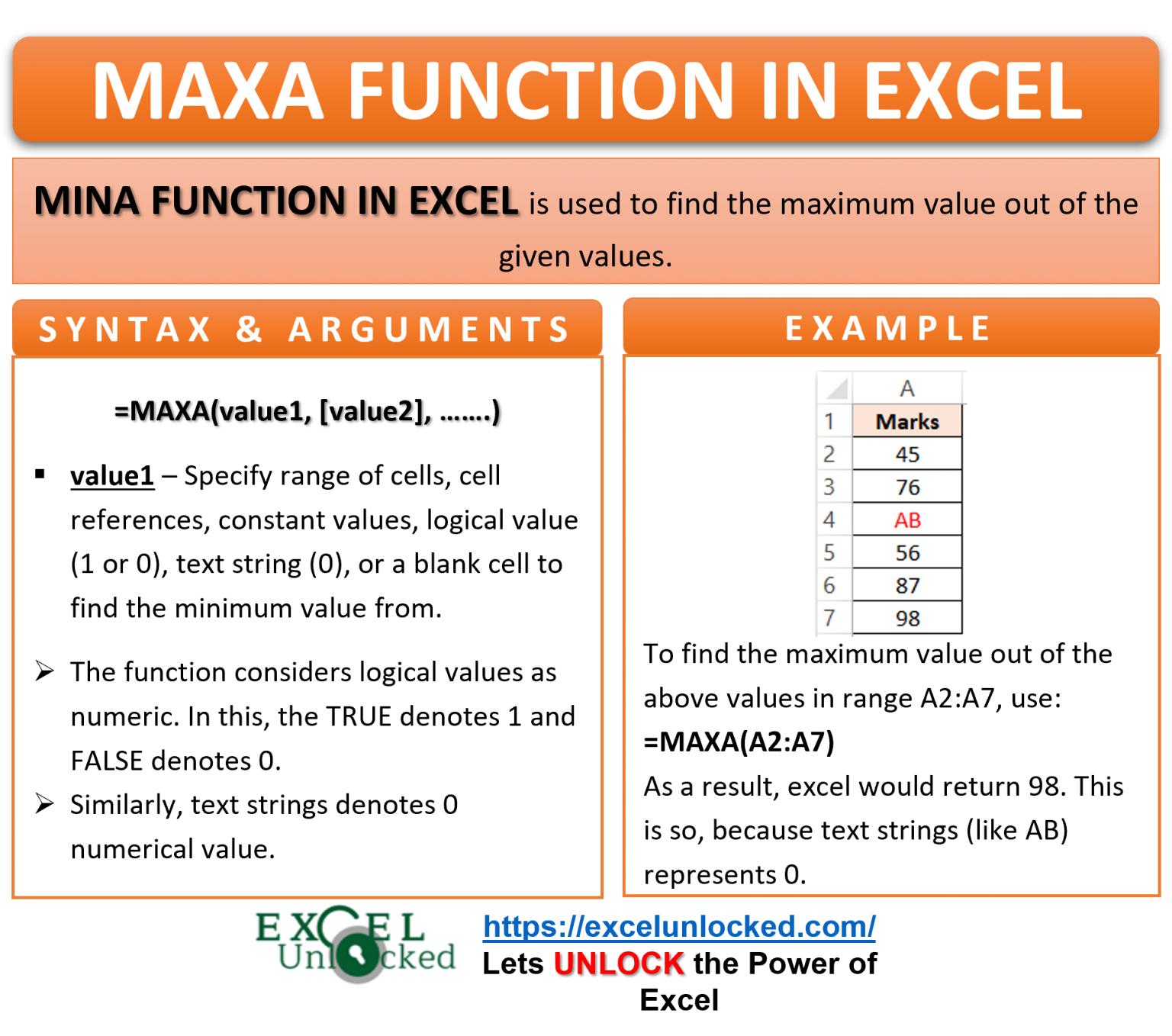
How To Insert Date Formula In Excel Insert Dates In Excel Automate Excel Insert Date In Excel How To Insert Date In Excel With Different Methods How To Convert Lotus 123 Files To Excel Papalasopa How To Insert Current Date In Excel MAXA Function In Excel Finding Maximum Value From Range Do one of the following To insert the current date press Ctrl semi colon To insert the current time press Ctrl Shift semi colon To insert the current date and time press Ctrl semi colon then press Space and then press Ctrl Shift semi colon Change the date or time format
Add or subtract years from a date In this example we re adding and subtracting years from a starting date with the following formula DATE YEAR A2 B2 MONTH A2 DAY A2 How the formula works The YEAR function looks at the date in cell A2 and returns 2019 It then adds 3 years from It has the following arguments DATE year month day Where Year represents the year of the date Month an integer representing the month of the year from 1 January to 12 December Day an integer corresponding to the day of the month from 1 to 31 The DATE function is available in all versions of Excel
MAXA Function In Excel Finding Maximum Value From Range How To Use DATE In Excel Easy Excel Tutorial Excelypedia ACCRINTM Function Of Excel Finding Accrued Interest Excel Unlocked ISERROR Function In Excel Checking For Errors Excel Unlocked Excel Due Date Reminder Formula YouTube How To Format Dates In Notion A Cheat Sheet Red Gregory AMORDEGRC Function Of Excel Depreciation Of Asset Excel Unlocked How To Insert Tomorrow s Date In Excel 2 Examples Wikitekkee How To Make Progress Chart In Excel Learn Excel Course MS Word
How To Insert Date Formula In Excel
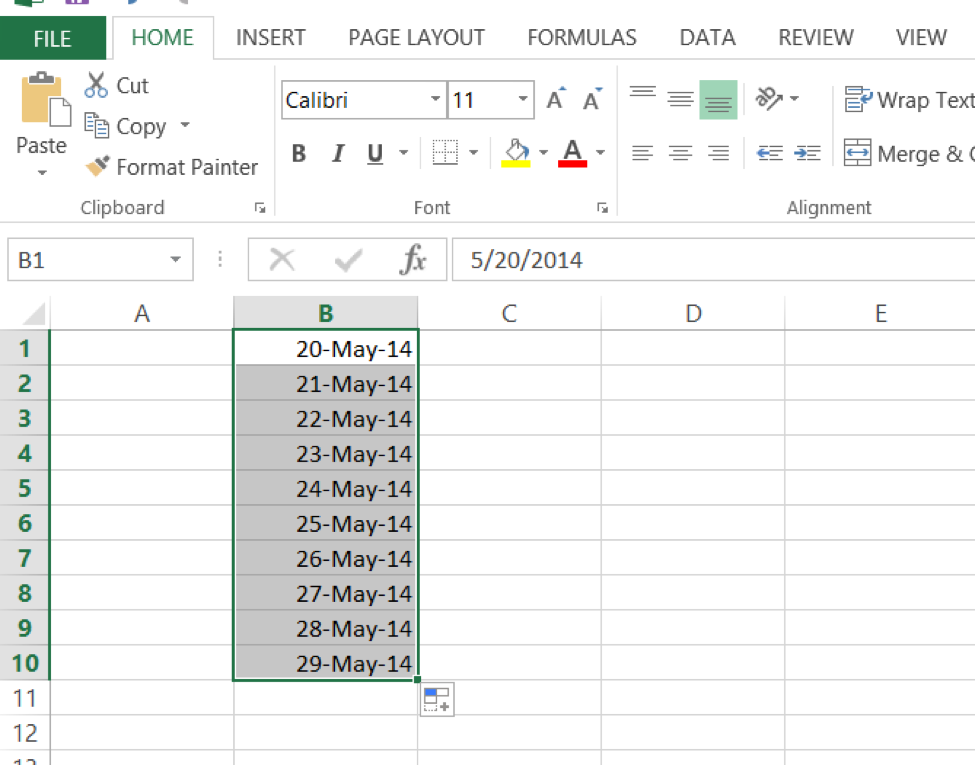 How To Insert Date Formula In Excel
https://www.automateexcel.com/excel/wp-content/uploads/2016/07/day-auto-pop-2.png
To enter a date in Excel use the or characters To enter a time use the colon You can also enter a date and a time in one cell Note Dates are in US Format Months first Days second This type of format depends on your windows regional settings Learn more about Date and Time formats Year Month Day
Pre-crafted templates offer a time-saving service for creating a diverse series of documents and files. These pre-designed formats and designs can be used for different individual and professional jobs, consisting of resumes, invites, leaflets, newsletters, reports, discussions, and more, enhancing the content development process.
How To Insert Date Formula In Excel
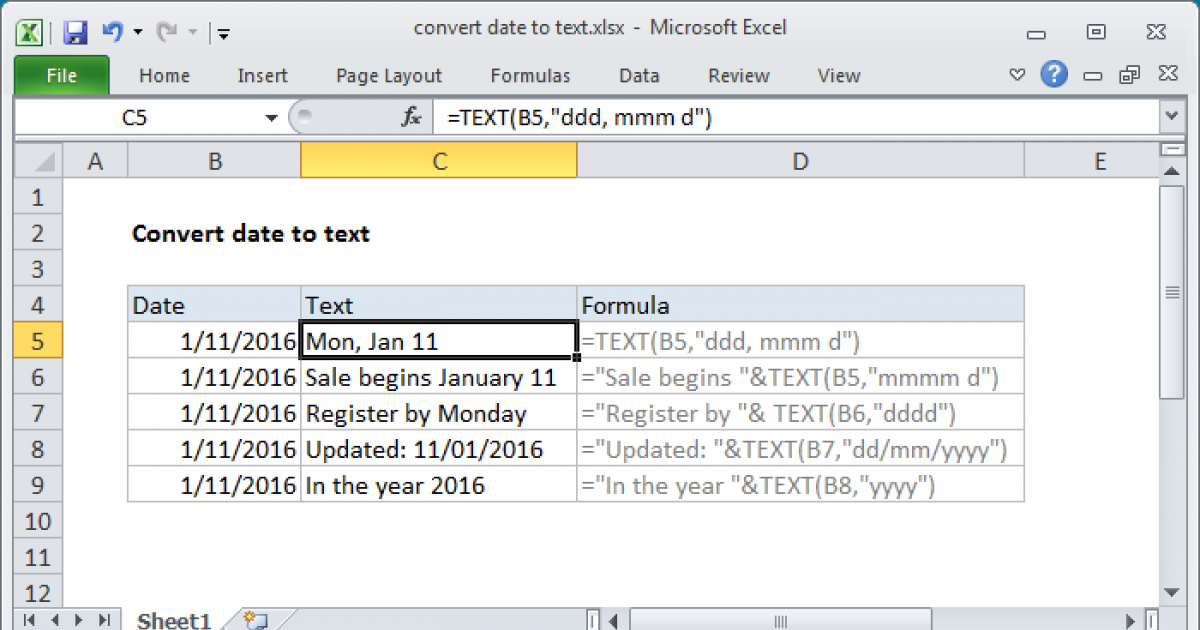
Convert Date To Text Excel Formula Exceljet

How To Use DATE In Excel Easy Excel Tutorial Excelypedia
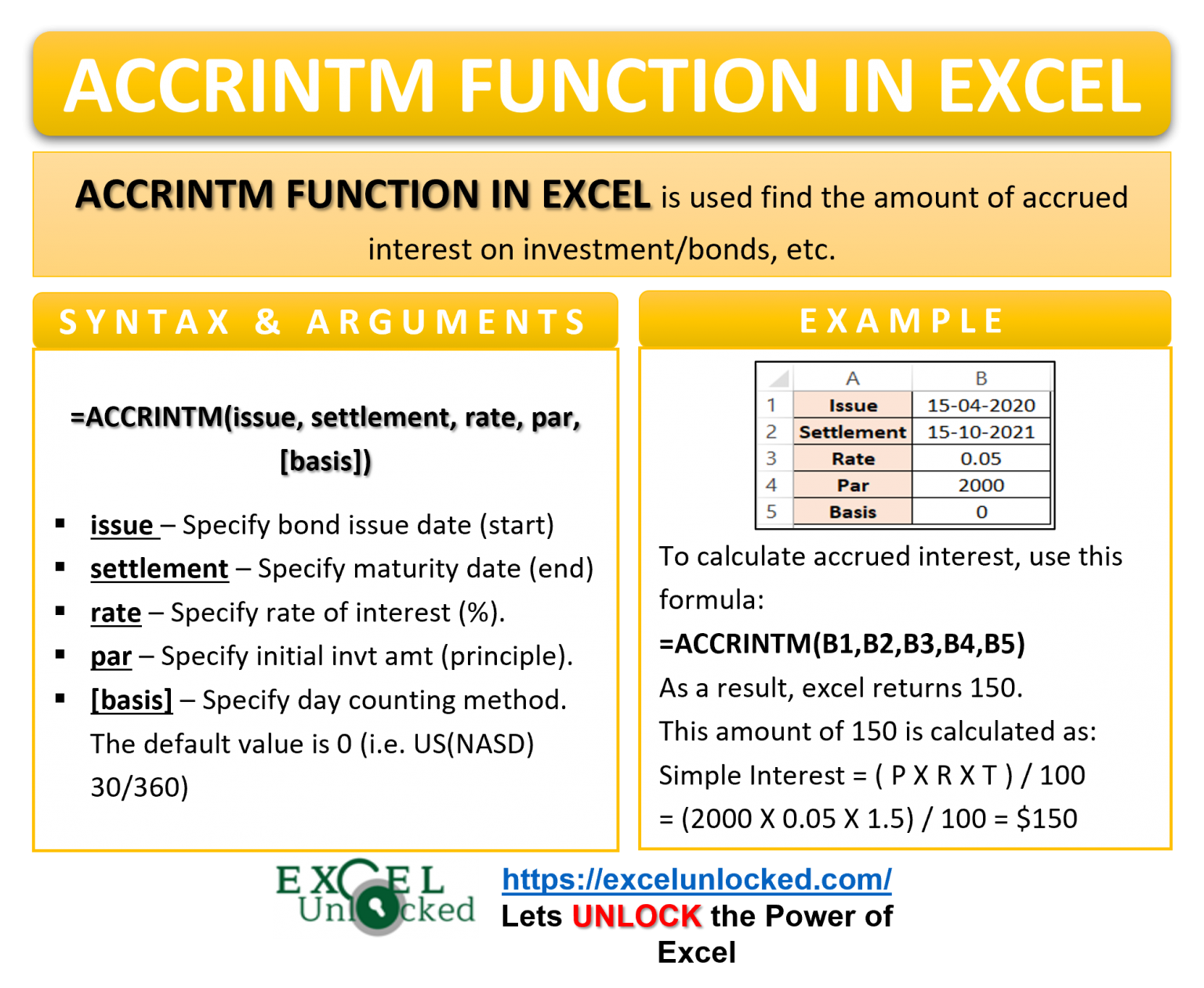
ACCRINTM Function Of Excel Finding Accrued Interest Excel Unlocked
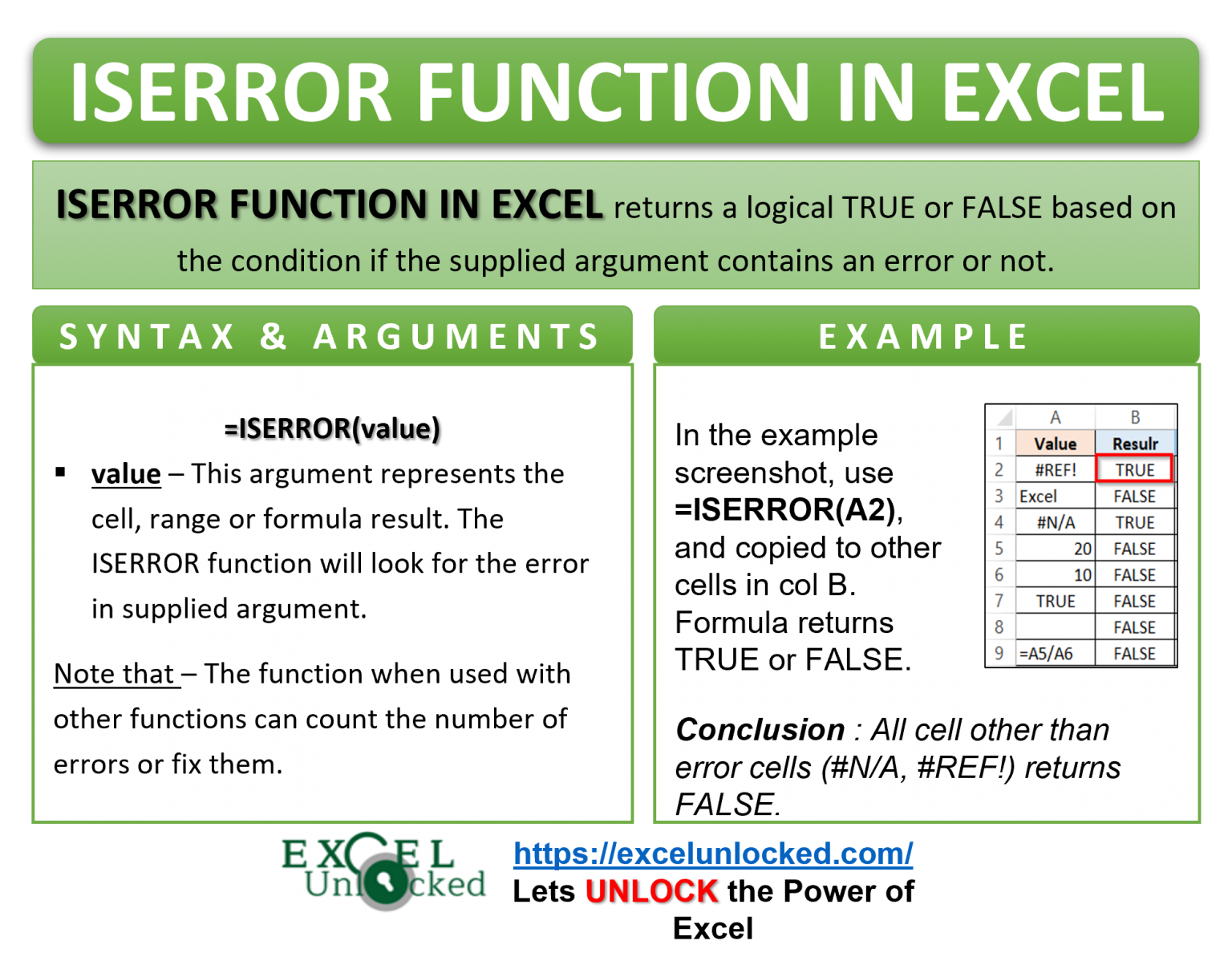
ISERROR Function In Excel Checking For Errors Excel Unlocked
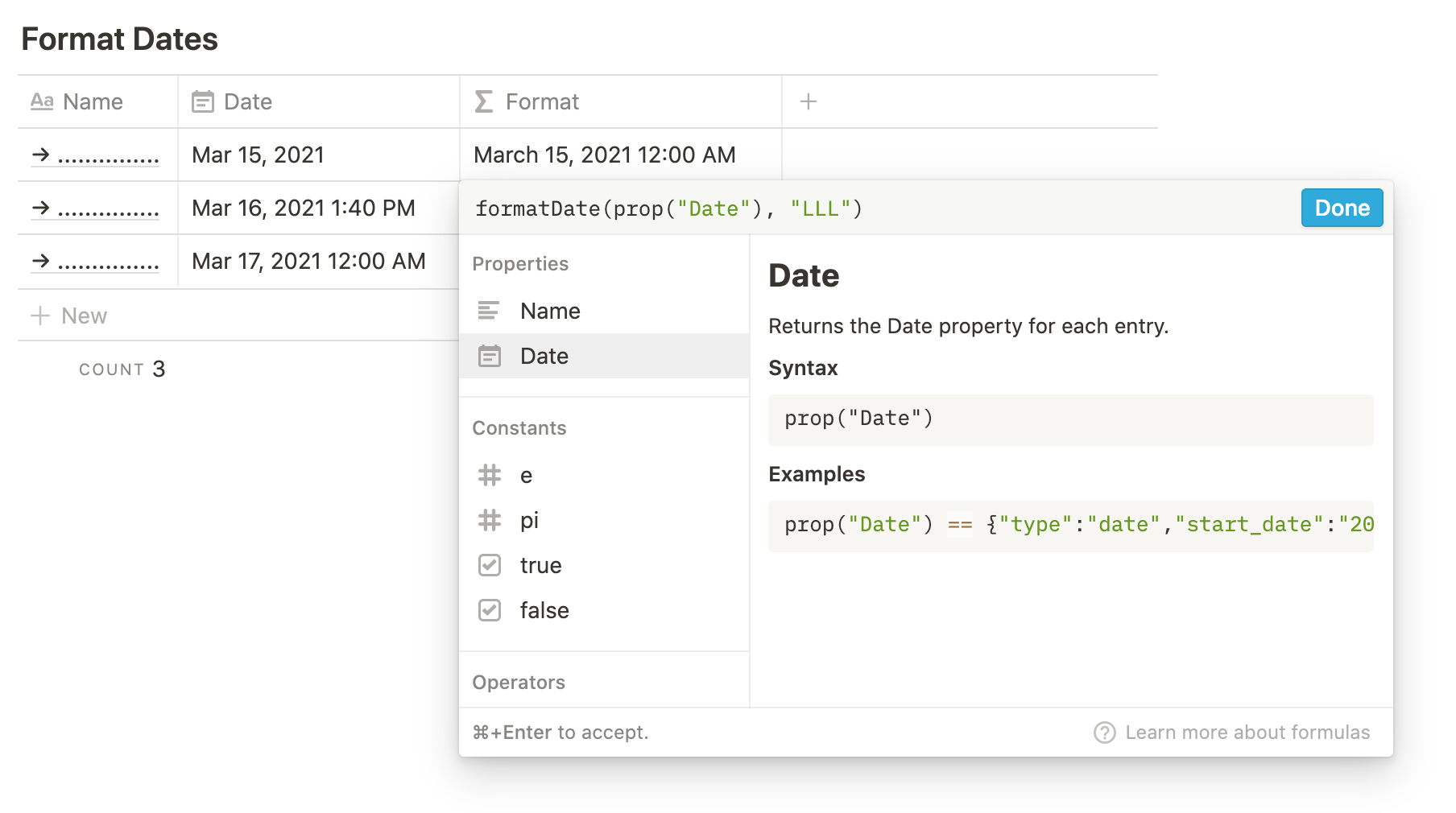
How To Format Dates In Notion A Cheat Sheet Red Gregory
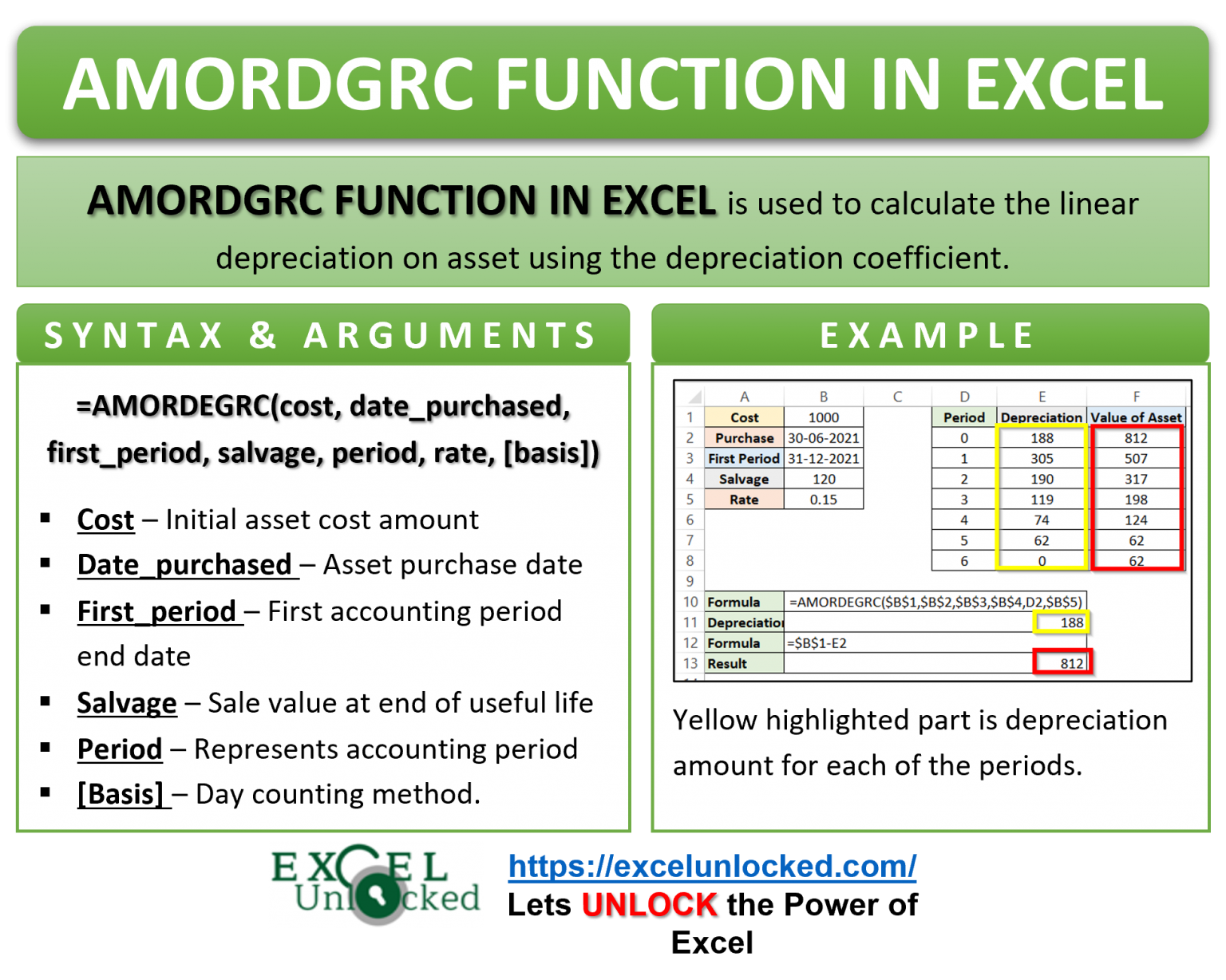
AMORDEGRC Function Of Excel Depreciation Of Asset Excel Unlocked
If you want to input today s date in Excel that will always remain up to date use one of the following Excel date functions TODAY inserts the today date in a cell NOW inserts the today date and current time in a cell
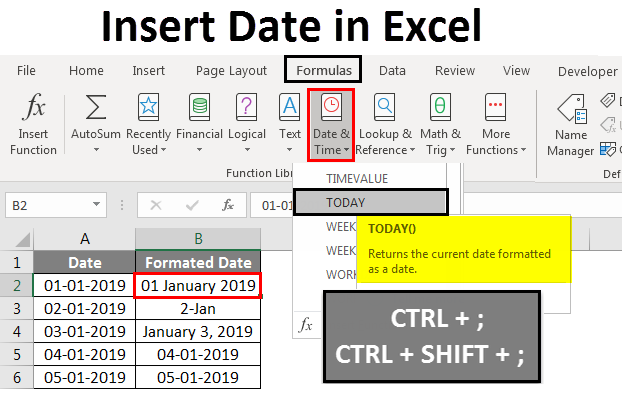
You can insert the current date and time in a cell or you can insert a date that gets updated You can also fill data automatically in worksheet cells Change the date format

It can be a cell reference a date entered by using the DATE function or returned by other formulas Here are a few formula examples DAY A2 returns the day of the month from a date in A2 DAY DATE 2015 1 1 returns the day of 1 Jan 2015 DAY TODAY returns the day of today s date
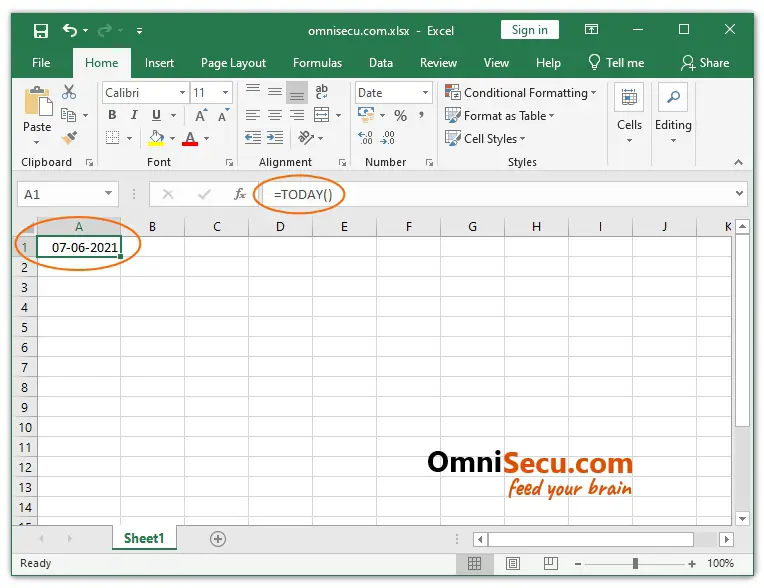
Purpose Create a date with year month and day Return value A valid Excel date Syntax DATE year month day year Number for year month Number for month day Number for day How to use The DATE function creates a date using individual year month and day arguments
Step 1 Open a new or existing Excel workbook and enter the dates you want to perform calculations with in separate cells Step 2 Select the cell where you want the result to appear Step 3 Use the appropriate date formula to
[desc-11] [desc-12]
[desc-13]