How To Insert A Hyperlink In Notepad How To Embed A Hyperlink In An Image Follow Steps How To Add A Hyperlink WPS Office Academy Tutorial Create Html Hyperlinks The Right Way Otosection How To Create Hyperlinks In Excel With Complete Details How To Add And Remove Hyperlinks In Excel Candid Technology Riset Optional To customize the ScreenTip that appears when you rest the pointer over the hyperlink click ScreenTip in the top right corner of the Insert Hyperlink dialog box and enter the text you want You can also create a hyperlink to a blank email message by simply typing the address in the document For example type someone example and Microsoft 365 creates the hyperlink for you
1 Copy the address you want to link to Go to the website you want to create a hyperlink to then copy the URL from the address bar Click or tap the address in the address bar to highlight it right click or long tap the selection and then select Copy 2 Start your email or blog post It has the following syntax a href url link text a The most important attribute of the a element is the href attribute which indicates the link s destination The link text is the part that will be visible to the reader Clicking on the link text will send the reader to the specified URL address Example
How To Add And Remove Hyperlinks In Excel Candid Technology Riset How To Paste Excel Table In Outlook Web App Brokeasshome Hyperlink Definition Computer In Hindi Ghana Tips How To Insert A Hyperlink In Microsoft PowerPoint 2016 YouTube 3 Ways To Insert A Hyperlink To Another Excel Sheet HTML Hyperlinks T4Tutorials How To Make A Hyperlink In Notepad YouTube Hyperlinks Microsoft Word Screenshot Of The insert Hyperlink Pop up Box In PowerPoint With The
How To Insert A Hyperlink In Notepad
 How To Insert A Hyperlink In Notepad
https://hyperise.com/wp-content/uploads/2022/05/How-To-Embed-A-Hyperlink-In-An-Image.jpg
If you are unsure of the full correct file URL for a given file browse to that file in Windows Explorer normally drag into your browser which should open the local file then copy from the URL bar and paste into Notepad Close the browser tab with that file so that you ll know if the next step works
Templates are pre-designed files or files that can be used for numerous purposes. They can conserve time and effort by providing a ready-made format and design for creating various sort of material. Templates can be utilized for individual or professional projects, such as resumes, invites, leaflets, newsletters, reports, discussions, and more.
How To Insert A Hyperlink In Notepad
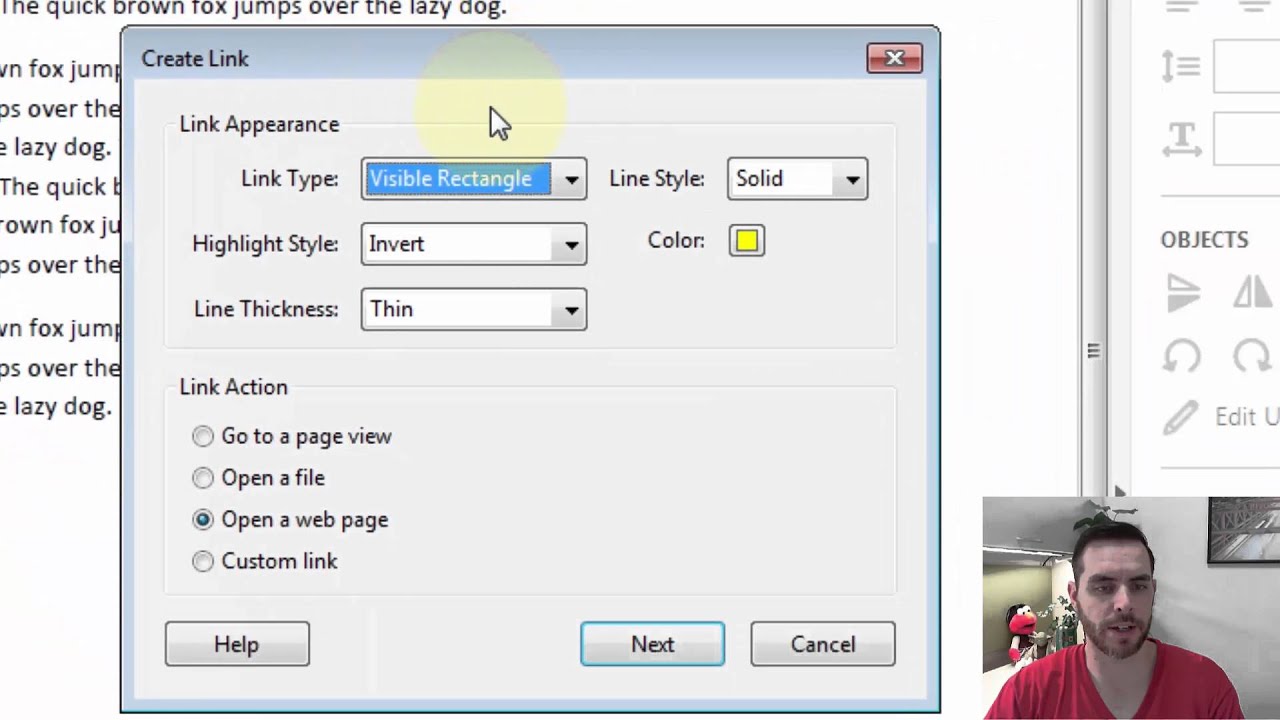
How To Make A Hyperlink In A PDF File YouTube
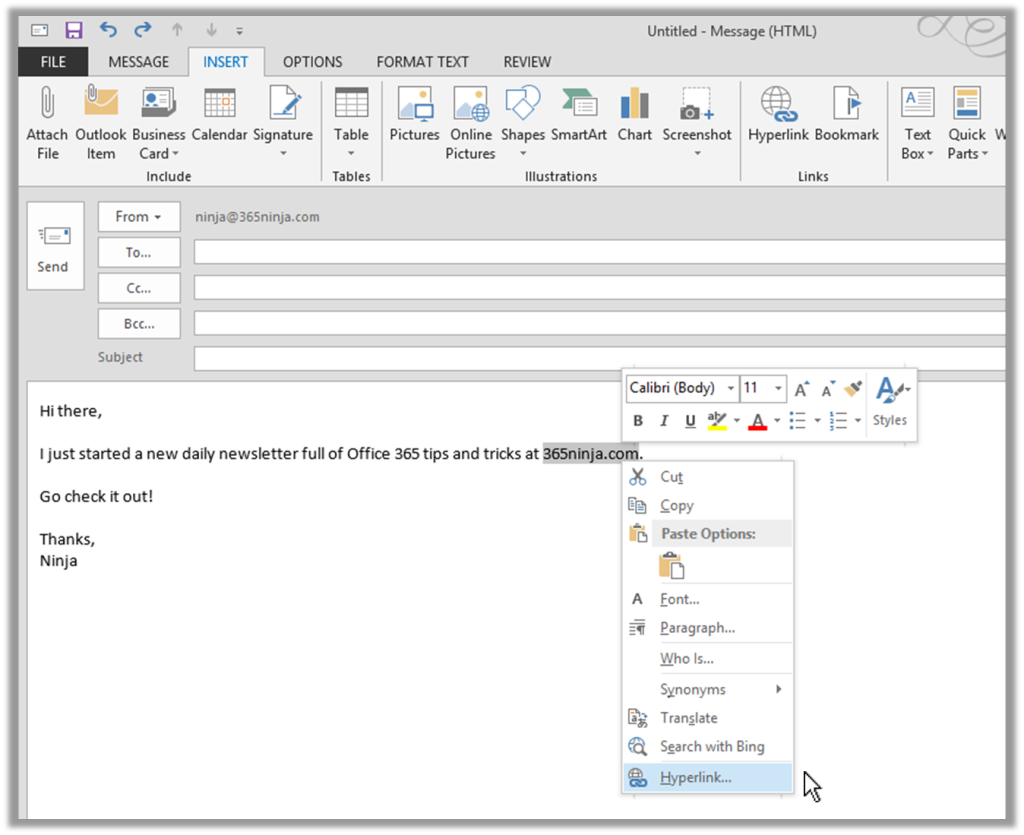
How To Paste Excel Table In Outlook Web App Brokeasshome

Hyperlink Definition Computer In Hindi Ghana Tips
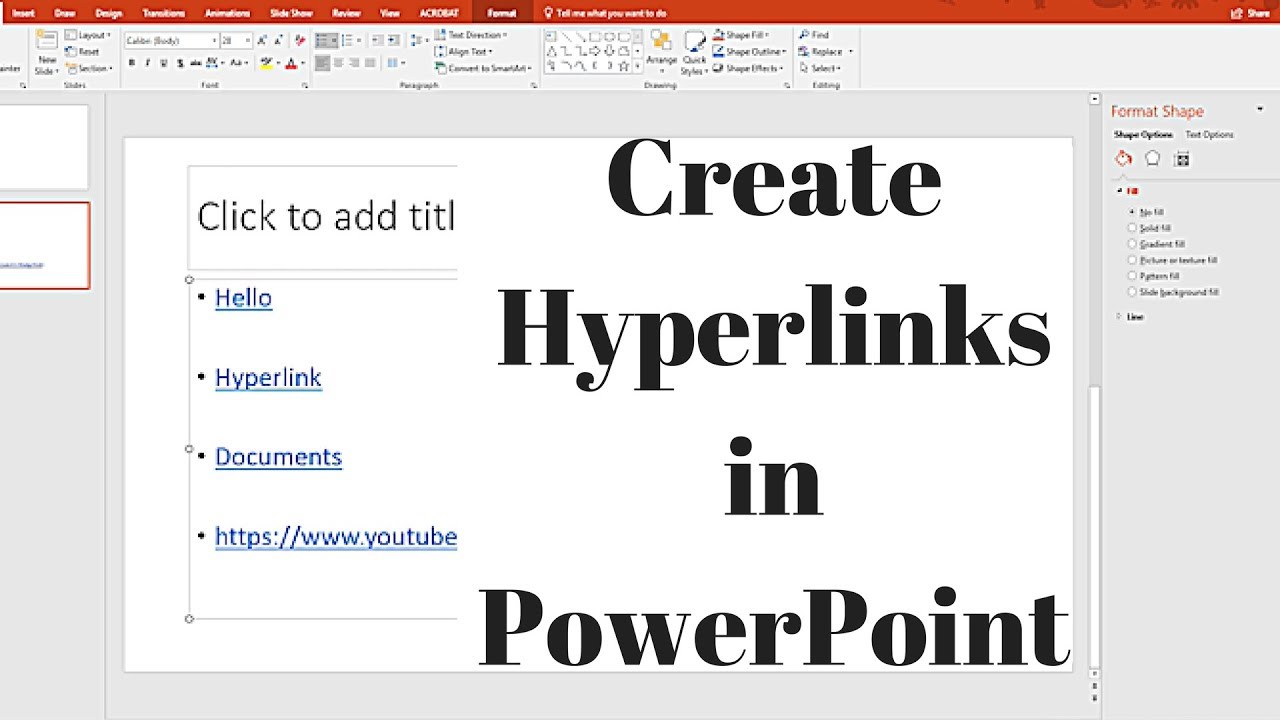
How To Insert A Hyperlink In Microsoft PowerPoint 2016 YouTube
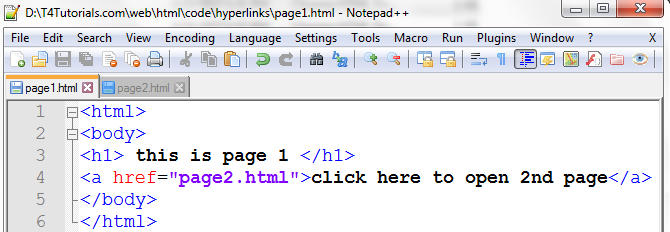
HTML Hyperlinks T4Tutorials
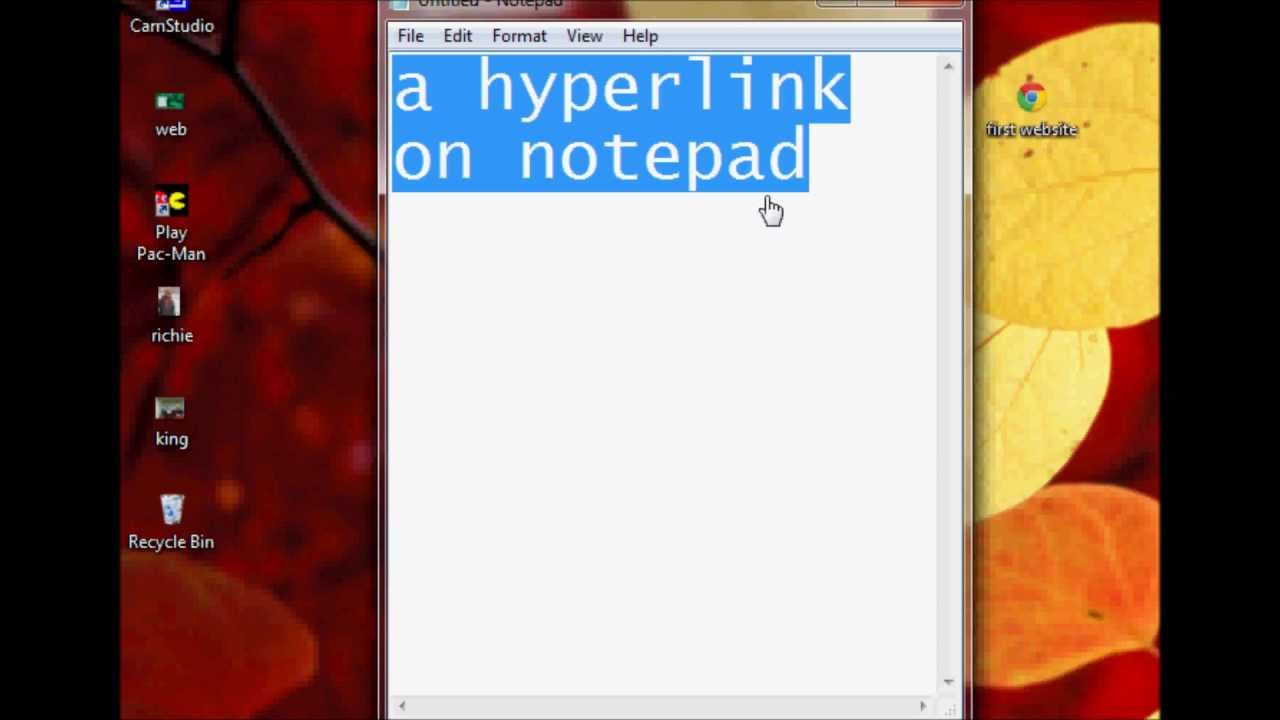
How To Make A Hyperlink In Notepad YouTube
This video tutorial shows you how to create a clickable html link in notepad It shows all the settings you can enable for the hyperlinks in your documents

1 Answer Sorted by 2 Yes you can Use a browser to get file locations If you use a browser to open PDF files you will get a link in place of a URL starting with file You can paste this link in your notepad txt file and it will be clickable and also open the file in your system

Enter the destination Web address or URL by adding href url to the tag where url is a full Web address Enter the full Web address including the preceding http and check whether the address includes www or not a few Web addresses don t Also make certain that the site ending really is co uk or whatever it s supposed to be
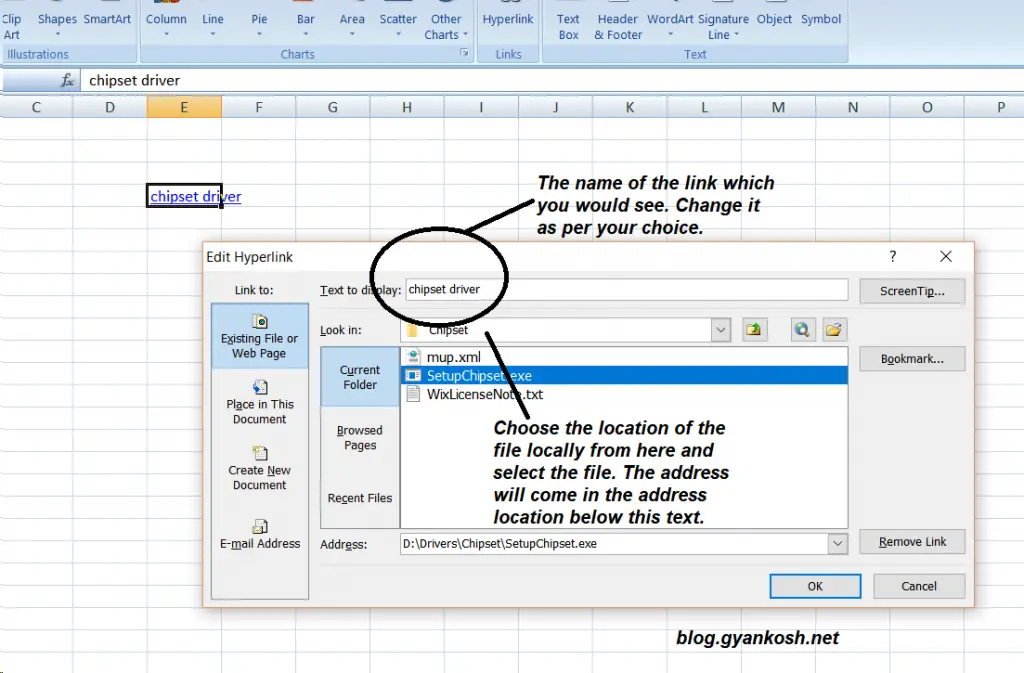
To add a hyperlink in HTML using Notepad follow these steps 1 Open Notepad 2 Type the following code This is a link 3 Save the file as index html 4 Open the file in a web browser You should see a link that says This is a link When you click on the link you will be taken to the website www example

Steps Other Sections Questions Answers Video Tips and Warnings Related Articles Author Info Last Updated August 24 2023 Tested It can be hard to create a hyperlink in HTML but with this tutorial it will show you how to make a hyperlink in HTML Steps Download Article 1 Open a new document in a simple text editor
Hyperlink tutorial in notepad A Hyperlink is a link on a Web page that when clicked connects to a page on another website another page on the same Web site or a specific location or ID on the same page The a tag defines an anchor and can be used to do two things Create a link to another location document or site by using the href attribute or
Add Hiperlink in HTML Document by using Notepad