How To Indent Code In Visual Studio How Large First Line Indent In Word Synaca How To Enable Auto Indent In VS Code Coding Campus How To Indent Multiple Lines In Visual Studio Code VS Code Python Programming 2021 YouTube Visual Studio Code Shortcuts Mac Auto Indent Perksker How To Indent Code In Sublime Text 3 What Is Mark Down Web May 15 2018 nbsp 0183 32 How to indent format a selection of code in Visual Studio Code 16 answers Closed 5 years ago In VS Code is there a quick way to change the indent of a block of selected lines like in Visual Studio I can t find a suitable option under the Edit menu visual studio code
Web Dec 27 2022 nbsp 0183 32 3 Answers To format make quot pretty quot all the code in a given file you can use Shift Alt F on Windows See this answer for more information To adjust the user settings for tab size or to insert tabs as spaces etc you can edit settings json Ctrl Shift P then type quot user settings quot You can then manually add edit number of spaces Web Mar 9 2023 nbsp 0183 32 Indentation page New Lines page See also Applies to Visual Studio Visual Studio for Mac Visual Studio Code Use the Formatting options page and its subpages Indentation New Lines Spacing and Wrapping to set options for formatting code in the code editor To access this options page choose Tools gt Options from the menu bar
How To Indent Code In Sublime Text 3 What Is Mark Down How To Indent Multiple Lines Of Code In RStudio Example R Syntax lenok Arthur Conan Doyle Filmy Visual Studio Scope Highlighting Opeli Z kusok Ponuka Pr ce How To Indent Code In JavaScript Spritely Solved How To Remove Minted Indentation Level With 9to5Science How To Indent Code On GitHub What Is Mark Down How To Automatically Indent Your Code In Visual Studio Code Office Programming Helper Indent VB Code CodeProject Visual Studio Code Javascript Run Bxaicloud
How To Indent Code In Visual Studio
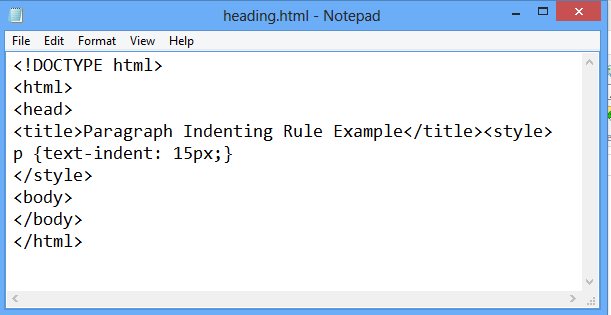 How To Indent Code In Visual Studio
https://1.bp.blogspot.com/-fnU9_T19JxU/XMMoFsSjyKI/AAAAAAAACy0/l9ZDu7kMKTc2kxMFHdp_5Dz_s3uVB2WnQCLcBGAs/s640/First-Line-Indenting-in-html.png
Web Jul 11 2019 nbsp 0183 32 visual studio code indent Share Improve this question Follow asked Jul 11 2019 at 1 30 Mike Woo Mike Woo 11 1 1 bronze badge 1 Visual studio code will automatically apply indentation and other formatting based on the criteria for the file extension type Share
Pre-crafted templates use a time-saving option for producing a varied series of files and files. These pre-designed formats and layouts can be used for different individual and expert projects, including resumes, invitations, flyers, newsletters, reports, discussions, and more, enhancing the material creation procedure.
How To Indent Code In Visual Studio

Gelijktijdig Heel Boos Hechting Automatic Indentation Visual Studio Code Toevoeging

How To Indent Multiple Lines Of Code In RStudio Example R Syntax

lenok Arthur Conan Doyle Filmy Visual Studio Scope Highlighting Opeli Z kusok Ponuka Pr ce

How To Indent Code In JavaScript Spritely

How To Indent Code On GitHub What Is Mark Down
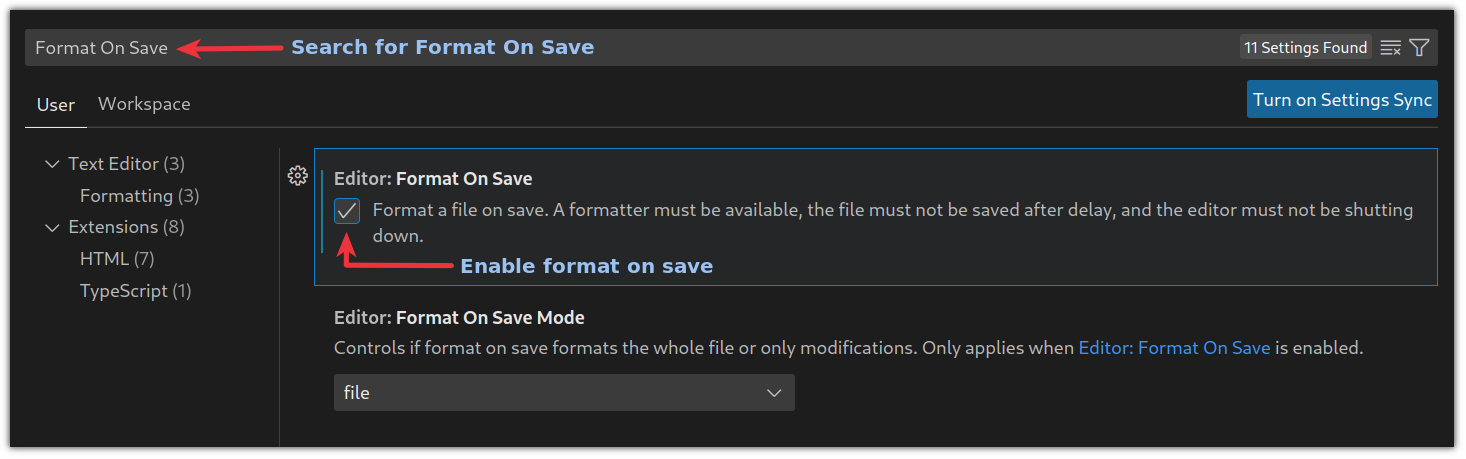
How To Automatically Indent Your Code In Visual Studio Code
Web Apr 22 2011 nbsp 0183 32 Go to menu Tools Extensions amp Updates and type quot productivity quot in search Install Productivity Power Tools 2015 Restart Visual Studio Go to menu Tools Options Productivity Power Tools Power Commands and check quot Format document on save quot Note In VS2022 we don t have power commands

Web Dec 1 2022 nbsp 0183 32 Use Ctrl Shift P to open the command pallet and search for Open User Settings and hit enter It will open up the settings From there you will have to search for Auto Indent and choose Full as an indent option in Editor Auto Indent And the automatic indent is enabled and applied to every opened file in VSCode
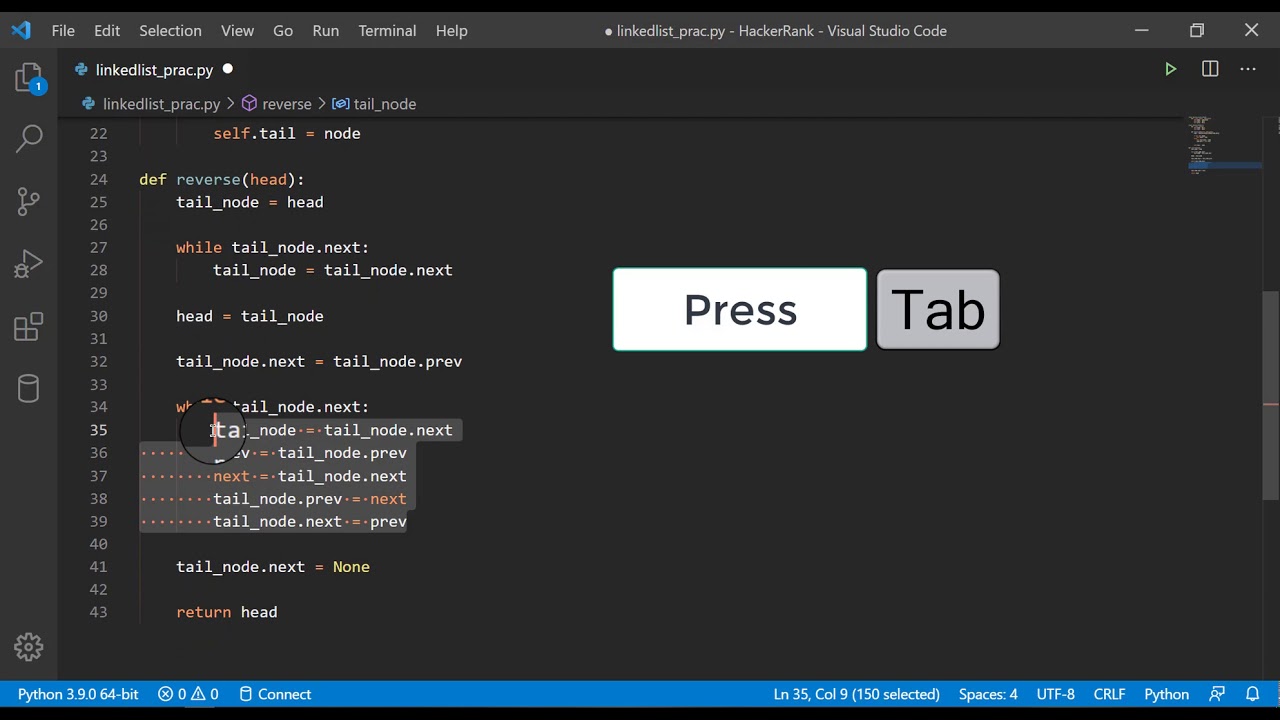
Web Dec 9 2015 nbsp 0183 32 Simplified explanation with pictures for those that googled quot Change indentation in VS Code quot Step 1 Click on Preferences gt Settings Step 2 The setting you are looking for is quot Detect Indentation quot begin typing that Click on quot Editor Tab Size quot Step 3 Scroll down to quot Editor Tab Size quot and type in 2 or whatever you need
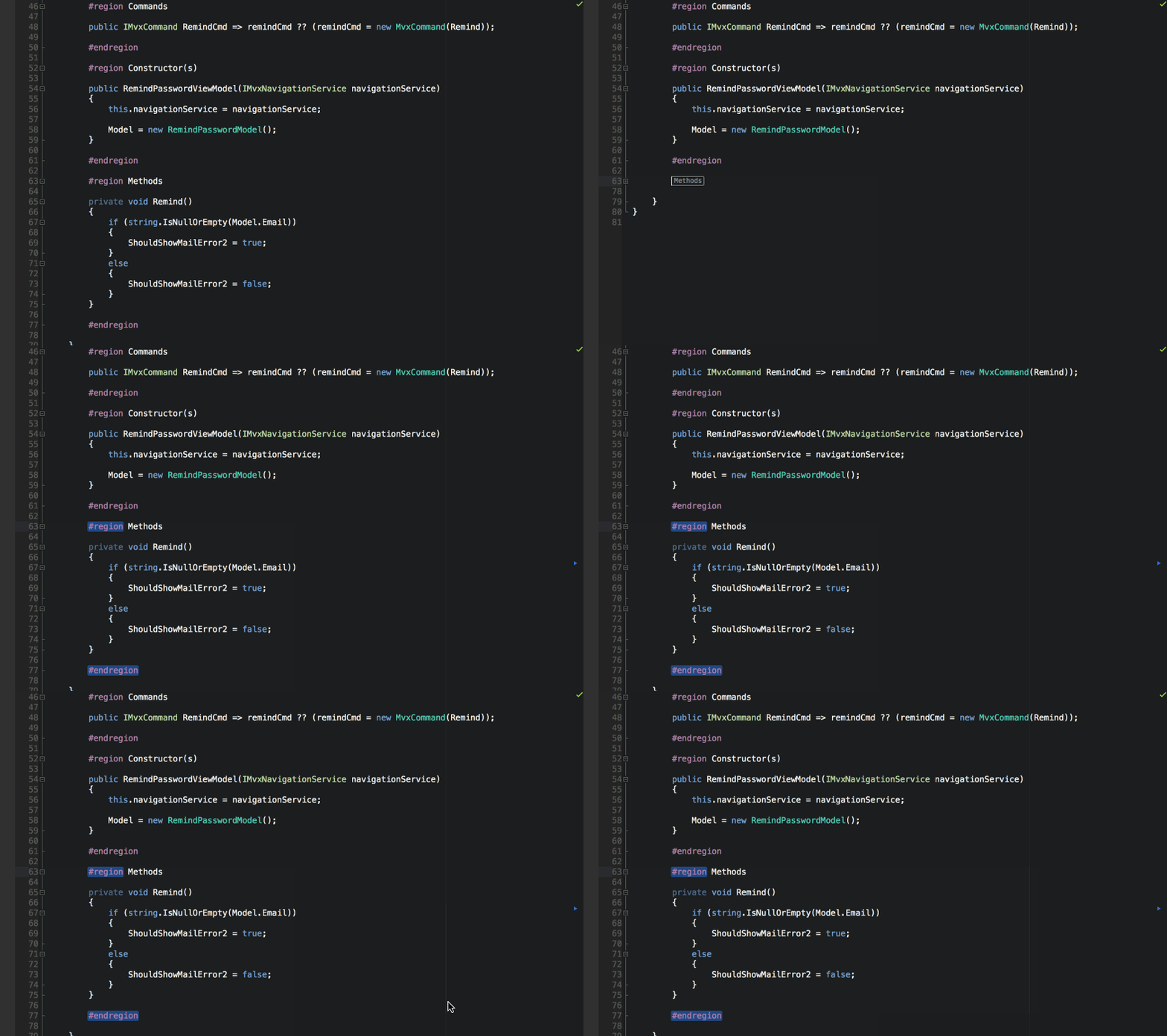
Web Jan 26 2012 nbsp 0183 32 Visual studio s smart indenting does automatically indenting but we can select a block or all the code for indentation Select all the code Ctrl a Use either of the two ways to indentation the code Shift Tab Ctrl k f

Web Basic Editing Visual Studio Code is an editor first and foremost and includes the features you need for highly productive source code editing This topic takes you through the basics of the editor and helps you get moving with your code Keyboard shortcuts
Web Jul 11 2017 nbsp 0183 32 by Mehedi Hassan July 11 2017 Microsoft s cross platform code editor Visual Studio Code is getting a boost with a major update today Visual Studio Code now includes an auto indentation feature which as the name suggests will automagically indent your code on the editor The auto indentation feature will automatically indent Web Formatting and Linting You can format your C source code using the C Dev Kit extension a lightweight extension to enhance your C development experience in Visual Studio Code Navigate to File gt Preferences gt Settings Windows Linux Ctrl to customize how your cs files are formatted The Settings editor gives you a list of different
Web Oct 18 2010 nbsp 0183 32 In Visual Studio 2010 Ctrl k d indent the complete page Ctrl k f indent the selected Code For more help visit http msdn microsoft en us library da5kh0wa aspx every thing is there